

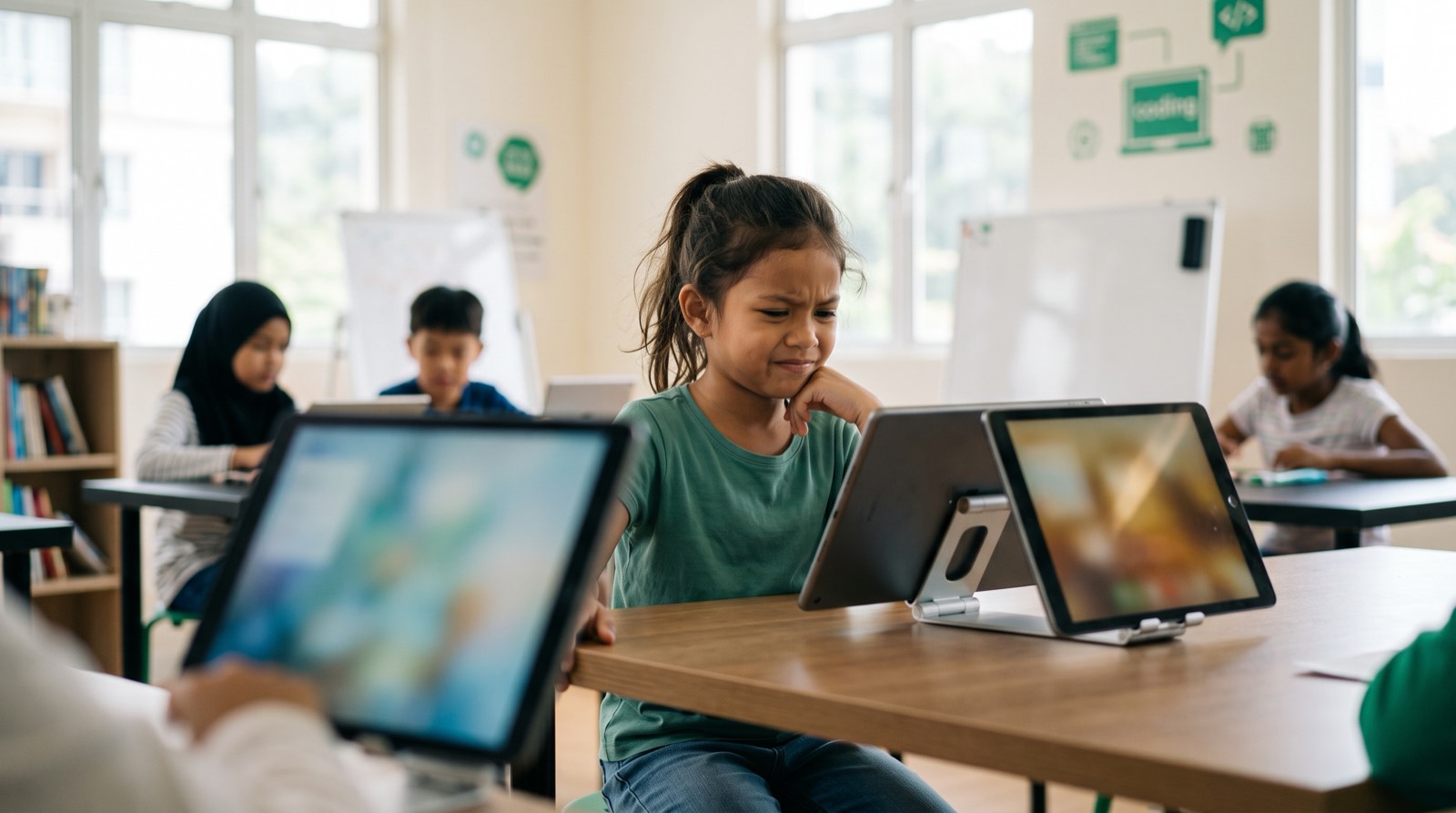
Parents ask us this question almost every week: should my child start with Scratch, go straight to Python, or learn Lua because they already live inside Roblox? The question carries more weight than it deserves. Picking a first language can feel like choosing a university major for a seven-year-old.
It isn't that serious. The language your child starts with matters much less than the thinking habits they pick up while using it. A language is an engagement layer, nothing more. With AI assistants handling most syntax lookup, typing the right characters is no longer the bottleneck it once was. What still takes practice is computational thinking: breaking a messy problem into parts, spotting patterns, and directing tools until something actually works.
This guide covers five languages that work well for young learners, with references to peer-reviewed research and to what we see in classrooms across Malaysia. For each one, we cover what it does well, what age it suits, and where a child goes next.
Key Takeaways
| Coding Language | Recommended Age | Primary Strengths | Best Used For |
|---|---|---|---|
| Scratch | Ages 5 to 8 | Block-based drag-and-drop syntax, zero typing required, visual feedback | Interactive stories, basic 2D games, initial logic foundations |
| Python | Ages 8 to 18 | Readable English-like syntax, versatile, industry standard for AI and data | Game development, data science, AI tools, text coding entry |
| Lua | Ages 9 to 14 | Lightweight, fast execution, direct integration with Roblox Studio | Custom Roblox games, 3D world mechanics, multiplayer scripting |
| JavaScript | Ages 10 to 18 | Native language of the web, visual output in any browser, event-driven | Interactive websites, browser games, mobile app development |
| C++ | Ages 13 to 18 | High execution speed, low-level memory control, hardware-level understanding | Robotics, competitive programming, high-performance game engines |
Table of Contents
- What Educational Research Says About Learning to Code First
- The 5 Easiest Coding Languages for Kids
- The Myth of the Perfect First Language in the AI Era
- Language Decision Matrix by Age and Goals
- How Kidocode Teaches Coding: AI-First, Math-Driven, and Bundled Free
- Actionable 4-Step Framework for Parents
- Printable Parent Decision Checklist
- Book a Free Trial Session at Kidocode
- Frequently Asked Questions
- References
What Educational Research Says About Learning to Code First
Before comparing syntax and tools, it is worth knowing what coding actually does to a child's thinking.
A 10-week randomized controlled trial in the British Journal of Educational Psychology split 174 fourth-graders into coding, mathematics, and reading interventions [2]. Only the coding group showed a significant rise in computational thinking scores [2]. In other words, the structured problem-solving gains came from the coding itself, not from extra academic work in general [2].
A 2026 study in Frontiers in Psychology tracked 200 primary students aged 8 to 12 through a 24-week coding curriculum [3]. Students in the structured coding group improved on computational thinking (Cohen's d = 1.01) and, notably, on logic puzzles that had nothing to do with programming [3]. The strongest single effect was in problem decomposition, or breaking a big problem into smaller ones (d = 1.18), with abstraction close behind (d = 1.05) [3].
graph TD
    A[Computational Thinking Growth] --> B[Decomposition d = 1.18]
    A --> C[Abstraction d = 1.05]
    A --> D[Pattern Recognition d = 0.89]
    A --> E[Algorithmic Thinking d = 0.85]
One detail from that study is worth pausing on: the gains held across every baseline mathematics achievement level, with no gender gap [3]. A child who finds school math painful gained about as much from building projects as a child who already tops the class [3].
Malaysia has moved in the same direction at policy level. MyDigitalMaker, launched in 2016 by the Malaysia Digital Economy Corporation (MDEC) with the Ministry of Education, folded digital maker concepts into national school curricula and has reached more than 2.7 million students [1] [5]. Over 2.5 million students in national primary and secondary schools now meet basic tech concepts through the revised KSSR and KSSM frameworks [1] [5].
Implementation on the ground varies, though, depending on hardware and teacher availability at each school [5]. That gap is usually what parents are trying to fill at home or through specialised classes, which brings us back to the question of where to start.
The 5 Easiest Coding Languages for Kids
1. Scratch: The Visual Entry Point
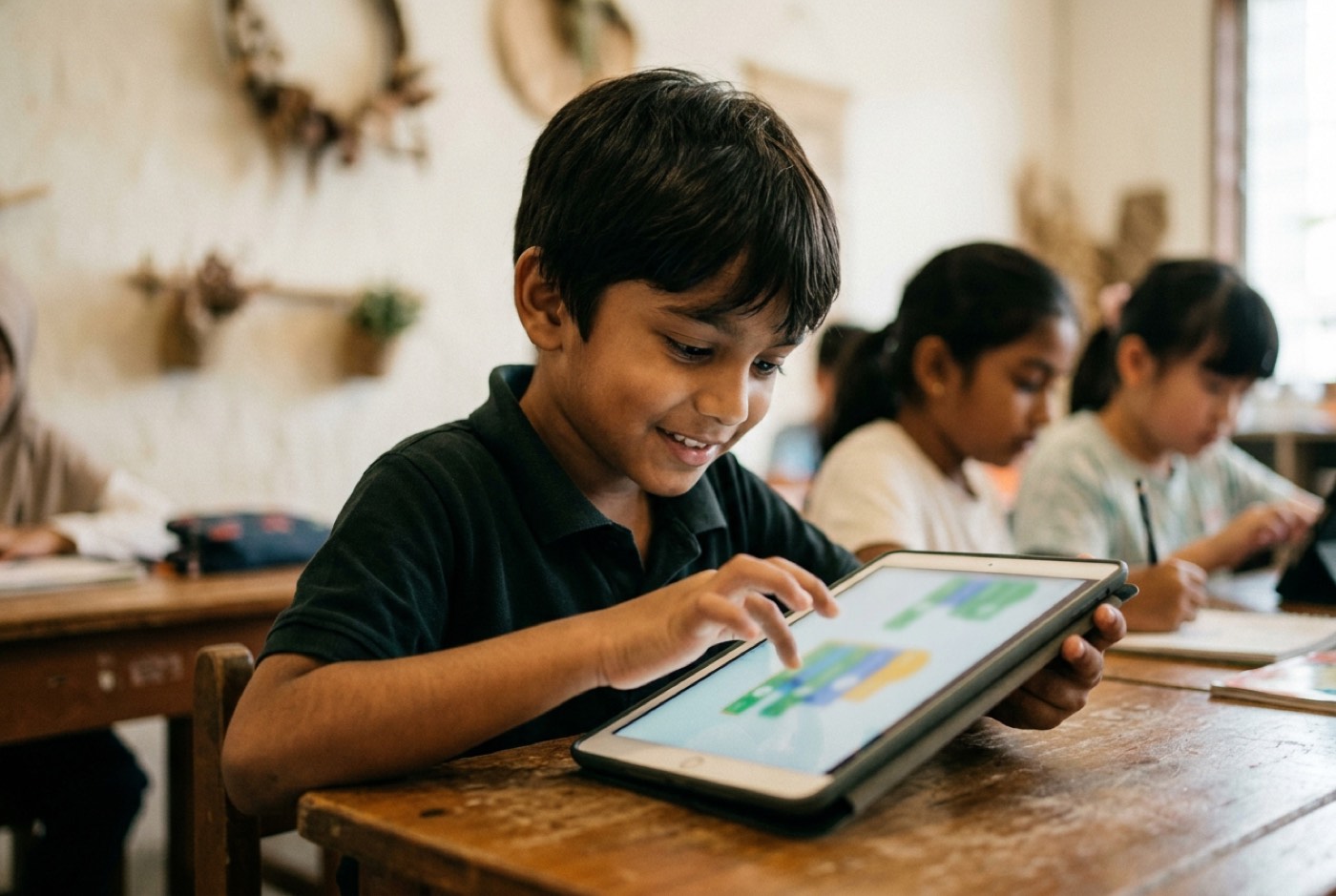
Scratch came out of the MIT Media Lab and is still the default first stop for children aged 5 to 8. Rather than typing commands, students snap graphical blocks together like digital Lego bricks, which means there is no such thing as a syntax error.
That matters more than it sounds. No missing semicolons, no unclosed parentheses, no typos to hunt down. A child who is still working on reading and typing can play with loops, conditionals, variables, and event handling right away.
Research on physical block-based environments, such as Microsoft MakeCode running on BBC micro:bit hardware, found statistically significant gains in understanding "if-then-else" logic among third-grade students after interventions as short as three weeks [4].
 Key Benefits:
- No typing required, so fine motor skills never become the obstacle.
- Feedback is immediate: drag a block and a character moves on screen.
- Control flow learned here (sequences, loops, conditionals) carries over directly to text languages.
Limitations: Blocks eventually run out of room. Once a project grows past a certain size, dragging and managing hundreds of blocks becomes slower and messier than writing a few lines of text. We compare the two approaches in more detail in our guide on Scratch vs Python.
2. Python: The Universal Standard for Text Coding and AI
Once a child is ready for text-based coding, usually around age 8 or 9, Python is the obvious next step.
Readability was a design goal from the start. Python uses plain English keywords and depends on clean indentation instead of brackets and type declarations.
Compare printing a message in Python with the same task in C++:
# Python
print("Hello, world!")
// C++
#include <iostream>

int main() {
    std::cout << "Hello, world!";
    return 0;
}
A nine-year-old can read the Python version without explanation. Python is also the working language of modern software development, machine learning, data processing, and AI research, so a child learning it is using the same tool professional AI engineers use.
Classroom trials tracking students moving from Scratch to Python recorded a brief performance dip around week 17, as students adjusted to typing syntax [3]. It passes. Once past that adjustment, learning speeds up noticeably [3].
AI tutors that explain error messages in plain, friendly language shorten that dip considerably compared with a few years ago.
3. Lua: Turning Roblox Players into Game Creators
If your child already spends hours in Roblox, Lua is the easiest sell you will ever make.
Lua is a lightweight, fast scripting language used widely in game development, and it is the language inside Roblox Studio, where millions of user-made 3D games are built.
Plenty of parents worry about the hours spent playing. Moving a child from playing games to building them turns the same screen time into something productive without a fight about it.
Why Lua Works so Well for Ages 9 to 14:
- Built-in Motivation: The code changes their own game world. Custom mechanics, gravity settings, scoring systems, leaderboards.
- Readable Syntax: Like Python, Lua stays readable and skips most of the boilerplate.
- 3D Spatial Concepts: Roblox Studio puts kids straight into 3D coordinate systems (X, Y, Z axes), velocity vectors, and collision logic, which gives abstract geometry something to attach to.
Fighting a child's interest in gaming rarely works. Pointing it at variables, functions, and event-driven architecture usually does.
4. JavaScript: The Language of the Interactive Web
JavaScript runs in every modern browser. For a child who wants to build interactive websites, browser tools, or web apps, there is no alternative.
Backend languages run out of sight on a server. JavaScript runs in Chrome, Safari, or Firefox, so a child writes a script, saves an HTML file, and opens it. No server software to install first.
 Key Considerations for Beginners:
- Immediate Web Deployment: Finished projects can be shared with family and friends through a link.
- Event-Driven Programming: Mouse clicks, keyboard input, and form submissions introduce children to handling real-time user interaction.
- Syntax Rigor: Curly braces, semicolons, and variable scope demand more care than Python or Lua. Best for kids aged 10 and up who can already type comfortably.
JavaScript also opens the door to frontend frameworks like React, so students can move from small scripts toward full-stack application work as they get older.
5. C++: The Engine for Hardware and Advanced Logic
C++ has a reputation for being intimidating, and for young children that reputation is earned. For a teenager aged 13 to 18 aiming at high-performance game engines such as Unreal Engine, robotics, or competitive programming, it is an excellent choice.
C++ compiles down to machine code and gives direct control over hardware, memory allocation, and CPU behaviour.
Why Introduce C++ to Older Students:
- Hardware Integration: C++ and its lighter sibling C are the main languages for microcontrollers, robotics hardware, and embedded circuits.
- Understanding How Computers Work: Manual memory management forces students to learn what memory, pointers, and processors are actually doing.
- Algorithmic Mastery: Its execution speed makes C++ the standard at the International Olympiad in Informatics (IOI) and in advanced university computer science courses.
Handing C++ to a seven-year-old will only produce tears. Handing it to a fourteen-year-old who already understands programming logic and wants to build hardware or competition-grade algorithms gives them somewhere much deeper to go.
The Myth of the Perfect First Language in the AI Era
Some parents spend weeks weighing options, worried that the wrong choice will set their child back. It won't.
Syntax is a tool. AI coding assistants now handle syntax lookup, formatting, and mechanical debugging in seconds.
What they cannot do is decide what to build, define the problem worth solving, or judge whether the logic serves any human purpose. That work is computational thinking, and it stays with the person.
An empirical study of programming transition environments found that traditional "one-way" read-only tools create friction with no payoff [7]. Shared dual-modality tools, which put visual blocks and editable text code side by side, were rated more effective for learning by 100% of participants [7].
graph LR
    A[Block-Only Environment] -->|Outdated Ladder| B[Read-Only Text View]
    B -->|Syntax Shock| C[Text Code]
    D[Shared Dual Modality + AI Assistant] -->|Accelerated Path| C
Since AI assistants absorb most of the syntax mechanics, students no longer have to spend years in block-only tools before touching real code. They can reach Python or JavaScript earlier, leaning on AI to decode error messages while their attention stays on project logic.
A loop structured in Scratch is the same loop in Python, Lua, or C++. The syntax changes. The logic does not.
Language Decision Matrix by Age and Goals
Match your child's age, interests, and goals against this matrix to find a sensible starting point.
| Age Range | Primary Goal | Recommended Language | Recommended Platform | Typical First Project |
|---|---|---|---|---|
| Ages 5 to 8 | Build basic logic without typing friction | Scratch / MakeCode | Scratch, micro:bit | Animated story, simple 2D maze game |
| Ages 8 to 12 | Learn real text coding & AI concepts | Python | Pygame, Jupyter, AI Tutors | Text adventure game, automated calculator, simple AI chat script |
| Ages 9 to 14 | Turn gaming interest into 3D game creation | Lua | Roblox Studio | Custom obstacle course (Obby), multiplayer game mechanics |
| Ages 10 to 16 | Build interactive web tools & apps | JavaScript | HTML/CSS + JS, Browser | Interactive quiz, web dashboard, browser arcade game |
| Ages 13 to 18 | Master hardware, robotics & fast algorithms | C++ | Arduino IDE, VS Code | Autonomous robot movement, sensor array controller |
How Kidocode Teaches Coding: AI-First, Math-Driven, and Bundled Free
Kidocode is not a tuition centre and not a short coding bootcamp. We are Malaysia's coding and AI school for kids aged 5 to 18, with campuses in Kuala Lumpur (Solaris Mont Kiara flagship, Sunway Nexis PJ), Penang (Q2 Waterfront, Vantage Tanjung Tokong, Icon City), and live interactive online sessions.
Three ideas shape how we teach:
- AI School First: We prepare kids to direct artificial intelligence safely and effectively. Instead of treating AI as a threat, students learn prompt engineering, model direction, and safety principles, and use AI tools to speed up their own learning.
- Math Through Builds: Parents tell us constantly that their child hates math. Our answer is blunt: the kid is fine, the teaching method wasn't. We deliver international math standards (IGCSE, Cambridge, US Common Core) through hands-on builds instead of repetitive worksheets, with a personalised AI tutor for each child. Math becomes the engine behind game physics, graphics, and AI models. Most students drop their resistance within 2 to 4 weeks.
- Coding Bundled Free: Basic coding knowledge is public information now, so we bundle coding free across all degree memberships. What we charge for, and actually teach, is computational thinking, logical problem-solving, and system design.
Our tech track runs across six pathways: Python, Web Development, Mobile Apps, Game Development, Electronics, and 3D Modelling.
 I designed the program around that principle. Students know me as Unclecode; I am a computer scientist and AI researcher, and my open-source project Crawl4AI, a web-crawling technology with over 12 million downloads, is used by engineering teams worldwide.
In person at Mont Kiara or in a camera-on live online class, every child works on projects picked for their age, pace, and interests. There is more detail on our page about how we teach.
Actionable 4-Step Framework for Parents
Here is a practical way to start this week.
- Assess Reading and Motor Skills First: If your child is under 8 or still hunting for keys, start with Scratch or a block-based hardware platform like micro:bit. Pushing text typing before the mechanics are comfortable backfires.
- Leverage Their Existing Passions: Roblox fan? Lua in Roblox Studio. Loves art and design? HTML, CSS, and JavaScript layouts. Curious about how ChatGPT works? Python.
- Focus on Projects, Not Languages: Skip textbook syntax memorisation. End every session with something that runs: a playable game, a working button, a character that moves.
- Introduce AI Tools Early as Learning Assistants: Let your child ask an AI tutor about their bugs. Learning to describe a problem clearly enough for an AI to help is a genuinely valuable skill on its own.
Printable Parent Decision Checklist
Work through this at home before enrolling in any course.
-
Step 1: Evaluate Typing & Motor Readiness
- Child types easily without looking at keys continuously -> Ready for Text Coding (Python / Lua)
- Child is still learning keyboard layout -> Start with Visual Blocks (Scratch)
-
Step 2: Identify Primary Interest Driver
- Wants to build 3D worlds / plays Roblox -> Select Lua (Roblox Studio)
- Curious about AI, smart assistants, or data -> Select Python
Designed, ready to print and sign. We email it to you together with a 5% discount on your next registration.
Book a Free Trial Session at Kidocode
The fastest way to settle the language question is to watch your child build something.
Kidocode runs a free hands-on trial session of up to 2 hours. Your child builds a real working project in AI, math, or tech with a trainer beside them. No sales pitch, no payment. Both parents are welcome to sit in and see how their child reacts to building something from scratch.
Trials run at Solaris Mont Kiara (KL flagship), Sunway Nexis (Kota Damansara), Q2 Waterfront (Bayan Lepas, Penang), and Icon City (Bukit Mertajam), and through our live camera-on online classroom.
Pick a date and time on our trial booking page.
Frequently Asked Questions
Is age 5 too young to start learning to code?
No, as long as the approach suits the age. Children aged 5 to 8 code through interactive visual blocks such as ScratchJr or Scratch and through physical computing devices. The focus at this stage is logical sequencing and spatial reasoning, not text syntax.
Will artificial intelligence make learning to code obsolete?
No. AI handles the repetitive typing, but a human still has to define the problem, check the logic, and design the system. Coding in the AI era is largely about learning to direct these tools and judge what they hand back.
Should my child learn Scratch before moving to Python?
Not necessarily. Scratch is a gentle, low-friction start for ages 5 to 8, but children aged 9 and up can go straight to Python without harm, particularly with interactive tools and AI-assisted debugging in the mix.
How does coding help if my child struggles with school math?
School math is often delivered as abstract memorisation and worksheets. Coding puts math to work: controlling game physics, adjusting character coordinates, calculating scores. When the math is needed to finish something the child cares about, both understanding and interest tend to improve quickly.
What hardware is required for my child to learn coding at home?
A standard laptop or desktop running Windows, macOS, or ChromeOS with a stable internet connection. No gaming PC needed for Python, JavaScript, or Scratch. Do get a physical mouse rather than relying on a trackpad, especially for 3D modelling and block manipulation.
References
- Malaysia Digital Economy Corporation (MDEC), MyDigitalMaker Initiative (2025)
- Özcan, M. Ş., Çetinkaya, E., Göksun, T., & Kisbu-Sakarya, Y., Learning to Code: Benefits for Computational Thinking and Cognitive Skills in Elementary School Children. British Journal of Educational Psychology (2021)
- Wang, X., Wan, F., & Dai, J., Evaluating the Impact of a 24-Week Coding Curriculum on Primary School Students' Computational Thinking and Problem-Solving Skills. Frontiers in Psychology (2026)
- Kastner-Hauler, O., Tengler, K., Sabitzer, B., & Lavicza, Z., Physical Computing with BBC micro:bit in Primary Education: Effects on Computational Thinking. Frontiers in Psychology (2022)
- Regent International School, Coding for Kids: How Malaysia's MyDigital Plan Is Teaching Primary Classrooms (2026)
- Malaysia Digital Economy Corporation (MDEC), MyDigitalMaker Movement Frequently Asked Questions
- Nordling, E., & Iusuf, J. A., Transitioning from Block-Based to Text-Based Programming: Evaluating Dual-Modality versus One-Way Environments. KTH Royal Institute of Technology / DiVA Portal (2023)