

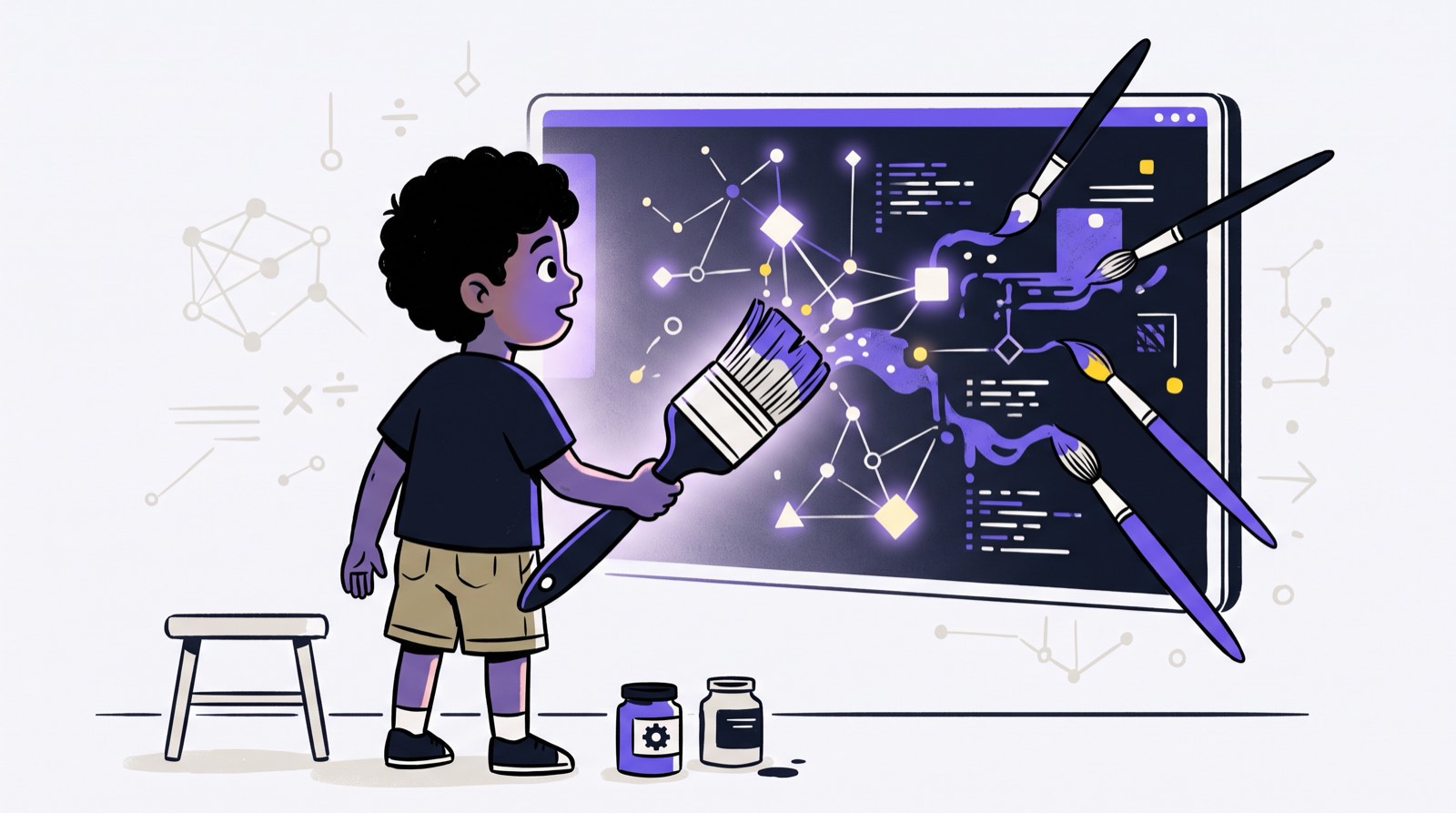
A nine-year-old types "a purple dragon eating ice cream on Mars" into an image generator. Four seconds later, a glossy, photo-realistic illustration appears on screen. Most parents watching over their child's shoulder end up asking the same thing: was that creativity, or did my kid just outsource their imagination to somebody's server?
Generative AI now runs on ordinary home laptops and tablets, and parents across Malaysia are watching their children abandon sketchbooks for prompt boxes. The worries are familiar. Instant visual feedback will wreck physical drawing skills. Children will stop persevering. They will get lazy. On the other hand, keeping a child away from these tools entirely feels like a different kind of risk in a job market that keeps moving toward digital fluency.
We see both versions play out at Kidocode, across our campuses in Mont Kiara, Kota Damansara, and Penang. Our position is that banning the tools and handing them over unsupervised are equally poor options. Generative AI does not destroy creativity on contact, and it certainly does not make anyone an artist. What matters is how the child uses it. Treated like a vending machine that dispenses pictures, AI asks almost nothing of the brain. Treated as a medium that responds to deliberate prompt design, spatial reasoning, and mathematical parameters, it lets a child chase ideas their hands cannot yet execute.
Below, we go through the published research on how children actually interact with these systems, the cognitive risks worth taking seriously, and a practical plan parents can run at home.
Key Takeaways
| Perspective | Passive AI Usage (Vending Machine Model) | Active AI Direction (Builder Model) |
|---|---|---|
| Primary Mechanism | Single generic text prompt with immediate acceptance | Iterative prompting, style modification, and critical evaluation |
| Impact on Imagination | Homogenizes output to match standard model defaults | Forces precise vocabulary, storytelling, and visual reasoning |
| Technical Connection | No understanding of underlying mechanics | Connects visual outputs to spatial coordinates, geometry, and code |
| Developmental Outcome | Surface-level gratification with low effort | Enhanced ideational fluency and structural problem-solving |
| Parental Role | Monitoring screen time limits | Guiding aesthetic choices and discussing ethical boundaries |
Table of Contents
- The Core Shift: From Hand Execution to Creative Direction
- What Research Reveals About AI and Childhood Creativity
- The Hidden Risk: Cognitive Dependency and Visual Homogenization
- Age-Appropriate AI Art Framework (Ages 5 to 18)
- Visualizing the Creative Process: Consumer vs Director
- The Mathematical Foundation Behind Digital Canvas
- How Kidocode Integrates AI Art into Technical Literacy
- A 4-Week Action Plan for Parents at Home
- Printable Parent-Child AI Art Critique Guide
- Frequently Asked Questions
- References
The Core Shift: From Hand Execution to Creative Direction
For generations, we judged a child's artistic ability by what their hands could do. Realistic proportions, controlled shading with coloured pencils, colouring inside the lines, that child got called creative. Art history says otherwise. Technical execution and creative ideation have never been the same skill.
Generative AI pulls the two apart completely. A child working with an image engine is doing the job of an art director, not an illustrator, and the questions in front of them change accordingly:
- What is the subject matter and narrative context?
- What lighting, perspective, and composition convey the right emotional tone?
- Which historical or stylistic references best suit the concept?
- How should the initial draft be adjusted to correct mistakes?
A child without the vocabulary or the mental picture to answer those questions gets generic art, because that is what the model falls back on. The tool is not thinking for them. It is showing everyone, quite bluntly, whether a real vision exists behind the prompt.
Compare that with a traditional art lesson, where a child who cannot construct a perspective grid often quits in frustration before the idea ever gets out. Generative tools take that physical hurdle away. A systematic review of child-AI painting interactions in Frontiers in Psychology found that AI painting tools reduce extraneous cognitive load by automating manual execution, which frees up young learners' mental capacity for creative generation [1].
There is a catch, though. Once execution costs nothing, children tend to accept whatever the machine hands them first.
What Research Reveals About AI and Childhood Creativity
Opinions about this topic are plentiful and mostly loud. The studies published between 2024 and 2026 are more useful, and they converge on a few consistent findings.
1. Ideational Fluency and Originality
A systematic scoping review covering 24 empirical studies found that generative AI tools lower technical barriers to creative expression while boosting divergent thinking, narrative creativity, and creative self-efficacy [2]. Children who learn to prompt iteratively end up producing a wider range of artistic ideas than they usually manage with physical media alone.
2. The Necessity of Adult Scaffolding
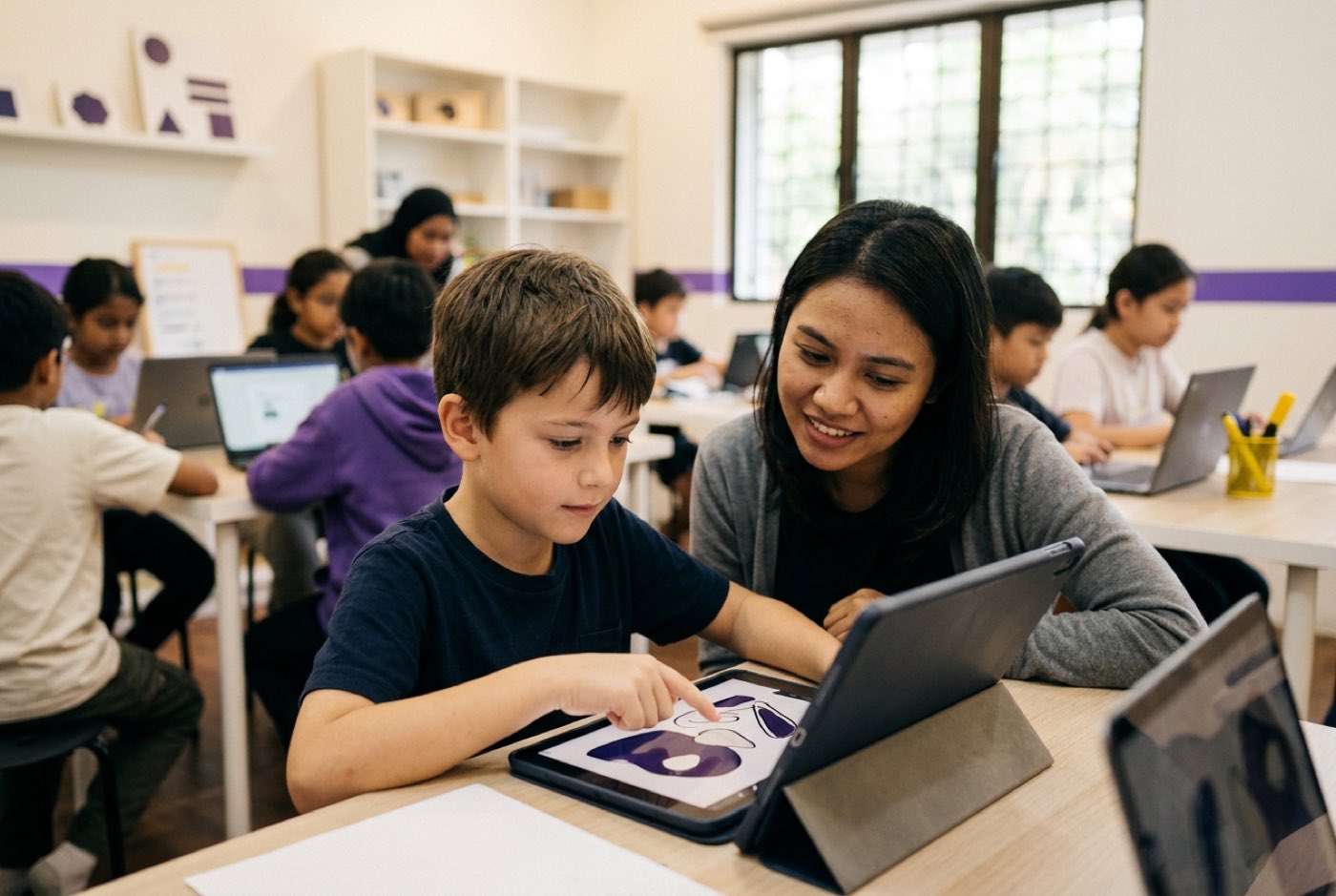
Commercial models are trained on adult language and adult workflows, which shows the moment a child sits down with one. Researchers at the University of Washington observed 12 children aged 7 to 13 using image and text tools, and presented the results at ACM CHI 2024. Their finding: children needed consistent support from adults and peers before generative AI became a meaningful part of their creative practice [3]. On their own, the younger ones got stuck on complicated interfaces or lost the thread when the AI misread their natural language.
3. Concerns Over Authenticity and Personal Voice
Older students stop finding AI art funny and start finding it unsettling. A study at the National Institute of Education in Singapore followed secondary school art students aged 14 to 15 and found that their first reaction was fear, fear that AI tools would subvert their creative voice [4]. That changed only after structured instruction, at which point they saw AI as an ideation partner that made their own artistic decisions matter more, not less.
Malaysian higher education shows something similar. A 2026 study at Universiti Teknologi MARA (UiTM) Puncak Alam surveyed 30 final-year graphic design undergraduates. Ninety-three percent used ChatGPT for ideation, yet they voiced heavy reservations about authenticity and originality, and pointed to the absence of clear institutional guidance [5].
So the pattern is not that AI use costs children their creativity. It is that powerful tools handed over without structure, critique, or guidance leave them without direction.
The Hidden Risk: Cognitive Dependency and Visual Homogenization
Unguided access does carry real costs, and they fall into two categories: cognitive dependency and visual homogenization. The typical sequence looks like this.
The passive prompt trap
- Child types a broad prompt ("castle in clouds").
- The AI engine outputs polished, stereotypic art.
- Child accepts the image immediately, without revision.
- Result: low critical thinking and a uniform visual style.
Three words in, a finished digital painting out. The reward arrives fast, and the brain notices. Without an adult stepping in somewhere along the way, a few habits tend to set:
- Vague Prompting: The child leans on generic adjectives like "epic", "beautiful", or "hyperrealistic" instead of describing specific lighting, mood, or context.
- Loss of Persistence: When the output misses what the child pictured, the project gets abandoned rather than re-prompted or adjusted.
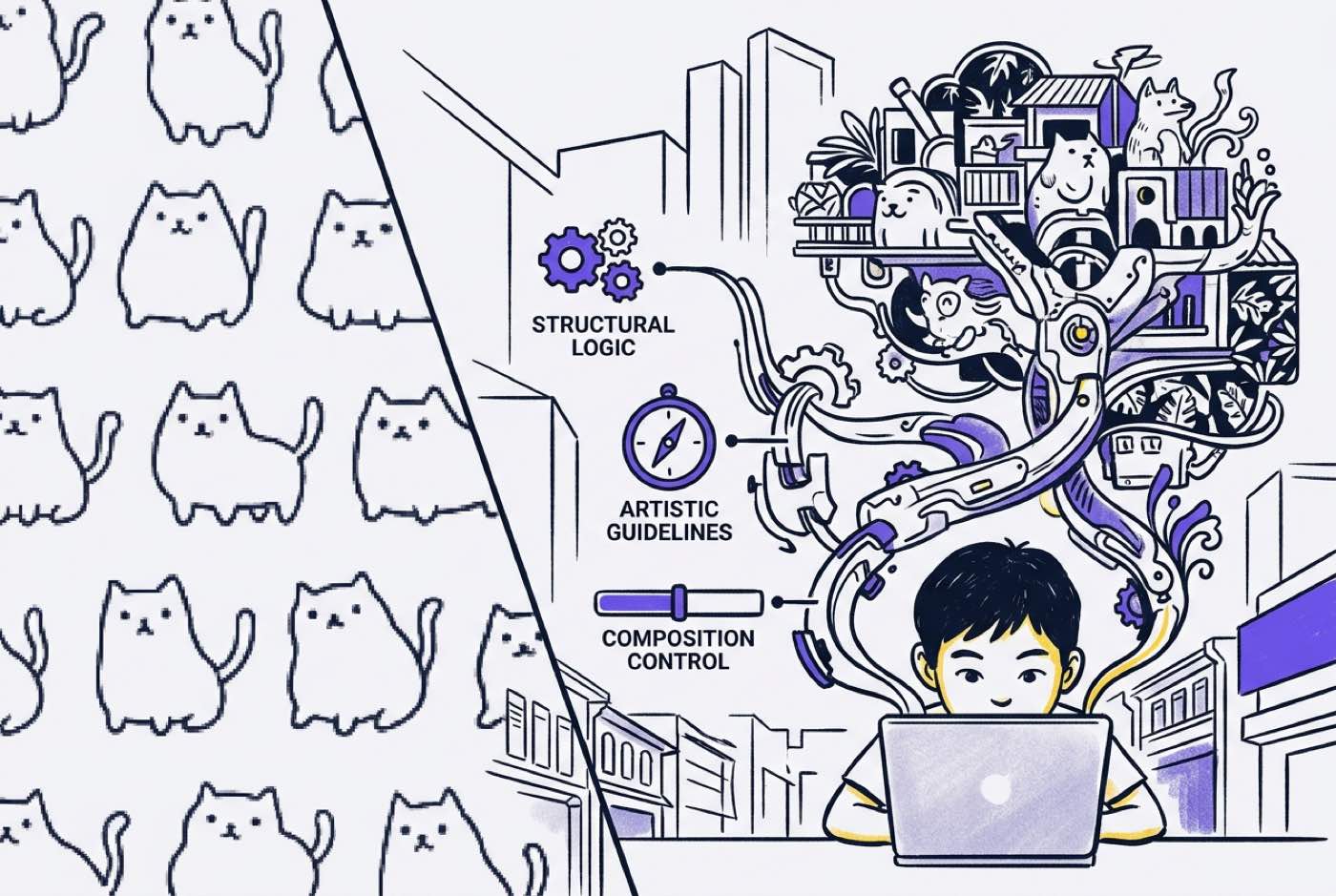
- Style Homogenization: AI algorithms are trained on existing web datasets, so default outputs drift toward common digital art tropes. A child who only ever sees those defaults meets very few artistic movements.
The review of AI painting technologies flagged this directly, warning that standardized interfaces carry a distinct risk of cognitive homogenization and can restrict creative divergence when children are never taught to push back on the tool's first attempt [1].
Malaysia's National AI Office (NAIO) has taken the early-exposure route for exactly this reason. The government's Ethical AI for Kids materials introduce fairness and algorithmic bias to children as young as 6 to 9, and encourage families to talk about how AI systems arrive at their decisions [6].
Age-Appropriate AI Art Framework (Ages 5 to 18)
Spatial reasoning, language, and abstract thought arrive on their own schedule. Matching the tool to that schedule matters more than the specific app you pick.
| Age Bracket | Developmental Focus | Recommended Interaction Mode | Key Learning Objective |
|---|---|---|---|
| Ages 5–7 | Descriptive vocabulary and cause-and-effect | Voice interaction, simple canvas drawing-to-image tools | Connect oral storytelling to visual representation; recognize AI as an assistant |
| Ages 8–12 | Spatial layout, lighting, and style attribution | Text-to-image engines with style modifiers, storyboarding platforms | Master structured prompt syntax; critique AI outputs for logic and ethics |
| Ages 13–18 | Algorithmic control, parameter tuning, code integration | Python-based generative art, shader functions, diffusion pipelines | Understand underlying mathematical transformations; write custom visual scripts |
Ages 5 to 7: Building Descriptive Vocabulary
Fine motor control is still a work in progress at this age, so AI works best as an interactive whiteboard. The Frontiers in Psychology synthesis recommends prioritising voice interaction and immediate visual feedback for this group [1].
Rather than letting the app run while your child watches, ask:
- "What color is the sky in your story?"
- "Where is the light coming from?"
- "Is the cat standing near the tree or far away?"
Prompting quietly becomes a lesson in descriptive language and basic spatial relationships.
Ages 8 to 12: Structured Prompt Engineering and Critique
Primary school children can read composition, which makes this the right window for structured parameters and real artistic terminology.
Retire the single-word prompt. Teach four components instead:
- Subject: The core character, object, or scene.
- Environment: Background, weather, time of day, and perspective.
- Medium & Style: Watercolor, pencil sketch, Impressionism, or isometric digital art.
- Technical Parameters: Lighting conditions (e.g., golden hour, rim lighting) and camera angles (e.g., wide-angle, macro).
A workshop study in the Archives of Design Research tested the Kids AI Thinking (KAIT) model with young learners. Seventy-five percent of the participating students said that learning structured AI thinking let them think outside the box and widened their creative perspective [7].
Ages 13 to 18: Algorithmic Art and Code Integration
Teenagers should be looking under the interface, not just through it. Creative direction at this stage means computing and mathematics: writing Python scripts, working with libraries like Pygame or Processing, and tuning mathematical parameters to produce procedural graphics, fractals, and dynamic visual generators.
Visualizing the Creative Process: Consumer vs Director
Two students can open the same tool with the same idea and walk away with completely different skills. The difference shows up in the path they take.
flowchart TD
    Start([Child Has an Idea]) --> Choice{Approach}

    Choice -->|Passive Consumer| P1[Type Short Generic Prompt]
    P1 --> P2[Accept First AI Image Output]
    P2 --> P3[Project Finished]
    P3 --> PEnd([Zero Critical Analysis])

    Choice -->|Active Director| A1[Define Subject, Style & Lighting]
    A1 --> A2[Generate Initial Draft]
    A2 --> A3{Critique Output}
    A3 -->|Anatomy or Scale Error| A4[Adjust Prompt Parameters]
    A3 -->|Style Misalignment| A5[Refine Medium References]
    A4 --> A2
    A5 --> A2
    A3 -->|Approved| A6[Export to Digital Editor or Code Pipeline]
    A6 --> AEnd([Deep Technical & Creative Mastery])
The Mathematical Foundation Behind Digital Canvas
Plenty of parents file art and mathematics in opposite drawers. Digital and generative art collapse that distinction. Every image on a screen sits on matrix algebra, geometry, and coordinate space.
A student editing an AI image or writing a generative script is touching those concepts whether or not anyone names them:
1. Color Space Vectors
Every pixel on a screen represents a three-dimensional vector in RGB space:
Where . Adjusting contrast, brightness, or color balance means applying matrix transformations to those colour vectors.
2. Spatial Transformations and Geometry
Placing elements on a digital canvas is coordinate work. Rotating or scaling an asset applies the standard 2D rotation matrix to each point :
Children building custom graphics for games or interactive storybooks run into this constantly, along with aspect ratios, resolution scales, and bounding boxes.
3. Procedural Randomness and Noise
Generative backgrounds, terrain maps, and particle effects depend on noise functions such as Perlin noise. Change the input frequency and a student can watch a continuous mathematical function turn into wood grain, clouds, or a mountain range.
Formulas stop feeling abstract once a child can see them producing something. That is the whole idea behind how we teach: students who use maths to build things they care about get interested, and understanding follows. If your child has hit a wall with traditional worksheets, have a look at our guide on how learning math by building changes student engagement.
How Kidocode Integrates AI Art into Technical Literacy
AI is not a side gadget in our curriculum or a novelty we bolt on. It runs through three connected pillars: AI to survive, Math to think, and Tech to build.
| Pillar | What It Means in Practice |
|---|---|
| 1. AI First | Learning to direct, evaluate, and control AI |
| 2. Math Through Builds | Applying geometry and logic to real projects |
| 3. Tech to Build | Writing real code (Python, Web, Mobile, 3D) |
The goal throughout is to turn children into people who make technology rather than people who only use it. Generative art fits in as follows.
AI School First
Students learn how large language models and diffusion systems actually work: prompt structure, image analysis, spotting algorithmic bias, and how training datasets shape what comes out the other end. That gives them a working sense of where these systems are strong and where they fall apart. Our analysis on AI literacy vs traditional coding skills goes deeper into the reasoning.
Math Through Builds
Instead of drill sheets, students apply mathematics to whatever they are building. A student making a digital game uses geometry for collision angles, algebra for scaling, and trigonometry to animate a character smoothly. A personalised AI tutor keeps pace with each learner individually. For parents worried about maths anxiety: we regularly see students work past it within two to four weeks once the concepts attach to a real build.
Tech and Free Coding Integration
Coding comes bundled into every programme, because computational thinking is foundational literacy at this point. Students graduate from Scratch and visual blocks into Python, JavaScript, and HTML/CSS, then build web apps, mobile applications, interactive digital storybooks, and 3D assets.
The approach is identical whether your family walks into our flagship campus at Solaris Mont Kiara, our Sunway Nexis branch in Kota Damansara, or our Penang locations at Q2 Waterfront, Vantage Tanjung Tokong, and Icon City. Online classes run the same live curriculum, cameras on, so students stay in the conversation.
A 4-Week Action Plan for Parents at Home
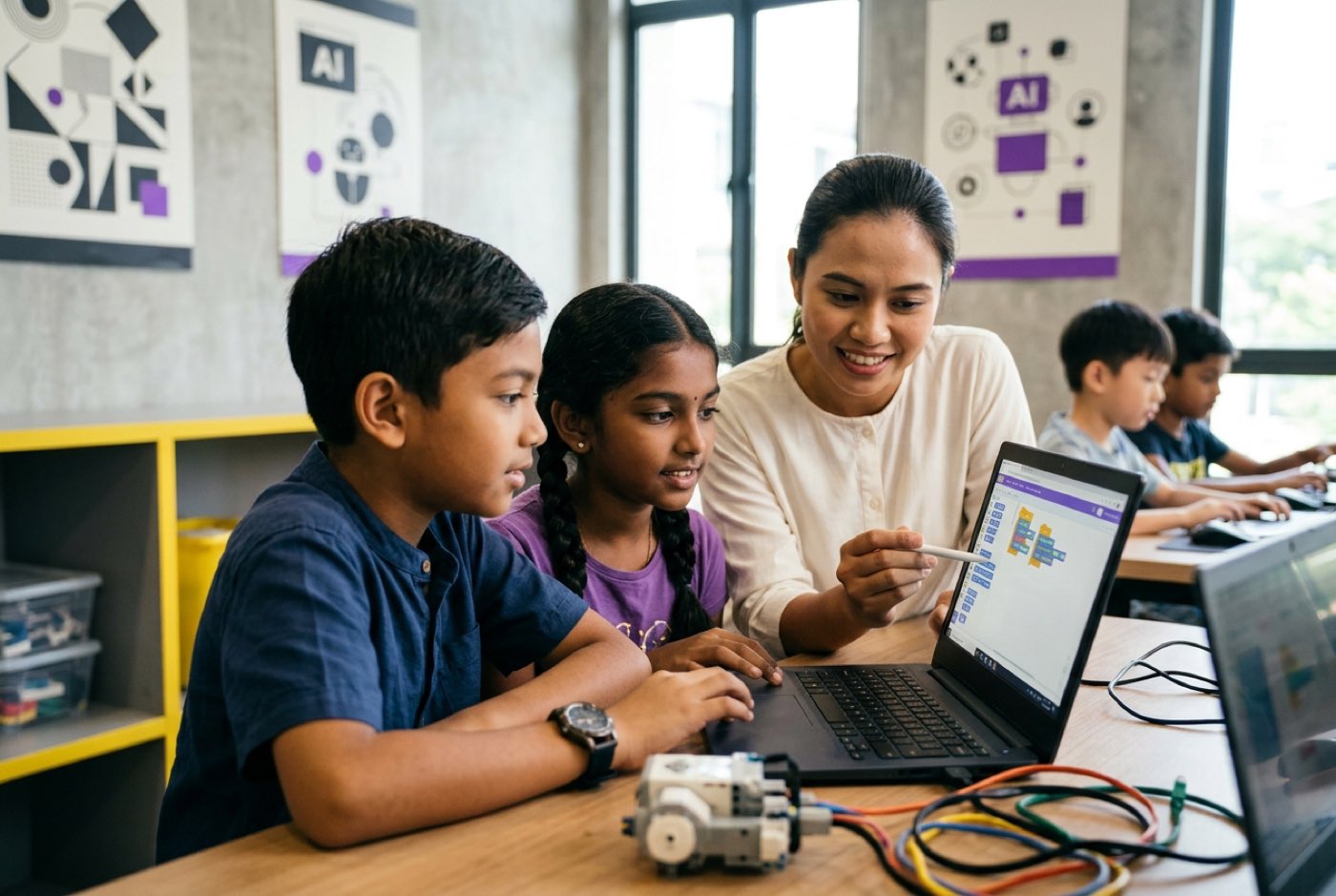
No engineering background required. Four weeks, one focus each, and screen time starts doing something.
Week 1: The AI Art Director Challenge
- Goal: Move away from single-word prompts.
- Activity: Sit with your child at a free image engine. Ask them to pick a scene from a book they love.
- Rule: The prompt must include at least four distinct parameters: subject, background environment, art medium (e.g., oil painting, charcoal, low-poly 3D), and lighting type.
- Discussion: Ask why they chose those particular artistic elements.
Week 2: Spot the Machine Error
- Goal: Build critical evaluation skills.
- Activity: Generate three images from one complex prompt (e.g., "a robot playing chess in a rainforest").
- Rule: Have your child hunt for logical flaws, wrong shadows, extra fingers, impossible geometry, objects floating with no support.
- Discussion: Explain that AI models predict patterns statistically. They have no physical common sense about the real world.
Week 3: From AI Prompt to Hand Sketch (Hybrid Creation)
- Goal: Combine digital generation with physical drawing skills.
- Activity: Generate a concept character, then print or display it.
- Rule: Your child sketches it by hand, changing at least three specific features (new costume, different posture, modified expression).
- Discussion: Talk about how professional concept artists use AI to brainstorm quickly while keeping full ownership of the final design.
Week 4: Connect Art to Code
- Goal: Introduce the technology behind the canvas.
- Activity: Explore basic web design or visual programming.
- Rule: Drop an AI-generated asset into a simple HTML and CSS project, or build an interactive digital storybook in Scratch or Python.
- Discussion: Show how an image becomes a functional asset inside software, games, and websites. For storytellers, our guide on creating interactive digital storybooks with AI is the natural next step.
Printable Parent-Child AI Art Critique Guide
Print this and keep it near the laptop. Run through it whenever your child uses generative AI for a creative project.
- Prompt Definition: Did the child specify a subject, environment, artistic medium, and lighting style before hitting generate?
- Initial Image Audit: Did the child identify at least two physical or anatomical flaws in the initial AI draft?
- Iterative Refinement: Did the child modify the prompt text or settings at least twice to correct errors instead of accepting the first image?
- Style Recognition: Can the child identify the art historical style (e.g., Impressionism, Cubism, Pixel Art, Surrealism) used in the image?
Designed, ready to print and sign. We email it to you together with a 5% discount on your next registration.
Give Your Child the Tools to Lead the AI Future
Generative art will not fix your child's creativity, and it will not destroy it either. It is a tool, and like most tools it rewards whoever knows what they want from it. Left unguided, it teaches children to settle for defaults. Directed with intention, logic, and proper instruction, it builds artistic judgement, technical vocabulary, and computational thinking.
If you would like your child on the building side of that line, come and see a class for yourself.
- Hands-on Experience: Up to two hours where your child builds a real project in AI, math, or coding.
- No Pressure: Both parents are welcome to observe the entire session, ask questions, and explore our learning model firsthand.
- Locations Across Malaysia: Join us at our flagship campus in Solaris Mont Kiara, Sunway Nexis in PJ, Q2 Waterfront or Vantage in Penang, Icon City in Bukit Mertajam, or through our live online classes.
Book your free session today at kidocode.com/trial-class and watch your child shift from technology consumer to confident builder.
Frequently Asked Questions
Will using AI image tools stop my child from learning how to draw by hand?
Only if traditional art practice disappears entirely. Research shows that with proper guidance, AI image engines lower the technical execution hurdle and let children concentrate on composition, lighting, and narrative design [1]. Plenty of young artists generate concepts quickly with AI, then pick up a pencil or a drawing tablet to produce the final piece.
At what age should I let my child start exploring AI art engines?
Children aged 5 to 7 can explore simple visual AI applications as long as the focus stays on descriptive vocabulary and voice interaction with an adult alongside them [1]. From 8 to 12, add structured prompt syntax and critical evaluation. From 13 to 18, bring in the underlying code, Python visual libraries, and algorithmic creation tools.
Is AI-generated art considered plagiarism or stealing from artists?
Generative models are trained on enormous public image datasets, which has triggered serious legal and ethical debate worldwide about style usage and intellectual property. Children need to understand those boundaries. At Kidocode, we teach students to use AI as a research and brainstorming assistant rather than a copy-paste machine, with the emphasis on original editing, prompt design, and coding integration.
What is the difference between passive AI art generation and building with AI?
Passive generation is typing something like "cool monster" and taking the first result without analysis or modification. Building with AI means folding generative tools into a structured project: scripting procedural art in Python, designing assets for a custom game engine, or refining prompts iteratively until the mathematical and spatial layout is right.
How does Kidocode teach generative art differently from a standard art class?
Standard art classes centre on fine motor rendering and traditional media such as paint or clay. We place generative art inside a wider technical literacy framework: AI to direct concepts, Math to calculate geometry and colour vectors, and Tech to write functional code. Students do not stop at a still image. They turn their digital art into interactive web applications, mobile games, and digital stories.
References
- Wang, A., Zhang, Y., Wang, A., & Zheng, W. (2025). The impact of AI-based painting tools on children's creative thinking: A systematic review. Frontiers in Psychology, 16, Article 12572844. https://pmc.ncbi.nlm.nih.gov/articles/PMC12572844/
- Niu, T., Liu, H., Pang, P., Luo, Y. T., & Liu, T. (2026). Generative AI as a scaffolding tool for childhood creativity: A systematic scoping review. Frontiers in Psychology, 17, Article 1880052. https://www.frontiersin.org/journals/psychology/articles/10.3389/fpsyg.2026.1880052/full
- Milne, S. (2024, May 29). AI, kids and creativity: How generative tools affect youth ideation. University of Washington News. https://www.washington.edu/news/2024/05/29/ai-kids-creativity-chatgpt/
- Heaton, R., Low, J. H., & Chen, V. (2024). Transformative learning and generative AI in visual arts education. Pedagogies: An International Journal. National Institute of Education, Singapore. https://repository.nie.edu.sg/bitstreams/bf48a27e-ca4c-49d6-8a4b-38cff84c9eb5/download
- Roslan, A. D. b. (2026). Generative AI tool adoption and creative authenticity among design undergraduates (Master's thesis). Universiti Teknologi MARA (UiTM). https://ir.uitm.edu.my/145446/1/145446_fulltext.pdf
- AI Malaysia Berhad (National AI Office). (2025). Ethical AI for Kids: Teaching guide and fairness activity sheets. Digital Ministry of Malaysia. https://ai.gov.my/ai-ethics-for-kids/
- Rong, J., Terzidis, K., & Ding, J. (2024). The KAIT model: Evaluating artificial intelligence thinking frameworks in primary and secondary education. Archives of Design Research, 37(3), 119–133. https://www.aodr.org/xml//41436/41436.pdf
- Jiang, Y., Fan, Y., & Liu, Z. (2025). Generative AI integration in art education: A PRISMA systematic review. Education Sciences, 16(1), Article 47. https://www.mdpi.com/2227-7102/16/1/47