

Parents who enrol a child in a coding class usually have a picture in mind: Python, JavaScript or C++, a dark screen, lines of text, memorised commands. That picture is about vocabulary. Languages fall out of fashion, frameworks get rewritten every few years, and an AI model will now produce correct syntax on request in about four seconds.
The part that actually develops a child's mind is computational thinking, the structured way of taking a messy, unstructured problem, pulling out its underlying logic, and designing steps that a person or a machine can follow. It sits underneath software design, but also underneath mathematical reasoning, data analysis and scientific investigation.
At Kidocode we bundle coding free with membership, because coding syntax is public knowledge. What we teach is computational thinking, alongside practical AI literacy and mathematical reasoning. Once parents see the difference, they tend to evaluate their child's progress differently too.
Key Takeaways
| Concept Dimension | What It Means for a Child | Practical Classroom Example | Long-Term Academic Value |
|---|---|---|---|
| Decomposition | Breaking a large, intimidating project into small, solvable components | Dividing a full video game build into movement, collision, scoring, and UI sub-tasks | Essential for solving multi-step math word problems (KBAT) and essay planning |
| Pattern Recognition | Spotting similarities, recurring structures, and reusable logic across different problems | Identifying that character movement in a platformer uses the same coordinate loop as a bouncing ball | Accelerates algebra learning and scientific pattern identification |
| Abstraction | Filtering out irrelevant background details to focus on core operational rules | Representing a player character as a simple collision rectangle rather than detailed graphics | Strengthens conceptual thinking, mathematical modelling, and reading comprehension |
| Algorithmic Thinking | Constructing a clear, step-by-step sequence of instructions to achieve a predictable result | Writing precise conditional logic (if, else) for game physics or scoring mechanics |
Builds rigorous logical deduction, scientific inquiry, and structured writing habits |
Table of Contents
- What Parents Get Wrong About Coding
- The Four Pillars of Computational Thinking
- Why Syntax Changes, but Computational Thinking Endures
- How Computational Thinking Connects to School Math and Science
- How Modern AI Tools Accelerate Computational Thinking (Not Replace It)
- Block-Stacking vs Real Computational Fluency: How to Spot the Difference
- Age-By-Age Progression: From Visual Logic to AI Directing
- How Kidocode Builds Computational Thinkers
- A Parent Action Plan: Spotting Computational Thinking at Home
- Frequently Asked Questions
- References
What Parents Get Wrong About Coding
Typing code into an editor is roughly like typing words into a word processor. Knowing where the semicolons go, or having memorised the syntax for a loop, no more makes a child a problem solver than a perfect spelling test makes them a novelist. The tool gets confused with the skill.
Watch a student stall on a computer project and you will almost never find syntax at the root of it. The problem is structure. They do not know where to start, how to split the task up, or how to turn a fuzzy goal like "make a character jump" into instructions precise enough to execute.
Educational researchers at the University of Oslo ran a meta-analysis across 105 experimental studies and more than 500 effect sizes. Learning to program, they concluded, produces a statistically significant, positive and moderate cognitive transfer effect to contexts outside programming [5], reaching general reasoning, spatial orientation and mathematical problem-solving. The condition attached matters: the instruction has to be built around systematic thinking rather than mechanical syntax drills.
Mitchel Resnick and Natalie Rusk of the MIT Media Lab make a related point about how we measure the result. The value lies in computational fluency, meaning a child's ability to express original ideas with computational tools, not in tallying up how many block types appear in a finished project [3]. A child copying lines off a whiteboard or clicking through a canned tutorial produces something that looks finished and builds almost nothing underneath.
The Four Pillars of Computational Thinking
Educators usually split the discipline into four pillars. They are separated for teaching purposes, but a student tackling any open-ended project uses all four at once, often in the same minute.
flowchart TD
    A[Complex Problem] --> B[Decomposition]
    B --> C[Pattern Recognition]
    C --> D[Abstraction]
    D --> E[Algorithmic Logic]
    E --> F[Executable Project]
1. Decomposition
Decomposition means breaking a large problem into smaller sub-problems that can each be solved on their own.
Ask an untrained student to build a game and they often freeze, because the request has no handle on it. A student who has learned decomposition starts carving:
- Background design and boundary physics.
- Character movement rules.
- Collision detection between objects.
- Score tracking and display.
A 2026 randomized controlled trial in Frontiers in Psychology followed 200 primary school students aged 8 to 12 through a 24-week intervention. Of all the computational thinking sub-domains measured, decomposition showed the largest effect size () [2]. That tracks with what teachers see: once a child can chop a big challenge into small pieces, the paralysis lifts and work starts.
2. Pattern Recognition
Pattern recognition is noticing similarities, repeated sequences and shared characteristics, across different problems, or within a single set of data.
A student who wants ten enemy characters behaving the same way does not write ten blocks of code. They spot the shared behaviour and write one logic template that all ten instances run. Game physics offers the same lesson: updating a character's position between screen frames comes down to a single relationship.
Once a student sees that this same velocity formula governs a spaceship, a rolling wheel and a bouncing ball, they stop rebuilding solutions from scratch and start moving them between problems.
3. Abstraction
Abstraction is throwing away the details that do not matter so the ones that do become visible.
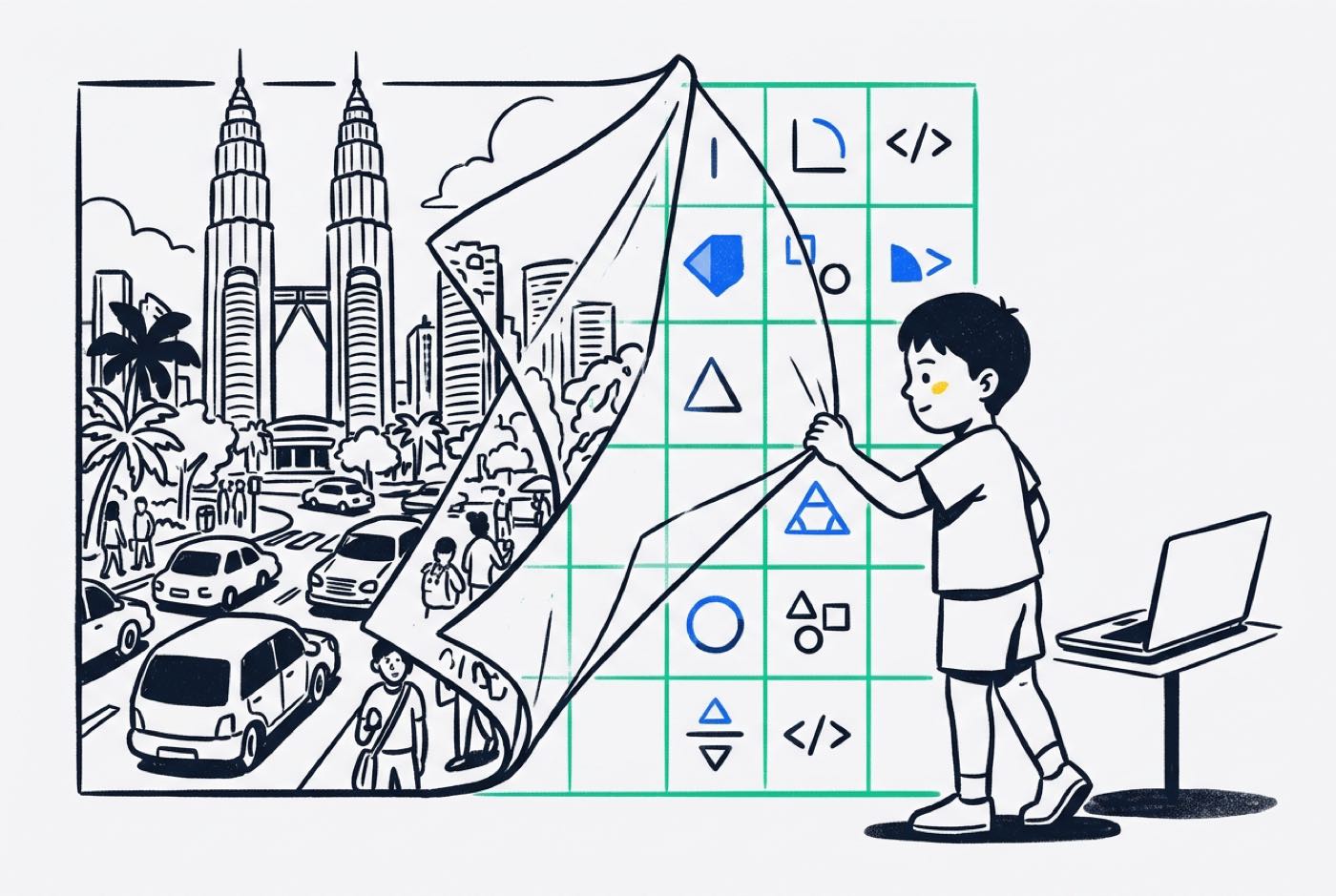 A simulation does not need to reproduce the world. Coding a traffic light, a child can safely ignore the colour of the car and the name of the driver; what the model needs is the state of the light (red, yellow, green), the timer duration and the condition under which a vehicle stops. Learning where that line falls, signal here, noise there, is a skill children carry well outside the screen.
4. Algorithmic Thinking
Algorithmic thinking is the design of an instruction sequence that produces a correct result every time it runs.
Algorithms are older than computers. A recipe is one. So are flat-pack assembly directions and the long-division routine. What computing adds is intolerance: an ambiguous instruction or two steps in the wrong order and the program simply fails, with no partial credit. Building, testing and refining algorithms trains a child in that kind of precision, and it shows up in every subject where an argument has to hold together.
Why Syntax Changes, but Computational Thinking Endures
Programming languages come and go. Several that dominated two decades ago are now legacy work, and languages tuned for data processing and AI development have taken over the space. Teaching only language-specific syntax dates about as well as training someone on one particular model of computer.
Computational thinking is language-agnostic by nature. A student who can decompose a problem, structure an array, loop through conditions and hunt down a logic error will carry those moves into Scratch, Python, C++ or JavaScript within days of meeting the language.
The computer scientist Lorena Barba has argued that the original idea, rooted in Seymour Papert's constructivist learning theory, was never about "thinking like a computer scientist" or memorising formal procedures. It was about using computation as an extension of the human mind, a way to express ideas, build knowledge and work on real problems [4].
Malaysia's employment data points the same direction. The MDEC Digital Talent Snapshot recorded 357,414 digital tech professionals on LinkedIn in Q3 2024, with 92,324 job vacancies in that single quarter [8]. Half of the industries showing high demand for digital talent were non-tech sectors. Among the fastest-growing skills were system configuration, up 104 percent year-over-year, and manufacturing automation, up 233 percent. Those are jobs about system logic, automation workflows and computational architecture, not typing.
How Computational Thinking Connects to School Math and Science
A pattern many Malaysian parents recognise: their child clears a page of mechanical calculations without difficulty, then goes blank at the first multi-step word problem (Higher Order Thinking Skills, or KBAT).
Worksheets test execution. Word problems test decomposition and abstraction. To get through one, a student has to:
- Strip away narrative details (abstraction).
- Identify the mathematical operations required (pattern recognition).
- Break the problem into sequential steps (decomposition).
- Calculate the answer in logical order (algorithmic thinking).
We go deeper into this overlap in our guide on how coding builds problem-solving skills in kids. Children with computational habits stop reading word problems as riddles and start reading them as structures to take apart.
School instruction, meanwhile, rarely brings computational tools into core STEM lessons at all. The Ministry of Education Malaysia's Dasar Pendidikan Digital cites TIMSS 2019 benchmarking data showing that 82 percent of Science teachers and 90 percent of Mathematics teachers in Malaysia rarely or never used computers in their teaching [6].
| Sequence | Traditional classroom math | Computational build-first math |
|---|---|---|
| Step 1 | Memorise the formula | Hit a real need: the game requires physics |
| Step 2 | Perform 20 repetitive sums | Apply coordinate geometry to make it work |
| Step 3 | Sit a written test | Debug the mechanics when the motion looks wrong |
| Step 4 | , | Formula is mastered because it was used |
Inside a project, math stops being an abstract chore and becomes the engine that makes the game or simulation run. Our comparison of math tuition vs learning math by building covers what that shift looks like week to week.
How Modern AI Tools Accelerate Computational Thinking (Not Replace It)
Parents ask this constantly now: if ChatGPT, Claude or GitHub Copilot can write a Python script in seconds, what is left for a child to learn?
AI automates syntax generation. It does not automate thinking, and directing a model well is harder than typing code by hand.
Feed an AI tool a vague prompt, "build me a game", and it returns a generic, non-functional dump. Getting something precise and working out of it requires all four pillars:
- Decompose the desired software into specific modular functions.
- Abstract the exact system constraints, inputs, and expected outputs.
- Formulate precise algorithmic prompts directing how the code should handle edge cases.
- Evaluate and debug the AI-generated code when logic errors inevitably occur.
What changes is the child's role: less low-level syntax typist, more system architect. Time that used to go into hunting for a missing bracket now goes into designing logic, testing how the thing feels to use and coordinating components. Our guide on why kids should learn coding with AI tools breaks the shift down further.
Block-Stacking vs Real Computational Fluency: How to Spot the Difference
Plenty of coding classes never touch computational thinking. The commercial model is often block-stacking: children follow a tutorial sheet, drag pre-made blocks until the screen matches the picture, and go home with something that runs.
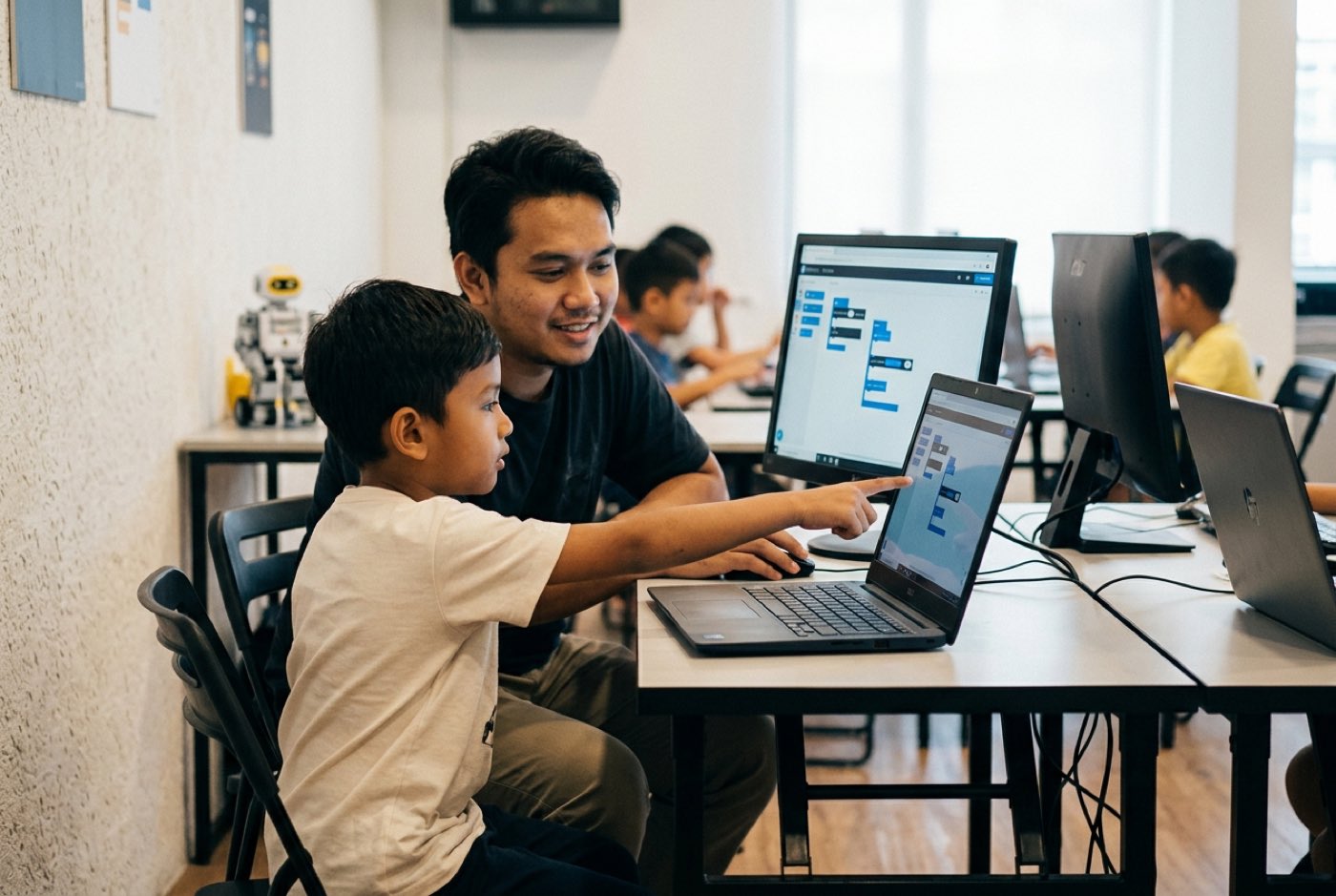 Here is how the two approaches differ in practice.
| Feature | Superficial Block-Stacking | Genuine Computational Thinking |
|---|---|---|
| Instructional Method | Copying code step-by-step from an instructor or projector | Project-first design where students define logic to solve a problem |
| Student Activity | Dragging pre-made blocks to match a static picture | Writing custom logic, debugging unexpected bugs, testing edge cases |
| Assessment Metric | Completion of a canned project or block count [3] | Ability to explain design choices, decompose new challenges, and modify code |
| Response to Errors | Instructor fixes the code for the student | Student uses systematic debugging strategies to isolate and resolve logic faults |
| Role of AI Tools | Banned or ignored completely | Used as a collaborative assistant to accelerate builds and explain complex logic |
| Skill Portability | Cannot code without exact template or specific visual platform | Translates concepts easily across visual blocks, text languages, and real-world math |
When you are assessing a learning centre, the animations on screen tell you very little. One question tells you a lot: "Can you explain to me why your code works the way it does?" A child who walks you through the logic is building something real. A child who only knows that one particular block makes the sprite move is copying.
Age-By-Age Progression: From Visual Logic to AI Directing
The four pillars stay the same from age five to eighteen. What changes is the tooling and how much abstraction a child can hold at once.
Early Stage: Ages 5 to 7 (Tangible & Visual Sequences)
Everything at this stage is concrete. Logic arrives through cause-and-effect visual loops, spatial orientation and simple physical electronics.
- Focus: Sequencing, basic conditional commands (
if touch, turn), and simple pattern loops. - Platforms: ScratchJr, physical robotics blocks, visual puzzle navigation.
- Math Connection: Counting sequences, spatial coordinate directions (left/right, up/down), basic geometric shape assembly.
Intermediate Stage: Ages 8 to 11 (Decomposition & Systems Mechanics)
Reading fluency and abstract reasoning arrive together, and projects move from linear sequences to layered mechanics.
- Focus: Problem decomposition, variable tracking, coordinate systems, custom functions, and initial text syntax exposure.
- Platforms: Scratch, Roblox Studio (Lua), Minecraft modding, introductory Python scripts.
- Math Connection: Four-quadrant Cartesian coordinates , angle calculations, velocity vectors, conditional mathematical comparisons (, , ).
- Research Benchmark: In the 2026 Frontiers in Psychology RCT, primary students aged 8 to 12 underwent a 24-week intervention transitioning from block-based Scratch (weeks 1–16) to text-based Python (weeks 17–24). Computational thinking scores rose from a baseline mean of 20.4 to 30.6 () and problem-solving performance from 17.8 to 23.5 (), with no performance gap between male and female students [2].
Advanced Stage: Ages 12 to 18 (Abstraction, Text Coding & AI Directing)
Teenagers work at the level of structure: how data is organised, how a system holds together, how to co-create with a model.
- Focus: Algorithmic efficiency, data structures, full text-based software development, API integration, and AI prompt architecture.
- Platforms: Python, Web Development (HTML/CSS/JavaScript), Mobile App Development, AI Model integration.
- Math Connection: High school algebra, probability, data analysis, functional logic, basic calculus concepts for AI optimization.
If you are weighing visual against text environments, our guide on Scratch vs Python for young learners compares them directly.
How Kidocode Builds Computational Thinkers
Kidocode is Malaysia's dedicated coding and AI school for kids aged 5 to 18. We run flagship physical campuses across Klang Valley (Solaris Mont Kiara and Sunway Nexis PJ) and Penang (Q2 Waterfront, Tanjung Tokong, and Icon City), plus a live, interactive online programme.
Three things define how we teach:
- AI School First: AI is not a bonus module tacked onto the end of a course. Children learn early how to direct AI tools safely and effectively, which moves them from consumers of software to the people giving it instructions.
- Math Through Builds: We end math-hate by inverting the usual order. Rather than memorising formulas for a written test, children apply international math standards (IGCSE, Cambridge, US Common Core) inside game physics, AI models and graphics engines, with a personalised AI tutor so each child can work at their own pace. Our math pillar page has the full picture.
- Coding Bundled Free: Syntax knowledge is a public commodity, so we bundle coding instruction free across every programme. What parents are paying for is computational thinking, problem-solving discipline and AI literacy. See the reasoning on our coding is free page.
The curriculum was designed under our founder, Hossein Tohidi, known to students and parents as Unclecode, a computer scientist, AI researcher and creator of Crawl4AI, an open-source AI web-scraping engine with over 76,000 GitHub stars and more than 12 million downloads worldwide.
Classes are project-first. Students do not leave with notes; they leave with a working project they designed, coded and debugged. Our how we teach page covers the methodology in detail.
A Parent Action Plan: Spotting Computational Thinking at Home
None of this requires a computer science degree from you. These habits form in ordinary places, dinner-table conversations, board games, a homework session that has gone sideways.
Next time your child hits a difficult assignment or a real-world task, work the pillars as questions:
- When they feel overwhelmed: "What is the first small piece of this problem we can solve right now?" (Decomposition).
- When they face a new challenge: "Have we seen a problem similar to this before? How did we solve that one?" (Pattern Recognition).
- When they get lost in details: "What are the most important rules here, and what details can we ignore for now?" (Abstraction).
- When they need to execute: "What are the exact step-by-step instructions needed to complete this properly?" (Algorithmic Thinking).
Printable Computational Thinking Observation Checklist
Print this and watch how your child handles homework, games and personal projects over a couple of weeks.
- Decomposition Check: When given a complex task (e.g. cleaning a room or planning a project), does the child divide it into clear, smaller steps without freezing?
- Pattern Transfer Check: Does the child recognise when a math formula or logical rule used in one exercise applies to a different question?
- Noise Filtering Check: Can the child identify and extract key data points from a verbose word problem while ignoring background context?
- Algorithmic Clarity Check: Can the child explain a process (such as rules to a game or a recipe) in a clear, chronological sequence?
Designed, ready to print and sign. We email it to you together with a 5% discount on your next registration.
Frequently Asked Questions
What is the difference between coding and computational thinking?
Coding is writing instructions in a specific programming language syntax (like Python or C++) so a computer can execute them. Computational thinking is the mental process underneath it: analysing a problem, breaking it into logical sub-tasks, recognising patterns and designing step-by-step algorithms. Coding is the output tool; computational thinking is the framework driving it.
Will AI make learning computational thinking unnecessary for kids?
No. AI generates syntax automatically, but it needs human direction, precise problem decomposition and someone capable of judging the output. A model cannot fix what the user cannot describe, and it cannot spot an error the user does not recognise. Directing AI well takes stronger computational thinking, not weaker.
Can primary school children learn computational thinking without text typing?
Yes. Children aged 5 to 7 build computational thinking through visual block platforms such as ScratchJr, physical electronic blocks and spatial logic puzzles. Removing syntax errors like missing brackets and misspelled commands leaves them free to concentrate on sequences, loops and conditional reasoning.
How does computational thinking help with school mathematics?
It targets exactly the skills that complex word problems demand (KBAT in Malaysia, or IGCSE multi-step problems). Decomposition and abstraction let a child cut away the wordy description, isolate the numerical relationships that matter, and lay out the operations in order.
How do I know if my child is learning real computational thinking or just copying code?
Ask them to explain the project away from the screen. If they can tell you why a particular logic sequence was chosen, how a variable updates, or how they tracked down an error, fluency is developing. If the project only runs while a tutorial sheet is open in front of them, it is copying.
References
- Malaysia Digital Economy Corporation (MDEC), Malaysia Heart of Digital ASEAN (2020)
- Frontiers in Psychology, Computational Thinking and Problem-Solving Development in Primary Students (2026)
- Communications of the ACM / MIT Media Lab, Coding at a Crossroads (2020)
- Lorena A. Barba, Computational Thinking: I Do Not Think It Means What You Think It Means (2016)
- University of Oslo (LEA), Cognitive Transfer Effects of Learning Computer Programming (2018)
- Kementerian Pendidikan Malaysia, Dasar Pendidikan Digital (2023)
- MDEC / Astro AWANI, #MyDigitalMaker Fair Inspires Young Digital Makers (2021)
- Malaysia Digital Economy Corporation (MDEC), Digital Talent Snapshot Q3 2024