

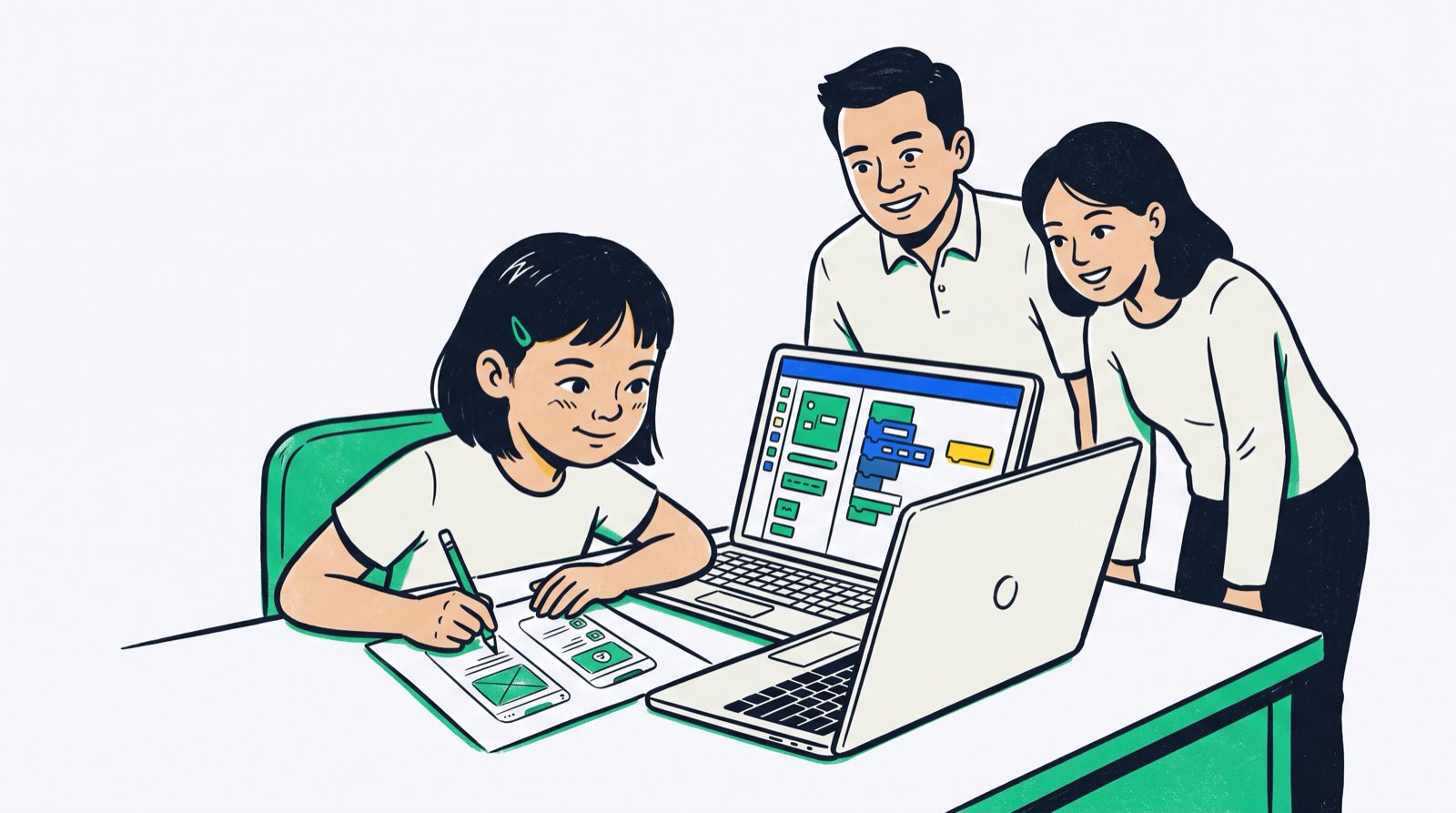
Ask a nine-year-old in Kuala Lumpur to find a specific setting buried three menus deep in a game app, and they will get there faster than most adults. Malaysian children spend hours a day tapping, swiping, and navigating mobile software. They have mastered the interface. What almost none of them have seen is the machinery underneath it, the buttons that had to be wired to actions, the variables that hold the score, the conditions that decide which screen loads next.
That gap is where app development comes in. A child who builds an app stops being a passive user of something someone else designed and starts being the person doing the designing.
Parents often assume this requires a computer science degree at home. It does not. What it requires is a bit of structure, patience with bugs, and tools matched to the child's age. This guide walks through that process, from the first pencil sketch on a sheet of A4 to a working app running on a phone.
Key Takeaways
| Dimension | Guidance for Parents |
|---|---|
| Mindset Shift | Reframe screen time from passive consumption (watching/playing) to active production (building apps and games). |
| Developmental Entry | Start pre-readers with visual drag-and-drop tools, moving to visual mobile frameworks at primary age and text-based code with AI assistants in secondary school. |
| The Core Engine | App building relies heavily on applied mathematics and computational thinking, transforming abstract school concepts into real functional logic. |
| AI Integration | Generative AI assistants remove syntax barriers, allowing young builders to focus on application architecture and user experience much earlier. |
| Parental Role | You do not need to code. Your role is providing structured encouragement, helping test early prototypes, and celebrating incremental builds. |
Table of Contents
- The Screen Time Reframe: Turning App Consumers into App Creators
- Why Mobile App Development Matters for Young Minds
- Developmental Milestones: What App Building Looks Like by Age
- Choosing the Right Tools and Platforms
- The Math and Logic Behind Great Apps: The Hidden Engine
- How AI Coding Assistants Accelerate App Creation in 2026
- Step-by-Step Parent Guide: How to Start an App Project at Home
- Overcoming Common Roadblocks: Frustration, Debugging, and Workload
- How Kidocode Teaches App Building: AI, Math, and Free Coding
- Actionable 4-Week Starter Plan for Malaysian Families
- Frequently Asked Questions
- References
The Screen Time Reframe: Turning App Consumers into App Creators
Screen time starts more arguments in Malaysian homes than almost anything else. The worry is usually about volume: how many hours the tablet has been on, how hard it is to get the phone out of a child's hands at dinner. Policy makers across the region share the concern. In early 2026, the Penang Institute published policy guidelines reviewing international screen time frameworks, pointing to Singapore's statutory guidance that caps daily recreational screen exposure at two hours for children aged six to twelve [3].
Cutting screens out altogether is not a realistic plan for a child growing up in 2026. The more useful lever is what happens on the screen. Scrolling short videos and grinding through a commercial game are one kind of activity. Laying out a screen, wiring the logic behind a button, and hunting down why the score resets to zero is a completely different one, even though both look like "a kid on a device" from across the room.
At Kidocode we put it to parents plainly: screen time is not the enemy, passive screen time is. Take the four hours a week your child currently spends inside someone else's mobile game and spend them building a mobile app instead. The engagement level stays exactly the same. What changes is the direction of the work, the child produces computational thinking, spatial reasoning, and functional logic instead of absorbing entertainment engineered by a studio. Something else happens too. Once a child has built a login screen or a scoring system, the magic drains out of the apps they use. Software becomes a set of instructions someone wrote, and instructions can be read, changed, and controlled.
Why Mobile App Development Matters for Young Minds
Official data from the Department of Statistics Malaysia (DOSM) puts the country's under-18 population at 9.03 million children, or 26.4 per cent of the national total [1]. That is a very large cohort growing up inside a fully digitised economy, which is why national programmes have moved on this. The Malaysia Digital Economy Corporation (MDEC) MyDigitalMaker programme has reached over 2.7 million Malaysian school students by pushing digital maker skills into youth education [2].
The benefits of building apps go well past technical literacy:
- Systematic Problem Decomposition: An app forces a child to take a large, vague idea ("I want to build a chore tracker") and break it into micro-components: buttons, database entries, screen navigation, user authentication.
- User Empathy and Experience Design: A maths exercise is for the student. An app is for someone else to use, which pushes children to think about interface clarity, font sizes, button placement, and accessibility.
- Immediate Functional Feedback: School feedback arrives days later on a marked test paper. App feedback arrives in seconds. Misconfigure a loop and the screen freezes on the spot, which teaches rapid iterative testing better than any lecture on the topic.
- Transition from Consumer to Creator: Seeing your own app running on a physical phone does something to a child's sense of what they are capable of. The tools used by millions suddenly look like they were assembled from the same logical steps the child is learning.
For a broader look at balancing device use with skill building, read our detailed analysis on screen time vs coding time.
Developmental Milestones: What App Building Looks Like by Age
A lot changes cognitively between ages 5 and 18, and the teaching has to move with it. Hand a seven-year-old raw Python or Java and you get tears within twenty minutes. Keep a fourteen-year-old in block-matching puzzles and they will be bored by the second session. The fit between method and stage matters more than the specific platform.
flowchart TD
    A[Age 5 to 7: Pre-Readers] --> B[Visual Block Sequencing & Unplugged Logic]
    B --> C[Age 8 to 12: Primary Learners]
    C --> D[Visual App Builders & Block Mobile Design]
    D --> E[Age 13 to 18: Secondary Learners]
    E --> F[Textual Code, Python, APIs & AI Assistants]
Ages 5 to 7: Pre-Readers and Early Logic
Fine motor skills and emergent literacy are still developing here, so real app development tools are out of reach. The work at this age is visual sequence blocks, directional logic, and cause-and-effect.
Peer-reviewed research published in Frontiers in Education reviewed early childhood coding software across 21 empirical studies and found that visual block environments consistently support foundational computational thinking concepts, sequence, looping, event handling, in children aged seven and under [4]. ScratchJr, for instance, lets young learners snap visual blocks together to walk a character across a screen. That is the same conditional logic that will fire an app trigger five years later, just wearing a friendlier costume.
Ages 8 to 12: Primary Learners and Visual App Frameworks
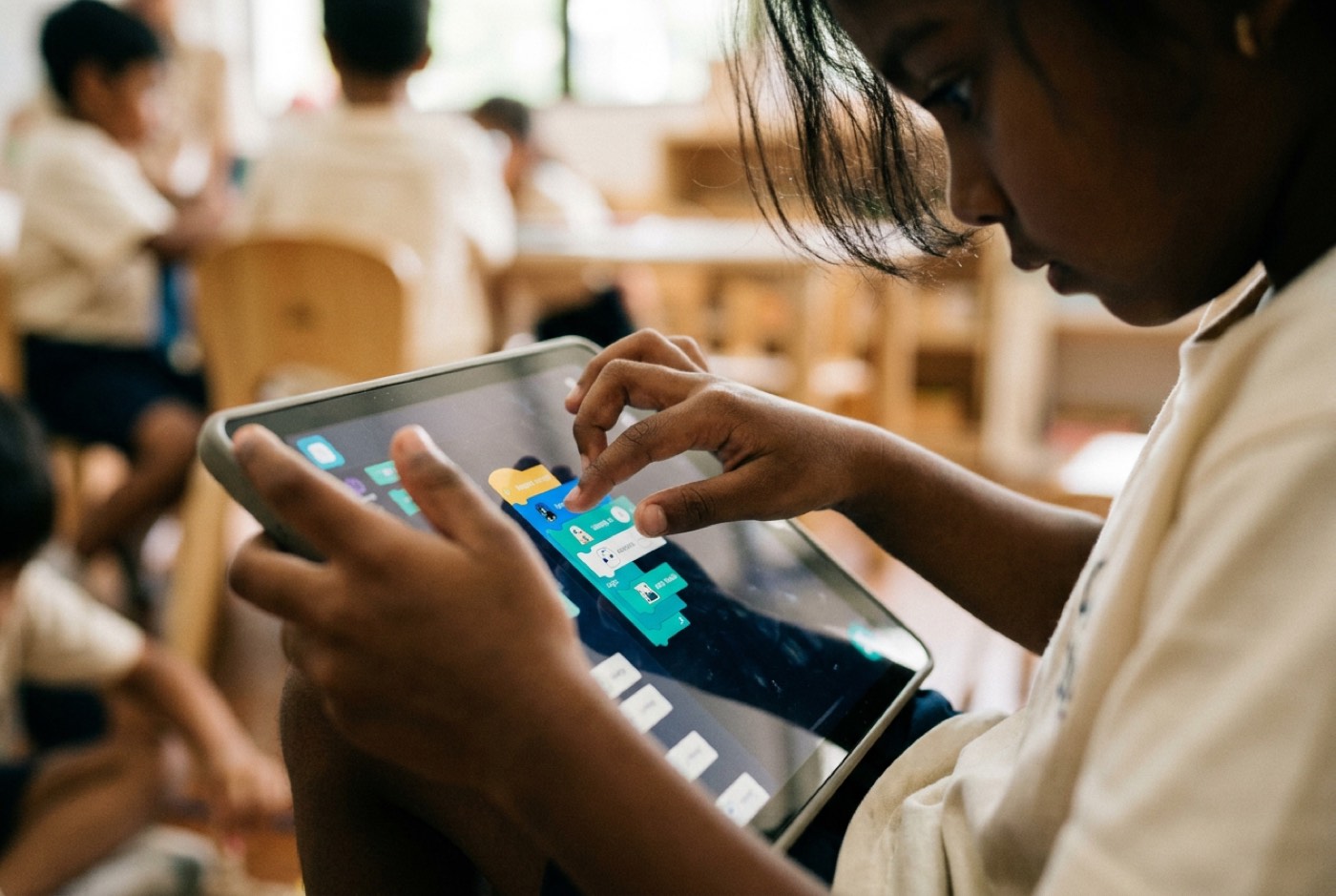
Reading comprehension and logical reasoning are solid by primary age, which opens the door to drag-and-drop mobile builders such as MIT App Inventor and Thunkable.
The workflow in these tools splits neatly in two. Students first design the actual app screens by dragging buttons, text labels, and images onto a canvas. Then they switch to a block editor and assemble the behaviour: "When Button1 is clicked, set Label1 text to User Input." No missing semicolons, no mysterious compiler complaints. All the attention goes to algorithm design and user interaction.
Ages 13 to 18: Secondary Learners, Textual Programming, and AI Acceleration
Teenagers have the abstract reasoning to handle written code, but the jump from visual blocks straight into Android Studio or Swift is steeper than it looks. An empirical study in Informatics in Education followed secondary students moving from MIT App Inventor to Android Studio across 26 weeks [5]. The numbers showed a real drop: students averaged a weighted performance score of 0.8071 in the visual environment, but independent creative project scores fell to 0.5012 in the text environment. Students under 15 hit particularly hard friction with manual text syntax.
The bridge in 2026 is AI assistance running alongside the text editor. Instead of stalling out on boilerplate configuration, students use AI tools to generate layout structures, translate error messages, and sanity-check backend logic, keeping their attention on system logic and API design where it belongs.
To understand the full long-term progression for mobile development, review our complete app development course roadmap.
Choosing the Right Tools and Platforms
Platform choice comes down to three things: your child's age, what hardware you have at home, and how much logical groundwork they have already done.
| Platform | Target Age | Interface Type | Primary Output | Recommended Use Case |
|---|---|---|---|---|
| ScratchJr | 5–7 | Icon-Based Drag & Drop | Interactive Animations | Introducing event triggers, loops, and sequencing without reading. |
| Scratch | 7–9 | Text-Block Drag & Drop | 2D Web Games & Stories | Master foundational logic, variables, and coordinate movement. |
| MIT App Inventor | 8–13 | Visual Canvas + Code Blocks | Android Mobile Apps (.apk) | First real mobile apps using phone sensors (GPS, accelerometer). |
| Thunkable | 10–15 | Cross-Platform Visual Blocks | iOS & Android Apps | Building polished cross-platform web and mobile interfaces. |
| Python (with Kivy/Flet) | 13–18 | Pure Text + AI Assistants | Cross-Platform Applications | Transitioning to real text programming, data structures, and APIs. |
Visual Block Builders vs Direct Text Coding
"Is dragging blocks really coding?" comes up in almost every parent conversation we have. Yes. Coding has two halves: the computational logic that solves the problem, and the syntax rules that govern where the brackets and commas go. Block tools remove the second half so a young brain can spend all its effort on the first.
A child who understands variables, conditionals, loops, and database queries visually is not starting over when they open a text editor. They are translating something they already know into a new notation. For a detailed breakdown of this transition, read our analysis on Scratch vs Python.
The Math and Logic Behind Great Apps: The Hidden Engine
Many parents file app development under "creative hobby" and school maths under "serious academics," as though the two live in separate buildings. They do not. Mobile software sits directly on mathematical foundations, and a child cannot build much without touching them.
Watch what a student actually has to do:
- Coordinate Systems and Geometry: Placing anything on a screen means working with X and Y axes. Handling touch input or dragging elements pulls in distance formulas. Deciding whether a tap landed inside a target circle, for example, means calculating Euclidean distance between two points:
- Boolean Algebra and Logic Gates: Every interaction runs on conditionals:
IF user_logged_in == TRUE AND button_pressed == TRUE THEN load_dashboard(). Children learn how AND, OR, and NOT combine to steer navigation. - Variables and Data Management: Score tracking, usernames, list filtering, and inventory counters all demand memory variables, arrays, and data tables.
- Physics and Acceleration: A tilt game means mapping accelerometer readings, real numbers along the X, Y, and Z axes, into velocity vectors on screen.
The Math Reframe: "The Kid Is Fine, The Teaching Wasn’t"
Whether a Malaysian student is following KSSR, SPM, or IGCSE maths, the pattern is familiar: worksheets full of abstract formulas, memorised for the exam, with no clear sense of where any of it lives in the real world. Maths anxiety usually starts right there.
What we have seen across thousands of students is consistent: the child is fine, the teaching wasn't. Teach maths through building apps and games and the maths-hate stops. Nobody asks "why do I need coordinates or variables" while they are trying to get a button to land in the right place on a screen. The question answers itself. Maths turns into a tool for making something rather than a page of questions to survive, and engagement follows.
To see how build-based learning compares to traditional tuition, explore our comparison on math tuition vs learning math by building.
How AI Coding Assistants Accelerate App Creation in 2026
Software development changed shape when capable AI assistants arrived, and children's education has to reflect that. Teaching app development in 2026 while pretending AI tools do not exist is a bit like teaching arithmetic with pencil and paper banned from the room.
Tools like Claude, ChatGPT, and GitHub Copilot work as pair programmers for young builders. With proper safety and pedagogical boundaries in place, they help in three specific ways:
- Instant Error Explanation: An app crash used to mean a cryptic error code and a dead stop. Now a child can paste the error in and ask: "Explain why my array indexed out of bounds in plain English for a 10-year-old."
- Boilerplate Automation: Navigation bars, screen connections, and file directories used to eat hours of repetitive setup. AI generates the layout scaffolding in seconds, leaving the child's time free for the logic that makes their app different from everyone else's.
- Natural Language Interface Design: A student can sketch an interface, describe the logic in plain language, and work with the assistant to build out the block structures or Python functions underneath.
flowchart LR
    A[Child Formulates App Idea] --> B[Directs AI Assistant for Layout & Syntax]
    B --> C[Child Reviews & Integrates Logic]
    C --> D[Child Tests, Debugs & Customizes]
    D --> A
Directing AI vs Relying on AI
"If AI writes the code, won't my child stop thinking?" It is the fair question, and it comes up every week.
The answer hinges on the difference between directing AI and blindly copying it. Directing a model is demanding work. The student has to break down the problem, write a precise prompt, read the output critically, judge whether the logic actually holds, and test the edge cases where it breaks. The AI takes over the tedious syntax. Architecture, product decisions, and verification stay with the child.
To learn more about guiding your child safely with modern tools, read our article on teaching kids to code with AI tools.
Step-by-Step Parent Guide: How to Start an App Project at Home
No expensive software, no technical background. Four stages take a child from a loose idea to a working mobile prototype.
Stage 1: Problem Discovery and Ideation
Stay away from the computer at first. Start with paper and a conversation. Ask your child what small daily annoyance they would like to fix, or what tiny utility they would actually use:
- A pet feeding tracker for the family cat.
- A scorekeeper for board games played with siblings.
- A basic habit counter for daily reading.
- A simple quiz game testing family trivia.
Keep the scope small. Beginners almost always try to build a social media platform on day one, and almost always abandon it by day three.
Stage 2: Paper Wireframing (UI Design)
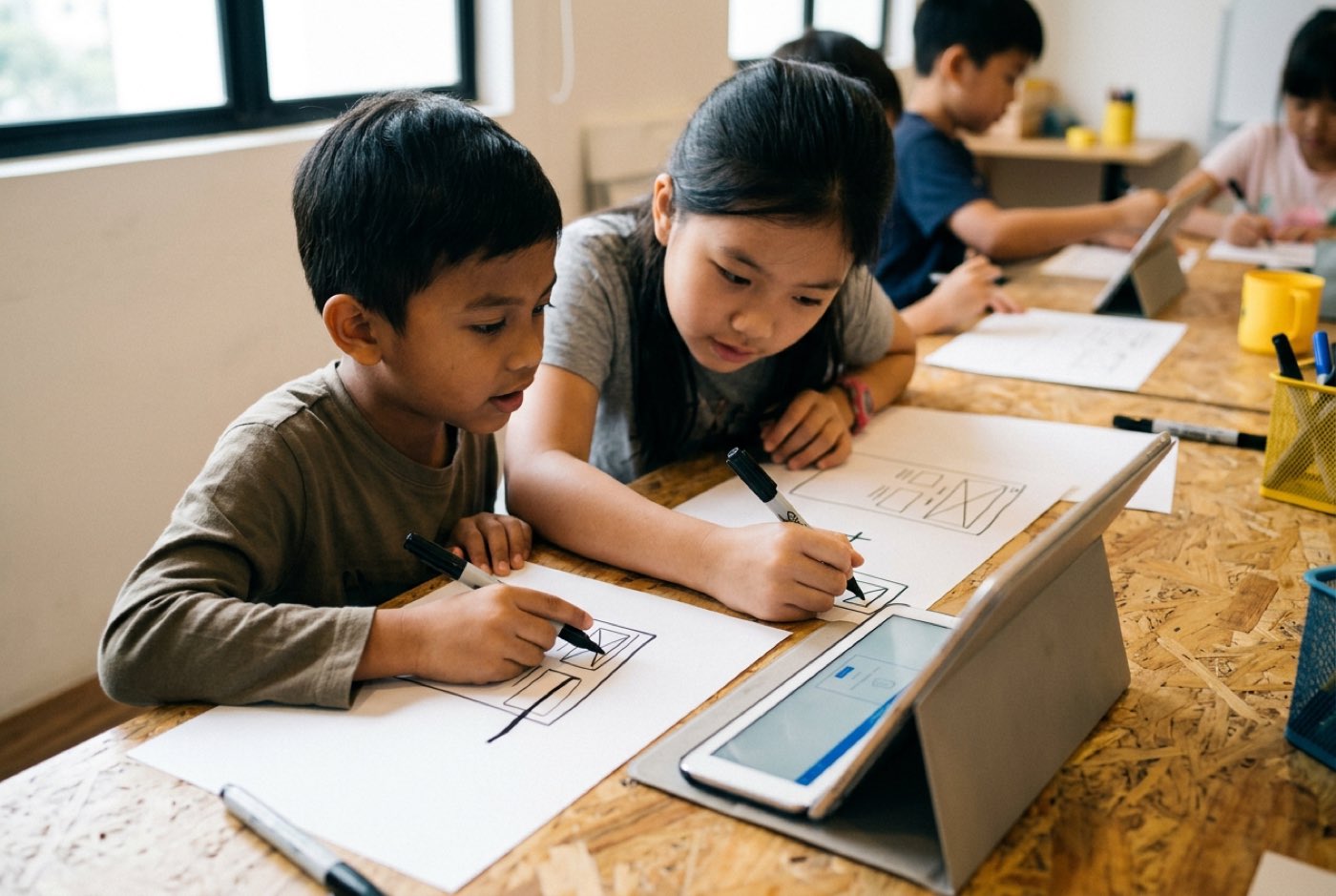
Blank paper, markers, and a request to draw the phone screens:
- Screen 1 (Home): Where is the title? Where is the main button?
- Screen 2 (Action): What happens when the user taps the button?
- Screen 3 (Result): Where is the score or summary displayed?
Sketching wireframes teaches layout and user experience before a single block gets assembled.
Stage 3: Logic Mapping and Flowcharts
Still no development environment. Map the decision logic with arrows:
STARTUser enters name.DECISIONIs name empty? If yes, show warning. If no, open main screen.ACTIONAdd 1 point when answer is correct.
Stage 4: Building the MVP (Minimum Viability)
Now open the platform, such as MIT App Inventor. Build the core screen and one main button, nothing else. Test it on a smartphone straight away, either in the browser or through a companion app preview. When that single button does what it is supposed to do, stop and make a fuss about it before anyone starts adding sound effects and custom graphics.

Overcoming Common Roadblocks: Frustration, Debugging, and Workload
Three obstacles show up in nearly every home project. Knowing what they look like in advance makes them much easier to handle.
1. The Frustration Spike ("It's Not Working")
Code that refuses to run can trigger a real emotional spike. Children read a logic error as evidence that they personally are not good at this.
Parent Action: Treat bugs as diagnostic clues, not verdicts. Try: "Bugs are completely normal. Every professional developer spends half their day fixing them. Let us check the blocks step by step to see where the logic paths split."
2. The Scope Creep Trap
Twenty new feature ideas arrive before the first one works, and the project quietly dies under its own weight.
Parent Action: Enforce a "V1 rule." Every extra idea goes on a "Feature Wishlist" sticky note on the monitor. Nothing on that note gets started until Version 1 runs cleanly.
3. School Workload and Time Constraints
Between school, tuition, and co-curricular activities, Malaysian students are already stretched. Parents reasonably worry about adding one more obligation.
Parent Action: Do not run app building like weekly homework. Short flexible blocks of 45 to 60 minutes work well, as do concentrated project sprints over the school holidays. The time comes out of idle passive screen time, not out of study hours.
How Kidocode Teaches App Building: AI, Math, and Free Coding
Our educational philosophy at Kidocode rests on three pillars: AI to survive, Math to think, and Tech to build.
Isolated coding drills are not what modern tech education looks like. The pieces have to work together:
- AI School First: Students from age 5 to 18 learn to direct AI systems responsibly, safely, and effectively. Safety, prompt framing, and system verification carry the same weight as development logic.
- Math Through Builds: Every child gets a personalised AI tutor, and we deliver international math standards (aligned with IGCSE, Cambridge, and Common Core logic) in reverse. Students meet the concepts while building app physics, database queries, and graphics engines.
- Coding Bundled Free: Syntax is public knowledge now. What we actually teach is computational thinking, system architecture, and product creation, so coding tracks come bundled into our membership across six building pathways (Python, Web, Mobile, Game, Electronics, 3D Design).
Kidocode was founded in 2014 in Solaris Mont Kiara and has taught over 9,500 students across 11 years. Tallypress voted us the #1 coding class for kids in KL and Selangor in an independent editorial pick, and our school holds a 4.6-star rating from 177 verified reviews.
The founder is Hossein Tohidi, known to students and parents as Unclecode, a computer scientist, AI researcher, and creator of Crawl4AI, an open-source project with over 12 million downloads running in Fortune 500 production environments. He built the curriculum framework around how digital products are actually made in industry.
Five physical campuses run alongside a live interactive online programme:
- Klang Valley: Solaris Mont Kiara (HQ Flagship) and Sunway Nexis (Kota Damansara, PJ).
- Penang: Q2 Waterfront (Bayan Lepas), Tanjung Tokong (Vantage), and Icon City (Bukit Mertajam).
- Live Online: Fully interactive camera-on live sessions where parents are welcome to sit in.
The easiest way to see how this works is the free hands-on trial class, up to two hours, on campus or online. Your child builds a real working project in AI, math, or technology while both parents watch the methodology in action. Book at kidocode.com/trial-class.
Actionable 4-Week Starter Plan for Malaysian Families
A month is enough to go from nothing to a first working prototype at home. Here is how the weeks break down.
Week 1: Idea and Paper Wireframe
- Focus: Concept definition and screen layout.
- Task: Spend two 30-minute sessions discussing app ideas. Draw three screen wireframes on paper. Identify inputs, buttons, and text fields.
Week 2: Platform Setup and UI Assembly
- Focus: Tool familiarization and layout creation.
- Task: Create a free builder account (e.g., MIT App Inventor or Thunkable). Recreate the paper layout visually by placing buttons, text labels, and colors on the screen canvas.
Week 3: Assembling Core Logic
- Focus: Event handling and math triggers.
- Task: Connect screen buttons to action blocks. Write block logic to handle text input, update score counters, or calculate formulas when buttons are pressed.
Week 4: Device Testing and Presentation
- Focus: Real-world testing and deployment.
- Task: Load the application onto a physical mobile device via companion app preview or direct QR code scan. Have your child present their working app to the family, explain how the code runs, and demonstrate its features.
Printable Home App Project Kickoff Checklist
- Step 1: Pick a Tiny Problem, Select one simple daily utility (e.g., habit tracker, scorekeeper, pet timer, or trivia quiz).
- Step 2: Draw 3 Paper Screens, Sketch Home Screen, Action Screen, and Result Screen on paper with labeled buttons.
- Step 3: Define App Data, List the variables required (e.g.,
user_name,current_score,timer_seconds). - Step 4: Create Builder Account, Set up a free account on MIT App Inventor, Thunkable, or Scratch.
Designed, ready to print and sign. We email it to you together with a 5% discount on your next registration.
Frequently Asked Questions
What age is best for a child to start app development?
Children as young as 5 to 7 can start on foundational sequence logic with visual tools like ScratchJr. From 8 to 12, reading and spatial skills are usually strong enough to build functional mobile interfaces on block platforms such as MIT App Inventor. Teenagers aged 13 to 18 can move into textual code like Python and web frameworks with AI assistants alongside them.
Does my child need a powerful computer to build mobile apps?
No. Scratch, MIT App Inventor, and Thunkable all run inside a standard web browser, Chrome, Firefox, or Safari. A basic laptop or desktop with an internet connection covers it. Apps preview live on any Android or iOS phone by scanning a QR code.
How does learning app development help my child with school math?
It puts maths to work. Screen positioning needs coordinate geometry ( axes), button triggers run on Boolean logic (AND/OR/NOT), and game movement uses distance and acceleration formulas. Seeing those concepts operate inside their own app tends to improve comprehension and take the edge off maths anxiety.
Will AI make app coding obsolete for kids?
No. AI absorbs the manual syntax and boilerplate, but directing it well demands computational thinking, logic architecture, and judgement about user experience. Learning app development in 2026 is largely about learning to direct these tools, structure inputs, and verify outputs, which is the literacy the next decade will run on.
Does a parent need coding experience to support their child at home?
Not at all. Your job is to encourage problem decomposition, help sketch ideas on paper, test early builds, and give honest user feedback. The platform, the learning environment, and AI tutors handle the technical explanations.
What is the difference between learning coding and learning app development?
Coding is writing instructions in a particular syntax or block language. App development is the whole product process around it: identifying a user problem, designing screens, structuring the database logic underneath, wiring up code triggers, testing on real hardware, and refining the experience.
References
- Department of Statistics Malaysia (DOSM). (2025). Children Statistics, Malaysia, 2025. Official Government Publication. https://www.dosm.gov.my/site/downloadrelease?id=children-statistics-malaysia-&lang=English&admin_view=
- Malaysia Digital Economy Corporation (MDEC). (2025). MyDigitalMaker Initiative: Transforming Youth from Digital Consumers to Producers. Ministry of Digital Malaysia. https://www.mdec.my/mydigitalmaker
- Penang Institute. (2026). Towards a Healthier Digital Childhood: Guidelines on Screen Use for Children. Policy Issues Brief. https://penanginstitute.org/publications/issues/towards-a-healthier-digital-childhood-guidelines-on-screen-use-for-children/
- Papadakis, S. (2021). The Impact of Coding Apps on Early Childhood Computational Thinking: A Systematic Review. Frontiers in Education, 6:657895. https://www.frontiersin.org/journals/education/articles/10.3389/feduc.2021.657895/full
- Tóth, T., & Lovászová, G. (2021). Bridging the Gap Between Visual and Textual Programming in Secondary Education. Informatics in Education, 20(3), 489–511. https://files.eric.ed.gov/fulltext/EJ1320494.pdf
- UNESCO. (2023). Global Education Monitoring Report 2023: Technology in Education – A Tool on Whose Terms? (Southeast Asia Regional Report). UNESCO Publishing. https://www.unesco.org/en/articles/global-education-monitoring-report-2023-southeast-asia-technology-education-tool-whose-terms-summary
- UNICEF East Asia and Pacific Regional Office (EAPRO). (2021). Digital Literacy in Education Systems Across ASEAN. UNICEF Regional Survey Report. https://www.unicef.org/asia-pacific/reports/digital-literacy-education-systems-across-asean