

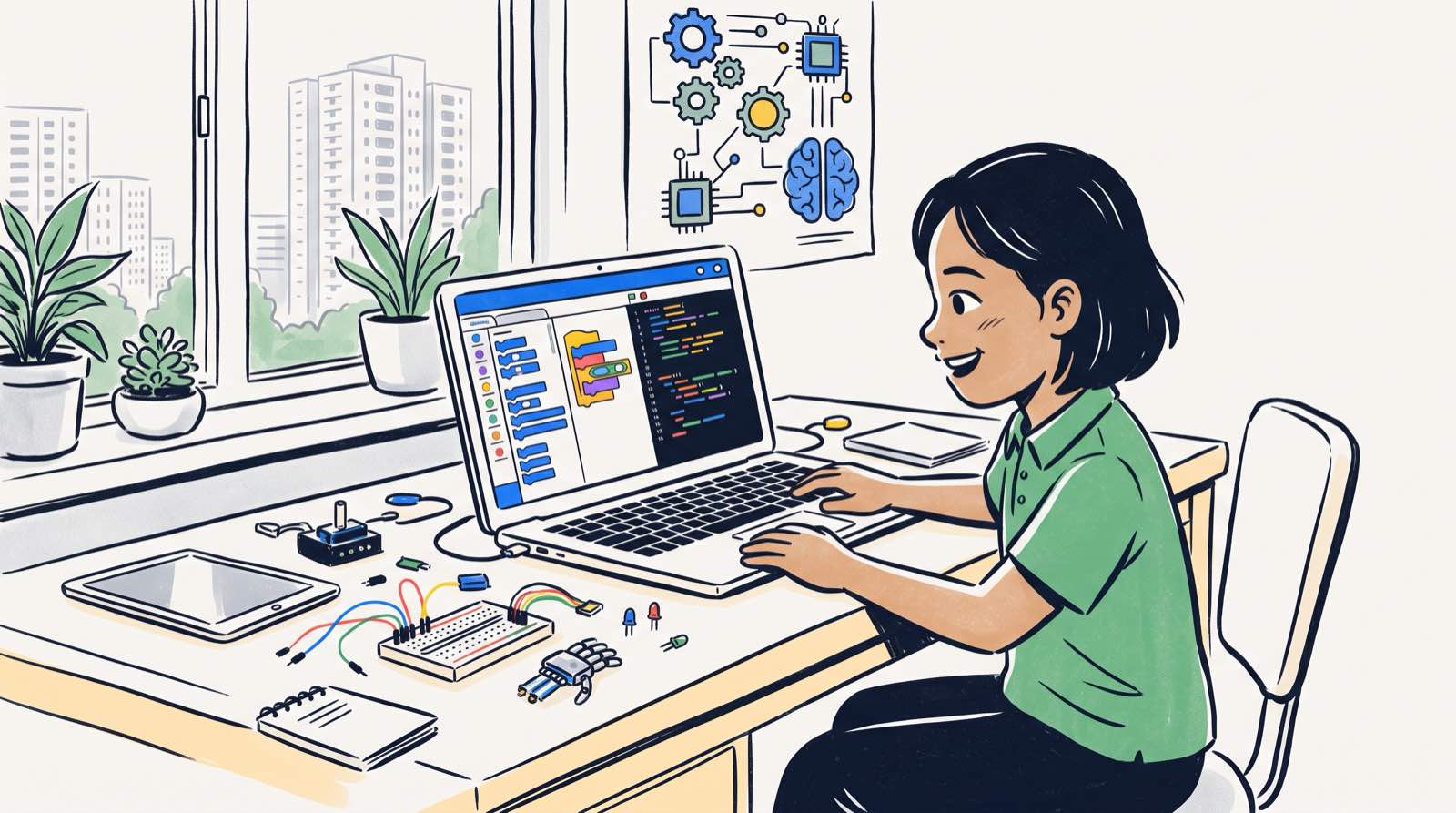
Ten years ago, an after-school computer class meant learning to type, finding your way around a spreadsheet, or dragging coloured blocks across a screen. That description no longer matches what parents find when they search for computer science classes for kids. AI now writes syntax in seconds. Roblox and Minecraft function as full software platforms with their own scripting languages. Seven-year-olds build mobile applications.
The number of options has grown faster than the quality. Dozens of platforms, bootcamps and after-school centres advertise computer science for kids, and a fair share of them teach surface-level syntax that will be obsolete in a few years. Others do the opposite: they park children in simplified visual tools long after those children are ready for harder problems.
Below is a breakdown of the major categories of computer science programmes for children aged 5 to 18: how each teaching method develops thinking skills, what the research says about how children actually learn technical concepts, and a framework for matching a format to your own child.
Key Takeaways
| Consideration | Summary Finding |
|---|---|
| Core Skill | Real computer science is about computational thinking (decomposition, abstraction, logic), not memorising language syntax. |
| Visual vs Text | Visual tools like Scratch build early logic, but children must transition to text languages like Python to continue developing deep problem-solving skills. |
| The AI Shift | Modern computer science classes must teach kids how to direct AI tools and structure logic, rather than just writing line-by-line syntax by hand. |
| Math Connection | Technology and mathematics are deeply linked. Learning math by building games and algorithms resolves math anxiety far better than traditional drills. |
| Cost & Value | Coding syntax has become public knowledge. The true value of a programme lies in personalized coaching, project building, and computational thinking. |
Table of Contents
- Why Searching for Computer Science Classes Has Changed
- The 5 Core Formats of Computer Science Classes for Kids
- Category 1: Visual Block-Based Coding (Ages 5-8)
- Category 2: Game Engine & World Building Formats (Ages 7-14)
- Category 3: Text-Based Core Languages (Ages 10-18)
- Category 4: Hardware, Microcontrollers, and Robotics (Ages 8-16)
- Category 5: AI-Assisted Systems & Computational Logic (Ages 7-18)
- Comparison Framework: Matching the Format to Your Child
- 4 Red Flags to Avoid When Evaluating Computer Science Classes
- How We Teach Computer Science at Kidocode
- 6-Step Decision Planner for Parents
- Printable Computer Science Class Evaluation Checklist
- Frequently Asked Questions
- References
Why Searching for Computer Science Classes Has Changed
Computer science used to sit alongside piano lessons and weekend football on the list of optional enrichment activities. Education authorities across Southeast Asia now treat digital competence as a core skill instead.
In Malaysia, national initiatives managed by the Malaysia Digital Economy Corporation (MDEC) have expanded tech education access to more than 2.5 million school students through public-private partnerships [1]. Across the broader region, over 400 million people are now connected to the internet [2].
Access to software tools is not the same thing as a computer science education. Research from the Stanford Graduate School of Education points to a misconception that trips up a lot of parents: mistaking code syntax for computer science [3].
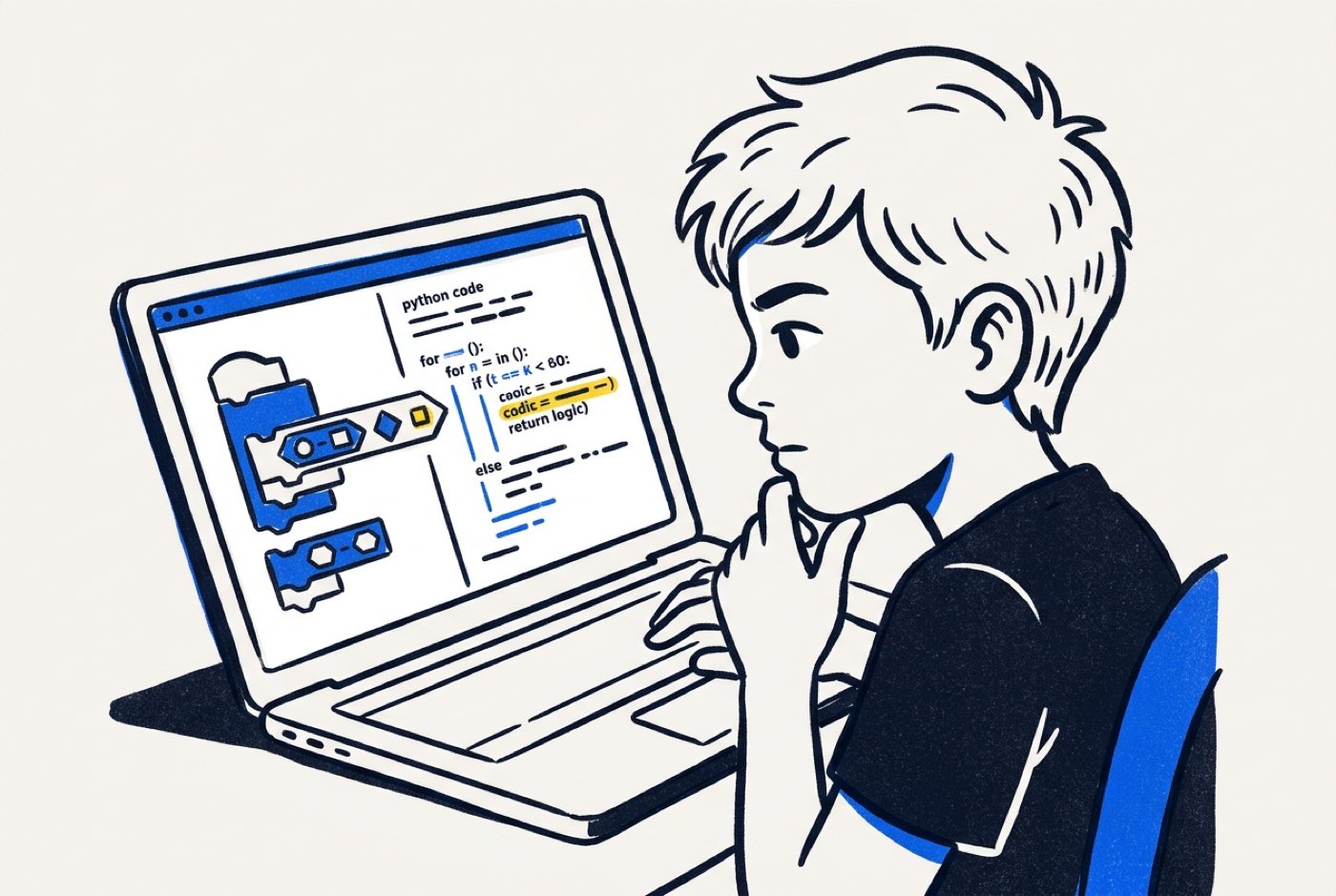 A child can assemble a working animation in a drag-and-drop environment in ten minutes. Studies show that the same child may still struggle badly with the algorithmic concepts and structural logic underneath if the teaching stops at basic commands [3]. What computer science actually trains is the ability to break a messy problem into parts, spot the pattern, throw away the details that do not matter, and lay out a solution step by step.
The 5 Core Formats of Computer Science Classes for Kids
Course titles and platform names run into the hundreds. The underlying structures do not. Almost every computer science class for children belongs to one of five formats, and knowing which one you are looking at tells you most of what you need to know about it.
flowchart TD
    A[Child's Age & Experience] --> B{Age Group?}
    B -->|Ages 5-8| C[Visual Block Coding]
    B -->|Ages 7-12| D[Game Engine Building]
    B -->|Ages 10-18| E[Text Languages & Web]
    C --> F{Wants Physical Tech?}
    D --> F
    E --> F
    F -->|Yes| G[Robotics & Hardware]
    F -->|No| H[AI-Integrated Systems]
Category 1: Visual Block-Based Coding (Ages 5-8)
Visual platforms such as Scratch and Blockly swap written commands for graphical blocks that snap together like puzzle pieces. There is no typing to fumble and no semicolon to forget, so a six-year-old can spend the whole session on logical sequencing rather than spelling.
What Children Learn
A well-structured visual coding class covers the basic computational structures:
- Sequencing: Arranging commands in a specific order to produce a desired outcome.
- Events: Triggering actions when specific conditions occur (for example, pressing a key or clicking an object).
- Loops: Repetitive execution of code blocks to build efficient logic.
- Conditional Logic: If-then statements that allow a program to make simple decisions.
What the Research Shows
A 2026 randomized controlled trial published in Frontiers in Psychology evaluated 200 primary school students participating in a structured coding intervention [4]. Students who received guided coding instruction improved their computational thinking test scores from a mean of 20.4 to 30.6 () [4].
The biggest gain showed up in decomposition, or breaking big problems into smaller tasks, with a standardized effect size of [4]. The gains held equally for male and female students () and across every math ability level in the sample [4].
Limitations to Keep in Mind
Blocks are an excellent door into the subject, and a low ceiling once you are inside. Stanford researchers note that visual environments can create a false impression of mastery, hiding conceptual misunderstandings in how algorithms execute [3]. A child who spends three or four years in block coding stops growing intellectually somewhere in year two. Our comparison of Scratch vs Python covers the timing of the move in detail.
Category 2: Game Engine & World Building Formats (Ages 7-14)
Children already spend enormous amounts of time in Roblox and Minecraft. Game-development classes take that existing interest and put the child on the other side of it, building the software instead of playing it.
What Children Learn
Students work with the engineering principles behind interactive media:
- 3D Coordinate Systems: Navigating , , and spatial axes to position objects and control character movements.
- Scripting Languages: Writing text-based scripts (such as Lua in Roblox or Python scripts in Minecraft) to define game mechanics.
- Physics Simulations: Applying mathematical principles like velocity, gravity, and collision detection to game objects.
- User Interface Design: Creating menus, scoreboards, and interactive displays.
The Educational Advantage
Game development gives feedback instantly and unmistakably. Get the jump trajectory wrong in a physics script and the character drops off the platform in front of everyone. That loop teaches debugging without anyone needing to teach debugging. Errors stop feeling like failure and start feeling like the normal middle stage of making something work.
Category 3: Text-Based Core Languages (Ages 10-18)
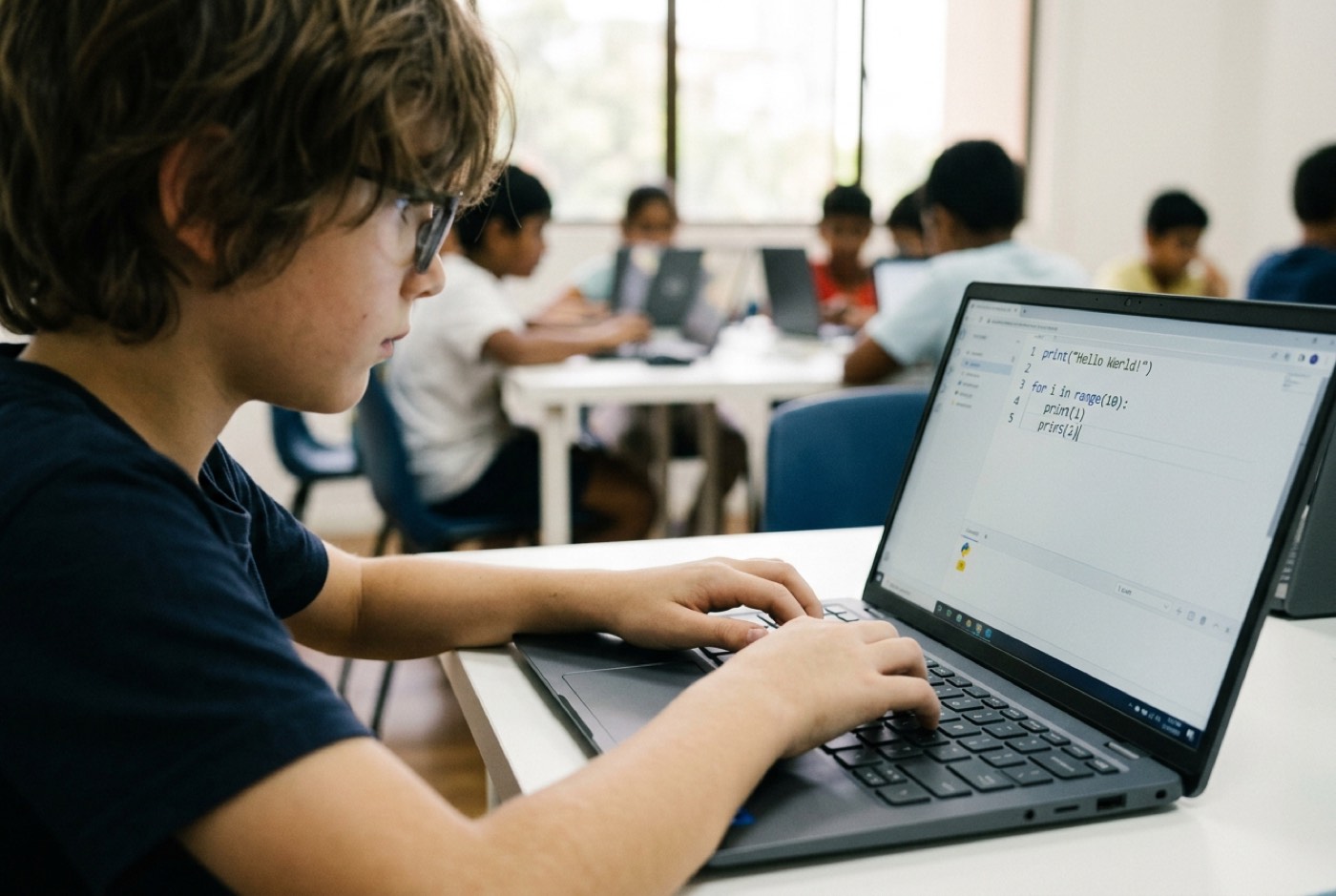
Text-based programming is what professional software development actually looks like. Students type exact code syntax in languages like Python, JavaScript, HTML, and CSS.
Core Languages Covered
- Python: Widely recognized as the best starting text language due to its clean, readable syntax. Python is used in professional data science, artificial intelligence, and web development.
- HTML & CSS: The structural foundation of the web. Children learn how documents are organized, styled, and presented online.
- JavaScript: The language that makes web pages interactive. It introduces key concepts like object-oriented logic and asynchronous programming.
Navigating the Syntax Transition
The move from blocks to text is a genuine cognitive hurdle, and the 2026 Frontiers in Psychology study tracked it week by week as students shifted from Scratch to Python [4].
Python arrived at Week 17, and test scores fell by 3 points while learners adjusted to strict syntax rules [4]. Once the syntax basics were in place, progression from Week 18 through Week 24 accelerated to 1.8 points per week [4].
The dip is the reason coaching matters most at exactly this point. Left alone with a screen full of red error messages, plenty of children quit during those few weeks and never reach the part where it gets faster. Our guide to the 5 easiest coding languages for kids has more on choosing a first text language.
Category 4: Hardware, Microcontrollers, and Robotics (Ages 8-16)
Physical computing puts the code in charge of something you can touch. Instead of screen-only outputs, students program microcontrollers like micro:bit, Arduino, or Raspberry Pi to drive sensors, motors, and lights.
What Children Learn
- Sensor Integration: Reading environmental inputs such as temperature, light levels, ultrasonic distance, and physical movement.
- Circuit Fundamentals: Understanding electrical voltage, current, grounding, and component wiring.
- Embedded Logic: Writing software loops that respond instantly to real-world inputs (for example, turning on a motor when an ultrasonic sensor detects an obstacle).
For tactile learners, the ones who would rather build a thing than render a thing, this format usually clicks faster than anything else on the list.
Category 5: AI-Assisted Systems & Computational Logic (Ages 7-18)
AI assistants now produce much of the code that used to be typed line by line, which makes it strange for a 2025 curriculum to pretend they do not exist. According to CodeAI's 2026 report, foundational computer science concepts like algorithms, data management, and logic form the essential framework required to understand and direct artificial intelligence [5].
What Children Learn
Instead of months spent memorising obscure syntax rules, students in AI-integrated programmes learn to work alongside AI assistants:
- Prompt Engineering & System Directives: Formulating precise, logical instructions to guide AI code generators.
- Code Auditing & Debugging: Reading AI-generated code, verifying its logic, and identifying structural flaws.
- Machine Learning Fundamentals: Understanding how algorithms train on datasets, recognize patterns, and make statistical predictions.
- AI Ethics & Safety: Evaluating bias, privacy, and safety considerations in automated systems.
The student stops being the typist and starts being the one deciding what gets built.
Comparison Framework: Matching the Format to Your Child
Use this matrix to match a format to your child's age and learning style.
| Format | Recommended Age | Primary Focus | Best Outcome | Potential Pitfall |
|---|---|---|---|---|
| Visual Block Coding | Ages 5–8 | Basic sequencing, loops, event triggers | Builds early confidence without typing barriers | Risk of staying too long and missing text logic |
| Game Engine Building | Ages 7–14 | 3D geometry, spatial physics, game mechanics | Converts passive screen time into active creation | Getting distracted by graphics instead of underlying code |
| Text Languages (Python/Web) | Ages 10–18 | Real syntax, web architecture, algorithmic logic | Professional software development foundation | Syntax frustration if introduced without proper coaching |
| Robotics & Hardware | Ages 8–16 | Circuit logic, hardware sensors, embedded code | Tangible understanding of computing in physical world | Hardware setup issues taking time away from software logic |
| AI-Integrated Systems | Ages 7–18 | Directing AI models, system architecture, data logic | High-level computational thinking and future literacy | Over-reliance on AI without understanding underlying principles |
4 Red Flags to Avoid When Evaluating Computer Science Classes
Four things are worth checking before you sign up for a term.
1. Rote Memorisation of Code Syntax
Some classes drill syntax lines the way a school drills spelling words. Syntax changes constantly, and any of it can be looked up or generated in seconds. Ask instead whether the programme spends its time on problem breakdown and logic design.
2. Trapping Older Children in Visual Tools
Drag-and-drop tools earn their place with young beginners. A 12-year-old still on basic block platforms in their third year is being held back. Ask the school to show you the bridge to text languages like Python, and who supports the child while they cross it.
3. Separating Technology From Mathematics
Games run on coordinate geometry and physics equations. AI runs on probability and data logic. A coding programme taught in a vacuum, with the mathematics stripped out, throws away one of the best chances to lift a child's school performance at the same time.
4. Rigid, One-Size-Fits-All Class Models
Children absorb technical concepts at wildly different speeds. In a lecture where all twenty students must be on the same step at the same minute, the quick ones are bored and the struggling ones are lost. Self-paced progression with live trainers on hand solves both problems at once.
How We Teach Computer Science at Kidocode
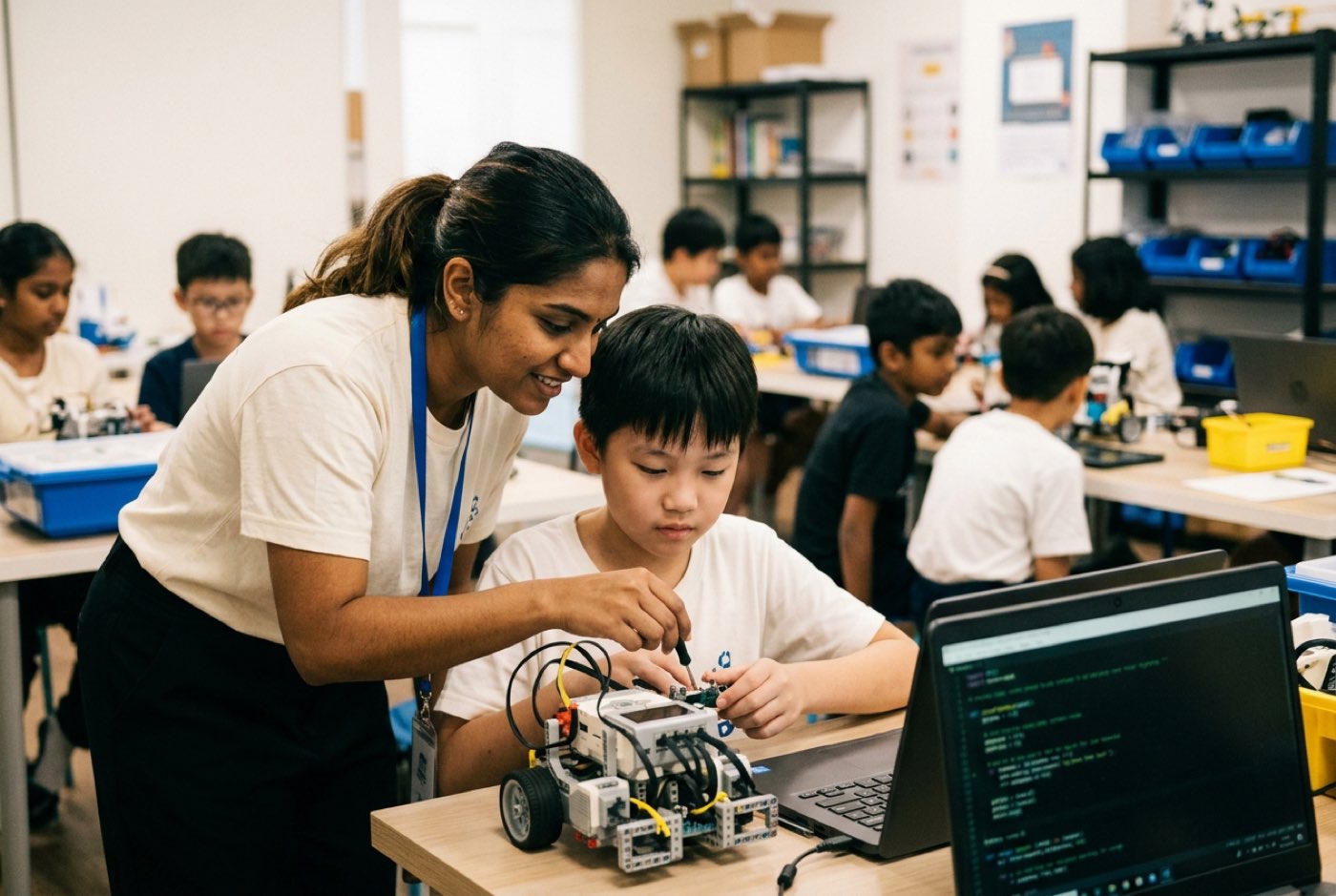
Kidocode does not run like a tuition centre or a standard coding bootcamp. We operate across five Malaysian campuses in Klang Valley (Solaris Mont Kiara flagship, Sunway Nexis in PJ) and Penang (Q2 Waterfront in Bayan Lepas, Vantage in Tanjung Tokong, Icon City in Bukit Mertajam), plus a live online programme, teaching children aged 5 to 18.
1. AI School First, Integrated Pillars
AI literacy sits at the centre of the curriculum, with coding bundled in as a foundational tool inside the broader technology tracks. Students have access to six specialized tracks:
- Python Track: From syntax fundamentals to data structures and algorithms.
- Web Track: Modern web architecture, HTML, CSS, and interactive JavaScript.
- Mobile Track: App architecture and cross-platform mobile development.
- Game Track: Physics, collision logic, and game engine mechanics.
- Electronics Track: Microcontrollers, circuit components, and embedded sensors.
- 3D Track: Digital design, spatial modeling, and 3D prototyping.
The full range of software and hardware modules is listed on our Tech Pillar page.
2. Math Through Builds
Math anxiety is largely a product of how math is delivered. Our students apply the concepts directly inside their software builds. A child who freezes at coordinate geometry on a worksheet will work out and vectors quickly enough when a game character needs to land on a platform. See our Math Pillar page for how this changes a child's relationship with the subject.
3. Coding is Bundled Free
Basic coding syntax is public knowledge now, so we do not sell syntax memorisation as a premium product. Coding instruction comes bundled into our learning packages at no extra cost. The paid part is the high-level work: computational thinking, logic, and system architecture. Our reasoning is set out in full on coding is free.
4. Personalised AI Tutors and Live Mentors
Each student works at their own pace with guidance adapted to it, and experienced trainers supervise every session. When a student hits the transition dip between visual and text coding, someone is there that same afternoon to coach them through it.
You can book a hands-on session at our trial class booking page.
6-Step Decision Planner for Parents
- Assess Your Child's Interest Profile: Determine whether your child prefers visual art, building physical objects, gaming, or pure logic puzzles.
- Determine the Right Entry Point: Choose visual block tools for ages 5-8, game engine building or physical computing for ages 7-12, and text-based Python or web languages for ages 10+.
- Verify the Pedagogical Focus: Ask the provider whether their curriculum focuses on syntax memorization or core computational thinking skills like decomposition and abstraction.
- Evaluate the AI Integration: Ensure the programme teaches children how to direct and evaluate modern AI tools rather than teaching outdated manual methods.
- Check Learning Flexibility: Look for flexible session scheduling that fits around school assignment workloads without imposing rigid weekly lock-ins.
- Attend a Hands-on Trial: Observe how your child handles a real project build during an introductory session before committing long-term.
Printable Computer Science Class Evaluation Checklist
Print or save this checklist when visiting or interviewing prospective computer science providers.
- Curriculum Focus: Does the curriculum teach core computational thinking (decomposition, abstraction, logic) rather than just syntax dictation?
- Progression Ladder: Is there a clear, supported path from visual block coding to text languages like Python?
- AI Tools: Are students taught how to direct, audit, and build with artificial intelligence tools?
- Mathematics Link: Does the programme demonstrate how mathematical concepts apply directly to software builds and physical projects?
Designed, ready to print and sign. We email it to you together with a 5% discount on your next registration.
Frequently Asked Questions
What age should a child start learning computer science?
Age 5 is a reasonable starting point for basic computational logic using visual, non-text tools. Between 5 and 8, the work is about logical order, event triggers, and spatial reasoning. Formal text-based computer science usually begins around ages 9 to 11, once typing fluency and abstract reading comprehension are in place.
Will AI make learning to code obsolete?
No. AI automates the repetitive typing of code syntax. It does not replace the human judgement behind the code. A child still needs problem breakdown, logical structure, and an understanding of system architecture to direct AI tools well and to check that what comes back is correct and safe.
What is the difference between computer science and coding?
Coding is the act of writing commands in a particular programming language syntax. Computer science is the wider field: algorithmic problem solving, data structures, spatial mathematics, systems architecture, logical thinking. Coding is one tool used inside it.
How does computer science help with school subjects like math?
It makes abstract mathematics concrete. Building a game or programming a sensor means using coordinate geometry, variables, physics equations, and conditional logic for a reason the child cares about. Studies show that applying math in practical builds raises confidence and lowers anxiety about the subject.
Can my child learn computer science online effectively?
Yes, as long as the programme runs live and camera-on with trainers rather than serving pre-recorded video. Live sessions let a mentor see the student's screen as it happens, step in when a syntax problem stalls them, and confirm that a project is genuinely being built.
References
- Malaysia Digital Economy Corporation (MDEC). MyDigitalMaker Initiative Summary & Program Impact. Ministry of Digital Malaysia. Source: https://www.mdec.my/mydigitalmaker
- UNESCO Global Education Monitoring Report Team. Global Education Monitoring Report 2023: Southeast Asia Technology Summary. UNESCO (2024). Source: https://www.unesco.org/en/articles/global-education-monitoring-report-2023-southeast-asia-technology-education-tool-whose-terms-summary
- Grover, Shuchi. Learning to Code Isn't Enough. Stanford Graduate School of Education / EdSurge (2013). Source: https://ed.stanford.edu/news/learning-code-isnt-enough
- Wang, Xin, Wan, Feixue, & Dai, JiaMin. Effects of a 24-week coding intervention on primary students' computational thinking and problem-solving skills. Frontiers in Psychology, Educational Psychology Section (2026). Source: https://www.frontiersin.org/journals/psychology/articles/10.3389/fpsyg.2026.1734482/full
- CodeAI (formerly Code.org). Impact Report: AI and Computer Science Education in K-12. CodeAI (2026). Source: https://code.org/en-US/about/impact-report