

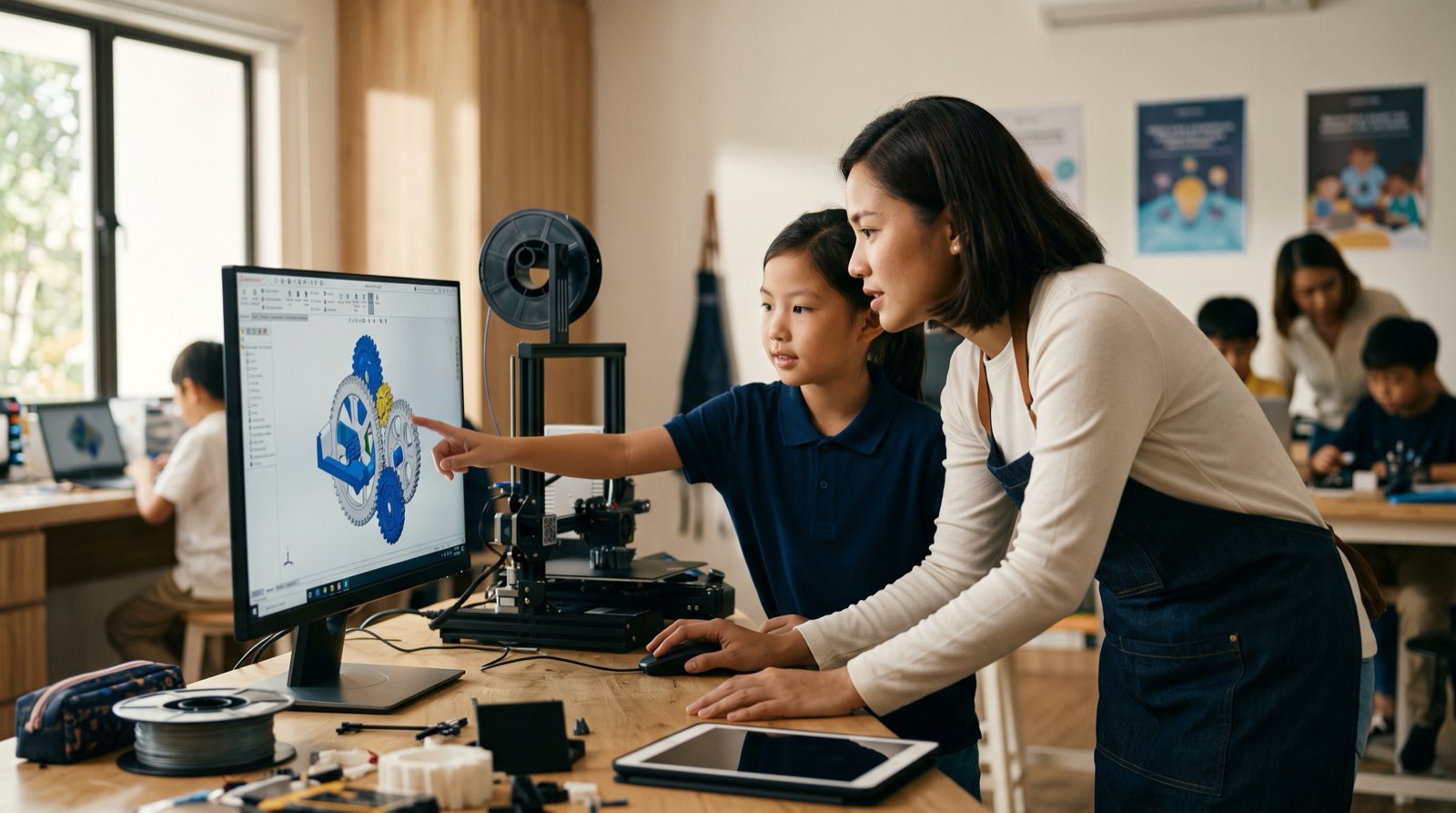
Most parents who watch their child disappear into Minecraft or Roblox for two hours think about screen time first. A child stares at digital blocks, walks an avatar across a map, and the hours go by with nothing obvious to show for them.
There is another version of those hours. Instead of only playing inside worlds someone else designed, a child can learn to build the objects, structures, and mechanical parts those worlds are made of.
3D modelling means creating three-dimensional digital representations of objects using computer software. It draws on visual art, spatial mathematics, and computer engineering at the same time. Students usually meet Cartesian coordinates, geometry formulas, and engineering concepts formally in secondary school. 3D modelling gives them a physical, visual feel for how shapes behave in three dimensions years before that.
This guide covers what 3D design teaches children, what the research says about spatial cognitive development, when to start, and how AI tools are changing the way digital models get made.
Key Takeaways
| Aspect | Summary for Parents |
|---|---|
| Core Definition | Designing digital 3D objects using CAD software, bridging digital art and structural engineering. |
| Ideal Starting Age | Visual spatial logic begins at age 5; hands-on 3D CAD modelling effectively starts at age 7. |
| Primary Math Benefit | Turns abstract geometry ( coordinates, rotation, scaling) into intuitive physical builds. |
| Cognitive Impact | Boosts spatial reasoning, technical reasoning, and systematic problem-solving. |
| AI Integration | Teaches children to direct generative 3D AI tools while retaining structural design logic. |
| The Kidocode Model | Part of our Tech tracks; bundled alongside AI literacy and math-by-building. |
Table of Contents
- What Is 3D Modelling for Kids?
- 5 Reasons Kids Should Learn 3D Modelling
- When Should Kids Start? An Age-by-Age Guide
- The Math and Physics Bridge: Fixing Abstract Hurdles
- Software and Tools Comparison for Young Learners
- How Generative AI Is Transforming 3D Design
- The Kidocode Approach: Building Digital and Physical Reality
- A Parent's 4-Week Action Plan at Home
- Frequently Asked Questions
- References
What Is 3D Modelling for Kids?
To most adults, "3D computer-aided design" (CAD) sounds like industrial software for mechanical engineers and university architecture students. Twenty years ago that was mostly accurate. The interfaces were crowded with text menus, needed mathematical commands, and ran on expensive workstations.
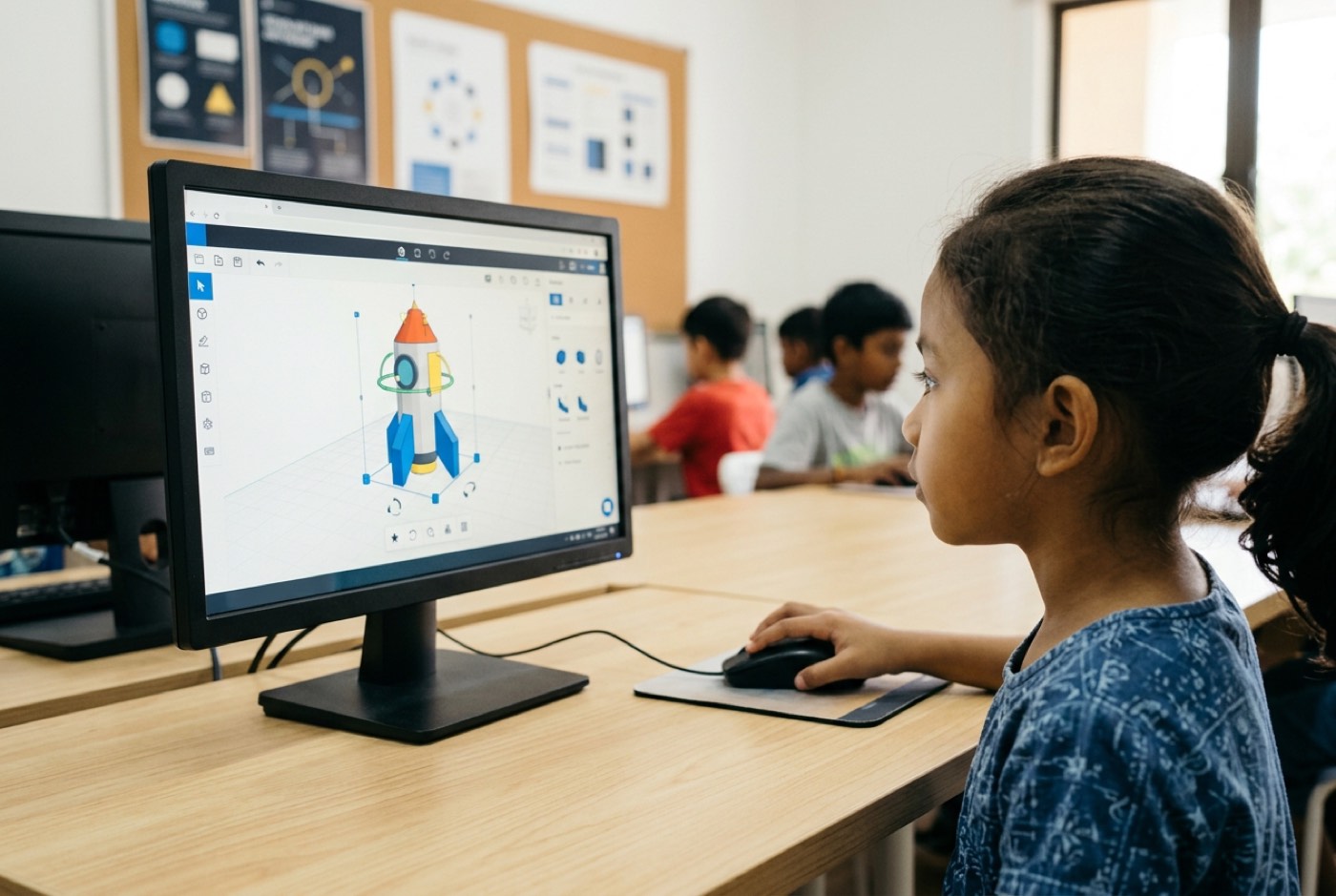
Educational CAD platforms changed that. Young learners now move digital shapes around in three-dimensional space using drag-and-drop mechanics, simple camera controls, and instant visual feedback.
Three operations do most of the work in a child's 3D project:
- Spatial Primitive Manipulation: Placing basic geometric shapes (cubes, cylinders, spheres, cones) onto a digital workplane.
- Transformational Geometry: Scaling dimensions along the , , and axes, rotating shapes across degree planes, and aligning centers.
- Boolean Operations: Combining shapes together (union) or using shapes as negative space (holes/subtraction) to carve out internal chambers, threads, or complex contours.
A child practising these operations is doing structural design, not just making digital toys. Designing a game character, a casing for an electronic circuit board, or an architectural model all draw on the same spatial logic that mechanical engineering, animation, urban planning, and medical device design depend on.
5 Reasons Kids Should Learn 3D Modelling
1. Spatial Reasoning and Coordinate Geometry Without Worksheets
Spatial reasoning is the mental ability to visualize, rotate, and manipulate two-dimensional and three-dimensional shapes in one's mind. It is one of the strongest early indicators of future success in STEM fields.
Classrooms teach coordinate geometry on flat paper. A student gets a two-dimensional grid and plots points, calculates reflections, or draws elevation projections. Plenty of children stall at that first layer of abstraction.
3D modelling comes at it from the other direction. To put a wheel on a digital car chassis, a child has to handle three dimensions at once:
Get the wheel's -axis value wrong and it either floats in mid-air or sinks into the car floor. No teacher needs to mark anything wrong. The child sees it, adjusts the height parameter, checks the alignment again, and picks up how three-dimensional coordinates behave.
A 34-week academic study investigating modeling-based STEAM programs for primary school students found that children participating in hands-on 2D and 3D digital modeling demonstrated statistically significant superiority over control group students across technical, logical, and spatial thinking post-tests () [3].
2. Accelerated Divergent Thinking and Creative Problem-Solving
Creativity gets treated as an artistic gift. In engineering and computational thinking it is measured as divergent thinking: the ability to generate multiple novel solutions to an open-ended problem.
Divergent thinking is composed of four distinct elements:
- Fluency: Generating a large number of distinct ideas.
- Flexibility: Switching between different categories or approaches.
- Originality: Producing unusual or non-standard solutions.
- Elaboration: Adding detail, structure, and refinement to an idea.
A child building with plastic blocks is limited to whatever is in the bin. Need a specialized bracket, or a hollow cylinder with a particular internal radius? The build stops there.
In a digital 3D environment, the limits come from geometry and physics instead of inventory. When a design fails to balance, the child clones the object, tries different structural supports, changes the shell thickness, and runs the next version straight away.
A controlled peer-reviewed study evaluating 3D CAD modeling instruction among elementary school pupils demonstrated that structured 3D modeling instruction significantly improved all four components of divergent thinking () within the experimental group [2].
3. Practical Design Thinking and Human-Centred Prototyping
School rarely closes the gap between drawing something on paper and building something a person can actually use. Industry closes it with Design Thinking: an iterative framework built around human ergonomics, functional constraints, and physical testing.
Children modelling for real-world use, such as a custom phone stand, a desk organizer, or a replacement battery cover, end up walking through the five formal stages of Design Thinking on their own:
flowchart LR
    A[Empathise] --> B[Define]
    B --> C[Ideate]
    C --> D[Prototype]
    D --> E[Test]
    E -->|Iterate| C
Take a nine-year-old designing a pencil holder for a sloped desk:
- Empathise & Define: The student observes that pens roll off slanted school desks during class.
- Ideate: They sketch three potential solutions: a flat magnetic tray, a weighted cylinder, or a clipped desk bracket.
- Prototype: They model the clipped bracket in a 3D CAD workspace, carefully measuring desk lip thickness with digital calipers.
- Test & Iterate: Upon rendering or 3D printing, they realize the clip clearance is 1 millimeter too tight. They return to the workspace, adjust the internal tolerance dimension, and re-test.
Failure stops feeling like a mark against them. It becomes the information they need for the next attempt.
4. Bridging Digital Code to Physical Reality via 3D Printing and Electronics
Digital design gets much more interesting once it leaves the screen. With 3D printing and rapid prototyping, a child's file becomes an object they can hold, test, and drop into a bigger project.
In hardware projects, 3D modelling almost never stands alone. It provides the structural housing for robotics and smart devices:
- Electronics Integration: A student building an automated plant-watering system uses a microcontroller board and soil sensors. But where do the wires and water pump sit? The student models a custom waterproof enclosure with mounting posts for the circuit board.
- Robotics Enclosures: A student coding an autonomous rover needs custom gear sets and motor mounts. Rather than buying pre-molded parts, they design customized gear ratios in their 3D workspace.
- Game Development Assets: A student programming an interactive game inside Unity or Godot can export their custom 3D models directly as asset files (.OBJ or .FBX formats), bridging 3D visual art directly with software code.
Code, spatial geometry, and hardware engineering stop looking like separate school subjects once a child has used all three on the same problem.
5. Early Readiness for High-Value Modern Tech Workflows (AI + 3D)
Industry and technology are moving steadily toward advanced automation, digital twin modeling, and artificial intelligence.
According to official government technology foresight reports, emerging digital technology priorities such as Smart Classrooms and Generative AI applications are accelerating rapidly across industrial and educational sectors [1]. High-growth industrial manufacturing sectors are also expanding, creating demand for technical talent capable of operating complex digital-to-physical workflows [5].
Children who start 3D design early become literate in three-dimensional digital space. As workflows shift toward augmented reality (AR), virtual simulation, robotics, and generative 3D tools, a student who understands spatial structure has options that a passive consumer of digital content does not.
timeline
    title 3D Cognitive Progression (Ages 5 to 18)
    Age 5 - 6 : Visual Spatial Logic : Block-building games : Spatial awareness
    Age 7 - 9 : Parametric Shape Design : Tinkercad & basic CAD : Boolean shape operations
    Age 10 - 13 : Functional Engineering : SolidWorks basics & Blender : Mechanics & 3D printing
    Age 14 - 18 : Advanced Mesh & AI Integration : Text-to-3D AI & Python CAD : Scripting & industrial models
When Should Kids Start? An Age-by-Age Guide
Parents ask us regularly whether seven or eight is too young. A child is ready once they can handle a computer mouse and already understand spatial relationships from world-building games. What matters more is matching the teaching approach to the child's developmental stage.
Ages 5 to 6: Early Visual Spatial Foundations
Formal CAD interfaces with dense toolbars do not work at this age. Children aged 5 to 6 pick up spatial fundamentals through digital visual construction and guided screen-free spatial games:
- Focus: Understanding top, side, and front views (orthographic projection basics); recognizing geometric primitives.
- Tools: Visual block-builders, tactile 3D puzzles, and simple spatial alignment tasks.
- Goal: Developing intuitive spatial awareness without typing or complex menu navigation.
Ages 7 to 9: Parametric Shape Manipulation
By primary school, children have the hand-eye coordination for precise mouse movement, right-clicking, and camera dragging inside a 3D canvas:
- Focus: Learning the Cartesian plane (), grouped objects, hollow shapes (subtraction), and basic scaling.
- Tools: Browser-based platforms like Tinkercad, or block-building game engines like Roblox Studio and Minecraft.
- Goal: Designing simple, functional physical objects (keychains, nameplates, basic toy parts) ready for 3D printing.
Ages 10 to 13: Mechanical Logic and Sculpting
Upper primary and early secondary students can move past stacking basic shapes into precise parametric dimensioning and organic mesh sculpting:
- Focus: Dimensional tolerances, Chamfer and Fillet edge rounding, organic mesh sculpting, and mechanical assembly logic.
- Tools: Onshape, Fusion 360 basics, and introductory Blender sculpting.
- Goal: Modeling multi-part mechanical assemblies with moving joints or organic character models for video games.
Ages 14 to 18: Advanced Engineering, Texturing, and AI Automation
Teens can work through professional production pipelines, combining parametric engineering design with procedural textures and generative AI workflows:
- Focus: Python-based algorithmic CAD generation, photorealistic rendering engines, text-to-3D generative AI integration, and AR/VR asset deployment.
- Tools: Professional Fusion 360, full Blender pipeline, Unreal Engine, and generative 3D AI APIs.
- Goal: Designing portfolio-grade engineering prototypes, custom game environments, or automated digital twins suitable for university applications.
The Math and Physics Bridge: Fixing Abstract Hurdles
In Malaysia, secondary national assessments and international examinations like the IGCSE lean heavily on spatial geometry, vectors, and physical mechanics. National performance data shows students struggling with exactly that material.
On PISA 2022 benchmark assessments, Malaysian 15-year-old students scored 416 in scientific literacy, falling significantly below the OECD international average of 485 [4]. Background survey data also revealed that 65 per cent of Malaysian student respondents disagreed with the statement that Mathematics is easy, while 49 per cent disagreed that Science is easy [4].
When a student stalls on an abstract formula, intelligence is rarely the problem. What is missing is visual and physical intuition. 3D modelling supplies it by turning formulas into tools the child needs to finish a build.
Geometry in Action
Here is how classroom topics map onto operations inside a 3D design workspace:
| Abstract Classroom Math Topic | Traditional Method | How 3D Modelling Teaches It |
|---|---|---|
| 3D Cartesian Coordinates | Plotting on isometric graph paper. | Positioning a digital object in space along (width), (depth), and (height) axes. |
| Angles & Rotations | Measuring degrees with a plastic protractor. | Rotating an object along pitch, roll, and yaw angles to align surfaces precisely. |
| Scale & Proportions | Solving ratio equations ( scale factor). | Scaling uniform vs non-uniform dimensions to fit physical constraints. |
| Volume & Surface Area | Memorizing formulas like . | Calculating material volume and weight prior to sending a digital model to a 3D printer. |
| Symmetry & Reflection | Drawing mirror lines on 2D diagrams. | Applying mirror modifiers across symmetry planes to build complex symmetric structures. |
Resistance tends to drop away when the math is holding up a real project. The child stops asking why the formula matters, because the formula is what keeps their digital bridge standing or their 3D print from failing. To understand how building real projects replaces worksheet drill, read our breakdown on learning math by building versus traditional tuition.
Software and Tools Comparison for Young Learners
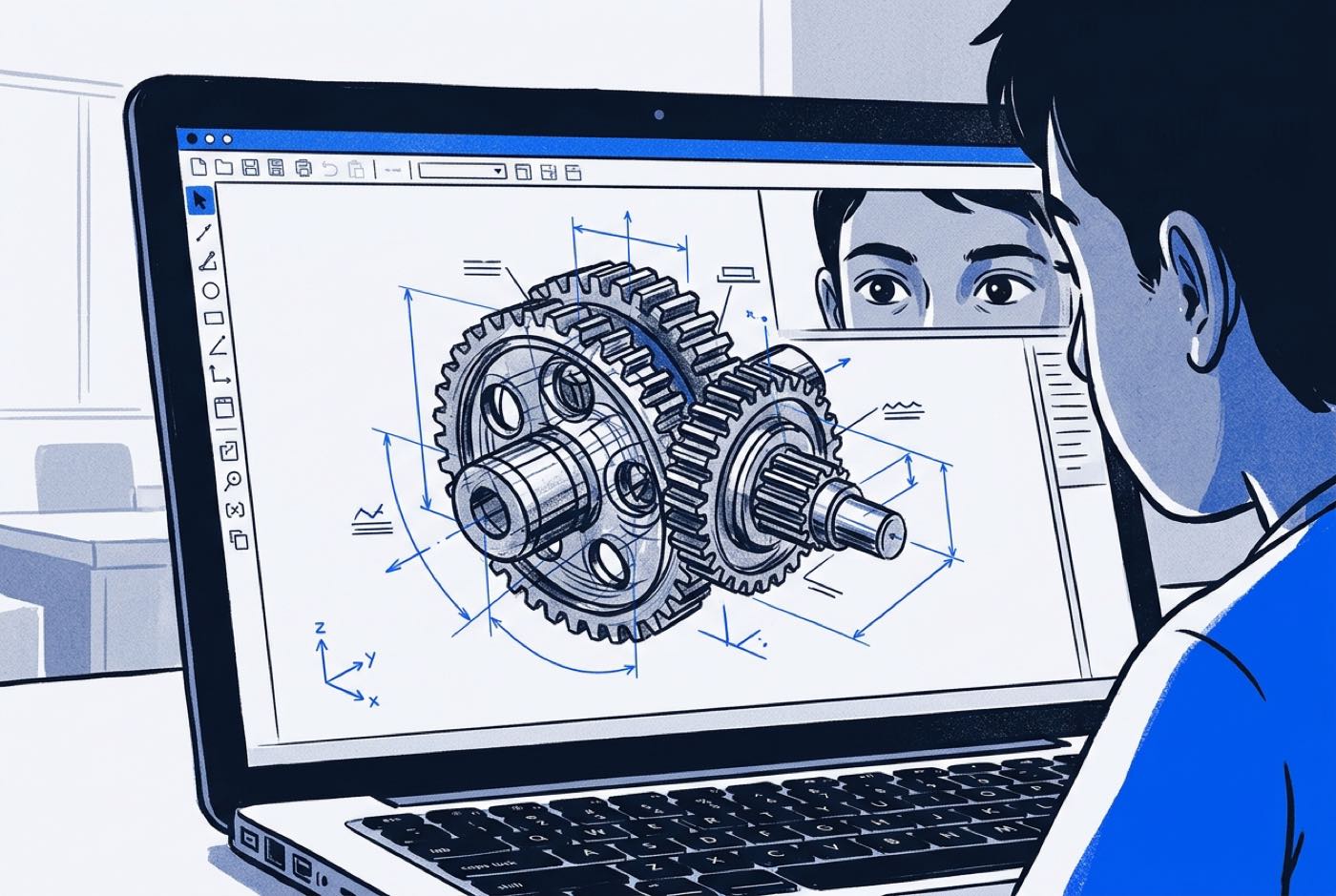
Matching the tool to your child's age and experience keeps frustration down and engagement up. The table below compares the main 3D design platforms used in education:
| Feature / Tool | Tinkercad | Onshape | Blender | Fusion 360 |
|---|---|---|---|---|
| Primary Focus | Entry-level parametric shape building | Cloud-based parametric CAD engineering | Professional organic sculpting & animation | Professional mechanical & industrial engineering |
| Target Age Group | Ages 7 – 10 | Ages 11 – 15 | Ages 12 – 18 | Ages 14 – 18 |
| Learning Curve | Gentle (1 to 2 hours) | Moderate (4 to 8 hours) | Steep (15 to 30 hours) | Moderate-Steep |
| Hardware Needs | Runs in browser (Chromebook/Basic laptop) | Runs in browser (Modern web browser) | Dedicated GPU & modern laptop required | Dedicated GPU & modern laptop required |
| Cost Tier | Free | Free educational tier | Free and open-source | Free educational tier |
| Best For | First 3D design steps & 3D printing basics | Precision STEM & mechanics projects | Game design, character art, rendering | Advanced robotics & hardware enclosures |
For parents evaluating hardware setups at home, we have detailed the exact system requirements for running 3D and coding tools in our guide to choosing a laptop for kids learning coding and AI.
How Generative AI Is Transforming 3D Design
Parents in 2026 keep asking a fair question: if a text-to-3D model can produce a chair or a character from a written prompt, why should a child spend weeks learning geometry tools and CAD software?
Inside industrial and software studios, generative AI has turned out to speed human creators up rather than replace them.
| Stage | Traditional workflow | AI-augmented workflow |
|---|---|---|
| Starting point | Idea | Idea |
| Base geometry | Manual mesh drafting (about 20 hours) | AI prompt generation (about 30 seconds), then base mesh creation |
| Refinement | Fine detailing | Manual engineering precision and structural modification |
| Output | Final model | Production-ready model |
A generative text-to-3D tool gives the child a rough geometry mesh. It cannot confirm that a mechanical bolt thread has the physical clearance ( tolerance) to screw into a real nut. It cannot check that an internal battery housing has enough wall thickness to print without warping.
That is where computational thinking and spatial fundamentals earn their keep:
- Directing AI Effectively: An untrained user prompts an AI with "make a cool toy car" and receives a generic, unprintable 3D visual mesh. An AI-savvy child who understands spatial terms prompts the system with "a low-poly sports car chassis, hollow internal cabin with wall thickness, flat undercarriage clearance, exported as a watertight STL mesh."
- Structural Validation: The child takes the AI-generated base mesh into a professional CAD environment, applies Boolean cutouts, verifies structural stress points, and prepares it for physical manufacturing or game engine deployment.
At Kidocode we treat AI as a production assistant, not a way around thinking. Children learn to direct the models while holding onto the mathematical, spatial, and structural logic themselves.
The Kidocode Approach: Building Digital and Physical Reality
3D modelling is not an isolated art course at Kidocode. It is one of our six Tech tracks (Python, Web, Mobile, Game, Electronics, and 3D), integrated with our AI literacy and Math-by-building pillars.
Three principles shape how we run it:
- AI School First: We teach kids how to direct cutting-edge AI tools safely and effectively. Coding and design tools are bundled free within every membership because public tools evolve rapidly; what we actually teach is computational thinking and creative directing.
- Math Through Builds: When a child struggles with coordinate geometry or spatial transformations at school, we do not hand them extra drill worksheets. We put them into a project where they must use those exact mathematical principles to build something real. The math-hate stops when the child sees what the math actually does.
- Project-First Ownership: Every session ends with an artifact the child designed and built. A custom 3D-printed mechanical device, a game asset, an AI-generated digital twin: the student owns the work.
graph TD
    A[Kidocode Three-Pillar Membership] --> B[Pillar 1: AI to Survive]
    A --> C[Pillar 2: Math to Think]
    A --> D[Pillar 3: Tech to Build]

    B --> B1[Generative 3D Workflows]
    B --> B2[Prompt Engineering & Safety]

    C --> C1[Spatial & Coordinate Geometry]
    C --> C2[3D Physics & Transformations]

    D --> D1[3D Track: CAD & Mesh Sculpting]
    D --> D2[Bundled: Python, Web, Mobile, Game, Electronics]
Families join us in person at our flagship campuses in Klang Valley (Solaris Mont Kiara, Sunway Nexis PJ) or Penang (Q2 Waterfront Bayan Lepas, Vantage Tanjung Tokong, Icon City Bukit Mertajam), or in our camera-on live online classes. Either way, your child gets guidance paced to them.
A Parent's 4-Week Action Plan at Home
You can introduce spatial design at home with free tools and without rearranging the family schedule. Here is a four-week starting sequence:
| Week | Focus | What to do |
|---|---|---|
| 1 | Visual Spatial Audit | Identify world-building games your child already plays (Minecraft, Roblox). Shift screen time from passive watching (YouTube gameplay) to active editing. |
| 2 | First CAD Build (Tinkercad) | Set up a free educational account on Tinkercad. Challenge your child to model a real object on their desk (e.g., a mug or eraser). |
| 3 | Precision & Measurement | Hand your child a physical ruler or digital caliper. Have them measure their physical object and match those dimensions () in CAD. |
| 4 | Physical Realization or AI Enhancement | Export the file (.STL) and test it inside a slicer software preview, or book a hands-on session at Kidocode to print it live. |
Printable 3D Design Roadmap and At-Home Starter Checklist
Week 1: Screen-Time Audit & Shift
-
Week 1: Screen-Time Audit & Shift
- Identify passive screen habits (watching game streams).
- Reframe world-building games: transition from playing levels to using creative sandbox/building modes.
- Introduce real-world orthographic concepts: point out top, side, and front views of household objects.
-
Week 2: Setting Up the Digital Workspace
- Set up a free browser-based account on Tinkercad (ages 7-11) or Onshape (ages 12+).
Designed, ready to print and sign. We email it to you together with a 5% discount on your next registration.
Frequently Asked Questions
Is 3D modelling too difficult for a child who struggles with art or drawing?
No. Drawing depends on fine motor control with a pencil on a flat page. 3D modelling, particularly parametric CAD design, depends on structural logic, shape alignment, and spatial geometry. Many children who find freehand drawing frustrating do well in 3D CAD, because the software supplies perfect geometric shapes, precise measurement tools, and unlimited undo.
What hardware or laptop does my child need to start 3D design?
For beginners aged 7 to 11 using browser-based tools like Tinkercad or Onshape, any basic laptop or Chromebook with a stable internet connection and a modern web browser (Google Chrome or Mozilla Firefox) is sufficient. A dedicated computer mouse with a middle scroll wheel is essential, as trackpads make 3D canvas rotation frustrating. For older teens using advanced sculpting tools like Blender, a laptop with a dedicated graphics card and at least 8GB to 16GB of RAM is recommended.
How does 3D design fit into Kidocode's broader curriculum?
3D design forms one of six dedicated tracks within our Tech pillar. Because coding is bundled free in every Kidocode membership, students do not have to choose between learning 3D design, Python coding, or game development. A student can design a 3D asset, write Python code to manipulate its properties programmatically, and import it into a custom game engine, all supported by our personalized AI tutoring system.
Will learning 3D modelling help my child's math marks at school?
We do not promise grade increases. What 3D modelling builds is a deep visual and physical intuition for coordinate geometry, fractions, symmetry, transformations, and volume. When those concepts appear in the school syllabus (such as IGCSE or KSSR/SPM geometry), students who have spent time designing in 3D recognize them immediately, because they have already used them to construct digital builds.
How do we try a hands-on session before committing to a plan?
You can book an up-to-2-hour free hands-on trial session at any of our physical campuses in Klang Valley (Solaris Mont Kiara flagship, Sunway Nexis PJ) or Penang (Q2 Waterfront Bayan Lepas, Vantage Tanjung Tokong, Icon City Bukit Mertajam), or join live online. Your child builds a real project in AI, math, or tech during the session while both parents watch the learning process unfold. Bookings can be made directly at kidocode.com/trial-class.
References
- Ministry of Science, Technology and Innovation (MOSTI) and MIGHT. STI Foresight Report 2025–2040: Future of STEM Talent in Malaysia (Appendices). Official Government Publication, 2025. https://mastic.mosti.gov.my/storage/2026/01/Appendices-STI-Foresight-Report-2025-2040-Future-of-STEM-Talent-in-Malaysia-A-Delphi-Approach.pdf
- Sosna, T., Vochozka, V., Šerý, M., & Blažek, J. "The effect of 3D CAD modeling instruction on divergent thinking among elementary pupils." Frontiers in Education, Vol. 10, Article 1583877, 2025. https://www.frontiersin.org/journals/education/articles/10.3389/feduc.2025.1583877/pdf
- Totikova, G. A., Yessaliyev, A. A., Medetbekova, N. N., Iskakova, L. T., & Zhiyasheva, Z. S. "Development of technical, logical, and spatial thinking in primary school students through STEAM modeling programs." STEM Education, Vol. 6, No. 4, pp. 28-45, 2026. https://www.aimspress.com/aimspress-data/steme/2026/4/PDF/steme-06-04-028.pdf
- Karim, S. A. A. "Strengthening STEM Education and PISA Performance Trends in Malaysia." BERNAMA Thoughts, May 13, 2026. https://bernama.com/en/thoughts/news.php?id=2556235
- Free Malaysia Today (FMT Reporters). "TVET, STEM take centre stage in Malaysia's industrial future under NIMP 2030." Free Malaysia Today, Feb 9, 2026. https://www.freemalaysiatoday.com/category/nation/2026/02/09/tvet-stem-take-centre-stage-in-malaysias-industrial-future
- Abrori, F. M., & Fadhail, M. A. "Analysis of spatial modeling approaches in web-based 3D design platforms." Communautaire: Journal of Community Service, Vol. 4, No. 1, 2025. https://serambi.org/index.php/communautaire/article/view/1017