

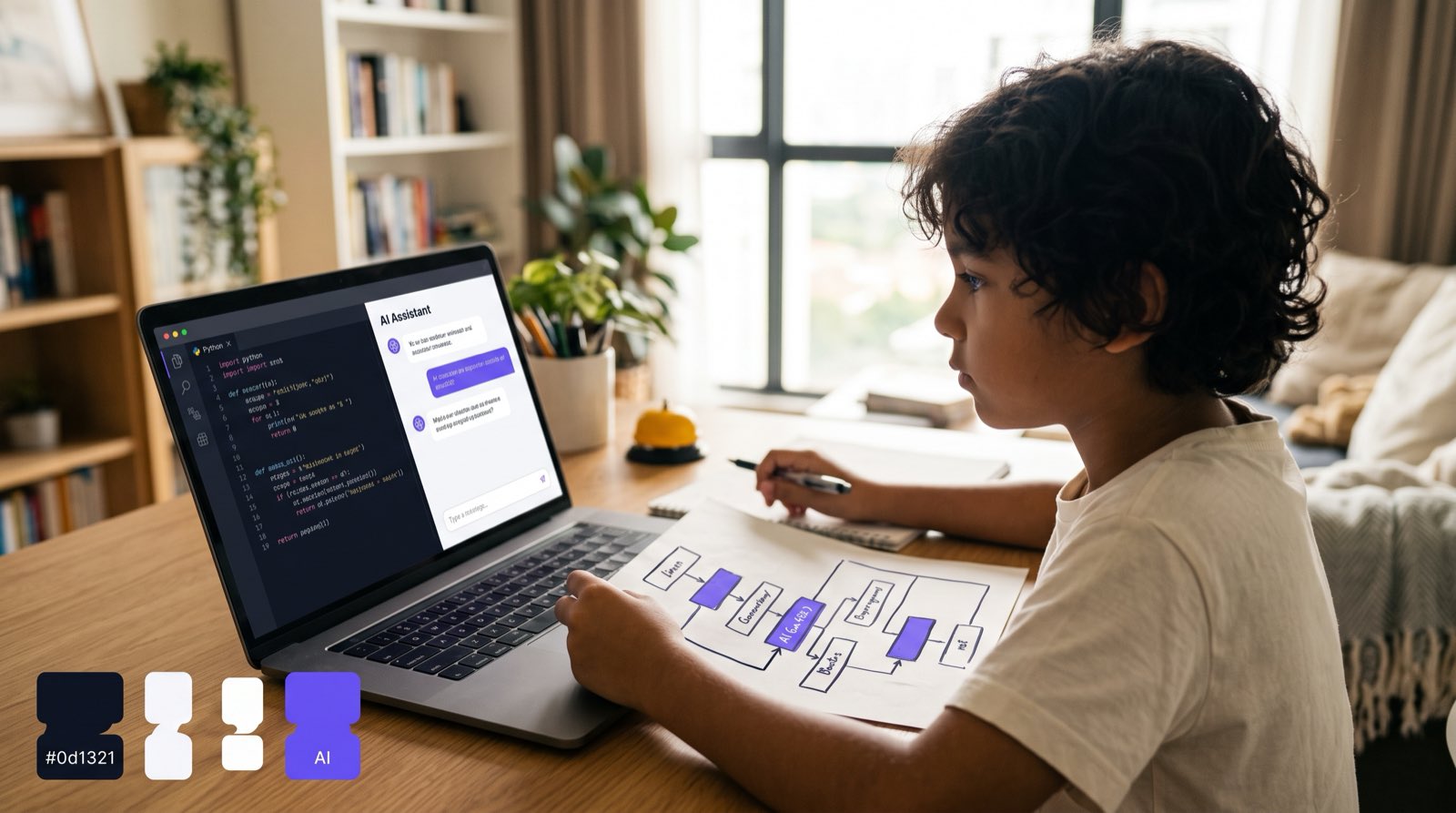
Parents ask us a version of the same question every week: "If ChatGPT, Claude, and GitHub Copilot can write code in seconds, why should my child waste time learning to code?"
Fair question. When a plain text prompt produces a working Python script, an HTML page, or a SQL query, years spent memorising syntax start to look like a bad trade. Some parents have asked us, only half joking, whether coding class is the new Latin class.
Our answer is that learning to code with AI tools changes what coding education achieves. Coding was never really about brackets, semicolons, and exact function names. Typing syntax was simply the manual labour of getting an idea across to a computer.
Pair a child with AI tools and most of that labour disappears. What remains is the harder and far more interesting part: pulling a problem apart, designing the logic, checking the output, making design decisions. A student who would once have spent six months learning where curly braces go can instead treat AI as an assistant and have a complex, working application running in a few weeks.
Below are six reasons children aged 5 to 18 should learn coding paired directly with AI tools, drawn from current educational research and from what we see with the 9,500-plus students we have taught.
Key Takeaways
| Dimension | Traditional Coding Education | AI-Augmented Coding Education |
|---|---|---|
| Primary Focus | Memorising syntax rules and debugging typos | Problem framing, system design, and algorithmic thinking |
| Pace of Progress | Months spent on basic syntax before seeing results | Rapid prototyping of real apps, games, and AI tools |
| Role of AI | Often viewed as a shortcut or cheating mechanism | Used as an interactive co-pilot, debugger, and tutor |
| Core Competency | Writing line-by-line code independently | Directing AI models, verifying outputs, and fixing logic |
| Math Integration | Abstract formulas isolated from practical use | Real-time math application via game physics and data models |
Table of Contents
- Reason 1: AI Shifts Coding from Syntax Memorisation to System Architecture
- Reason 2: Debugging and Verification Become High-Value Critical Thinking Skills
- Reason 3: AI Assistants Accelerate the Journey to Real Text-Based Programming
- Reason 4: Prompting AI Code Tools Builds Precision in Computational Thinking
- Reason 5: Children Shift from Passive Digital Consumers to Active Builders
- Reason 6: Real Project Builds End the Math-Hate Cycle
- Workflow: The AI-Augmented Learning Process
- Comparing Educational Approaches
- How Kidocode Teaches AI-Powered Coding
- Actionable Step: How Parents Can Guide AI Coding at Home
- Frequently Asked Questions
- References
Reason 1: AI Shifts Coding from Syntax Memorisation to System Architecture
For decades, learning computer science meant hundreds of hours on syntax rules. One missing semi-colon or one stray indentation in Python kills the whole script, and a nine-year-old walks away convinced she is simply not capable of this.
Generative AI models are very good at routine code generation. They fill in that middle layer of syntax instantly [8]. What they are not is aware. These are probabilistic systems: they do not "understand" what a user wants to accomplish, they predict statistically probable text outputs [1].
Which is why the work in an AI-assisted build looks like a loop, not a straight line:
- The child identifies the problem worth solving.
- She frames the system architecture.
- She prompts the AI for the code modules she needs.
- She reads and inspects what comes back.
- If the logic is wrong, she debugs, refines the prompt, and goes back to step 3.
- Once the logic holds up, the project ships.
The heavy thinking has moved from syntax to architecture. To get anywhere in that loop, the child has to answer questions a working engineer answers:
- How should this application break down into smaller parts?
- What inputs does the user need to provide?
- How does data flow between the user interface and the database?
- What happens when something goes wrong?
As STEM educators note, once code production becomes cheap, the ability to frame problems and define system goals becomes the premium skill [8]. Teaching a child to code with AI trains her to work as the lead architect of the software rather than its typist.
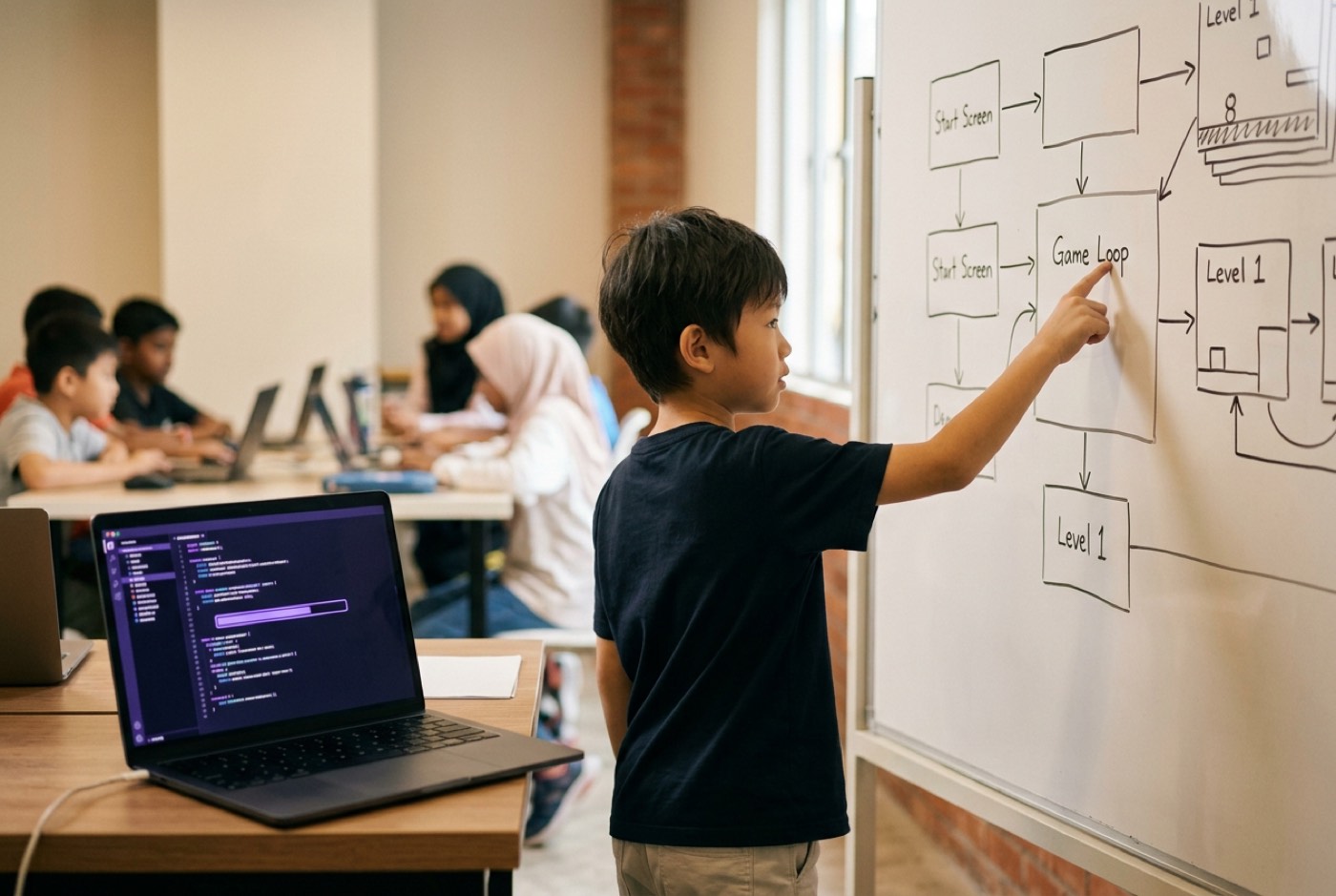
Reason 2: Debugging and Verification Become High-Value Critical Thinking Skills
Large language models produce code that looks plausible. They also produce subtle logical errors, security vulnerabilities, and outright hallucinations [4]. A child who cannot read code has no choice but to trust whatever appears on screen.
A child who learns to code alongside AI develops the opposite reflex. She stops assuming the answer is correct and starts inspecting, testing, and verifying the script line by line [1].
A practical example from our classrooms. A student asks an AI assistant to write the physics for a jumping character using the kinematic formula for velocity:
The AI returns code that updates the character's position correctly on paper but ignores frame-rate fluctuations in a browser. The student notices the character stuttering across the screen, opens the code, spots that the time delta was never applied, and tells the AI exactly what to change.
Debugging done this way is an exercise in logic and critical evaluation [8]. The lesson underneath it matters more than the fix: AI is a powerful assistant, and accuracy is still the human's job [1].
Reason 3: AI Assistants Accelerate the Journey to Real Text-Based Programming
The traditional coding ladder for children is rigid. Start with block-based environments like Scratch at age seven. Stay on block platforms for three or four years. Transition to a text-based language like Python somewhere around twelve or thirteen.
A lot of children never make that transition. Going from dragging colourful blocks to typing syntax in something like Visual Studio Code feels like walking into a wall.
AI coding assistants shorten the ladder considerably. With an assistant acting as an interactive tutor, children of eight or nine can start working in real Python, JavaScript, or HTML/CSS.
Take a NameError or an IndexError, the kind of message that used to stop a beginner cold until a teacher came over. The student pastes the code and the error into her AI workspace, gets the concept explained in plain English along with a suggested fix, and keeps going. The feedback loop never breaks [4].
With the friction of syntax errors absorbed, attention goes to logical structure instead. In our classrooms, students who spent only a few weeks in block environments move into building functional Python tools, because the AI companion keeps the scaffolding in place.
To understand how block coding compares directly with text-based progression, read our comparison guide on Scratch vs Python.
Reason 4: Prompting AI Code Tools Builds Precision in Computational Thinking
There is a common misconception that generating code with AI requires no discipline, that a child types "make a game" and collects a finished product. Anyone who has actually tried it knows the result is chaotic and unusable.
Getting functional code out of a model demands clear, unambiguous communication. That discipline goes by the name prompt engineering, and it is computational thinking written in natural language [6].
Four habits do most of the work [8]:
- Decomposition: Breaking a large project into modular prompts. "First, generate the database schema for user logins" gets somewhere; "Build a social network" does not.
- Pattern Recognition: Spotting repeated structures across program functions so the AI can build re-usable classes.
- Abstraction: Stripping out aesthetic detail to concentrate on data types and logic flows.
- Algorithmic Specification: Writing step-by-step instructions that name the edge cases, boundaries, and validation requirements.
Vague instructions produce broken or generic output, and the child sees the connection immediately: precision in thought, precision in execution. That habit travels well. It shows up later in essay writing, in scientific inquiry, and in mathematics.
Parents looking to understand how prompting fits into modern technical literacy can explore our deep dive on mastering ChatGPT and prompt engineering.
Reason 5: Children Shift from Passive Digital Consumers to Active Builders
Malaysian children spend hours every week on YouTube, TikTok, and Roblox. That consumption is usually what drives the screen time conversation at home.
Building with AI tools changes the terms of that conversation. The four hours that went into playing a game go into building game mechanics, customising AI chatbots, or designing mobile web applications instead.
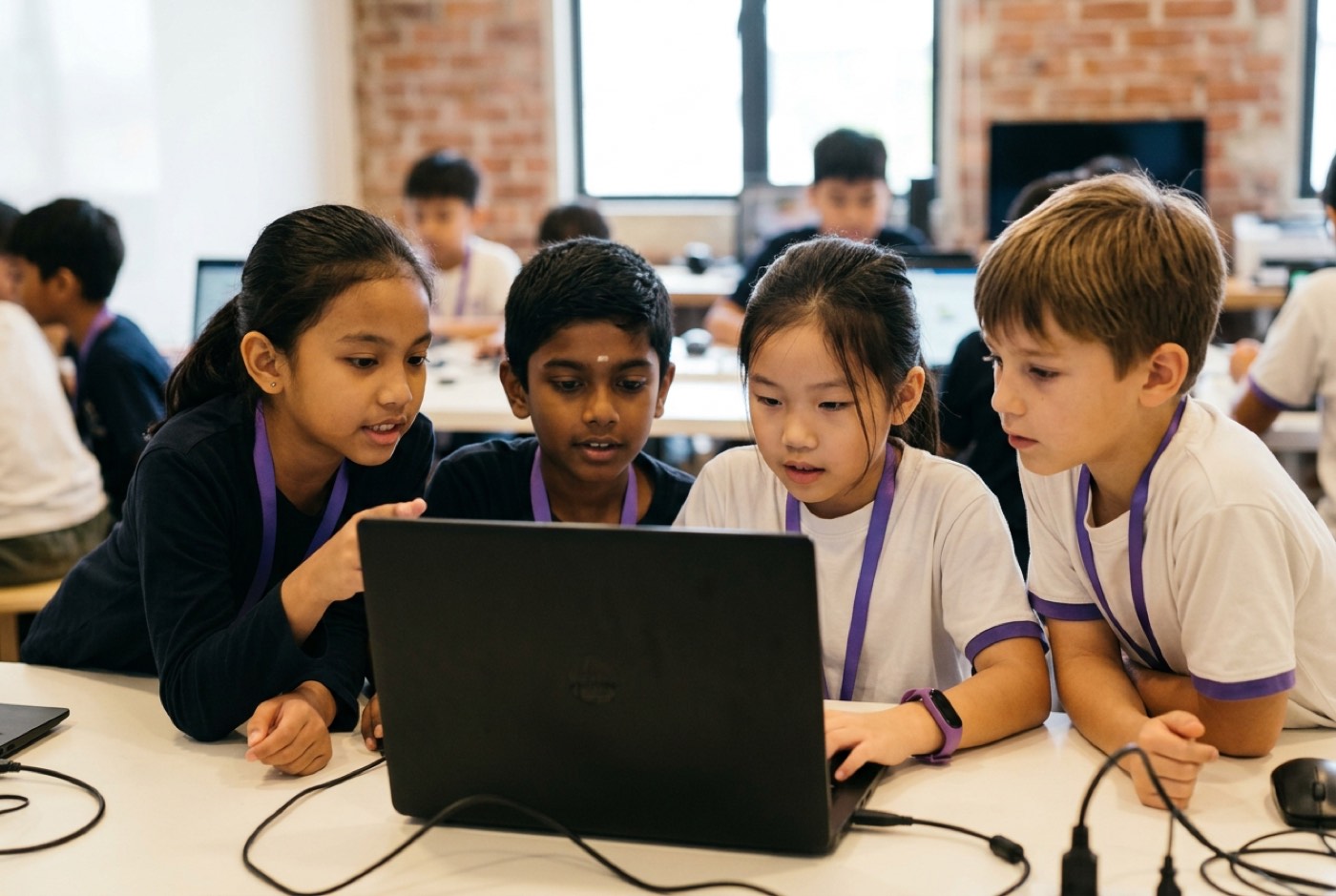 Position papers from global educational organisations make the case that teaching young people to code gives them self-expression, creative agency, and some protection against digital manipulation [1]. Children who build software stop treating technological systems as black boxes and start seeing how digital products are constructed and governed [7].
The national #mydigitalmaker initiative led by the Malaysia Digital Economy Corporation (MDEC) and the Ministry of Education targets exactly this shift, working to move Malaysian youth from digital consumers to digital creators [2].
Because AI tools lower the barrier to entry, a ten-year-old can have an idea over breakfast and a working prototype by dinner. Going from idea to something that runs, that quickly, is where creative confidence comes from [8].
For parents whose children spend significant time on gaming platforms, our guide on how Minecraft coding turns players into creators explains how to channel gaming interest into productive engineering habits.
Reason 6: Real Project Builds End the Math-Hate Cycle
Math aversion runs deep in primary and secondary school. Official data from the PISA 2022 assessment showed that 65% of 15-year-old Malaysian students disagreed with the statement that mathematics is easy, and national mathematics scores dropped by 32 points compared to 2018 [3].
Cognitive ability is rarely the problem. The problem is the delivery: abstract rules, repetitive worksheets, and memorisation cut off from anything the child cares about.
In an AI-augmented coding environment, math stops being an obstacle and becomes a tool. A student building a 3D game environment or a financial data tool reaches for mathematical concepts because the project stalls without them:
- Geometry and Trigonometry: Used to calculate angle trajectories and collisions in game engines.
- Algebra and Variable Logic: Used to state conditions and calculate user scores dynamically.
- Probability and Statistics: Used to train simple machine learning models and analyse dataset trends.
Research shows that young children exposed to applied coding activities demonstrate higher mathematical reasoning skills than peers taught solely through conventional instruction [7].
Once a child watches math solve a concrete problem inside something she built, the hatred tends to evaporate. She is no longer solving equations for a grade. She is using mathematical logic to make her software behave.
Parents interested in how project-based building replaces traditional tutoring can read our detailed analysis on math tuition versus learning math by building.
Comparing Educational Approaches
The table below compares traditional coding classes, self-directed AI usage at home, and structured AI-augmented coding programmes.
| Feature | Traditional Coding Classes | Unguided Home AI Usage | Structured AI-Augmented Learning |
|---|---|---|---|
| Primary Method | Manual syntax exercises & template tutorials | Copy-pasting prompts with minimal oversight | Directed project builds with an AI co-pilot |
| Risk of Over-reliance | Low (manual typing required) | High (child accepts AI code without reading) | Zero (curriculum enforces code review & verification) |
| Pace of Learning | Slow (bound by typing and syntax debugging) | Unstructured (lacks sequential skill development) | Rapid (accelerates directly into text languages) |
| Math Integration | Rarely connected to school math syllabi | None (purely task-oriented generation) | Embedded directly (IGCSE/Cambridge math alignment) |
| Outcome | Rote understanding of syntax | Superficial output generation | AI-savvy systems thinker and builder |
Workflow: The AI-Augmented Learning Process
Students in our classrooms work through a four-stage engineering pipeline that brings AI in without letting go of the underlying computational thinking.
| Stage | Focus | What the student does |
|---|---|---|
| Stage 1 | System Framing | Problem decomposition, defining user requirements, mapping data inputs and outputs |
| Stage 2 | AI Co-Creation | Prompt engineering, modular code generation, selecting appropriate architecture |
| Stage 3 | Inspection & Verification | Line-by-line code review, detecting AI logic errors, validating math algorithms |
| Stage 4 | Testing & Deployment | Edge case testing, performance optimisation, deploying the functional app |
The sequence keeps the project in the student's hands. The AI supplies speed; the child decides where the thing is going.
How Kidocode Teaches AI-Powered Coding
At Kidocode, coding is not the headline subject. It comes bundled inside a broader framework built for students aged 5 to 18.
Three pillars hold that framework up:
- AI School First: We teach children how AI systems work under the hood, how to direct AI assistants safely, and how to judge machine outputs critically [1].
- Math Through Builds: We end math aversion by aligning project builds with international math standards (IGCSE, Cambridge, Common Core). Every child gets a personalised AI tutor that adapts to their pace, turning abstract concepts into usable software mechanics.
- Tech & Coding Bundled: Coding runs across six specialisation tracks: Python, Web Development, Mobile Apps, Game Development, Electronics, and 3D Modeling. We bundle it because syntax is public knowledge now. What we actually teach is computational thinking and engineering discipline.
We operate five physical campuses across Malaysia:
- Klang Valley: Solaris Mont Kiara (HQ Flagship) and Sunway Nexis (Kota Damansara, Petaling Jaya).
- Penang: Q2 Waterfront (Bayan Lepas), Vantage Tanjung Tokong, and Icon City (Bukit Mertajam).
An equivalent live online programme runs interactive, camera-on sessions led by expert trainers.
Our founder, Hossein Tohidi (known to students and parents as Unclecode), is a computer scientist, AI researcher, and creator of Crawl4AI, an open-source AI platform with over 12 million downloads used by technology companies globally. His engineering principles drive our project-first methodology.
Parents who want to see how this approach works in practice can explore our overview of what kids learn in an AI and coding class or read about our philosophy on why coding is bundled free.
Actionable Step: How Parents Can Guide AI Coding at Home
If your child already uses AI tools for schoolwork or coding, you do not have to choose between banning them and letting them run loose. A simple framework at home does most of the work.
Step 1: Establish the "Read Before Run" Rule
No code goes from an AI assistant into an editor without being read aloud first. Ask your child to explain what two specific lines do before the script runs.
Step 2: Implement "Intentional Bug Searching"
When the AI generates code, challenge your child to find one case where it will break. "What happens if a user inputs a negative number here?" "What happens if someone clicks this button twice?"
Step 3: Shift from Output Prompts to Explanatory Prompts
Push your child toward using AI as a tutor rather than a code vending machine. Prompts that work:
- "Explain why this Python function returns an error in two simple sentences."
- "Give me three hints on how to structure this logic, but do not write the code for me."
For a complete guide on handling AI homework usage responsibly, read our parent guide on what to do when your child uses ChatGPT for homework.
Printable Home AI Coding Audit Checklist
Print this and keep it near your child's study desk. It takes about a minute to run through at the end of a coding session.
- Step 1: Goal Definition, Did my child write down the problem statement on paper before opening an AI tool?
- Step 2: Modular Prompting, Is my child asking the AI for small, specific components rather than typing "build whole app"?
- Step 3: Code Inspection, Can my child explain the purpose of the key variables and functions generated by the AI?
- Step 4: Math Verification, Are numerical calculations, coordinates, or scores verified manually using basic math rules?
Designed, ready to print and sign. We email it to you together with a 5% discount on your next registration.
Frequently Asked Questions
Will AI make learning to code obsolete by the time my child graduates?
Is block-based coding like Scratch still relevant if AI exists?
Yes, for young children aged 5 to 7, where blocks teach sequencing and logic without typing getting in the way [7]. What has changed is the timeline afterwards. With AI assistants available, older children no longer need years on block platforms and can move into real text languages like Python much earlier [4].
How do I know if my child is relying too much on AI instead of learning?
Watch for three things: she cannot explain how her code works, she cannot change a game variable by hand, or she gets frustrated when asked to sketch the project's logic on paper. Healthy usage looks like a tutor and co-pilot relationship, not an unsupervised shortcut. Read our detailed guide on signs your child is relying too much on AI.
What age is best for a child to start learning coding with AI tools?
Children as young as 5 to 7 can build foundational computational thinking through guided logic builds and interactive visual tools [7]. Direct work with text-based AI coding assistants usually starts around 8 to 10, depending on reading fluency and problem-solving readiness.
Does learning to code help if my child does not want to become a software engineer?
Experience AI-Powered Learning at Kidocode
If you want to see how your child responds to an AI-augmented learning environment, book a free trial class at Kidocode.
The trial runs up to two hours. Your child works directly with our trainers to build a real project in AI, math, or technology. No sales pitch, no payment. Both parents are welcome to sit in and watch.
Free trial sessions run every weekend at our flagship campuses in Solaris Mont Kiara (Kuala Lumpur) and Q2 Waterfront (Penang), and on our live online platform.
Book a Free Trial Class at Kidocode
References
- Raspberry Pi Foundation, Why kids still need to learn to code in the age of AI (June 2025)
- Malaysia Digital Economy Corporation (MDEC), Model School for Tech Education (#mydigitalmaker)
- BERNAMA, STEM Enrolment and PISA Educational Analysis in Malaysia (May 2026)
- MDPI Systems, Generative AI in K-12 Education: A Systematic Review (Sept 2025)
- Harvard Graduate School of Education, The Impact of AI on Children's Development (Oct 2024)
- TIME Ideas, Why Kids Still Need to Learn to Code in the AI Era (Nov 2025)
- Psychology Today, AI Doesn't Change Why Kids Should Learn to Code (March 2024)
- ThinkerLab, Should Kids Learn to Code in the Age of AI? (June 2026)