

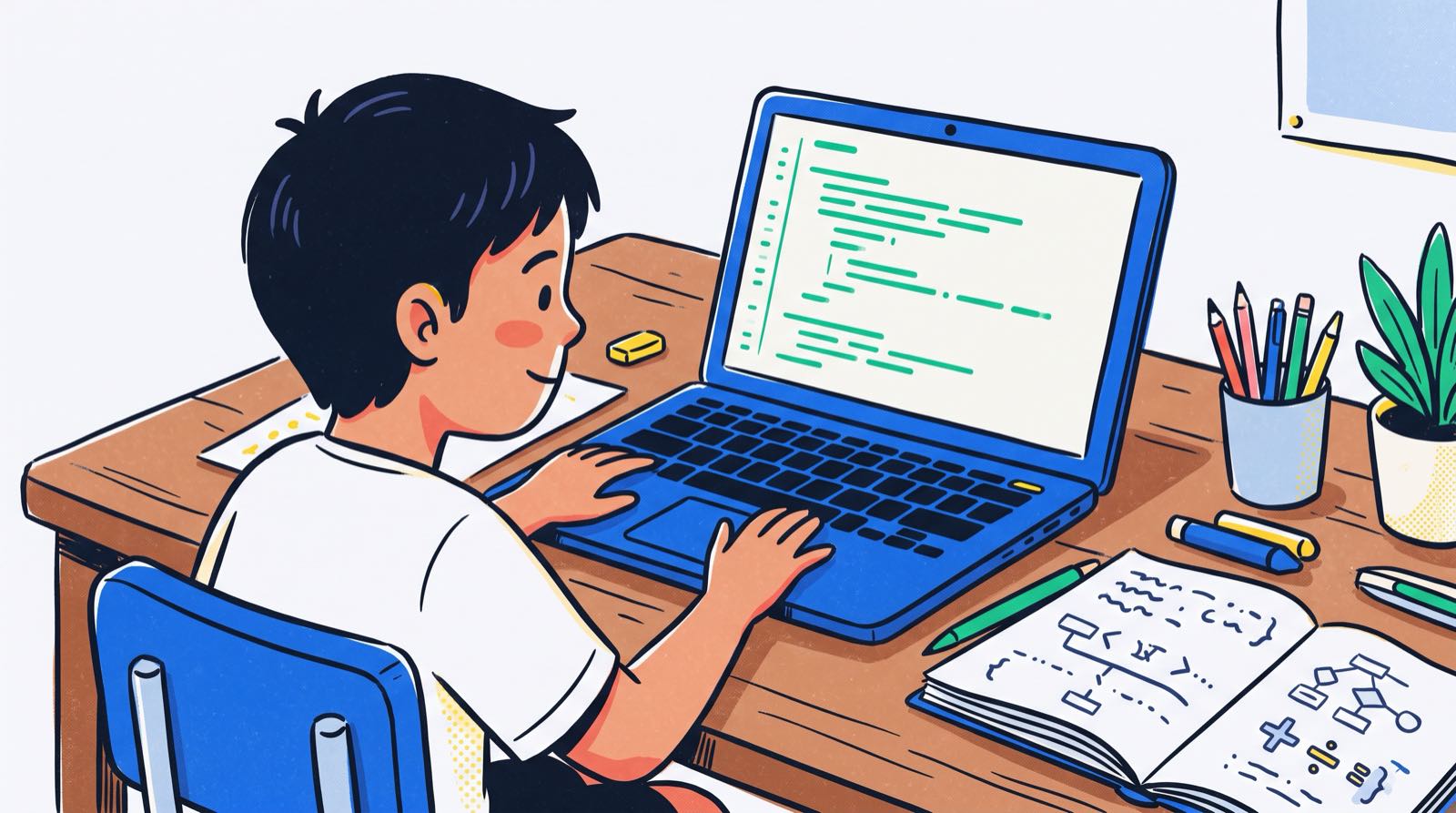
For over a decade, parents in Malaysia have heard the same line from educators and edtech advocates: coding is the new Mandarin, coding is the global language of the twenty-first century. The comparison is easy to accept. We write code using words, rules and symbols to communicate instructions, which does look a lot like writing an essay or drilling grammar. Parents across Kuala Lumpur and Penang regularly ask whether a programming class should sit in the timetable next to English or Bahasa Melayu tuition.
Cognitive neuroscience gives a more complicated answer. Recent brain-imaging studies show that natural language aptitude does help children pick up coding syntax quickly at the start, but the brain handles code execution quite differently from natural speech. Comprehending code recruits domain-general problem-solving networks rather than dedicated speech centres.
That distinction matters for how you support your child. Generative AI tools can now produce working syntax on demand, so treating coding as a fixed vocabulary to be memorised no longer buys much. The durable skill is computational thinking: the logic, the problem decomposition and the system design that let a young builder direct these tools instead of being replaced by them.
Key Takeaways
| Perspective | Common Parent Assumption | Scientific & Pedagogical Reality | Practical Action for Parents |
|---|---|---|---|
| Brain Processing | Coding uses the exact same brain regions as learning French or Mandarin. | Initial syntax acquisition correlates with language aptitude, but code comprehension relies on the brain's multiple demand (problem-solving) network [1], [4]. | Encourage kids who love stories or reading to try coding. They often pick up syntax faster than expected. |
| Role of Maths | You must be a maths genius to learn how to code. | Basic numeracy accounts for only a tiny fraction (roughly 2%) of beginner learning speed variance [4]. | Do not let school maths anxiety block your child from starting. Coding actually restores maths confidence through builds. |
| Impact of AI | AI coding assistants make learning to code unnecessary for kids. | AI handles raw syntax memorisation, allowing children to move into real text coding and project design much faster. | Shift focus from syntax drills to directing AI, problem decomposition, and logical thinking. |
| Curriculum Fit | Coding is just an extra software tool outside school subjects. | Malaysian national secondary curricula (Asas Sains Komputer) define computational thinking as human problem-solving [5]. | Align out-of-school builds with core logic, problem decomposition, and practical application. |
Table of Contents
- What Neuroscience Tells Us: Is Code Processed Like English or Algebra?
- The Language Metaphor: Where It Helps and Where It Breaks Down
- The Malaysian School Context: ASK, KSSM, and Pre-Coding
- How AI Coding Assistants Shift the Language Equation
- Decision Table: Natural Language vs Coding Education
- The Cognitive Pathway of Code Acquisition
- How Kidocode Integrates AI, Math, and Tech
- 6-Week Actionable Parent Plan: Introducing Code as Thinking at Home
- Printable Home Computational Thinking Checklist
- Frequently Asked Questions
- References
What Neuroscience Tells Us: Is Code Processed Like English or Algebra?
To test whether coding really works like a language, researchers have looked at what the brain does while a person learns and reads computer code. The results split along a useful line: acquiring programming syntax is not the same mental job as executing logical code in your head.
Language Aptitude Predicts Beginner Learning Speed
A study at the University of Washington followed native English-speaking adults with zero prior coding experience through introductory Python modules [4]. The researchers measured language aptitude, fluid reasoning, working memory and basic numeracy.
The results cut against the old assumption that mathematical calculation is the main prerequisite for programming. Language aptitude, working memory and fluid reasoning predicted how fast participants learned Python far better than basic numeracy did. Basic maths skills accounted for only 2% of the individual variance in learning speed [4]. The resting-state brain activity patterns that predicted rapid second-language learning, such as learning French, also predicted rapid Python acquisition [4].
That is good news if your child has already decided they are "not a maths person." The grammar, vocabulary retention and sequencing involved in early text-based programming lean hard on the brain's ordinary capacity for language learning.
The Brain Network Behind Code Comprehension
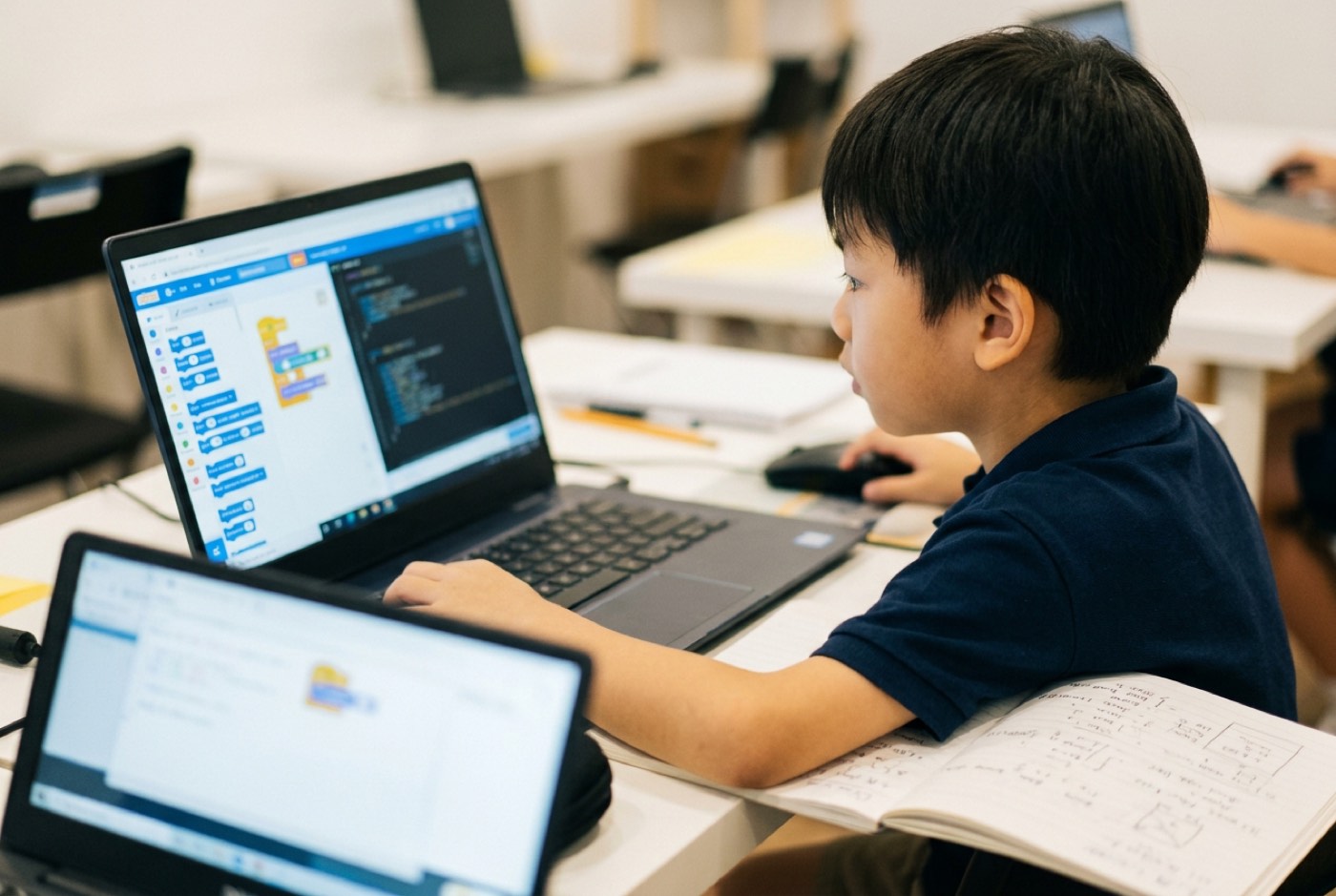
Language aptitude helps novices absorb syntax. What happens once they start reading and interpreting active code is different, and functional magnetic resonance imaging (fMRI) shows it clearly. Research led by the Massachusetts Institute of Technology (MIT) monitored brain activity while participants evaluated code snippets in Python and ScratchJr [1], [2].
Reading computer code did not activate the brain's primary language-processing regions, including Broca's area [1]. What lit up instead was the multiple demand network, a distributed network across the frontal and parietal lobes that handles complex cognitive operations, structural logic, and holding several variables in working memory at once [1].
| Brain network | What it handles | Where it shows up in coding |
|---|---|---|
| Language network (the same one used for a second language) | Vocabulary acquisition, grammatical structure | Reading and learning code syntax |
| Multiple demand network | State tracking, logical evaluation, systemic execution | Working out what the code will actually do when it runs |
Both contribute to code comprehension. The MIT team also recorded several specifics about how the multiple demand network behaves while a person reads code:
- Bilateral Activation: Natural language is predominantly left-hemisphere dominant in most people. Reading code activates both the left and right sides of the multiple demand network [1].
- Visual vs Text Differences: Visual block-based code like ScratchJr activated the right hemisphere slightly more than the left, which fits its spatial and graphical demands [1].
- Distinct from Pure Maths: Reading code uses the multiple demand network, but it recruits different sub-components of that network than standard arithmetic or pure logic puzzles do [1].
Electrophysiological work published in Scientific Reports adds another layer. Researchers measured brain waves (EEG) while coders read Python loops [1]. Syntactically invalid code triggered a P600 response, the same wave that grammatical errors in human speech produce [1]. Semantically implausible code, meaning code that violates logical intent, produced an N400 response instead [1]. Programmers with more expertise showed considerably larger P600 waves, which suggests that fluency eventually turns code syntax into intuitive structural grammar [1].
Resolving the Apparent Tension
So how can language aptitude predict Python learning speed if code comprehension skips the language regions?
The two findings describe different phases of the work:
- Acquisition Phase (Learning the notation): A child meeting code for the first time has to map abstract symbols, keywords (
if,while,def) and structural rules onto concepts. The brain's language-learning machinery handles that mapping well. - Execution Phase (Tracing the logic): Once the symbols are familiar, the job passes to the multiple demand network. Now the mind has to simulate a virtual machine: update variables, evaluate conditional logic, track how system state changes over time.
Coding uses language mechanisms as the doorway in. Building real solutions runs on domain-general cognitive engineering.
The Language Metaphor: Where It Helps and Where It Breaks Down
The metaphor is not wrong so much as partial. Knowing which half you are relying on helps you pick a learning method that works.
Where the Analogy Succeeds
- Fluency Requires Consistency: No child speaks fluent Mandarin off one grammar worksheet every two months, and no child becomes proficient at programming without regularly building projects.
- Syntax Has Strict Rules: A missing semicolon or a misplaced indentation block in Python changes what runs, the way a moved punctuation mark or a swapped verb tense changes what a sentence means.
- Expression of Ideas: Code is a medium for human creative expression. Children use it to author digital stories, build interactive worlds and spell out step-by-step algorithms.
Where the Analogy Fails
- Ambiguity vs Determinism: Natural language leans on context, tone and shared experience, and a listener can repair a messy sentence on the fly. An interpreter is deterministic. It runs exactly what is written, never what the author meant.
- State and Side Effects: A spoken sentence disappears once it is heard. Code lives inside an active computational system, where running line 12 changes the values sitting in variables at line 45. Natural language has grammar. Code has state.
- The Role of AI Translation: Handing a live French conversation to an AI tool breaks the human connection you were having it for. In modern software development, children routinely let AI assistants generate boilerplate syntax while they hold on to the high-level architecture and logic.
For more on how early exposure builds these structural thinking skills, read our guide on computational thinking for young learners.
The Malaysian School Context: ASK, KSSM, and Pre-Coding
Malaysian parents usually judge coding against the formal school curriculum, in particular the Ministry of Education's (KPM) Secondary School Standard Curriculum (KSSM).
Asas Sains Komputer (ASK) and Computational Thinking
The official Form 1 Asas Sains Komputer (ASK) curriculum textbook defines computational thinking as a human problem-solving process that draws on computer science concepts, not as "thinking like a computer" [5].
The national framework organises computational thinking around four foundational techniques [5]:
| Technique | Malay term | What the student actually does |
|---|---|---|
| Decomposition | Teknik Leraian | Break a complex problem into manageable constituent parts. |
| Pattern Recognition | Teknik Pengecaman Corak | Identify similarities and recurring trends across the decomposed components. |
| Abstraction | Teknik Peniskalaan | Filter out unnecessary details to focus on core principles only. |
| Generalisation | Teknik Pengitlakan | Build reusable algorithms or models that solve broader classes of similar problems. |
None of the four pillars asks a student to memorise a syntax string. Malaysian national standards treat code as the implementation mechanism for a human thinking process.
Early Childhood Pre-Coding Awareness
The same emphasis on problem-solving reaches down into early childhood education. A 2024 peer-reviewed study published in Sains Humanika surveyed 144 private kindergarten teachers across Perak, Selangor and Putrajaya about pre-coding for children aged 4 to 6 [3].
Awareness and interest among these educators ran high, but the survey exposed real knowledge gaps:
- Only 40.3% of surveyed teachers correctly identified pre-coding as an unplugged instructional process conducted without digital screens or computers [3].
- Less than half (46.5%) had prior practical experience implementing pre-coding activities in their classrooms [3].
- The largest proportion (43.1%) relied on social media and general internet searching for their information about early computing concepts [3].
Many parents and early educators still picture coding as a small child at a keyboard typing commands. Early pre-coding is physical, spatial and logical: spatial navigation, sequence ordering and pattern matching, all long before a child opens a text editor.
To see how early block-based environments transition into text coding, explore our comparison of Scratch vs Python for kids.
How AI Coding Assistants Shift the Language Equation
If coding were a static foreign language like Latin or ancient Greek, large language models would have made typing syntax pointless. An AI model can turn plain English or Bahasa Melayu prompts into working code in seconds, so why should a child spend months on variable declarations and bracket rules?
It is a fair question, and plenty of parents raise it. But treating AI as a replacement for coding misreads how software actually gets made now.
Syntax Is Replaced; Systemic Logic Is Amplified
Learning to code used to mean climbing a slow ladder:
- Spend 1 to 2 years memorising drag-and-drop blocks in visual environments.
- Spend another 1 to 2 years fighting syntax errors, missing colons and typos in text-based tools like Python.
- Reach real application building around age 14 or 15.
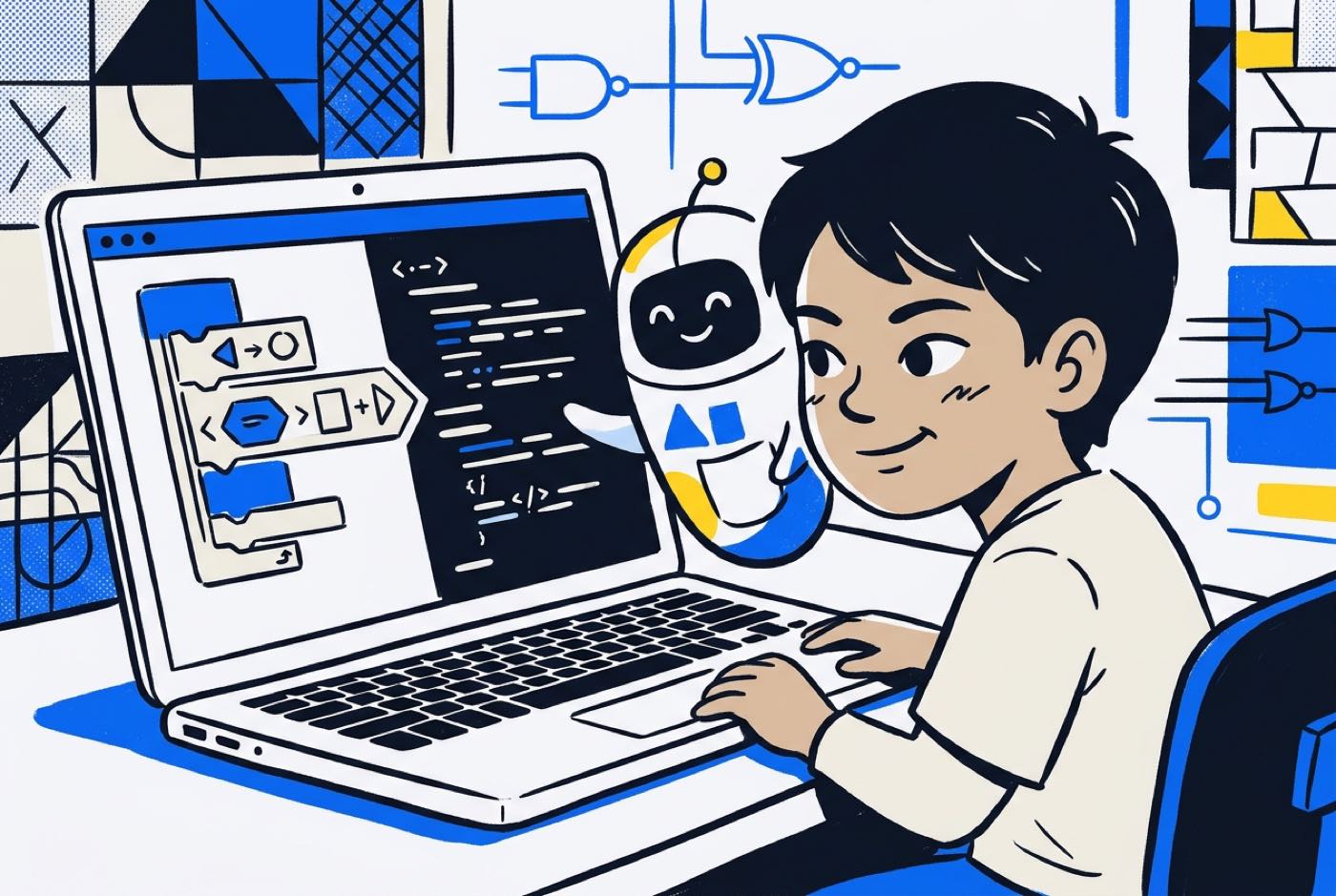
AI coding assistants break that ladder. The assistant works as an automated syntax translator: the child says what they want to build, and the AI suggests or writes the raw boilerplate.
The child's job changes from manual typist to architect and director:
- Old Model: 80% of effort on memorising syntax rules; 20% on logic and problem design.
- Modern AI-Assisted Model: 10% of effort on syntax verification; 90% on problem decomposition, debugging logic, edge-case testing and system integration.
Children working with AI assistants reach real text-based coding and complex project design far earlier than traditional methods allowed. The syntax barrier drops away and the demand for rigorous computational thinking goes up. A child who cannot decompose a problem cannot write the instructions that an AI assistant needs.
For a fuller analysis of this shift, read our complete guide on whether kids should still learn to code when AI writes the code.
Decision Table: Natural Language vs Coding Education
When you are deciding how to structure your child's enrichment time, this comparison sets natural language learning next to coding and computational thinking:
| Feature | Natural Language (e.g., English, Mandarin) | Coding & Computational Thinking |
|---|---|---|
| Primary Goal | Human-to-human communication, narrative, and culture. | Human-to-system instruction, automation, and problem-solving. |
| Primary Brain Network | Specialised left-hemisphere language network (Broca's/Wernicke's) [1]. | Domain-general bilateral Multiple Demand Network [1]. |
| Core Skill Built | Vocabulary, grammar, nuance, social context. | Decomposition, pattern recognition, state management, logic. |
| Tolerance for Error | High. Humans interpret ambiguous or flawed sentences easily. | Zero at execution. Systems execute exact logical instructions. |
| Role of AI Tools | Machine translation tools assist, but cannot replace live conversation. | AI handles raw syntax generation, elevating the kid to system architect. |
| Learning Path | Phonics → Reading → Writing → Literature. | Unplugged logic → Visual blocks → AI-accelerated text coding → Systems design. |
| Educational Outcome | Cultural literacy and social communication. | Technical literacy, math application, and creation confidence. |
The Cognitive Pathway of Code Acquisition
Knowing how a child moves from basic pattern recognition to full technical capability keeps you from pushing syntax drills before the groundwork is there.
The diagram below sets out the stages through which children take on code as a thinking tool:
timeline
    title Cognitive Progression in Code Acquisition
    section Unplugged Foundations (Ages 5 to 7)
        Spatial Navigation : Physical movement games
        Pattern Recognition : Sorting and sequence cards
        Unplugged Logic : Simple cause and effect rules
    section Visual Systems (Ages 7 to 10)
        Block Assembly : Drag-and-drop execution
        State Tracking : Variables in simple games
        Decomposition : Breaking games into scenes
    section AI-Accelerated Text (Ages 10 to 14)
        Syntax Direction : Reading real Python code
        AI Partnering : Using tools to generate boilerplate
        Debug Logic : Finding semantic errors in execution
    section Full System Architecture (Ages 14 to 18)
        Multi-Track Building : Web apps and 3D games
        Data Engineering : Working with external APIs
        AI Integration : Directing specialized models
How Kidocode Integrates AI, Math, and Tech
At Kidocode we do not treat coding as an isolated trade skill or an entry-level typing exercise. We run as an AI school first, then math, then tech.
Parents often ask why coding is bundled into our membership without a separate itemised charge. The reason is straightforward: coding syntax has become accessible public knowledge, and computational thinking is the skill that lasts.
| Pillar | Position in the model | What it covers |
|---|---|---|
| AI School | First | Directing AI safely and effectively as a core literacy |
| Math | Through builds | Ending math-hate via a personalised AI tutor and project application |
| Tech Tracks | Bundled free | Six building tracks: Python, Web, Mobile, Games, Hardware, 3D |
The Three Differentiators
Our model stacks three pillars:
- AI School First: We train students aged 5 to 18 to direct AI models safely, critically and effectively. AI literacy sits alongside digital safety as co-equal. Children learn prompt architecture, model limitations and ethics together with code.
- Math Through Builds with a Personalised AI Tutor: Plenty of children arrive at our centres convinced they hate mathematics. The child is usually fine; the memorise-and-test method they were taught with was broken. We deliver international math syllabuses (aligning with IGCSE, Cambridge and Common Core standards) in reverse: children use mathematical coordinates, vectors and algebra to build game physics and algorithms. With a personalised AI tutor pacing the work to each child, maths frustration typically stops within 2 to 4 weeks.
- Coding Bundled Free Across Six Tech Tracks: Since raw coding syntax is public knowledge, we include it free inside the broader training. Students pick from six technical tracks based on interest: Python, Web Development, Mobile Apps, Game Development, Electronics and 3D Modelling.
When parents weigh up options, we usually point to the Triple Degree package (RM 899/month), which gives three trainer-guided sessions per week, flexible across all three pillars, at our lowest per-pillar rate. Families who want advanced individual coaching, unlimited flexible access or our pass-or-refund guarantee can look at the Master's degree option.
The approach comes from our founder, Hossein Tohidi, known to everyone as Unclecode. A computer scientist, AI researcher and creator of open-source projects including Crawl4AI (over 12 million downloads and 76,000 GitHub stars), he started Kidocode in 2014 at Solaris Mont Kiara. In the 11 years since, our team has taught more than 9,500 students across Malaysia.
We run five physical campuses plus a live online programme:
- Klang Valley Flagship: Solaris Mont Kiara (Kuala Lumpur)
- Klang Valley Centre: Sunway Nexis (Kota Damansara, Petaling Jaya)
- Penang Flagship: Q2 Waterfront (Bayan Lepas)
- Penang Centres: Vantage (Tanjung Tokong) and Icon City (Bukit Mertajam)
- Live Online Campus: Fully interactive, camera-on live sessions accessible worldwide.
If you want to compare this with conventional tutoring, see our detailed guide on maths tuition vs learning maths by building in Malaysia.
6-Week Actionable Parent Plan: Introducing Code as Thinking at Home
You do not need a computer science degree to build computational thinking with your child at home. This six-week plan runs on ordinary household activities.
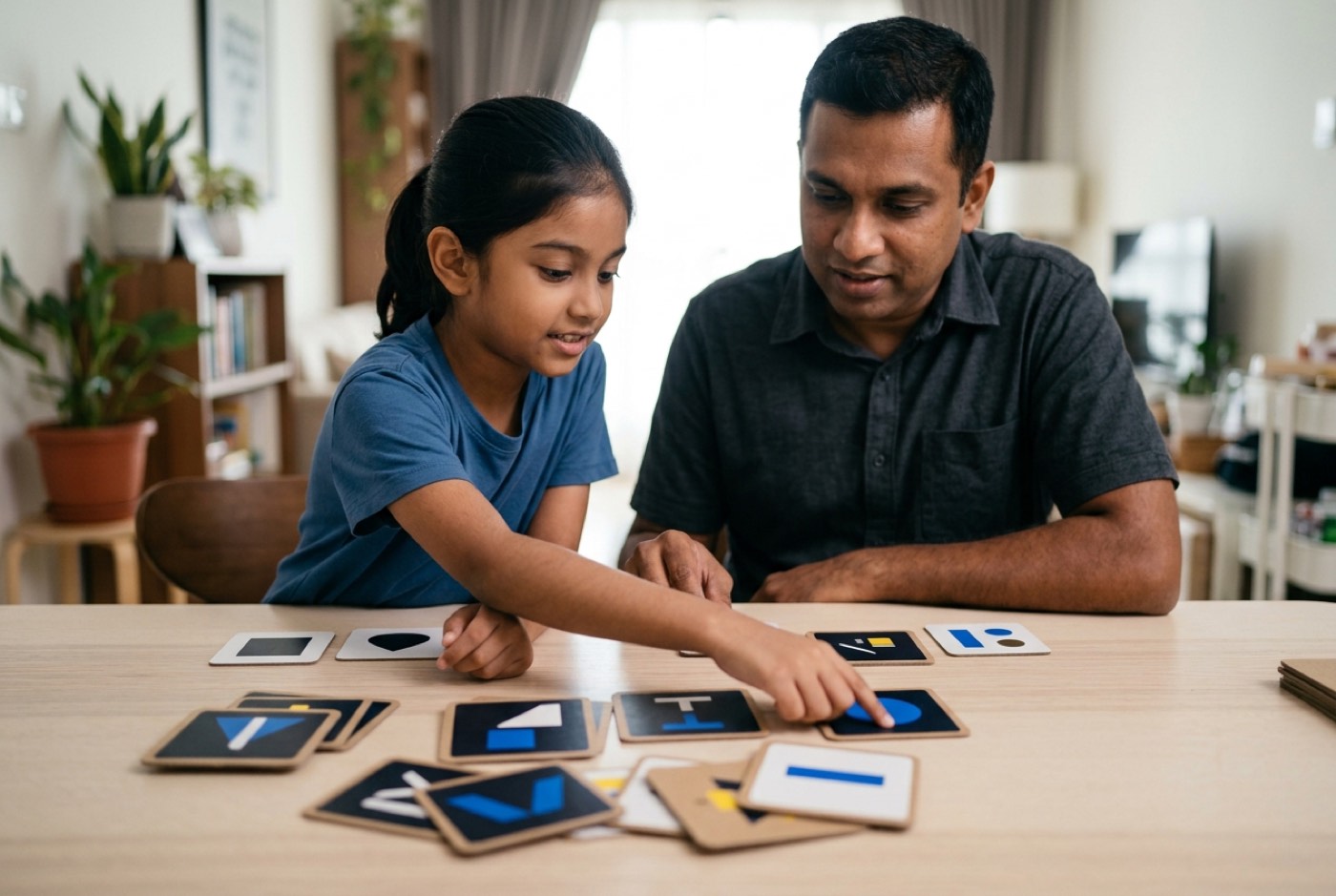
Week 1: Unplugged Problem Decomposition
- Objective: Practise breaking daily tasks into sequential steps (Teknik Leraian).
- Activity: Ask your child to write or say the exact "robot instructions" for making a sandwich or packing a school bag.
- The Rule: Follow their instructions exactly as given. If they forget "open the bread container," you have hit a syntax error.
- Cognitive Outcome: The child sees that computers run explicit instructions, not implied human intent.
Week 2: Household Pattern Recognition
- Objective: Spot recurring structures in daily life (Teknik Pengecaman Corak).
- Activity: Go through daily schedules, musical scores or board game rules together.
- Discussion: Point out loops ("Repeat brushing teeth for 2 minutes") and conditionals ("IF it rains, THEN take an umbrella").
- Cognitive Outcome: Links programming constructs like loops (
for/while) and logic (if/else) to habits the child already has.
Week 3: Spatial and Coordinate Logic
- Objective: Build spatial awareness and grid-based thinking.
- Activity: Draw a 5x5 grid on paper or use floor tiles. Put a small toy in one corner and obstacles in between.
- Task: Have your child write a directional sequence using arrows (
FORWARD 2,TURN RIGHT,FORWARD 1) to get around the obstacles. - Cognitive Outcome: Lays the coordinate foundation (x, y) used in game design and graphic layout.
Week 4: First Scratch Building Blocks
- Objective: Move the logic into visual block-based coding.
- Activity: Set up a free Scratch (MIT) account. Guide your child to build a 2D sprite that moves when the keyboard arrows are pressed.
- Parent Role: Keep your hands off the mouse. Ask questions instead: "Which block controls movement?" or "What happens if we change that number from 10 to -10?"
- Cognitive Outcome: Connects spatial coordinates to visual event triggers.
Week 5: Introducing AI as a Collaborator
- Objective: Teach your child to direct an AI model to generate and explain code.
- Activity: Sit together with a supervised AI chat tool. Ask it: "Write a short Python script that picks a random number between 1 and 10 and asks the user to guess it."
- Review Task: Ask your child to point out which line handles the input, which line checks the answer, and where the loop repeats.
- Cognitive Outcome: Moves the child from typing code line by line to inspecting and directing code logic.
Week 6: Project Showcase and Iteration
- Objective: Run through a complete project lifecycle.
- Activity: Help your child customise their game or script with their own graphics, sound effects or modified rules.
- Showcase: Have them present the project to family members, explaining how it works and how they fixed errors during testing.
- Cognitive Outcome: Builds confidence in technical creation and resilience when things break.
Printable Home Computational Thinking Checklist
Print or save this weekly tracker to follow your child's progress at home:
- Week 1 (Decomposition): Child authored a step-by-step physical algorithm for an everyday chore without missing steps.
- Week 2 (Pattern Recognition): Identified at least 3 real-life conditional rules (
IF / THEN) and 2 repeating loops in daily routines. - Week 3 (Spatial Logic): Successfully mapped an unplugged grid path using directional commands without hitting obstacles.
- Week 4 (Visual Code): Built an interactive block project where key presses control onscreen sprite motion.
Designed, ready to print and sign. We email it to you together with a 5% discount on your next registration.
Frequently Asked Questions
Is my child too young to learn coding at age 5 or 6?
No, as long as the teaching matches where they are developmentally. At 5 or 6, children do not need to sit at a keyboard typing commands. They learn through physical unplugged logic, spatial maze puzzles and simple visual block interfaces. If your child can play a basic game on a phone or tablet, they have what they need to start learning how games are built.
Does my child need to be strong at school maths before learning to code?
No. Cognitive research puts basic arithmetic skill at only about 2% of the variance in beginner coding learning speed [4]. Building often works the other way round and cures maths anxiety. Once a child uses coordinates, angles and variables to make a character jump or a score counter work, abstract school maths starts to have a point. Most children show a clear lift in maths confidence within 2 to 4 weeks of project-based building.
Will AI coding tools make learning programming languages useless for children?
AI removes the need for tedious manual syntax memorisation and raises the need for computational thinking. An AI assistant still needs clear logical direction, proper problem decomposition and human verification. Children who learn to direct AI models alongside structural coding concepts end up as system architects rather than code typists, which puts them considerably further ahead.
How does coding syntax differ from natural language learning?
Natural language learning runs on dedicated speech centres in the left hemisphere, processing ambiguous, context-dependent social communication [1]. Code comprehension recruits the bilateral multiple demand network and treats code as a deterministic logical system [1]. Language aptitude helps children absorb syntax notation quickly at the start [4], but running code in your head requires structural state tracking and systemic problem-solving.
What is the difference between visual block coding and text coding?
Visual block coding, such as Scratch, uses drag-and-drop graphic blocks to teach logic, sequence and event handling without any risk of syntax typos. Text coding, such as Python or JavaScript, uses written words and strict punctuation rules. With modern AI coding assistants, children no longer need years inside visual blocks; they move into real text coding much faster, letting AI handle basic syntax errors while they concentrate on program logic.
Experience How Your Child Learns at a Free Trial
If you want to see how your child responds to project-based building, come and watch it happen. Kidocode offers a free trial class of up to 2 hours at all five physical campuses in Klang Valley and Penang, and live online.
In the session, your child builds a real project in AI, maths or tech. Parents are welcome to sit in, see how our trainers work with your child, and watch the confidence shift as it happens.
Book a session at your nearest campus through our Free Trial Class booking page.
References
- Massachusetts Institute of Technology (MIT News), Brain scans reveal that reading computer code does not activate the brain's language network (Trafton, A., 2020).
- SciTechDaily, Reading Computer Code Is Not the Same as Reading Language to the Brain (MIT / CSAIL / Tufts Study Summary, 2020).
- Penerbit UTM Press (Sains Humanika), Pengetahuan, Kesedaran, Minat dan Penerimaan Guru terhadap Pre-Coding dalam Pendidikan Awal Kanak-Kanak (Rahman, S. N. et al., 2024).
- University of Washington (UW News), Language aptitude, fluid reasoning predict Python learning speed better than numeracy (Eckart, K., 2020).
- Ministry of Education Malaysia (KPM), Ebook Asas Sains Komputer Tingkatan 1 (KSSM Curriculum Standard Document) (Kassan, S. et al., 2016).
- National Center for Biotechnology Information (PMC / Scientific Reports), Electrophysiological signatures of syntax and semantic processing in computer code reading (Kuo, C. H., & Prat, C. S., 2024).