

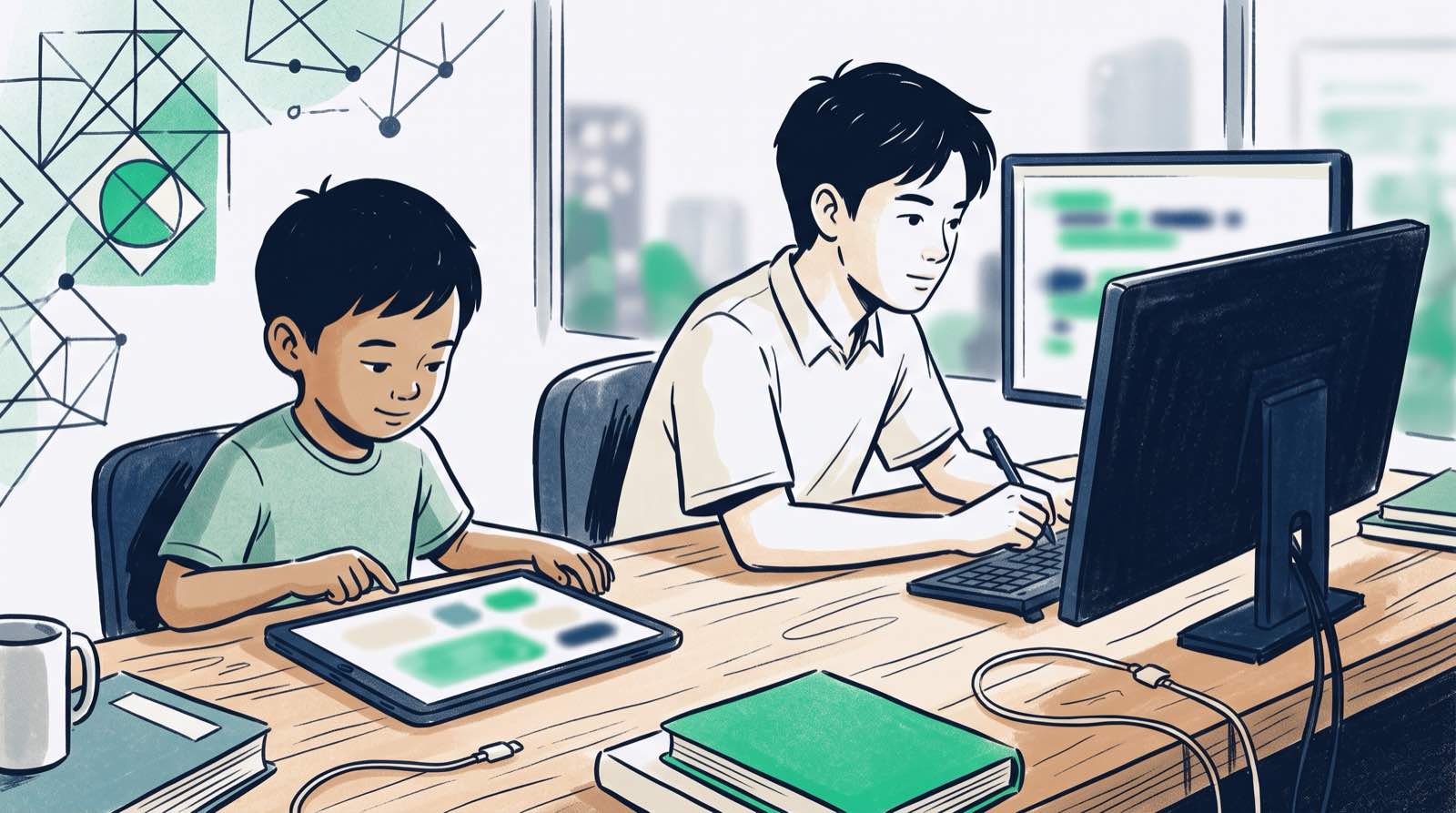
Parents who visit our centres in Solaris Mont Kiara and Sunway Nexis, or who book a live trial from Penang, almost always open with the same question: "Is my child too young to start coding?"
Parents of teenagers ask the reverse. "My child is 14 and has never written a line of code. Is it too late?"
Neither worry holds up. Computational thinking is best introduced somewhere between the ages of 5 and 7. When a child should start writing text-based code, though, depends far less on the child than on how the subject is taught. A five-year-old has no use for syntax rules, bracket matching or typing drills. What they need is visual logic, spatial reasoning and pattern recognition. A fourteen-year-old, meanwhile, should not spend months dragging Scratch blocks around; with the AI tools available today, a teenager can be writing real code within weeks.
So the question is rarely about age. It is about method. Once a child can play an interactive game on a screen, they are old enough to start learning how one is built.
Key Takeaways
| Age Group | Primary Focus | Best Entry Tools | Core Outcome |
|---|---|---|---|
| Ages 5–7 | Visual logic, pattern recognition, spatial reasoning | Unplugged games, Bee-Bots, ScratchJr | Algorithmic thinking without syntax friction |
| Ages 8–10 | Problem decomposition, game mechanics, applied math | Scratch, Roblox Studio, Minecraft | Turning passive gaming hours into active creation |
| Ages 11–13 | Text coding accelerated by AI, basic data structures | Python, HTML/CSS, Pygame | Building real software and interactive web tools |
| Ages 14–18 | Full-stack engineering, AI prompt directing, math application | Python, JavaScript, Web APIs, SQL | Portfolio development and university/career readiness |
Table of Contents
- The Early Childhood Window: Ages 5 to 7
- The Primary School Transition: Ages 8 to 10
- The Middle School Acceleration: Ages 11 to 13
- The Secondary School Mastery: Ages 14 to 18
- Comparing Age Milestones: What Children Build at Every Stage
- Screen Time vs Coding Time: Active Creation vs Passive Consumption
- Will AI Make Early Coding Obsolete? The 2026 Reality
- Why Traditional Coding Ladders Are Too Slow
- How Kidocode Teaches Coding, Math, and AI Across Age Groups
- A Step-by-Step Action Plan for Parents
- Frequently Asked Questions
- References
The Early Childhood Window: Ages 5 to 7
Between 5 and 7, children develop quickly in language, spatial awareness and executive function. Parents often picture coding at this age as a small child hunched over a monitor typing obscure commands. That is not what computer science looks like in kindergarten.
Learning to code here means building computational thinking: breaking a complex action into clear, ordered steps. A five-year-old who tells a floor robot to move forward three spaces, turn left and pick up a virtual block is using the same mental machinery as an engineer writing a loop.
A 2026 peer-reviewed study published in Education Sciences examined two groups of 5-year-old kindergarten pupils evaluated on computational thinking and spatial rotation tests. One group used physical floor robots (plugged learning), while the other group physically enacted route commands wearing masks (unplugged simulation) [3]. Both plugged and unplugged instruction produced significant, measurable increases in computational thinking scores, and the difference in learning gains between the two modalities was not statistically significant [3].
flowchart TD
    A[Unplugged Physical Logic] --> B[Visual Block Sequencing]
    B --> C[Text-Based Coding]
    C --> D[AI-Directed Software Engineering]
That result should reassure parents of young children. Hours of screen time are not the price of a coding foundation. Unplugged activities, logic puzzles, grid games and early visual platforms like ScratchJr cover the cognitive ground on their own. Platform telemetry reported in the European Journal of STEM Education showed that ScratchJr recorded over 9.5 million iOS downloads and more than 20 million projects created worldwide as of February 2018, with children using basic movement and sequence blocks most frequently to build original animated stories [2].
The real objective at this age is confidence. When children work out that they can give instructions to a machine or a game character rather than simply watch it react, their relationship with technology changes for good.
The Primary School Transition: Ages 8 to 10
By 8 to 10, primary school children read more fluently, handle basic mathematical operations and sit still for longer. In Malaysia, national primary frameworks under the Ministry of Education's KSSR curriculum introduce foundational technology and design concepts in primary school [4].
Classroom delivery, though, varies across public and private schools, often for physical reasons. Research on primary school Design and Technology (RBT) teachers in Kuala Lumpur found recurring operational bottlenecks: shared computer labs, equipment maintenance delays and limited specialised training [4].
That gap is why exploration outside school hours matters so much for this age group. Between 8 and 10, children are ready to move from simple visual animation tools into structured game engines such as Scratch, Roblox Studio and Minecraft Education.
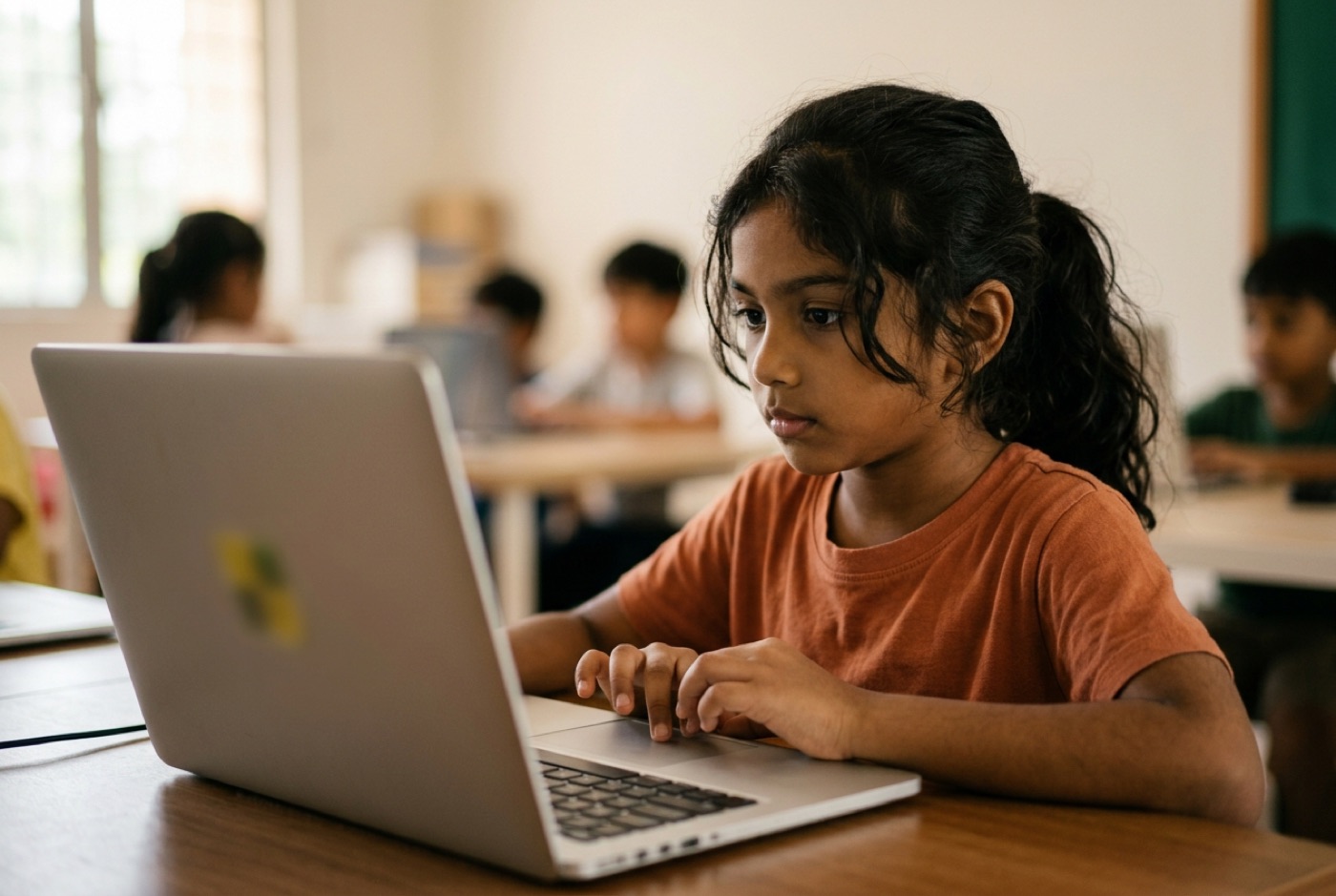 Game creation lands especially well here. A 9-year-old playing Roblox is consuming rules somebody else wrote. Open Roblox Studio, script the gravity, move the spawn points, wire up a score counter, and that same screen time becomes engineering.
This stage is also the best opening we know for undoing school "math-hate". Instead of abstract worksheets on coordinate geometry or negative numbers, children use Cartesian planes to position characters on screen. Math stops being a chore and becomes the thing that makes their game physics behave.
A survey of primary and secondary school educators in Sarawak, published in the Journal of Borneo-Kalimantan, found that 57% of teachers agreed student academic performance improves when computational thinking techniques are integrated into instruction, with pattern recognition identified as the most widely used problem-solving technique [6].
The Middle School Acceleration: Ages 11 to 13
Ages 11 to 13 are where the technical journey turns. Children at this stage have the abstract reasoning to leave block-based drag-and-drop interfaces behind and work in real text languages: Python, HTML, CSS, JavaScript.
Historically, that transition at age 12 was miserable. Weeks went into memorising syntax rules, hunting missing semicolons and decoding error messages before anything visible appeared on screen. Plenty of students quit there and told themselves they "were not technical".
AI tools have changed the shape of that first month. Used as real-time tutors and syntax helpers, AI coding assistants let middle school students skip the memorisation grind and spend their attention on program logic, system architecture and feature design.
Rather than typing boilerplate, a 12-year-old can ask an AI tool: "Explain why my Python loop is running infinitely," or "Help me set up a Pygame window with a moving player sprite." The assistant absorbs the friction; the student keeps ownership of the logic, the rules and the problem decomposition.
Milestones that fit comfortably inside this window:
- Moving fully from Scratch to real Python scripts.
- Building interactive 2D games with libraries like Pygame.
- Building and styling original web pages with HTML, CSS and basic JavaScript.
- Understanding variables, conditional logic, arrays and functions.
The Secondary School Mastery: Ages 14 to 18
For teenagers aged 14 to 18, coding stops being enrichment and starts being an academic and portfolio asset. These are the years of IGCSE, SPM, A-Levels or IB decisions, with university admissions close behind.
According to official figures from the Malaysia Digital Economy Corporation (MDEC), digital technology skills are mandatory for eight out of the top ten emerging job roles in Malaysia, as identified in World Economic Forum research [1]. Ministry of Education graduate tracer data cited by MDEC also showed that one in five Malaysian university graduates were unemployed in 2018, which says something about the value of practical digital competencies alongside academic qualifications [1].
 Secondary students should be building things that exist outside the classroom. Isolated textbook exercises do little; full-stack web applications, lightweight machine learning models, mobile apps and published open-source repositories on GitHub do a great deal.
A 16-year-old who has deployed a web app, integrated an API and managed a database walks into a university application for computer science, data science, engineering or business analytics with something to show.
Advanced tracks at this stage, drawn from our tech curriculum, cover:
- Advanced Python scripting and data handling.
- Full-stack web development (React, backend APIs, databases).
- Mobile application development for iOS and Android.
- Artificial intelligence fundamentals, including prompt engineering, model fine-tuning and LLM application design.
- Applied mathematics for computer graphics and data analysis.
Comparing Age Milestones: What Children Build at Every Stage
The table below sets out typical projects and learning outcomes for each developmental group:
| Age Range | Theoretical Cognitive Capacity | Recommended Tooling | Concrete Project Outcomes | Math & AI Integration |
|---|---|---|---|---|
| 5–7 Years | Concrete spatial reasoning, sequential logic, basic pattern recognition | ScratchJr, Bee-Bots, physical grid games, unplugged logic exercises | Interactive animated storybooks, physical robot maze navigation | Counting steps, directional angles, simple pattern classification |
| 8–10 Years | Conceptual problem decomposition, basic variable understanding, 2D coordinates | Scratch, Roblox Studio, Minecraft Education, micro:bit | Custom 2D arcade games, 3D Roblox obstacle courses, hardware LED displays | 2D Cartesian coordinates, negative numbers, variables, conditional logic |
| 11–13 Years | Abstract reasoning, text-based syntax comprehension, algorithmic thinking | Python, Pygame, HTML/CSS, basic AI text assistants | Text adventure games, 2D physics games, personal portfolio websites | Algebraic variables, functions, logic gates, basic AI prompt structuring |
| 14–18 Years | Complex system design, full-stack architecture, object-oriented logic | Python, JavaScript, Web APIs, Git, SQL, AI LLM frameworks | Full-stack web apps, mobile applications, trained AI classifier bots | Applied linear algebra, statistics, probability, algorithm efficiency |
Screen Time vs Coding Time: Active Creation vs Passive Consumption
Screen time comes up in nearly every trial session. Parents put it plainly: "My child already spends 3 to 4 hours a day on an iPad or watching YouTube. Won't sending them to a coding class make their screen addiction worse?"
What matters is the difference between watching a screen and making something on one.
A pediatric review published in Cureus noted that the average age at which children routinely interact with media dropped from four years in 1970 to just four months in present times [5]. The review pointed to studies linking excessive passive viewing, such as unstructured television consumption over two hours daily in early childhood, with lower classroom participation and reduced fourth-grade mathematics achievement [5].
Hours alone, however, are a poor measure. Reporting by SBS News in August 2026 covered a 10-year international study following over 3,000 children, which found no direct link between total screen time duration and developmental difficulties at age 5 or age 10 [7]. Clinical psychologist Adam Guastella told SBS that developmental impacts depend primarily on content and active cognitive engagement rather than raw screen duration [7].
Data released by the Australian Bureau of Statistics in June 2026 showed Australian children aged 5 to 17 spending an average of 2 hours and 51 minutes daily on sedentary recreational screens, with only 25% meeting traditional minimum sedentary guidelines [7].
graph LR
    A[Passive Screen Time] -->|Endless scrolling, video streaming| B[Dopamine Consumption Loop]
    C[Active Coding Time] -->|Debugging, logic building, game design| D[Cognitive Problem Solving]
Two hours of scrolling short video feeds puts a child's brain in a consumption loop. Two hours inside a game engine or a code editor puts it to work:
- They form a hypothesis: "If I set the jump velocity to 15, my character will clear the gap."
- They run the code and watch it fail: "The character fell into the pit."
- They work out why, debug the logic and test the fix.
That loop turns idle hours into focused thinking. I always like to put the question to parents this way: "What if the 4 hours your child currently spends playing Roblox became 4 hours spent building their own game?" The point is not to fight technology, but to move a child from the consuming side of it to the building side.
For a deeper look at managing digital habits at home, read our guide on screen time vs coding time.
Will AI Make Early Coding Obsolete? The 2026 Reality
A newer question now comes up in almost every parent conversation: "If artificial intelligence can write code instantly from a prompt, why should my child learn to code at all? Won't coding be automated by the time my child graduates?"
It rests on a misreading of what these tools do. AI assistants generate code quickly, but only under precise, structured human direction. An AI tool does not know what application needs to be built, how a set of business rules interact, or how to break a messy real-world problem into logical specifications.
Coding in the age of AI is no longer about memorising syntax. Syntax is public domain knowledge now. What holds value is computational thinking, system architecture and the ability to direct AI well.
Mathematics went through the same thing. The electronic calculator did not end math education; it removed the manual labour of long division and freed students for calculus, applied physics and harder problem-solving.
AI assistants do something similar for code. They absorb the friction, which lets young learners reach genuine software engineering principles years earlier than previous generations could. A 12-year-old working with an AI assistant can build systems that used to require university training.
Teaching children to direct AI safely and effectively sits at the centre of our AI curriculum. For more on how generative tools change learning, read our analysis on AI literacy vs coding skills for kids.
Why Traditional Coding Ladders Are Too Slow
For more than a decade, computer science education followed a fixed ladder:
- Spend 2 to 3 years dragging blocks in Scratch.
- Move to basic HTML and static websites.
- Introduce Python text coding around age 14 or 15.
The model no longer fits. It keeps older kids in child-like drag-and-drop tools long after they have outgrown them, and holds off real development tools until secondary school.
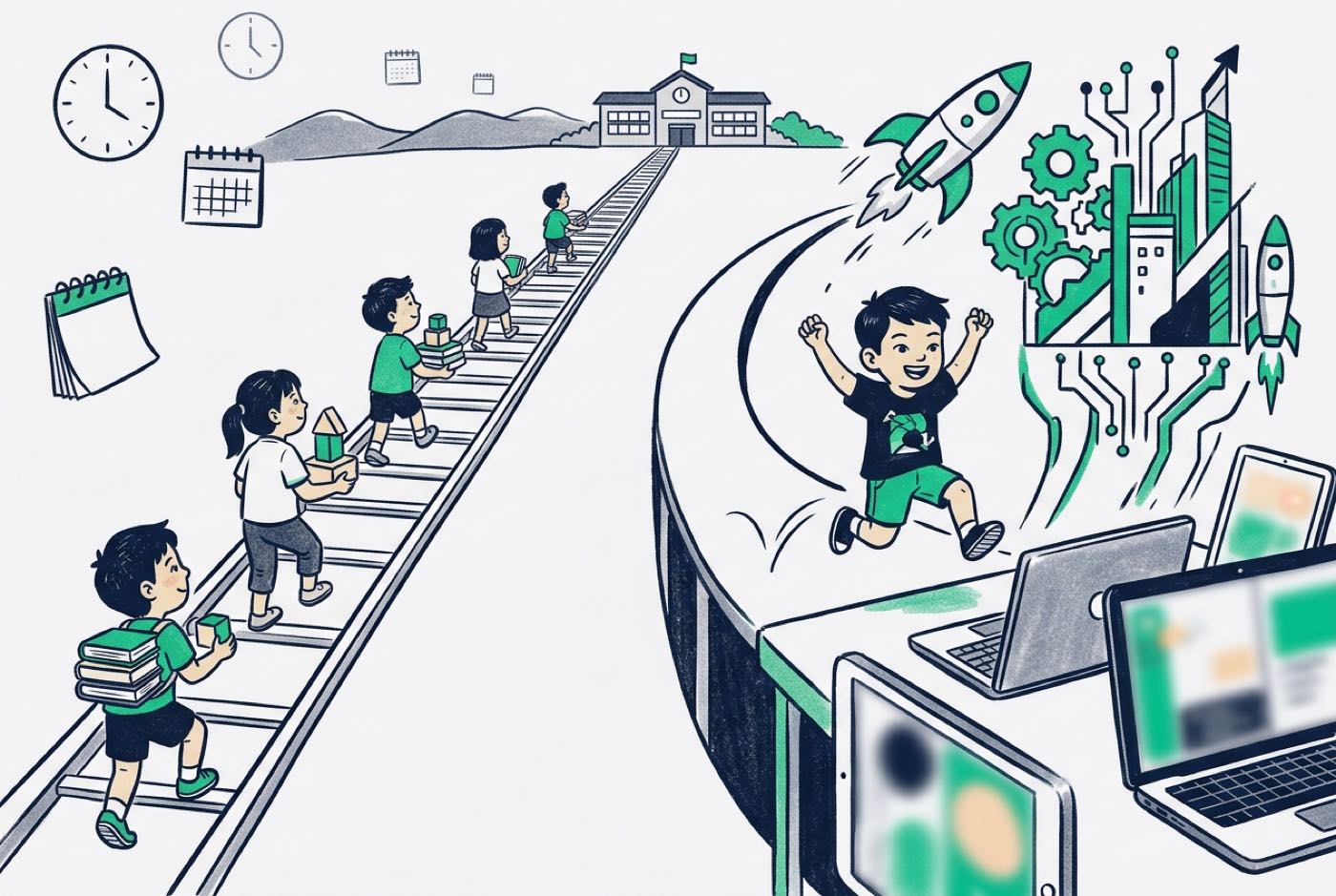 With AI tools and personalised tutoring, children move through the foundations much faster. A 10-year-old with strong visual logic has no reason to spend three years in block coding because a curriculum chart says so. They can start on Python syntax straight away, with real-time AI guidance.
That reasoning is also why coding comes bundled free in every membership package at Kidocode. The knowledge itself is publicly available; what we teach is computational thinking, logical problem-solving and AI mastery. Our coding is free page explains the structure in more detail.
How Kidocode Teaches Coding, Math, and AI Across Age Groups
Kidocode is not a tuition centre or a short-term coding bootcamp. We are an AI school built on three learning pillars that run together:
flowchart LR
    P1[Pillar 1: AI to Survive] --> ALL[Kidocode Integrated Platform]
    P2[Pillar 2: Math to Think] --> ALL
    P3[Pillar 3: Tech to Build] --> ALL
- AI to Survive: Teaching children aged 5 to 18 how to direct artificial intelligence tools effectively, responsibly and safely.
- Math to Think: Ending school "math-hate" by delivering standard curricula (IGCSE, Cambridge, US Common Core) through hands-on project builds rather than repetitive drill worksheets.
- Tech to Build: Six practical development tracks: Python, Web Development, Mobile Apps, Game Development, Electronics and 3D Design. Coding is bundled free within every student's membership.
Three things about how we run this differ from the norm.
1. Personalized AI Tutoring Per Child
No two children learn at the same pace. In a standard classroom, fast learners get bored and struggling learners fall behind. At Kidocode, every child works alongside a personalised AI tutor that adjusts explanations, hints and project complexity to their own pace.
2. The Math Reframe
Plenty of parents arrive convinced their child is "bad at math". With over 9,500 active students since 2014, we have yet to find that this is the problem; the teaching method usually is. Give a child coordinate geometry to place sprites in a game, or probability matrices to train a simple AI classifier, and math turns into a tool they need. Two to four weeks of building real projects is usually enough for the math-hate to stop. Our comparison on math tuition vs learning math by building breaks this down.
3. Flexible On-Demand Scheduling
School exams, co-curricular activities and family schedules make fixed weekly slots hard to keep. Our memberships offer flexible trainer sessions across our centres in Klang Valley (Solaris Mont Kiara flagship, Sunway Nexis PJ) and Penang (Q2 Waterfront Bayan Lepas, Vantage Tanjung Tokong, Icon City Bukit Mertajam), plus fully equivalent live camera-on online sessions.
Our how we teach page covers the pedagogical model in full.
A Step-by-Step Action Plan for Parents
If you are working out when and how your child should start, here is the practical order:
- Assess Logic Readiness, Not Typing Speed: For a child between 5 and 7, look at directional logic, visual sequencing and unplugged board games. Keyboard proficiency is irrelevant.
- Audit Current Screen Habits: Count your child's weekly screen hours and mark the passive ones (YouTube, short videos) that could become active creation hours (Scratch, Roblox Studio, Python).
- Choose the Right Entry Track: Match the tool to the age group using the guidance above. Do not push a teenager into block environments, and do not force a 6-year-old to type Python.
- Connect Coding to School Math: If your child struggles with school mathematics, tie their coding projects to current school topics such as angles, fractions or coordinate grids.
- Observe a Live Hands-On Session: Watching your child build something real in a supervised setting tells you more about interest and readiness than any assessment form.
Printable Parent Decision Worksheet for Coding Readiness
Step 1: Check Age & Tool Alignment
-
Step 1: Check Age & Tool Alignment
- Age 5–7: Focus on unplugged games, ScratchJr, or simple movement sequencing.
- Age 8–10: Focus on Scratch, Roblox Studio, or basic micro-controllers.
- Age 11–13: Focus on Python text coding, basic HTML/CSS, and AI assistants.
- Age 14–18: Focus on full-stack web applications, APIs, Python data projects, and GitHub portfolios.
Designed, ready to print and sign. We email it to you together with a 5% discount on your next registration.
Frequently Asked Questions
What is the absolute minimum age a child can start learning to code?
Children can start on foundational computational thinking as young as 5. At that age the work is unplugged or visual, built around sequencing, pattern recognition and directional logic rather than typing code on a keyboard.
Is age 14 or 15 too late to start coding?
No. Teenagers have the abstract reasoning and mathematical skills to skip introductory block tools altogether. With AI coding assistants, they can be writing real Python or JavaScript within their first few sessions.
Will learning to code strain my child's academic schedule?
It shouldn't. Coding and computational thinking reinforce school mathematics, logical reasoning and science directly. Flexible membership models also let families dial session frequency up or down around exam periods and holidays.
How does coding help a child who struggles with school math?
Traditional math teaching leans on abstract formulas and repetitive worksheets. Coding puts the same concepts to immediate use, whether that is coordinates to move a game character or geometry to calculate an angle. When math builds something a child cares about, understanding improves fast and the anxiety fades.
Should my child learn Scratch or Python first?
For children aged 5 to 9, Scratch and other block-based interfaces give an intuitive entry point with no syntax errors to fight. From age 10 upward, AI-assisted learning makes a direct start in Python realistic. Our full analysis is in Scratch vs Python.
Experience Building at Kidocode
The surest way to know whether your child is ready is to watch them build something.
We invite families to book a free hands-on trial session at Kidocode. The trial runs up to two hours, and your child will build a real project in AI, math or coding. No payment, no hard pitch, and both parents are welcome to sit in.
Trials run at our campuses in Klang Valley (Solaris Mont Kiara HQ, Sunway Nexis PJ) and Penang (Q2 Waterfront Bayan Lepas), as well as in our fully interactive live camera-on online classroom.
Visit our free trial class booking page to pick a date and time that suits your family.
References
- Malaysia Digital Economy Corporation (MDEC), Digital Skills Key to Bolster Workforce Innovation (2021)
- European Journal of STEM Education, Marina Umaschi Bers: Coding, Computational Thinking and Computer Science in Early Childhood Education (2018)
- Education Sciences (MDPI), Maria-Emilia Garcia-Marques et al.: Computational Thinking and Mental Rotation Development in 5-Year-Old Kindergarten Pupils (2026)
- International Journal of Research and Innovation in Social Science, Khairiah Husni Othman & Fazlinda AB Halim: Challenges Faced by Design and Technology (RBT) Primary School Teachers in Technology Integration (2026)
- Cureus (PMC), Sudheer Kumar Muppalla et al.: Effects of Excessive Screen Time on Child Development: An Updated Review and Strategies for Management (2023)
- Journal of Borneo-Kalimantan (UNIMAS), Shaadah Shariman et al.: Implementation of Computational Thinking in Sarawak Primary and Secondary Schools (2024)
- SBS News, Cameron Carr: Unfounded and Premature: Experts Say Parents Shouldn't Panic About Screen Time (2026)