


Count the signboards next time you walk through an enrichment centre corridor in Mont Kiara, Petaling Jaya, or Bayan Lepas. Almost every centre now advertises AI classes for kids. Two years ago the same rooms were running "Robotics for Beginners" and "Scratch Coding". Today the posters say "AI Explorers" and "Generative AI Masterclass".
I notice this because of what I do for a living. I am a computer scientist and AI researcher, and I founded Kidocode. When I built Crawl4AI, an open-source web crawler now used in AI pipelines around the world, I built it because developer tools needed a fundamental redesign for the machine learning age. Teaching children needs the same redesign. Putting an AI label on a Scratch syllabus, or showing a nine-year-old three prompt shortcuts on ChatGPT, does not amount to AI education.
If you're looking for AI classes for kids in Malaysia, whether in Kuala Lumpur, Selangor, or Penang, this guide will help you look beyond the marketing. It explains the four levels of AI education, how to spot a rebranded coding class, the key questions to ask on your first visit, and how artificial intelligence, mathematics, and programming actually work together.
Table of Contents
- Key Takeaways
- Why Every Centre Offers AI: Rebrand vs Reality
- The Four Levels of Kids' AI Education
- The Hidden Difference Between Learning to Code and Learning AI
- 10 Questions to Ask Before You Enroll Your Child
- Red Flags: How to Spot a Rebranded Coding Class
- Age-Appropriate AI Learning: What to Expect from Ages 5 to 18
- Concrete Student Projects at Each Stage
- How Coding, Math, and AI Fit Together
- Evaluating AI Classes in KL, Penang, and Online
- How We Teach AI at Kidocode
- Audit Any AI Class in One Visit: Your Step-by-Step Trial Plan
- Printable AI Class Evaluation Checklist
- Frequently Asked Questions
- References
Key Takeaways
| Aspect | Rebranded Coding Class | Genuine AI School |
|---|---|---|
| Primary Focus | Learning programming syntax or following predefined coding exercises | Working with AI models, structuring data, testing outputs, and building AI-powered projects |
| Tool Usage | ChatGPT as a search engine or homework solver | Custom logic, trained classification models, API tools |
| Math Connection | Kept separate from technical tasks, or reduced to basic counting | Built into projects through coordinate geometry, probability, vectors, and logic |
| Role of Coding | Sold as a standalone skill, priced accordingly | Bundled in as the tool you use to direct intelligent systems |
| Pedagogical Goal | Copy the project by following the steps | Build the project first, with coaching adjusted to the child |
Why Every Centre Offers 'AI': Rebrand vs Reality
Commercial generative AI tools arrived in force in late 2022, and public attention followed. The academic record shows the same spike. Between 2024 and early 2026, 891 out of the 1,090 total articles on AI literacy recorded in the ACM Digital Library were published inside that two-year window [5]. Systematic reviews of education research show something similar: studies treating AI mainly as a "tool" climbed sharply after 2023 and overtook the older technical and social perspectives [6].
Here is the same shift laid out plainly:
| Period | Dominant classroom emphasis |
|---|---|
| 2020–2022 | Traditional coding skills: syntax, logic, algorithms, and rule-based programming |
| 2023–present | The generative AI shift: using tools like ChatGPT, prompting, and experimenting with AI assistants |
| What genuine AI literacy looks like | Going deeper: understanding data, how models work, evaluating AI outputs, applying logic, and using AI safely and responsibly |
That surge in research and consumer interest put traditional tuition centres and coding academies in an awkward spot. Parents started asking a fair question: if AI can write Python in seconds, is block coding still worth the fees? Plenty of centres answered by rewriting their course titles and leaving the teaching untouched.
A global mapping survey by UNESCO found only 11 countries with fully government-endorsed K-12 AI curricula, and four more in development [3]. Malaysia has national frameworks. The Digital Education Policy (Dasar Pendidikan Digital) sets broad goals across primary and secondary education to close the digital divide, organised into six strategic thrusts and 41 initiatives [2].
What those frameworks do not do is specify how a specialised AI subject should run inside a classroom. That detail sits with private providers. With no explicit national standard for private enrichment, a basic computer literacy or Scratch class can be relabelled an "AI course for kids" without anyone objecting.
UNESCO's own recommendation is to stay brand-agnostic when introducing children to domain-specific AI technologies [3]. A centre that teaches children how to type prompts into one commercial product is running software training. That is a different thing from AI education.
The Four Levels of Kids' AI Education
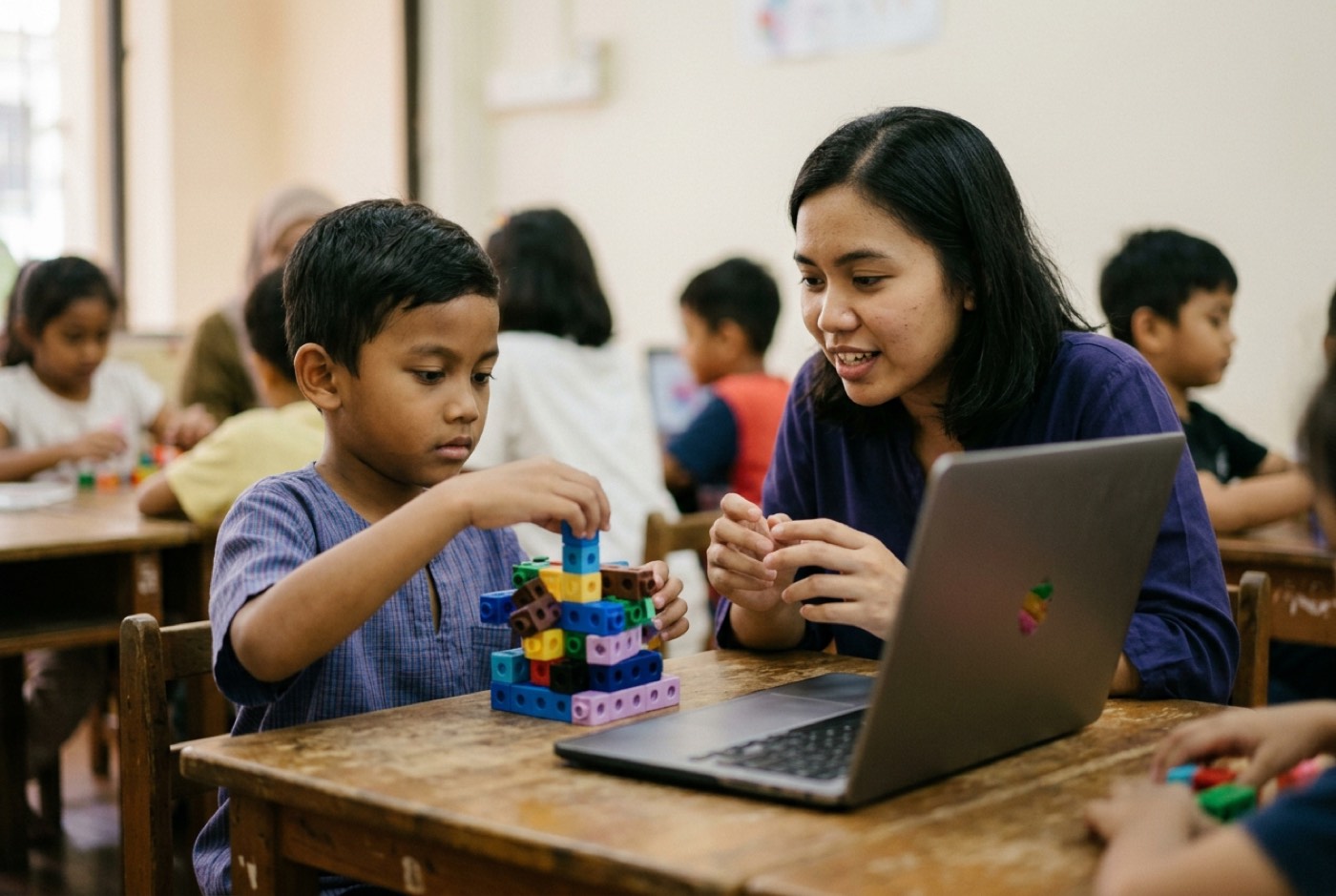
Before you compare an AI class for kids in Kuala Lumpur with one in Penang, it helps to know that AI education runs across four levels. They differ in technical depth and in how much the child actually builds.
| Level | Technical depth | What the child is doing |
|---|---|---|
| Level 1: Prompt tricks | Low | Passive consumption |
| Level 2: Tool tours | Low | Passive consumption, with more clicking |
| Level 3: Building with AI assistants | Higher | Active construction |
| Level 4: Model logic and CT 2.0 | Highest | Active construction |
Level 1: Prompt Tricks (Surface Application)
Children get taught a handful of prompt strings for generating text or images on existing web platforms. "Write a poem about a cat." "Draw a futuristic city."
The reality: This is digital literacy, nothing more. No computational thinking, no data structures, no mathematical reasoning. Roughly the equivalent of teaching a child to use a search engine.
Level 2: Tool Tours (Vendor-Specific Feature Navigation)
The class walks through the menus of third-party image generators, speech synthesis sites, or avatar apps. Students click buttons and media comes out.
The reality: Fun, and forgettable. Tool tours explain nothing about how AI works, and when the vendor redesigns its interface or changes its subscription tiers, whatever the child learned expires with it.
Level 3: Building with AI (Assisted Construction)
Students treat AI tools as co-pilots on real projects. Rather than spending six months memorising Python syntax before anything works, children direct AI coding assistants to produce boilerplate while they handle program logic, user experience, and testing.
The reality: This is how professional software engineering runs today. The child keeps architectural control; the assistant absorbs the syntactical overhead.
Level 4: Understanding AI (Data, Models, and Ethics)
Students study how machine learning models take inputs, extract features, and evaluate outputs against statistical confidence. Data representation, classification logic, training bias, safety boundaries.
Research from the Raspberry Pi Foundation frames this as the move from Computational Thinking 1.0, which is rule-driven and deterministic, to Computational Thinking 2.0, which is data-driven and statistical [7]. Under CT 1.0 the human writes exact rules for the computer to execute. Under CT 2.0 the human feeds data into an algorithm, trains a model, and gets predictions weighted by probability [7].
Any centre worth calling an ai school for kids near me should be working at Levels 3 and 4, consistently.
The Hidden Difference Between Learning to Code and Learning AI
Parents ask me this constantly: if my child learns Python, isn't that AI?
Not by itself. Traditional coding classes drill rigid syntax, semicolons, variable declarations, loops, conditionals. Those fundamentals still matter. But building a 2026 curriculum around manual syntax alone is like teaching arithmetic through long division on paper and never mentioning why any of it works.
An empirical study published in Information looked at 222 non-computing university students to test how prior coding experience relates to AI literacy [8]. Students with coding backgrounds showed higher overall AI awareness than non-coders, but the kind of coding turned out to matter:
- Students with text-based coding experience, Python for instance, showed a statistically significant gain in understanding AI's social and structural impact compared with non-coders [8].
- Students whose experience stopped at block-based visual coding showed no statistically significant difference from non-coders on that same measure [8].
That finding matters for anyone paying enrichment fees. Keep a ten-year-old inside drag-and-drop blocks for years while calling it AI, and you have skipped the bridge to real computational thinking and text-based system architecture.
There is also a question of when to start. An international expert panel, working through a three-round Delphi study, reached consensus that foundational AI knowledge can and should be introduced in early childhood education, ages 5 to 12 [5]. The panel put K-12 AI literacy on two pillars: foundational AI knowledge, and critical perspectives covering societal and ethical evaluation [5].
For a closer look at where traditional coding classes and AI literacy part ways, see our comparison on AI literacy vs coding skills for kids, or read what it takes to go from using AI to building with AI.
10 Questions to Ask Before You Enroll Your Child
Take these ten questions with you when you visit a centre or call about an ai course for children penang or KL. The answers sort the serious programmes from the repainted ones quickly.
-
What concrete artifact will my child build in their first month?
Good answer: A working image classification model, an interactive decision-tree chatbot, or a Python script that calls an API.
Red flag: "They will learn the theory of computer science first." -
Does your curriculum teach CT 2.0 (data and models) or only CT 1.0 (syntax rules)?
Good answer: We teach how data trains models, how to evaluate confidence scores, and how to direct AI coding assistants.
Red flag: "We teach standard Scratch loops for the first two years." -
How do you move students from block-based coding to real text-based programming?
Good answer: We use AI assistants to bridge syntax gaps early, so kids reach Python and web technology much faster.
Red flag: "Kids under 14 should only use visual blocks." -
Is your AI curriculum brand-agnostic or tied to a single platform?
Good answer: We teach fundamental concepts, data pipelines, prompt structure, model training, across multiple tools, following international guidelines like AI4K12 [1].
Red flag: "We teach how to use [Brand X] app." -
How is mathematics integrated into the tech projects?
Good answer: Math solves project problems directly. Coordinate systems for game physics, vectors for AI embeddings, probability for confidence thresholds.
Red flag: "Math is separate. We only focus on coding here." -
Who supervises AI usage and safety guardrails?
Good answer: Instructors treat safety as equal to technical skill, covering data privacy, spotting misinformation, and ethical boundaries.
Red flag: "The software handles safety automatically." -
Is instruction self-learning through recorded videos, or live and interactive?
Good answer: Live, trainer-led sessions with coaching adjusted per student.
Red flag: "Students log into a portal and watch pre-recorded tutorials." -
What framework anchors your AI learning objectives?
Good answer: Recognised international frameworks, such as the 5 Big Ideas in AI from AI4K12 [1] or the Czech AI dětem adaptations [4].
Red flag: "We created our own secret internal syllabus last month." -
Can my child adjust their learning velocity based on interest?
Good answer: Yes. Instruction is project-first and paced to the learner.
Red flag: "Everyone follows the exact same weekly presentation slides." -
Can I sit in and observe how my child builds during a trial session?
Good answer: Yes, and both parents are welcome to watch the hands-on build.
Red flag: "Parents are not allowed in the classroom during trial sessions."
Red Flags: How to Spot a Rebranded Coding Class
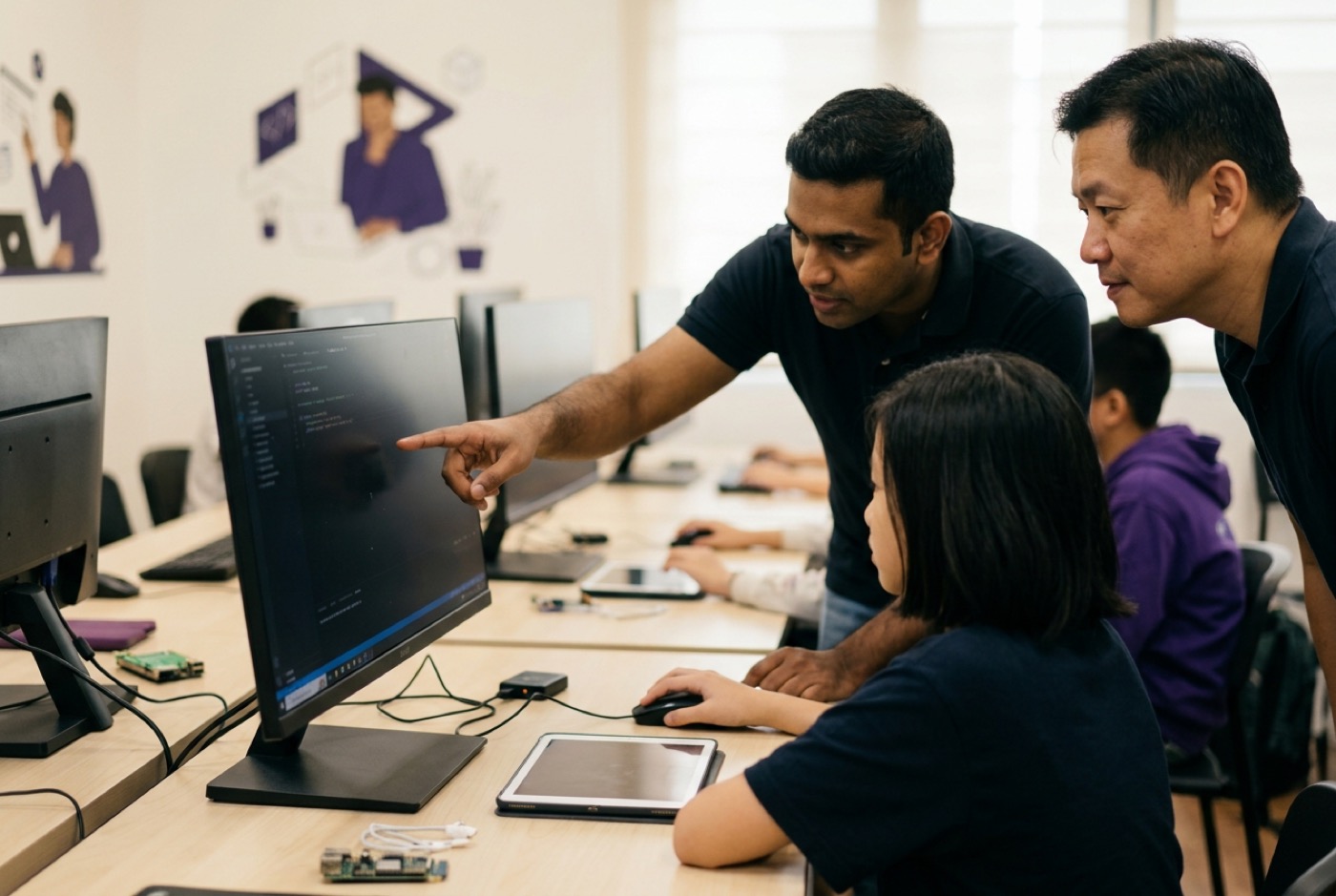
A centre in Kuala Lumpur or Penang can advertise an "AI Masterclass" and still be running last year's syllabus. Ignore the poster and watch the activity in the room instead:
- Children prompting ChatGPT to produce homework text. Red flag.
- A standard Scratch game with no data or AI logic anywhere in it. Red flag.
- Pre-recorded videos playing with no trainer interaction. Red flag.
- A real build: a custom model being trained, text code being written, math logic being applied. That is the one you want.
Four patterns show up again and again.
Red Flag 1: ChatGPT Homework Worksheets
If the AI component amounts to showing children how to ask ChatGPT for a summary of a history passage or an English essay, that is homework assistance. It trains passive consumption instead of software creation.
Red Flag 2: No Code or Model Logic Visible
A student who spends weeks clicking presets inside graphic design or video editing web apps, never once looking at data structures, logic pipelines, or the underlying scripts, is learning office software.
Red Flag 3: The Infinite Block-Coding Trap
Scratch and Blockly are genuinely good at pulling young children in. The problem starts when a ten- or twelve-year-old is still there years later while the centre advertises "advanced AI". As Lee and Davis showed, block-based instruction on its own does not build structural technological literacy the way text-based coding does [8].
Red Flag 4: Treating AI as a Magic Black Box
Present AI as a machine that magically solves things, never open the box, and children walk away with mental models that do not survive contact with reality. Real teaching opens the box: models run on mathematical probability, on the quality of their training data, and on human guidance.
Age-Appropriate AI Learning: What to Expect from Ages 5 to 18
Parents at trial sessions almost always ask whether their child is too young for this.
My answer has not changed in eleven years: the moment your child can play a game on a mobile screen is the moment they can learn to build one. Age is not the constraint. Teaching method matched to developmental stage is.
The AI4K12 initiative, sponsored by AAAI and CSTA, sets guidelines across four grade bands: K-2, 3-5, 6-8, and 9-12 [1]. Everything is organised around Five Big Ideas [1], [4]:
| Big Idea | Core statement | What it covers in class |
|---|---|---|
| 1. Perception | Computers perceive the world using sensors to extract meaning from inputs [4] | Sensors, extracting meaning |
| 2. Representation & Reasoning | Agents construct representations of the world and use them for reasoning [4] | Data structures, logic trees |
| 3. Learning | Computers can learn from data through machine learning algorithms [4] | Training models, machine learning |
| 4. Natural Interaction | Intelligent agents require complex knowledge to interact naturally with humans [4] | NLP, computer vision |
| 5. Societal Impact | AI applications can impact society in positive and negative ways [4] | Ethics and safety, fairness and bias |
Translated into age brackets, here is what that looks like week to week.
Early Years (Ages 5 to 8)
- Focus: Perception and physical sensor awareness.
- Engagement Layer: ScratchJr, physical robotics, tangible drag-and-drop interfaces like Teachable Machine.
- Core Concept: Cameras and microphones are digital sensors. Children train simple visual models to recognise hand gestures or sort shapes.
- Finnish Pilot Evidence: Research from the University of Eastern Finland found that drag-and-drop machine learning tools such as Cognimates and Teachable Machine work well in early childhood settings without any complex programming syntax [7].
Middle Childhood (Ages 9 to 12)
- Focus: Learning models, representation, supervised training.
- Engagement Layer: Roblox Studio, Minecraft coding, web visual builders, early Python scripts.
- Core Concept: The move from rule-based logic (CT 1.0) to data-driven logic (CT 2.0) [7]. Children see how a training dataset changes prediction accuracy, and how AI coding assistants generate text-based code.
Teenagers (Ages 13 to 18)
- Focus: Model architecture, natural language processing, API integration, societal ethics.
- Engagement Layer: Python, JavaScript, web development frameworks, custom neural network concepts, database structures.
- Core Concept: Students build their own AI pipelines, connecting pre-trained language or vision models to working web and mobile applications, and arguing about data privacy, safety boundaries, and algorithmic bias while they do it.
Concrete Student Projects at Each Stage
The fastest way to test a course's technical depth is to ask for student work. Not brochures, not sample screenshots. Ask what current students have built. Here are four examples of what age-appropriate AI projects look like.
Project 1: Environmental Image Classifier (Ages 6 to 8)
- Objective: Train a computer vision model to separate recyclable items from general waste.
- How it works: The child photographs 20 plastic bottles and 20 paper boxes with a webcam, labels the dataset, trains a simple classification model, and drops it into a block-based game that awards points for catching the right item.
- Skills learned: Perception, dataset collection, classification accuracy, basic conditional logic.
Project 2: Intelligent Rule-Guided Chatbot (Ages 9 to 11)
- Objective: Build an interactive customer assistant for a virtual eco-resort in Roblox or on a website.
- How it works: The child writes decision-tree intent rules, then plugs in a natural language processing API so the bot handles phrasing it has not seen before. A visitor asks "Where is the pool?", the bot matches intent confidence and answers.
- Skills learned: Natural language interaction, confidence thresholds, API calls, user experience design.
Project 3: AI Physics-Driven Game Agent (Ages 12 to 14)
- Objective: Program a game character that learns to get through an obstacle course using game physics and reward loops.
- How it works: The student writes a Python simulation where the agent earns points for advancing and loses them for hitting obstacles. Run it enough times and the agent works out the optimal path.
- Skills learned: Applied coordinate geometry, statistical reward mechanics, algorithm optimisation, Python syntax.
Project 4: Generative Art Gallery & Web App (Ages 15 to 18)
- Objective: Build a full-stack web application that generates personalised digital artwork from a user's mood input and displays the results in a gallery.
- How it works: The student designs a responsive HTML/CSS/JavaScript interface, wires it to a generative media API through Python or Node.js, and adds safety filtering on the prompt inputs.
- Skills learned: Web architecture, API authentication, prompt structuring, input validation, ethical content filtering.
If the creative side interests your child, read about art meets AI and generative digital art, or see how teens launch real AI-based entrepreneurial projects.

How Coding, Math, and AI Fit Together
Conventional education keeps subjects in separate boxes. School maths arrives as repetitive worksheets, which is how a lot of children decide they "hate math". Coding class handles syntax. AI class handles prompts. Nobody connects them.
They are not three subjects. They are three parts of one system:
- AI is the direct application: the goal, the computational vision, the dynamic tools. It directs the build.
- Tech and coding are the build engine: programming languages give kids the vehicle to assemble software, connect APIs, and construct interfaces. That engine runs on maths.
- Math is the logical language: the underlying laws, coordinate systems, probability distributions, and logic gates that make code and AI models work at all. Which loops back to powering the AI.
When a child struggles with maths at school, the problem is almost never intelligence. It is delivery. Memorising a formula for a test creates friction. Using coordinate geometry to make a sprite clear a hurdle creates understanding on the spot, because the sprite either clears it or does not.
This constructivist approach lines up with IGCSE, Cambridge, and Common Core. Same syllabus content the schools expect, delivered backwards: the child USES the mathematics to build something real, and the math-hate tends to disappear within weeks.
At Kidocode we bundle coding free inside the membership, because syntax knowledge is public information now. What we charge for is computational thinking, mathematical problem solving, and AI orchestration.
For more on this reframe, read our comparison of math tuition vs learning math by building, and why coding is bundled free.
Evaluating AI Classes in KL, Penang, and Online
Families in the Klang Valley and Penang looking for the best ai classes for kids malaysia can choose between physical campuses and live online classes.
Physical Campuses in Klang Valley & Penang
If you want your child in a room with a trainer, location and facilities decide a lot. We run five physical campuses in Malaysia:
- Kuala Lumpur / Klang Valley Flagship: Solaris Mont Kiara (HQ flagship campus, convenient for families in KL, Sri Hartamas, Mont Kiara, and Bangsar).
- Petaling Jaya / Selangor: Sunway Nexis (Kota Damansara, PJ, serving Damansara, Bandar Utama, and Shah Alam).
- Penang Island (Bayan Lepas): Q2 Waterfront (Bayan Lepas, close to Queensbay, serving southern Penang island).
- Penang Island (Tanjung Tokong): Vantage Tanjung Tokong (serving northern Penang island families).
- Penang Mainland: Icon City (Bukit Mertajam, serving mainland Penang and Butterworth).
Whichever campus you visit, ask to see what students are building: the electronics, the micro-controllers, the AI integrations. Location details are on our branches page.
Live Camera-On Online Classes
Families in Johor, Perak, Sabah, Sarawak, or anywhere outside the big metro areas usually cannot make weekly travel work. Online learning covers that, provided it is structured properly.
A credible online AI class is:
- Live and interactive: real trainers, never a portal of pre-recorded video.
- Camera-on and small group: so the instructor can see who is stuck and fix it immediately.
- Parent-welcomed: you can watch how your child engages and builds.
Our online programme runs the same projects with the same live trainer supervision as the campuses, for students across Malaysia, Singapore, the UK, and elsewhere.
How We Teach AI at Kidocode
I started Kidocode in 2014 in Solaris Mont Kiara because I wanted a school that prepared children for the technology that actually exists, not the version in a textbook. Eleven years on, we have taught more than 9,500 active students, hold a 4.6-star Google rating across 177 independent family reviews, and Tallypress voted us the #1 coding class for kids in KL and Selangor.
Everything sits on three pillars, combined in one integrated membership:
- AI to Survive: children who are AI-savvy, able to direct models safely, judge outputs critically, and build custom AI applications.
- Math to Think: ending math-hate by swapping abstract worksheets for constructivist project building, aligned to IGCSE, Cambridge, and Common Core.
- Tech to Build: six hardware and software tracks (Python, Web Development, Mobile Apps, Game Development, Electronics, and 3D Modelling). Coding comes free with every membership, because computational thinking is the asset that lasts.
Parents ask which plan to take, and I point them to the Triple Degree: three trainer-led sessions a week, free movement across all three pillars, lowest per-session rate we offer.
We are not a tuition centre, and we are not a six-week coding bootcamp. We are an AI school, built to turn kids from consumers of technology into people who build it.
Audit Any AI Class in One Visit: Your Step-by-Step Trial Plan
A trial session is not a sales preview. Treat it as an audit, and you can settle the question in one visit.
Step 1: Observe the First 15 Minutes
Watch how the trainer opens. Slides and lecture, or a real problem handed to the student to solve? The first quarter hour tells you most of what you need.
Step 2: Check the Child's Agency
During the build, watch whether your child is copying keystrokes off a whiteboard or making decisions. Learning happens when the child is the one choosing how the program should behave.
Step 3: Inspect the Output
At the end, ask your child to explain what they made. If they can walk you through how their inputs became the output, and what the AI or the maths was doing, the session was worth something.
You can run this audit at any of our five campuses or online by booking a free trial through our trial class booking page. Trials run up to two hours, involve hands-on project creation, cost nothing, and both parents are encouraged to sit in.
Printable AI Class Evaluation Checklist
Save, print, or bookmark this before you visit any enrichment centre in KL, PJ, or Penang.
- 1. Project-First Demonstration: Does the child build a working project artifact during the session?
- 2. CT 2.0 Integration: Does the session bring in data, confidence scores, or model evaluation, rather than static rules only?
- 3. Math Application: Is mathematical logic (coordinates, logic gates, probability) used to get past an actual project hurdle?
- 4. Text-Based Path: Is there a clear, accelerated route from visual blocks to text coding (Python/JavaScript)?
Designed, ready to print and sign. We email it to you together with a 5% discount on your next registration.
Frequently Asked Questions
Is my 6-year-old too young to learn AI?
No. Children aged 5 to 8 handle sensors, visual pattern recognition, and simple input-output rules perfectly well. We teach perception through visual, tangible activities such as computer vision sorting games, which keeps it safe and manageable for young learners.
Will AI make learning how to code obsolete?
It will not. AI removes syntax friction and boilerplate typing, which lets kids build complex software far earlier than they used to. The logic, the architecture, and the mathematical reasoning still come from the human. AI speeds up the coding; it does not do the thinking.
How does Kidocode compare to school computer classes?
School computer classes generally cover IT literacy: navigating an operating system, typing, using productivity software. We teach computer science, AI orchestration, mathematical problem solving, and full-stack software creation.
What is the difference between a tuition centre and Kidocode?
Tuition centres run on memorisation and repeated exam worksheets aimed at grades. Kidocode is an AI and tech school where students learn by building. Grades tend to improve anyway, as a side effect of finally understanding the mathematical logic underneath.
Can we attend classes online if we live far from Mont Kiara or Penang?
Yes. The live online programme uses the same project curriculum and the same live trainer guidance as the campuses. Students join camera-on and work in real time from home, across Malaysia and internationally.
Do I need to buy expensive software or laptops before starting?
References
- AI4K12 Initiative, National Guidelines for AI Education in K-12 (2024)
- Kementerian Pendidikan Malaysia, Dasar Pendidikan Digital (2024/2026)
- UNESCO, K-12 AI Curricula: A Mapping of Government-Endorsed AI Curricula (2022/2026)
- AI dětem / NPI, Five Big Ideas in AI Framework
- Hallström et al., Framing AI Literacy in K-12 Education: A Delphi Study (Interactive Learning Environments, 2026)
- Gu & Ericson, AI Literacy in K-12 and Higher Education: An Integrative Review (arXiv, 2025)
- Raspberry Pi Foundation / Waite, Machine Learning Education and Computational Thinking 2.0 (2021)
- Lee & Davis, The Influence of Coding Experience on Non-Computing College Students' AI Literacy (Information, 2025)