

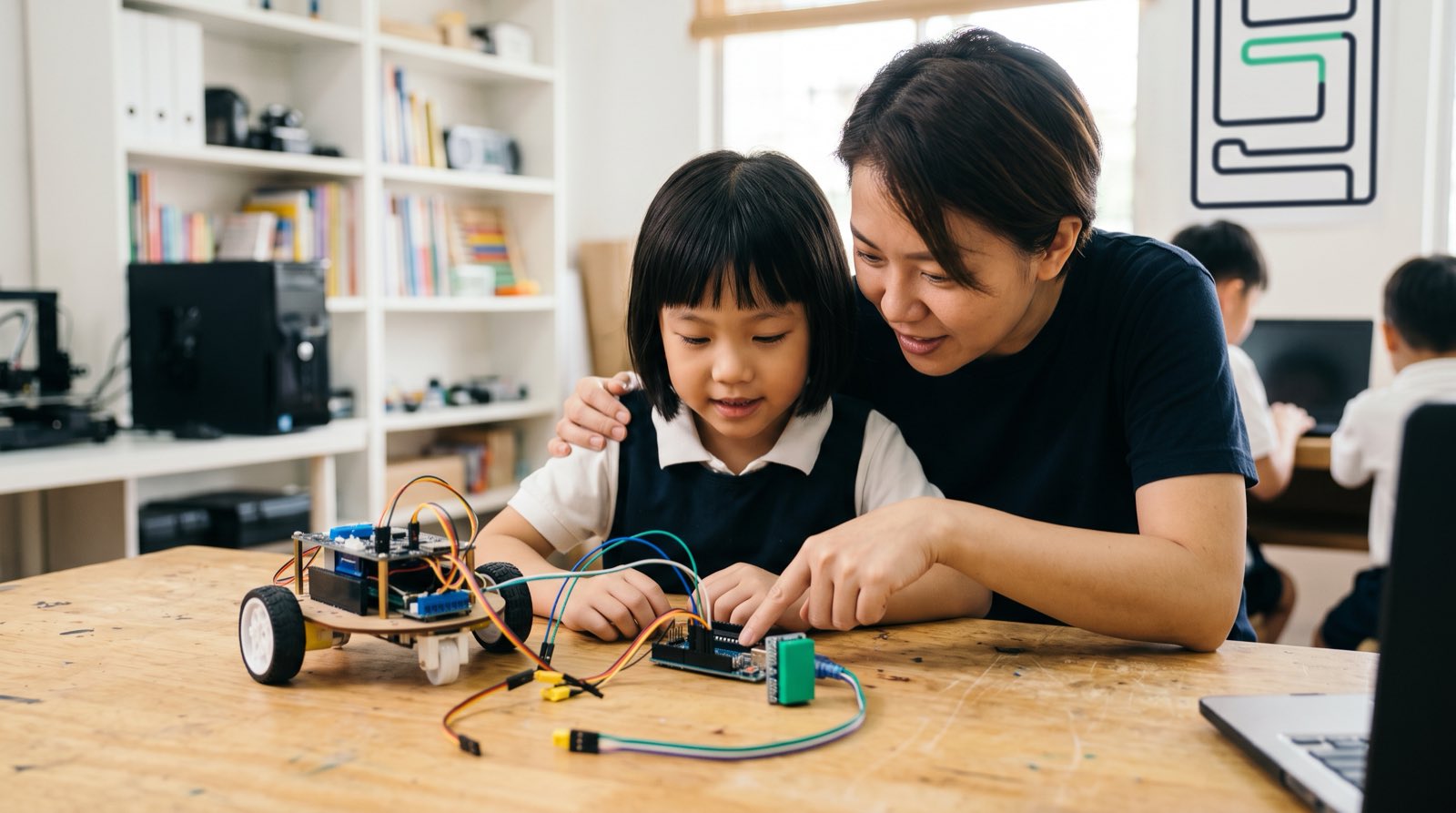
An eight-year-old tapping through short video clips for an hour worries most parents. Eye strain, restlessness, the sense that nothing is being retained. Hand that same child a battery, a small motor and a set of instructions to upload, and something changes when the wheel actually spins across the floor. The attention looks different because it is different.
Robotics shifts a child's position from audience to author. The media on the screen was made by someone else; the code controlling the motor was not. Questions change accordingly, from "Can I play this game?" to "How does this light sensor tell the motor to stop?"
Motivation is rarely the obstacle. Children like machines that obey them. What parents in Malaysia usually get stuck on is the starting point. Which kit suits a Standard 3 pupil? At what point should a Form 2 student leave drag-and-drop blocks behind for Python or C++? And where does any of this touch school mathematics or artificial intelligence?
What follows is a stage-by-stage pathway from age 5 to age 18, covering hardware, software interfaces, and the thinking skills that matter at each point.
Key Takeaways
| Age Range | Primary Focus | Hardware & Tools | Programming Interface | Core Learning Goal |
|---|---|---|---|---|
| Ages 5–7 | Tactile logic & spatial awareness | Modular electronic blocks, directional tiles | Screenless or visual blocks (ScratchJr) | Understanding cause-and-effect sequencing |
| Ages 8–11 | Microcontrollers & basic sensors | Micro:Bit, light/ultrasonic sensors, mBot | Visual block coding (Scratch, MakeCode) | Master input-process-output loops |
| Ages 12–14 | Embedded systems & text code | Arduino UNO, breadboards, basic components | C/C++, basic Python | Transitioning logic into text syntax |
| Ages 15–18 | AI robotics & autonomous systems | Raspberry Pi, camera sensors, motor drivers | Python, OpenCV, Machine Learning frameworks | Building vision-guided autonomous projects |
Table of Contents
- What Is Robotics for Kids (And Why It Is Not Just Assembling Toys)
- Active Creation vs Passive Consumption: The Screen Time Reframe
- Stage 1: Ages 5 to 7 (Tactile Logic, Sequencing, and Early Hardware)
- Stage 2: Ages 8 to 11 (Microcontrollers, Block Coding, and Sensor Circuits)
- Stage 3: Ages 12 to 14 (Text-Based Code, Arduino, and C/C++)
- Stage 4: Ages 15 to 18 (Advanced Embedded Systems, Raspberry Pi, and AI Integration)
- Hardware & Robotics Kit Decision Matrix for Parents
- The Hidden Bridge: How Robotics Teaches Real Mathematics and Logic
- The Learning Progression: From Motor Control to Autonomous AI Robots
- How Kidocode Integrates Robotics Across AI, Math, and Tech Pillars
- Step-by-Step Home Action Plan: Getting Started This Weekend
- Frequently Asked Questions
- References
What Is Robotics for Kids (And Why It Is Not Just Assembling Toys)
A box of snap-together plastic bricks is a fine afternoon. It is not, on its own, robotics. Construction kits train mechanical intuition, but a working robot pulls together three engineering disciplines at once:
- Mechanical Structure: The physical frame, gears, wheels, and levers that allow movement.
- Electronics & Hardware: The sensors, power distribution, and actuators (motors, servos, lights) that interact with the environment.
- Software & Logic: The code and algorithms running on a central microcontroller that read sensor inputs and decide how the physical hardware should act.
Strip out the code and the electronics and you have a mechanical toy. Strip out the sensors and you have a program that never leaves the screen. Robotics is what happens where hardware, mathematics and computer science overlap.
Malaysia's Ministry of Education added the Design and Technology (RBT) subject for Year Four pupils in 2020 [1], which put Micro:Bit and Scratch in front of public school classes for the first time. Timetables being what they are, that exposure usually stops at introductory level. Confidence comes from repeated cycles of designing, wiring, coding and debugging something the child chose to build.
Active Creation vs Passive Consumption: The Screen Time Reframe
Device overuse is the concern we hear most often from parents in KL and Penang. The question usually arrives in this form: my child is already on a computer for school homework, so won't robotics just add more hours?
It depends entirely on what the hours are spent doing.
PISA data shows that heavy unstructured computer use, more than six hours a day, correlates with markedly lower academic performance [2]. The same body of international student data, analysed by education researchers, points the other way for moderate structured use aimed at building and creating: those students do better than peers who use no devices at all [2]. Paediatric guidance meanwhile keeps a tight cap on recreational screens, with one hour daily suggested for children aged 7–12 [3].
Wiring a microcontroller circuit changes what the laptop is for. It stops being an entertainment terminal and starts behaving like a tool on the bench, closer to a screwdriver or a measuring tape than to a television.
Watch a student write the logic for an ultrasonic distance sensor and the difference is obvious in their posture alone. For a broader look at how this builds long-term capability, see our guide on the benefits of AI and robotics for kids.
Stage 1: Ages 5 to 7 (Tactile Logic, Sequencing, and Early Hardware)
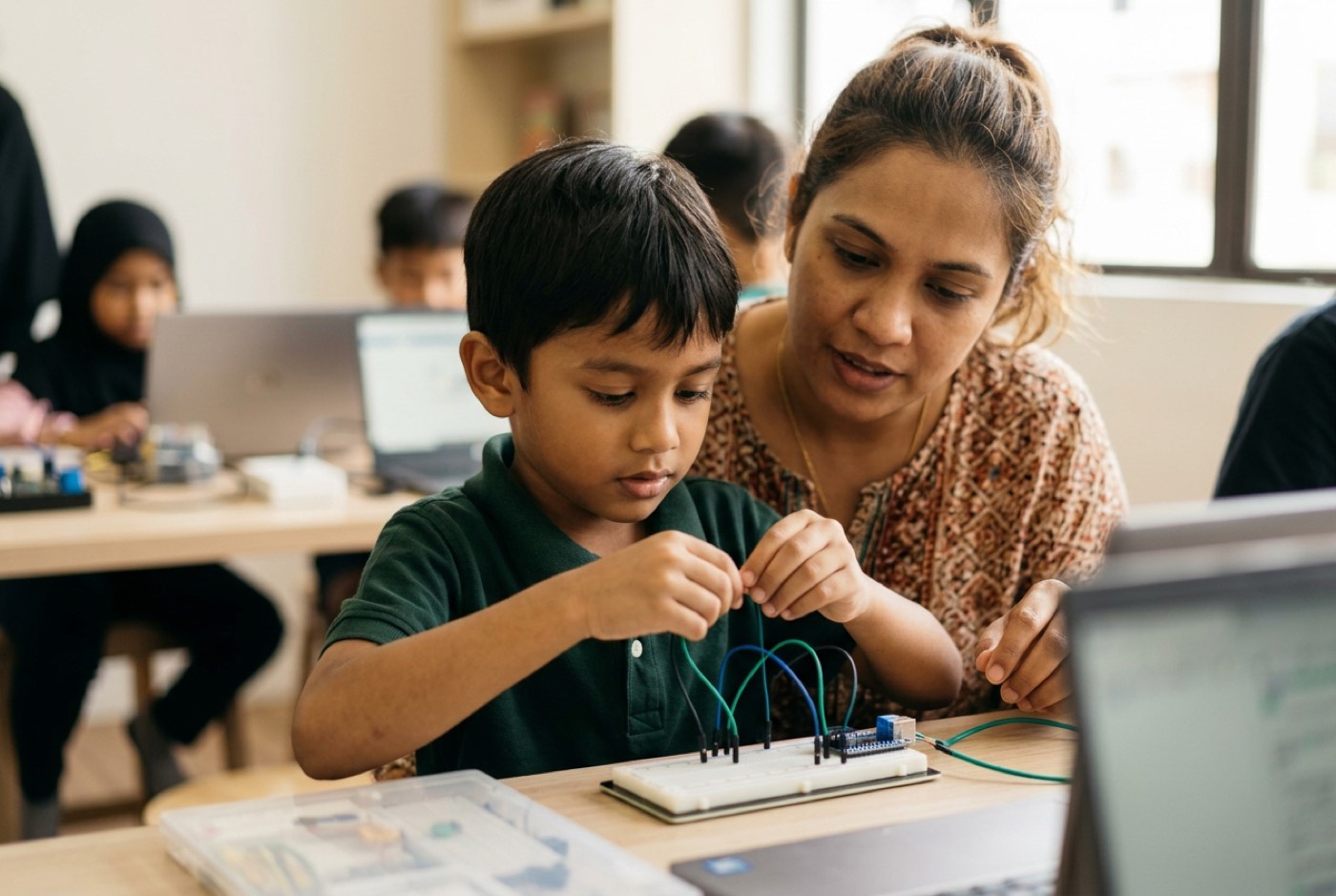
Parents of five- and six-year-olds ask whether their child is too young for hardware. Our answer has not changed in years: if a child can play a game on a tablet, they can begin learning how that game was put together. Age is not the limiting factor. Teaching method is.
At this stage the material should stay physical, cause and effect, sequence, direction, rather than text syntax or fiddly wiring that small fingers cannot manage.
Key Focus Areas
- Directional Execution: Understanding that a machine follows instructions strictly in the order provided (Forward Right Forward).
- Cause and Effect: Recognizing that pushing a tactile button or trigger closes a physical circuit, activating a motor or light.
- Basic Decomposition: Breaking a physical movement (e.g., "drive around the chair") into individual atomic steps.
Recommended Tools & Interfaces
- Tactile Sequence Robots: Screenless devices where children push physical directional buttons directly on top of the robot to queue movements.
- Modular Electronic Snap Kits: Large magnetic or snap-together blocks housing pre-built circuits (power source, light module, buzzer, press switch) that allow young children to assemble working circuits safely without loose small wires.
- Visual Story Block Interfaces: Software platforms such as ScratchJr, where kids snap picture-based blocks together to move virtual characters before applying those same principles to simple hardware devices.
Sequencing at six turns into algorithm design at twelve. Our breakdown of computational thinking for young learners traces that line in more detail.
Stage 2: Ages 8 to 11 (Microcontrollers, Block Coding, and Sensor Circuits)
Somewhere around Year 2 to Year 6, reading fluency and spatial reasoning catch up to the demands of a real microcontroller. Children can now handle components, sensors and programmable boards.
Key Focus Areas
- Input-Process-Output Loops: Understanding that a microcontroller continuously reads data from a sensor (input), processes that data according to written conditional logic, and activates a physical motor or light (output).
- Variables and Mathematical Data: Reading numerical sensor values (e.g., light levels from 0 to 1023, distance in centimeters).
- Systematic Debugging: Isolating errors systematically when a robot fails to behave as expected (Is it a mechanical wheel jam? A loose jumper wire? An incorrect conditional statement in the software?).
Recommended Tools & Interfaces
- Micro:Bit: An accessible pocket-sized microcontroller board equipped with built-in LED matrices, buttons, accelerometers, and light sensors. Read our detailed guide on getting started with Micro:Bit.
- Block-Based Coding Environments: Visual environments such as Microsoft MakeCode or Scratch, where logical statements are represented as interlocking puzzle pieces. This eliminates syntax errors (such as missing semicolons or typos) while allowing children to build complex logic structures.
- Modular Robotics Chassis: Two-wheeled robot frames equipped with ultrasonic distance sensors and infrared line-following modules.
Research-Backed Skills
A systematic review in TechTrends went through 22 empirical studies of educational robotics with young learners [4] and found five computational thinking skills showing up again and again:
- Sequencing: Arranging execution steps in exact chronological order.
- Conditionals: Executing specific instructions only when a physical condition is met (e.g.,
IF distance < 10cm THEN stop). - Loops: Repeating execution routines efficiently.
- Debugging: Finding and fixing errors in hardware or software setup.
- Algorithmic Thinking: Crafting step-by-step solutions to open-ended physical challenges.
The measured gains are substantial. A seven-year evaluation of elementary robotics academy programs published in Sensors recorded an 89% gain in coding knowledge among 3rd and 4th graders, 3% pre-program to 92% post-program, plus a 67% gain in robotics design knowledge [5].
Ultrasonic obstacle-avoiding cars are a staple at this stage in our classes. The robot fires a high-frequency pulse, times how long the echo takes to come back, and works out distance from the time and the speed of sound :
The formula stops being a physics exercise the moment it is the only thing standing between the car and the wall.
Stage 3: Ages 12 to 14 (Text-Based Code, Arduino, and C/C++)
By Form 1 to Form 3, drag-and-drop blocks start getting in the way. Students who want to build something closer to real hardware need text-based languages and loose components.
Key Focus Areas
- Text Syntax Mastery: Learning the strict structural rules of text code, including variable declarations, function definitions, loop structures, and punctuation.
- Breadboard Circuit Prototyping: Learning how breadboards route current internally, how to choose appropriate resistor values for LEDs using Ohm's Law, and how to read basic electronic schematics. Our guide on teaching basic electronic components covers the groundwork.
- Serial Communication: Reading real-time data streams from microcontrollers back to a computer terminal to debug physical sensor readings.
Recommended Tools & Interfaces
- Arduino Microcontrollers: Open-source microcontroller boards (such as the Arduino UNO or Nano) that connect directly to loose electronic components on a breadboard.
- C/C++ Programming: The standard language used to program Arduino microcontrollers. We explain why this hardware language still matters in our breakdown of C and C++ for young programmers.
- Individual Electronic Sensors & Actuators: Loose resistors, light-dependent resistors (LDRs), servo motors, DC motor driver ICs, and digital temperature sensors. There is more on the underlying logic in our article on digital circuits for kids.
This is the classic drop-off point. A missing bracket or a mistyped variable name produces an error message that means nothing to a twelve-year-old, and the frustration compounds fast. We put AI coding assistants to work here specifically to absorb the syntax lookup, which leaves the student's attention on system design and algorithm choices instead.
Competition seems to accelerate all of this. Secondary school science stream students who took part in Robot Olympics Malaysia 2018 recorded significantly higher mean interest scores in technology and engineering than peers who did not compete [6]. Building a machine that has to work in front of judges tends to make engineering feel like a career rather than a chapter.
Stage 4: Ages 15 to 18 (Advanced Embedded Systems, Raspberry Pi, and AI Integration)
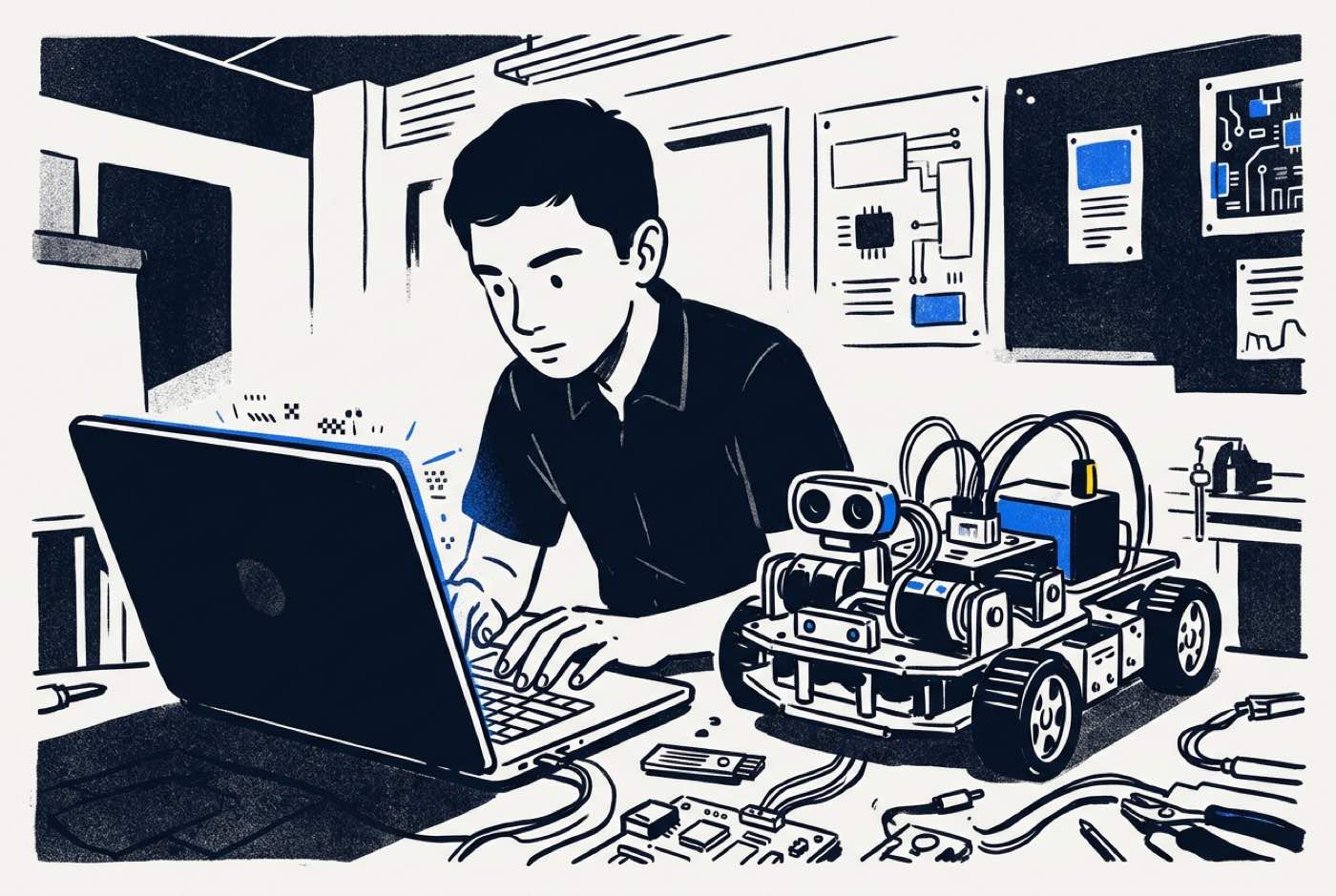
Form 4, Form 5, IGCSE and A-Level students can move past single-purpose microcontrollers into single-board computers, camera systems and machine learning.
Key Focus Areas
- Microcomputers vs Microcontrollers: Understanding the structural difference between a microcontroller that executes a single loop (like an Arduino) and a full Linux single-board computer capable of running multi-threaded applications and operating systems (like a Raspberry Pi).
- Computer Vision: Connecting digital cameras to hardware platforms to recognize colors, detect faces, track road lanes, and identify physical objects using libraries such as OpenCV.
- Artificial Intelligence Edge Computing: Deploying machine learning classification models directly onto hardware devices so a robot can make autonomous navigational decisions based on visual input.
Recommended Tools & Interfaces
- Raspberry Pi (Models 4 or 5): Powerful single-board computers capable of running full Python desktop environments and multi-camera processing setups.
- Python Programming: The universal language for artificial intelligence, computer vision, and high-level hardware automation.
- Motor Drivers & High-Current Power Systems: Interfacing microcomputers safely with external battery power supplies, relay switches, and pulse-width modulation (PWM) high-torque motor drivers.
The robot is no longer reversing because a bump switch closed. It is classifying what the camera sees, weighing route options, and choosing one.
Hardware & Robotics Kit Decision Matrix for Parents
Mismatched hardware is one of the most common reasons a child abandons robotics. Too advanced and the child stalls in frustration; too simple and the novelty is gone before dinner.
Match the platform to age, programming interface and current logical readiness:
| Hardware Platform | Target Age | Programming Language | Recommended For | Primary Advantage |
|---|---|---|---|---|
| Modular Tactile Blocks | 5–7 years | Screenless / Visual Icons | Beginners starting hardware logic | Requires no reading or fine motor breadboard wiring |
| Micro:Bit v2 | 8–11 years | Block Code (MakeCode) Python | Primary school students (Years 2–6) | Built-in sensors and display LED matrix out of the box |
| mBot / Educational Rovers | 8–11 years | Visual Blocks Text | Children who enjoy physical assembly | Pre-designed mechanical structure with reliable motors |
| Arduino UNO Starter Set | 12–14 years | C / C++ | Lower secondary students (Forms 1–3) | Teaches raw circuit design, breadboards, and electronic components |
| Raspberry Pi 4 / 5 | 15–18 years | Python | Upper secondary & pre-university teens | Supports camera vision, Linux OS, and AI model deployment |
The Hidden Bridge: How Robotics Teaches Real Mathematics and Logic
When a child falls behind in maths, the default response is a tuition centre and more paper drills. Eleven years of teaching has left us with a different read: the child is fine, the teaching approach wasn't.
Textbook maths asks students to trust that the formula matters. Robotics inverts the request, the formula is the only way to get the machine to do what the student wants.
Three examples show up constantly in our workshops.
1. Geometry and Rotation
A two-wheeled robot turning exactly cannot be produced by guesswork. The student calculates the circumference of the wheel path (), works out how far each wheel travels, and converts that into motor rotation degrees or encoder pulses.
2. Proportional-Integral-Derivative (PID) Control Loops
A line-following robot that swings wildly across a curve needs proportional correction:
is how far the sensor has drifted from the centre of the line, and is the constant the student tunes. Ratios and algebraic variables become the difference between a smooth run and a car in the carpet.
3. Coordinate Systems and Spatial Trigonometry
Programming a robotic arm to reach a point means solving for joint servo angles with , and .
Nobody asks why they need geometry while they are using it. For a comparative analysis on practical constructivist learning versus traditional math drilling, read our guide on math tuition vs learning math by building.
The Learning Progression: From Motor Control to Autonomous AI Robots
The diagram below outlines how a student progresses systematically from early tactile logic to advanced artificial intelligence hardware integration across their school years:
timeline
    title Robotics Progression Pathway by Age
    section Stage 1 (Ages 5-7)
        Tactile Logic : Screenless directional tiles
        Circuit Basics : Snap-together magnetic power modules
    section Stage 2 (Ages 8-11)
        Microcontrollers : Micro:Bit block programming
        Sensor Integration : Reading distance and light inputs
    section Stage 3 (Ages 12-14)
        Text Code Transition : Arduino prototyping with C++
        Circuit Design : Breadboard wiring and schematics
    section Stage 4 (Ages 15-18)
        AI Hardware : Raspberry Pi & Python integration
        Computer Vision : Autonomous object and lane tracking
How Kidocode Integrates Robotics Across AI, Math, and Tech Pillars
Shelf kits tend to follow the same arc: the child builds the model on the box, plays with it for two days, and the whole thing ends up in a cupboard. Robotics survives that fate only when it is attached to something ongoing.
Ours sits inside a three-pillar framework:
- AI School First: We teach students how to direct artificial intelligence models safely and effectively. In robotics, AI serves as both a development tool (generating and explaining code logic) and an embedded brain (processing real-time camera vision on Raspberry Pi hardware).
- Math Through Builds: We eliminate math anxiety by delivering school-aligned mathematical standards through project builds. Every student receives a personalized AI math tutor that adapts directly to their learning pace.
- Tech Tracks (Coding Bundled Free): Coding is a core public skill; we bundle text coding free within our packages. What we explicitly teach is computational thinking. Robotics forms a core part of our Electronics, 3D Design, and Python tracks.
Kidocode started in Solaris Mont Kiara in 2014 and has since taught over 9,500 active students across Malaysia. Sessions are trainer-led and flexibly scheduled, and each student works through an individualized learning system pitched at their current level.
Families join us at five physical campuses, Solaris Mont Kiara and Sunway Nexis in PJ, plus Q2 Waterfront in Bayan Lepas, Vantage Tanjung Tokong and Icon City in Bukit Mertajam, or through camera-on live online classes. Either way, students finish real projects every week.
To gauge where your child currently sits, look at our flexible program options or our five campus locations.
Step-by-Step Home Action Plan: Getting Started This Weekend
No engineering degree required. Four steps will get a child building by Sunday.
Step 1: Identify Cognitive Stage Over Age
Ignore the age range printed on the box. A 10-year-old who has never written a line of logic or closed a circuit should start on a Micro:Bit, not a text-coded Arduino setup.
Step 2: Establish a Dedicated Tech Workbench
A clean, well-lit desk, stable internet, a computer, safety glasses, and a small organizer box for components. Sorted wires and sensors save an astonishing amount of build-session frustration.
Step 3: Shift Focus from Pre-Built Assembly to Custom Modification
Finishing the manual build is the beginning, not the end. Push for a modification: "The manual shows how to make the LED turn red when pushed. Can you modify the code so it flashes blue three times when the temperature rises instead?"
Step 4: Book a Structured Hands-On Assessment
The quickest read on a child's computational baseline comes from watching them build something real with expert guidance. Our free trial session runs up to two hours; the child builds a working project while both parents watch how the teaching actually works.
Printable Home Robotics Setup Checklist
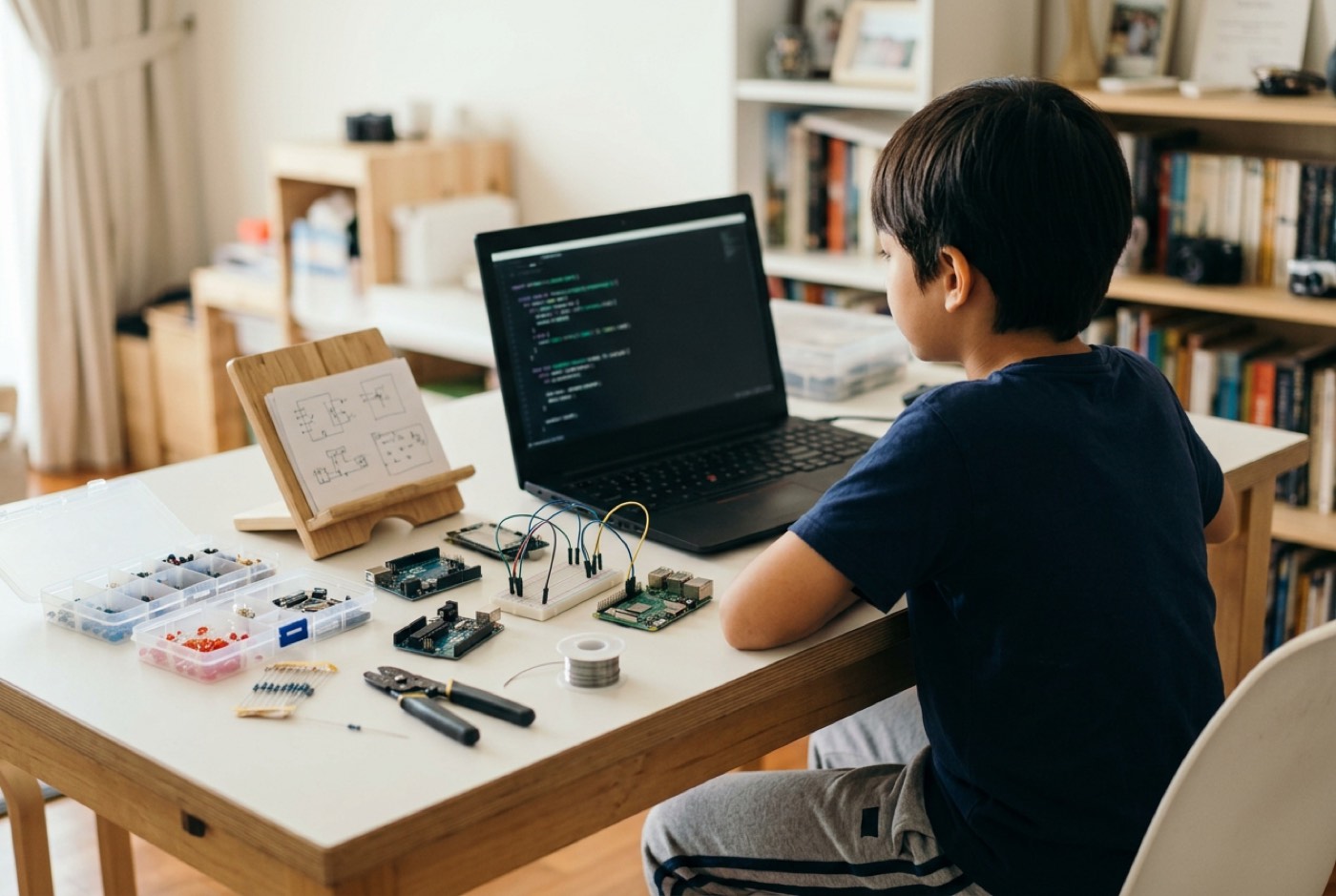
Print this checklist to prepare your home environment for effective robotics learning:
- Hardware Workspace: Clean, non-conductive wooden or plastic desk surface with adequate lighting.
- Core Microcontroller: Micro:Bit v2 board (for ages 8–11) or Arduino UNO starter kit (for ages 12–14) with USB interface cable.
- Basic Tool Kit: Safety glasses, fine needle-nose pliers, jumper wire set, breadboard, and component storage organizer.
- Software Environment: Free web browser access to Microsoft MakeCode (for block coding) or Arduino IDE installed (for C++ text code).
Designed, ready to print and sign. We email it to you together with a 5% discount on your next registration.
Frequently Asked Questions
Does my child need prior coding knowledge before starting robotics?
No. Beginner pathways for primary pupils run on visual block interfaces. Children pick up sequencing, loops and conditionals visually, and see the result immediately in a motor or a light.
Should I purchase an expensive commercial robotics kit for home use?
We would hold off on the pricey proprietary sets. They usually restrict building to their own moulded parts. An open-source board such as a Micro:Bit or Arduino, paired with standard sensors, costs a fraction of the price and imposes no limits on what can be built.
How does learning robotics help with school performance in Malaysia?
It overlaps directly with the KSSR/KSSM and IGCSE/Cambridge science and mathematics syllabi. Pupils use geometry, ratios, physics concepts (current, voltage, resistance, speed, sound reflection) and logical decomposition in practice, which makes the classroom versions far easier to follow.
Is robotics suitable for children who struggle with focus or have dyslexia?
Yes. Hardware makes abstract logic visible and touchable. Children who find textbooks heavy going often do particularly well here, because a physical circuit tells you immediately whether you got it right.
What is the difference between learning robotics online versus attending a physical campus?
References
- British Council, Introduction of AI, robotics and computer programming in Malaysia's primary schools (2019)
- The Guardian, Screen use in schools and educational tech (2026)
- PMC Cureus, Parent Guide to Impact of Screen Time on Children's Development (2023)
- TechTrends, Fostering Computational Thinking Through Educational Robotics: A Systematic Review (2023)
- Sensors, Robotics and Coding Academy: Evaluating Elementary Students' Computational Knowledge Gains (2023)
- Journal of Human Capital Development, Enhancing Secondary Students' STEM Interest Through Robotics Competition (2019)