

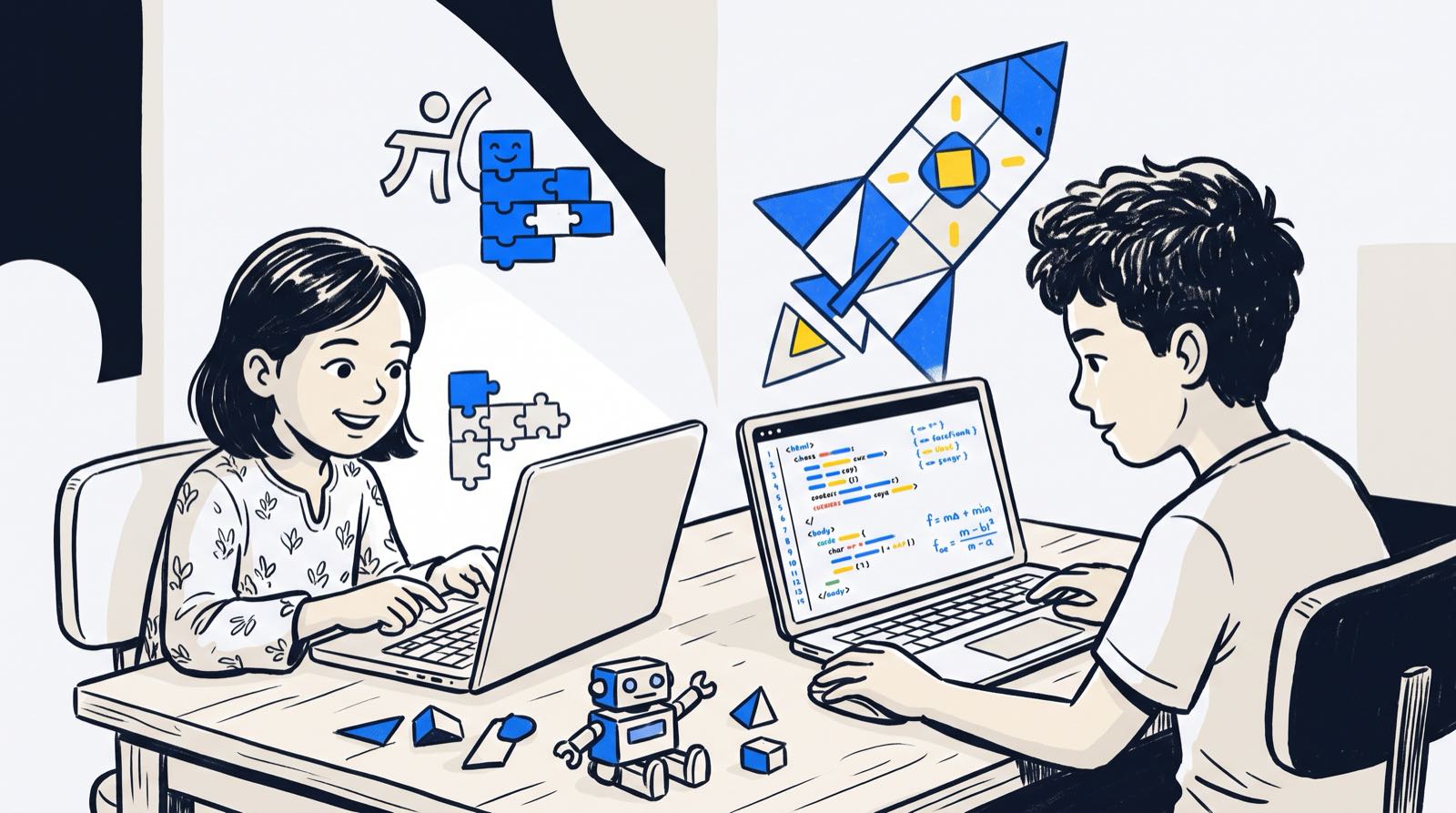
The Saturday problem looks roughly the same in Kuala Lumpur and in Penang. One child is seven and wants to build games on a tablet. The other is twelve and has secondary school entrance exams or coursework hanging over the term. Driving them to two enrichment centres on opposite sides of town swallows the weekend. Putting them in the same class sounds like the obvious fix until you picture it: the younger one lost, the older one bored and vocal about it.
When parents ask whether siblings with a wide age gap can share a coding class for siblings different ages, they are really asking three questions in one breath. Can the two of them sit in the same room? Can they learn the same material? And can this be done without paying twice and juggling two clashing schedules?
Yes to all three, with one condition: the teaching model has to move away from rigid, lecture-style classrooms. Once learning is project-based and adaptive, siblings can share a room while working on completely different technical paths suited to where each of them actually is.
Key Takeaways: Sibling Coding and AI Learning at a Glance
| Factor | Close Age Gap (1 to 3 Years) | Wide Age Gap (4 to 6+ Years) | Twins |
|---|---|---|---|
| Classroom Arrangement | Same physical room or online session works exceptionally well. | Same room works if learning is individualised; split sessions work better for direct instruction. | Same room, but require separate project goals to avoid direct comparison. |
| Primary Interaction Risk | Peer rivalry and direct speed comparisons. | Older sibling taking over the keyboard; younger sibling acting as a passive spectator. | Copying code, identical portfolios, and identity overlap. |
| Ideal Project Tool | Block-based tools (Scratch, Roblox Studio) with distinct visual themes. | Younger: visual logic or gamified builds; Older: text coding (Python, web development). | Distinct tracks (e.g. 3D design for one, Python game logic for the other). |
| Pedagogical Strategy | Pair programming with rotating driver and navigator roles. | Mentorship model where the older sibling explains concepts to reinforce their own learning. | Deliberate track divergence to establish individual competence. |
| Parent Management | Enforce "no performance comparisons" policy at home. | Celebrate individual progress markers, not speed of completion. | Treat them as two distinct students who happen to share a birth date. |
Table of Contents
- The Three Core Questions: Same Room, Same Content, or Shared Resources?
- When Same-Session Coding Works (And When It Backfires)
- The Older-Sibling-Dominates Trap and How Trainers Split the Build
- Twins: Identical Tracks or Deliberate Divergence?
- Younger Sibling Burnout: The "Ride-Along" Risk
- Parental Bias and the "Tech Child" Label
- Decision Framework: Age Gaps, Tools, and Delivery Models
- Shared Pool Scheduling: Managing Multi-Child Enrichment Logistics
- Fairness Scripts for Home: What to Say When One Child Progresses Faster
- How Kidocode Handles Siblings: Personalised Paths Under One Roof
- Running One Trial for Two Kids: What to Watch on Trial Day
- Step-by-Step Action Plan and Sibling Diagnostics
- Frequently Asked Questions
- References
The Three Core Questions: Same Room, Same Content, or Shared Resources?
Parents comparing enrichment programmes for two or more children usually collapse three separate operational decisions into one. Pulling them apart makes the choice much easier.
flowchart TD
    A[Sibling Decision Framework] --> B{What is the age gap?}
    B -->|1-3 Years Gap| C[Same Session & Shared Software]
    B -->|4+ Years Gap| D[Same Session & Parallel Individual Tracks]
    C --> E[Collaborative Pair Programming or Friendly Rivalry]
    D --> F[Mentorship Dynamics or Independent Self-Paced Builds]
1. Can they learn in the same room at the same time?
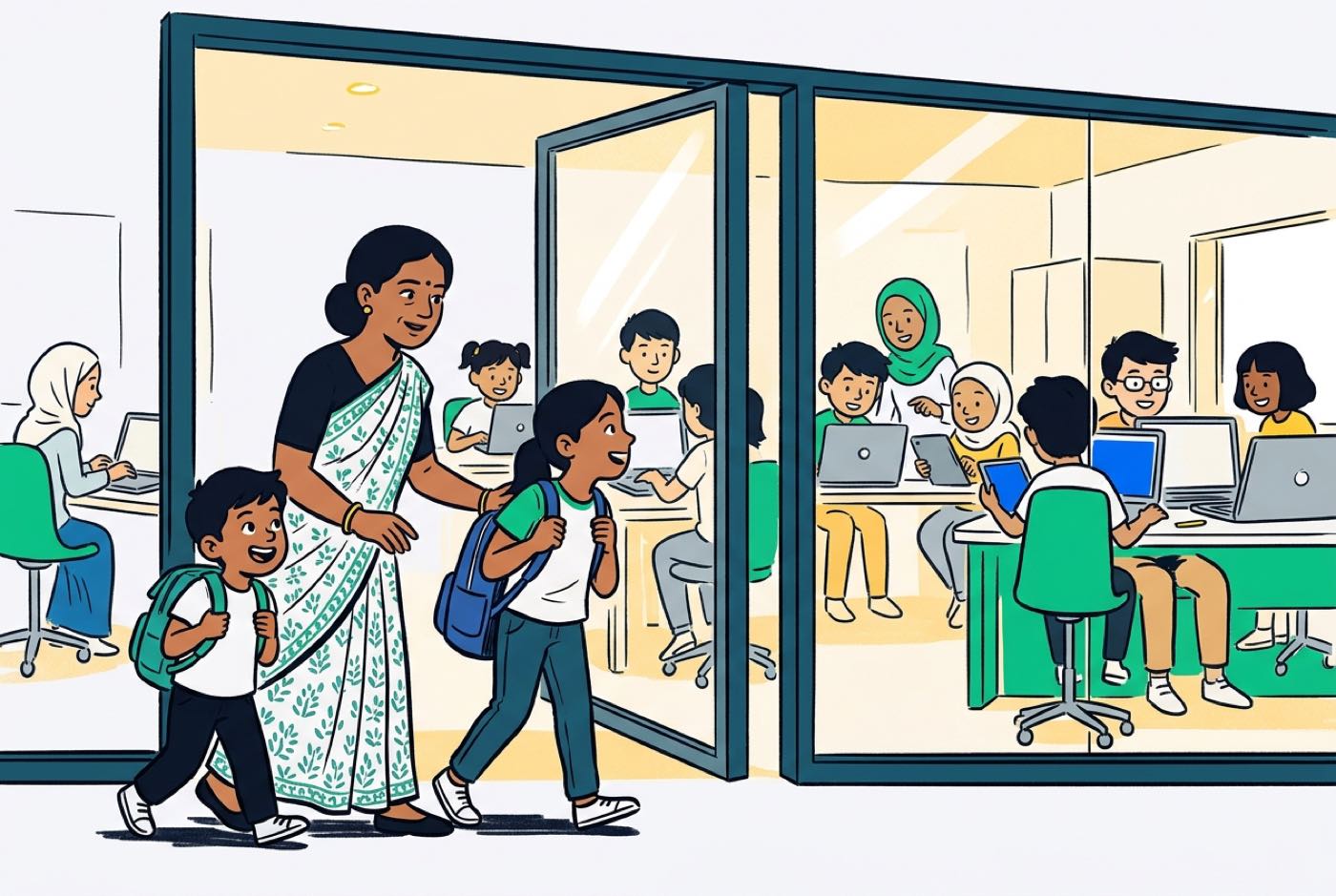
Yes. Sitting side by side is a scheduling matter for you, not a developmental barrier for them. Where a centre runs a high trainer-to-student ratio and personalised progression, a seven-year-old and a twelve-year-old can share a table without either one suffering for it. The seven-year-old snaps together visual logic blocks in Scratch or plays with basic game mechanics; the twelve-year-old writes structured Python or prompts an AI assistant to generate web scripts.
2. Should they cover the exact same content?
No. Walk a twelve-year-old through an early-primary curriculum and you will lose them within the hour. Push a seven-year-old into abstract syntax, text-based data structures or coordinate geometry and you get frustration, then math anxiety. Content has to match cognitive readiness rather than family convenience.
3. Can you share resources and scheduling pools?
Yes, and this is where most of the savings live. Families with multiple children do best under a unified membership or flexible session pool. Rather than two rigid, non-transferable course packages locked to fixed weekly slots, you hold one pool of session credits and allocate them across siblings according to school assignment loads, exam timetables and whoever is currently obsessed with their project.
When Same-Session Coding Works (And When It Backfires)
Whether two siblings thrive in one session comes down to the age gap and to their emotional maturity.
Close Age Gaps (Ages 7 and 9, or Ages 12 and 14)
Two or three years apart, siblings tend to share a cognitive frame of reference. A nine-year-old and an eleven-year-old both handle basic geometric directions, conditional logic ("if-then" statements) and sequential steps.
- Why it works: They act as immediate peer mirrors. Peer learning research shows that near-peer interaction encourages healthy problem-solving habits. When one sibling works out how to make a character jump in a 2D game, the other wants to crack character movement too.
- Where it backfires: Direct comparison. If the younger one grasps a concept faster or finishes first, the older child may feel humiliated. Trainers have to frame success around the features a child invents, not how quickly they finish.
Wide Age Gaps (Ages 6 and 13)
An early primary student paired with a lower secondary student is a different animal altogether. The six-year-old is still building fine motor skills and reading fluency. The thirteen-year-old can hold complex logic and abstract mathematical parameters in their head.
- Why it works: Structured well, the older child becomes an informal assistant or mentor. Research on cross-age tutoring shows that older students who explain concepts to younger learners tighten their own mastery [3]. The meta-analysis reported an overall positive academic effect size of g = 0.34, with tutors benefiting at g = 0.39 and tutees at g = 0.33 across academic subjects [3].
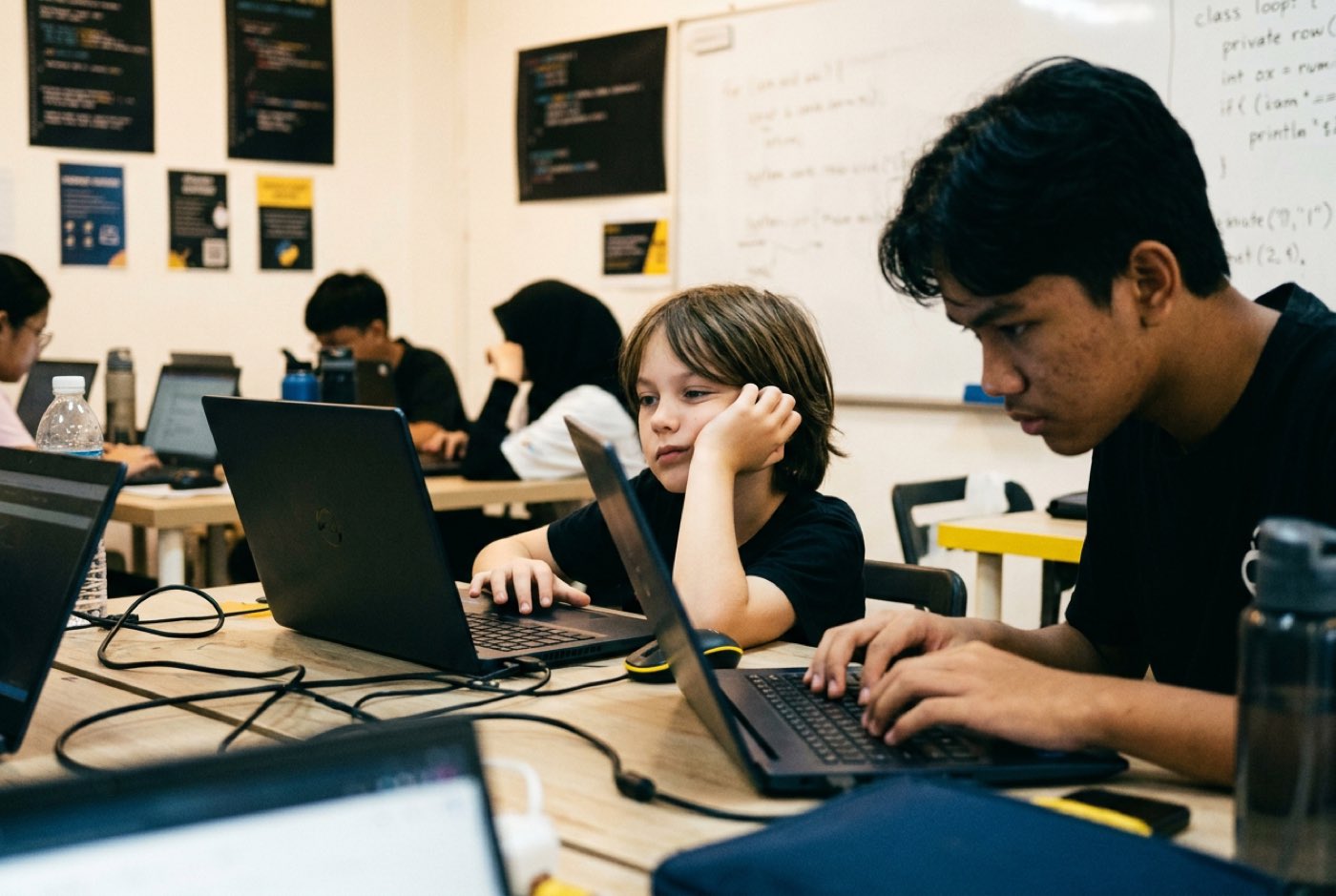
- Where it backfires: Takeover. Left unsupervised, a thirteen-year-old will reach across, grab the mouse, type the command and quietly delete the younger child's entire learning experience.
The Older-Sibling-Dominates Trap and How Trainers Split the Build
The older sibling stepping in to "fix" the younger one's project is one of the most common problems in multi-child households. The intention is kind. The effect is that the younger child never gets the trial-and-error time that makes the learning stick.
Psychological research on sibling interactions shows that an older child's Theory of Mind, their read on what another person is thinking and how fast that person is learning, strongly predicts how well they guide a younger brother or sister [1]. Older siblings with well-developed Theory of Mind lean on supportive cognitive strategies (β = 0.70 in mathematical/spatial tasks), while less attuned older siblings default to direct intervention or negative feedback [1].
| Dynamic | Sequence | Outcome for the younger child |
|---|---|---|
| Incorrect | Older sibling grabs the keyboard → types the solution | Becomes a passive spectator; learns nothing |
| Correct trainer intervention | Trainer assigns distinct roles → older sibling explains the logic out loud → younger sibling types and tests the code | Keeps ownership of the build; both children learn |
Experienced trainers apply three rules during joint sessions:
- Hands off the perimeter: The older child may explain a logic concept or sketch a flowchart on paper. Their hands stay off the younger child's mouse and keyboard.
- The "Explain-to-Build" rule: An older sibling who wants to help has to talk their way through it, verbally, until the younger sibling understands the steps and runs the code themselves.
- Parallel project branches: Rather than one shared project where a single child does the heavy lifting, siblings work on separate instances of a theme. In a game build, the younger child handles character animations and visual logic while the older child programs score tracking, collision physics or enemy artificial intelligence.
Twins: Identical Tracks or Deliberate Divergence?
Parents of twins hit a fork the rest of us don't: identical tracks in the name of equal treatment, or separate tracks in the name of separate identities?
Identical tracks usually breed direct competition. If Twin A finishes debugging five minutes ahead, Twin B feels behind even when their code is perfectly sound. Given enough weeks, one twin quietly accepts the "technical twin" label and the other checks out.
| Approach | What it looks like | Likely result |
|---|---|---|
| Identical enrolment | Same language, same project, same pace | High risk of rivalry and direct competition |
| Deliberate divergence (recommended) | Twin A: visual logic, generative art, front-end design Twin B: Python algorithms, game mechanics, physics |
Two separate portfolios and two separate identities |
The Deliberate Divergence Strategy
The workable version keeps both twins in the same learning environment but splits what they build:
- Different project domains: Twin A builds interactive web pages or generative art with digital design tools; Twin B works on Python game physics or hardware electronics.
- Complementary roles: When they do collaborate, give them the roles a real technology startup would. One is lead designer (UI/UX and visual user flows), the other lead systems architect (logic, databases, core mechanics).
- Independent portfolios: Each twin keeps their own portfolio so their work is judged on its own merit.
Younger Sibling Burnout: The "Ride-Along" Risk
A six-year-old often ends up in a coding class for one reason only: the ten-year-old is already enrolled and someone has to be in the car anyway. That is where ride-along burnout starts.
Executive functioning, planning, working memory, response inhibition, develops on its own timetable in young children. A study on primary school children looked at what block-based coding does to those skills [5]. Four weeks of targeted visual coding significantly improved first-grade children's planning accuracy and impulse control compared with standard activities, producing executive function gains in one month equivalent to seven months of standard development [5].
Those gains depend on the activity matching the child's stage. Drop a six-year-old into abstract logic exercises designed for older children and you get cognitive overload instead.
Signs of "Ride-Along" Burnout
Watch for these early indicators that a younger child is out of their depth:
- Frequent off-task behaviour, such as closing the workspace window to browse video platforms.
- Relying entirely on the trainer or older sibling to complete basic instructions.
- Reluctance or anxiety on class days, even from a child who happily plays video games at home.
- Physical fatigue within twenty minutes of starting a session.
When any of these show up, change the younger child's session length or focus rather than pushing through. Shorter 45-minute blocks built around playful logic, story-building or gamified mechanics on tools like Scratch or Roblox suit many young learners far better than matching an older sibling's multi-hour coding session [5].
Parental Bias and the "Tech Child" Label
Most families hand out labels without thinking twice. "Jason is our math and science child, Sarah is the creative one."
The labels look harmless. Longitudinal research published in the Journal of Family Psychology suggests otherwise: parental assumptions about sibling differences in academic ability feed directly into children's long-term academic outcomes [2]. Following 388 families over time, researchers found that parents' beliefs about sibling competence predicted future GPA differences between siblings even after controlling for the children's actual prior academic performance [2]. The direction of causation ran the way parents least expect: actual report card differences did not drive the beliefs. The beliefs shaped the achievement paths [2].
| Stage | What happens |
|---|---|
| 1. Parent belief | Child is filed under "tech" or "non-tech" |
| 2. Differential expectations | Encouragement, resources and attention follow the label |
| 3. Child interest and self-efficacy | The child adopts the label as self-description |
| 4. Long-term trajectory | GPA and skill differences widen between siblings |
Assume that only the "tech child" will take to coding and you tend to get exactly that. Building software involves far more than mathematics and syntax: narrative design, visual aesthetics, user empathy, logical organisation.
The child who draws constantly or writes stories often turns out strong in front-end development, digital asset design and generative AI prompting. Present technology as a tool for self-expression that anyone can pick up, rather than territory reserved for math enthusiasts, and every child in the house finds a corner of it that fits.
Decision Framework: Age Gaps, Tools, and Delivery Models
Use this matrix to match age combinations to tools and learning setups.
| Sibling Age Pair | Recommended Tools & Tracks | Delivery Format | Shared vs Separate Goals |
|---|---|---|---|
| 5–7 yrs & 8–10 yrs | Younger: Scratch / Visual Logic Older: Scratch / Roblox Mechanics |
Same room; separate workstations | Separate: Younger focuses on movement animation; Older focuses on game physics. |
| 7–9 yrs & 11–13 yrs | Younger: Gamified Logic / Visual Code Older: Python Basics / AI Prompting |
Same physical space or joint live online | Parallel: Older builds backend database logic; Younger builds front-end visual elements. |
| 8–10 yrs & 14–17 yrs | Younger: Roblox / Web Design Fundamentals Older: Advanced Python / Web Dev / AI Models |
Split workstations or staggered timing | Distinct: Older works on text-based applications; Younger works on interactive media. |
| Twins (Any Age) | Split Tracks (e.g. Mobile App UI vs Game Logic Algorithms) | Same classroom table | Divergent: Distinct project domains to prevent direct speed comparisons. |
Shared Pool Scheduling: Managing Multi-Child Enrichment Logistics
The standard tuition centre model sells you a fixed weekly slot per child. A fever, a school examination or a sports tournament and that fee is gone. Run that model across two, three or more children and the calendar stops working entirely.
A membership built around a shared pool of session hours handles the same problem differently.
| Traditional tuition model | Shared pool model | |
|---|---|---|
| Structure | Child A: fixed Sat 10am Child B: fixed Sat 11am |
One family bank of flexible session hours |
| Term time | Both slots must be used or lost | Child A one session a week, Child B one session a week |
| Exam season | Slots missed, fees forfeited | Zero sessions booked; hours preserved |
| School holidays | No extra capacity | Three intensive sessions each, drawn from the same bank |
How Shared Hours Work in Practice
- Term-time flexibility: In quiet school weeks, both children attend their regular weekly sessions.
- Exam pause: When mid-year or final term examinations arrive in Malaysian schools (UASA, SPM or IGCSE), families pause sessions without forfeiting credits.
- Holiday intensives: Over the school breaks, accrued hours go into intensive project sprints, letting kids finish major portfolio projects in a condensed stretch.
- Credit transferability: If an older child hits a heavy academic term and steps back, their session credits stay active and a younger sibling can use them.
Fairness Scripts for Home: What to Say When One Child Progresses Faster
Sooner or later one child picks up computational concepts or text syntax faster than the other. What you say at the dinner table about that gap does more for their motivation than anything the trainer says in class.
Four scripts for the comparisons that come up most often:
Script 1: When the younger child completes a project faster than the older sibling
- Child: "Look! I finished my game level before Kiki finished his Python script!"
- Parent: "You did a fantastic job getting your character to jump across those platforms! Kiki is working on text-based code that handles game calculations behind the scenes. They are two completely different builds. Let's look at the cool features in both of your projects."
Script 2: When the older sibling boasts about doing "real coding"
- Child: "Scratch isn't real coding. I'm writing actual Python lines."
- Parent: "Python is a great tool for text programs, but the logical thinking behind your code, loops, conditions, and variables, is the exact same logic your sister is learning in her visual build. Code is just the tool; the computational thinking behind it is what matters."
Script 3: When a child feels discouraged by their sibling's progress
- Child: "I'm bad at this. My brother's app looks way better than mine."
- Parent: "Your brother has spent more time practicing those design layouts. Remember when you started learning to ride a bike and he was already riding? Skills take time. Let's look at what your app did last week compared to what it can do today. You've added two new functions all on your own."
Script 4: When a child claims they are "not a tech person"
- Child: "Coding is for my sister. She's the smart math one."
- Parent: "Technology isn't just about math calculations. It's about building things you care about. Your sister uses it for game logic; you can use it to design digital art, tell interactive stories, or build websites for your ideas. There are many ways to build with technology."
How Kidocode Handles Siblings: Personalised Paths Under One Roof
Kidocode has taught over 9,500 active students since 2014, across campuses in the Klang Valley (Solaris Mont Kiara flagship and Sunway Nexis PJ), Penang (Q2 Waterfront Bayan Lepas, Vantage Tanjung Tokong, and Icon City Bukit Mertajam), and through a live online programme. Thousands of families rate us 4.6 stars. Much of the model was built with multi-child households in mind, because that is what most of our families are.
Teaching runs on three integrated pillars:
| Pillar | What it covers |
|---|---|
| 1. AI School | Direction, prompting, safety as a co-equal skill, AI literacy first |
| 2. Math | Personalised AI tutor, math learned through builds, syllabus-aligned |
| 3. Tech | Six tracks (Python, Web, Mobile, Game, Electronics, 3D), coding bundled free |
- AI School first: Children learn to direct artificial intelligence responsibly. From age five through eighteen, students work on evaluating AI outputs, keeping themselves safe online, and using machine learning tools to move their creative work along faster.
- Math through builds: We end math-hate in two to four weeks. Instead of dry worksheets, kids use math as a working tool, calculating game physics coordinates, setting variable logic, analysing data patterns. Every student gets a personalised AI math tutor, which turns syllabus-aligned math (IGCSE, Cambridge, Common Core) into something with an obvious purpose.
- Tech and coding bundled free: Coding syntax is a basic skill and should cost nothing extra. What we actually teach is computational thinking: decomposing problems, recognising patterns, designing logical solutions [3]. All six coding tracks (Python, Web Development, Mobile Apps, Game Development, Electronics and 3D Modelling) come bundled into every student membership.
Siblings who join Kidocode do not get put on the same conveyor belt. A seven-year-old and a fourteen-year-old can walk into Solaris Mont Kiara or Q2 Waterfront at the same hour. The seven-year-old works with a dedicated trainer on block-based game logic. The fourteen-year-old works within an AI research-backed trainer framework, moving through text-based Python scripts and generative AI workflows.
One roof, one trip, two customised learning plans.
Running One Trial for Two Kids: What to Watch on Trial Day
A joint trial class is the cheapest way to find out how your children behave in this kind of environment.
At a free trial session at Kidocode, at any of our KL or Penang branches, or through the camera-on live online classroom, parents are welcome to sit in and watch the full two-hour hands-on build.
Observe each child separately:
Child A (younger)
- Engagement vs distraction: does focus hold past 30 minutes?
- Problem-solving style: asks questions, or waits passively?
- Sibling dependency: watches their sibling's screen, or stays on their own?
Child B (older)
- Challenge level: is the material engaging, or too simple?
- Spatial and logic independence: works through the logic without over-asserting?
- Directing skill: how do they respond to trainer guidance?
Four things worth judging by the end of the session:
- Independent focus: Does the younger child stay on their own screen, or keep glancing at the older sibling's workspace for reassurance?
- Frustration tolerance: When the code breaks, does the child try to debug it with the trainer's help, or shut down straight away?
- Trainer responsiveness: Is the pacing adjusted for each child individually, or are the two siblings handled as one unit?
- Post-session output: Can each child explain what they built in their own words? A good session sends both children home feeling the project belongs to them.
Step-by-Step Action Plan and Sibling Diagnostics
Run this sequence at home before you enrol anyone.
- Work through the sibling diagnostic checklist below.
- Define each child's individual technical interests.
- Set the house rule on hands off other people's keyboards.
- Book a joint free trial session, physical or online.
- Review each child's custom learning portfolio with the course trainers.
Printable Sibling Learning Diagnostic Checklist
Use this checklist to assess your children's readiness for learning coding and AI together.
- Age & Readiness Audit:
- Child A (Age: ____): Can focus on an interactive task on a screen or tablet for 30 consecutive minutes.
- Child B (Age: ____): Can read basic instructions and follow sequential multi-step directions.
- Rivalry & Social Dynamics Check:
- Siblings can work in the same physical space without arguing for at least 45 minutes.
- Older sibling demonstrates patience when explaining tasks to younger family members.
Designed, ready to print and sign. We email it to you together with a 5% discount on your next registration.
Frequently Asked Questions
Can my kids share a single laptop during coding classes?
We advise against it. Put two children on one computer and one of them ends up owning the keyboard and mouse while the other watches. Computational thinking comes from typing, testing, breaking and fixing your own code, so each child needs their own machine.
What if my younger child has not learned multiplication or negative numbers yet?
Visual coding tools and block-based environments do not demand advanced arithmetic. Early computational thinking runs on sequencing, pattern recognition, conditional statements ("if-then") and spatial logic. The math arrives inside the build, which is how younger children meet coordinate grids (x, y) and variables well before the school textbook introduces them [4].
How do we handle school exam periods when both kids are overloaded with homework?
This is exactly where rigid tuition schedules fall apart for busy families. Look for a programme with a flexible session pool instead of non-refundable weekly slots. During heavy exam weeks such as mid-year or end-of-year school tests in Malaysia, you pause everything without losing credits and pick it up again once the workload eases.
Will learning coding lead to more screen time and game addiction at home?
Passive screen time and active creation time are not the same thing. Scrolling short videos or grinding through games is one activity; programming game mechanics, designing digital graphics or writing Python scripts is another. Understanding how software is built shifts a child from consumer to creator, and plenty of parents tell us their kids lost interest in mindless gaming once they saw what goes on under the hood.
Should I enroll my daughter if her older brother is already passionate about technology?
Yes. Technology work draws on a wide spread of skills: visual UI/UX design, structural logic, user empathy, strategic problem-solving. Research shows parent expectations carry real weight in long-term academic confidence [2]. Enrolling sisters alongside brothers, with independent project paths for each, builds digital fluency and stops gender-based assumptions about tech from settling in.
References
- Frontiers in Psychology, Sibling teaching and Theory of Mind in structured tasks (2026)
- Journal of Family Psychology, Sibling differences in academic achievement and interests (2015)
- Educational Psychology Review, Academic Effects of Cross-age Tutoring: A Meta-analysis (2025)
- Frontiers in Psychology, Coding instruction and executive functions in primary school (2019)
- ERIC / Problems of Education in the 21st Century, Computer science curriculum design and teacher development (2022)
- Malaysia Digital Economy Corporation, #mydigitalmaker Movement (2022)
Ready to See How Your Kids Learn Together?
Bring both children to a free, hands-on trial session at Kidocode and watch them build real projects side by side. Choose our flagship Solaris Mont Kiara campus, Sunway Nexis PJ, any of our Penang campuses (Q2 Waterfront, Vantage Tanjung Tokong, Icon City), or live online from home.