

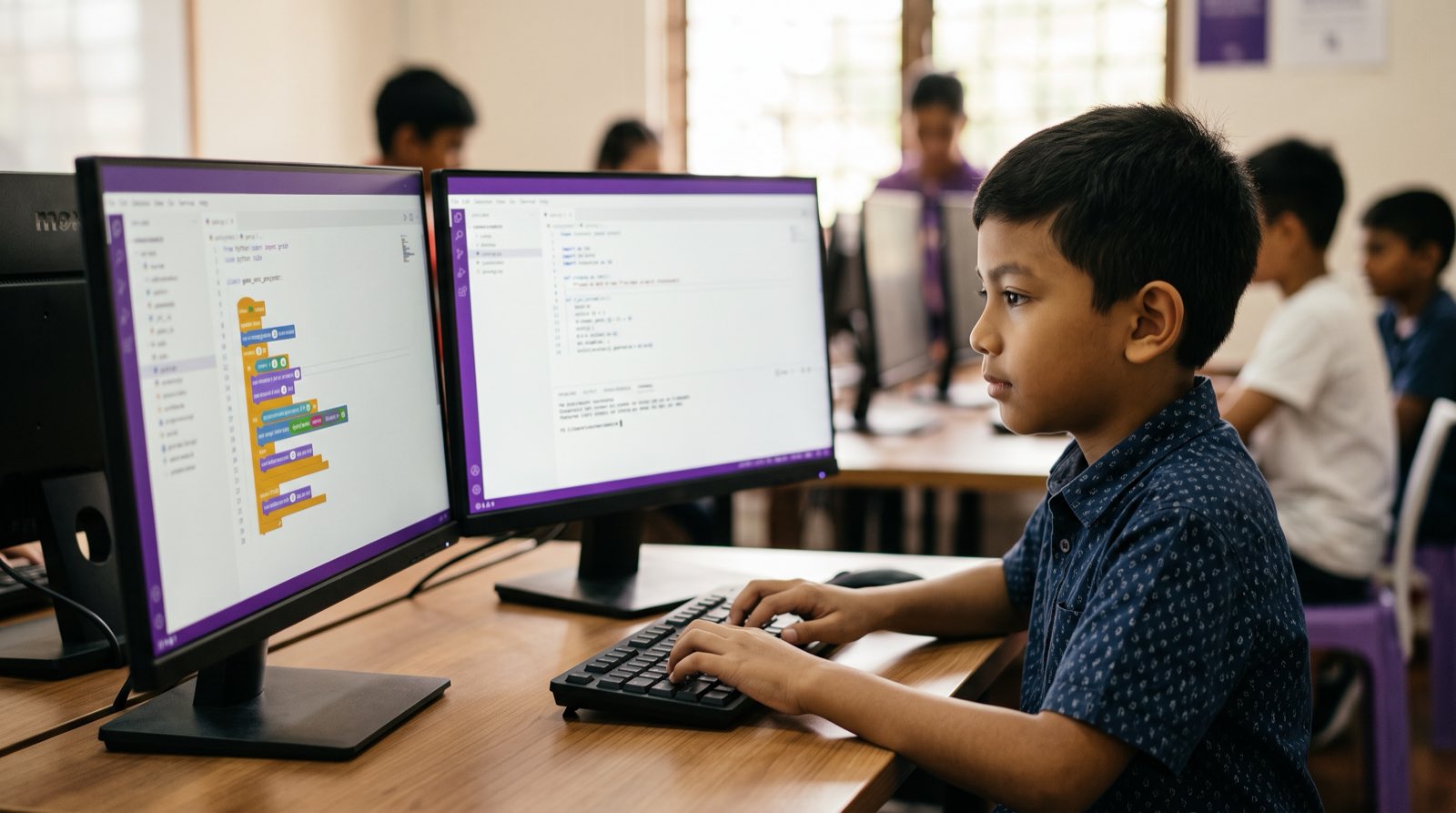
Early in 2025, former OpenAI scientist Andrej Karpathy coined the term "vibe coding": you tell an AI assistant what you want in plain language, it drafts the code, and you steer the result by testing and prompting instead of typing every line yourself [1]. Parents in Malaysia ask me about this almost weekly. If GitHub Copilot, Cursor, or Claude writes the code, is a nine-year-old or a fourteen-year-old actually learning anything, or just getting very good at copying and pasting?
I use these tools every day. Crawl4AI, the open-source web crawler I built, was written with AI assistance throughout, so I have watched professional development change from the inside. My answer for young learners is not complicated. With guardrails, AI coding tools move children to real, professional code far sooner than the old ladder allowed. Without guardrails, they hand the thinking to the machine and keep none of it. Below is how the learning path changes, where vibe coding breaks down, and what parents can check at the kitchen table.
Key Takeaways
| Dimension | Blind Vibe Coding | AI-Directed Computational Thinking |
|---|---|---|
| Primary Learner Role | Passive prompt generator and code spectator | Active software director and logic evaluator |
| Syntax Mastery | Ignored completely; student cannot explain syntax | Accelerated; student reads real code months sooner |
| Debugging Method | Copying raw error messages back into the prompt box | Isolating variables, reading stack traces, directing fixes |
| Cognitive Outcome | Fragile understanding; failure when AI is removed | Architectural thinking and mathematical fluency |
| Tool Reliance | Tool-dependent; stuck on missing brackets or logic flaws | Tool-augmented; directs AI to handle boilerplate code |
Table of Contents
- What Vibe Coding Means for a 10-Year-Old
- The Vibe Coding Verdict: Active Direction vs Passive Offloading
- The Youth Tool Landscape: Access, Safety, and Account Realities
- Our Learning Architecture: Reaching Real Code Sooner
- The Non-Negotiable Rule: Read, Run, Break, Fix
- Worked Example: Building a Game Mechanic in Cursor
- Prompting Skills Kids Must Master (That Aren't Just Typing)
- When to Turn the Assistant Off
- How Parents Can Spot Copying vs Comprehension
- How Kidocode Teaches AI-Directed Engineering
- Printable Vibe Coding Family Contract and Audit Checklist
- Frequently Asked Questions
- References
What Vibe Coding Means for a 10-Year-Old
For decades, the first months of learning to code were spent on rules that have nothing to do with ideas: a missing semicolon, an indentation off by two spaces, a library that will not install. Plenty of primary school students in Kuala Lumpur and Penang quit at that stage, long before they ever saw something of their own run on screen [2].
Vibe coding moves the starting line. A ten-year-old no longer types fifty lines of fragile setup code in Python first. She describes what she wants instead: "Create a 2D canvas where a character moves left and right with arrow keys and collects falling stars." The assistant drafts the script.
 What she does next is the whole point. She runs the code, plays the game, reads the structure, and asks for specific changes. Done this way, the syntax lookup moves to the machine while the child keeps the parts that matter: project structure, game state, and the coordinate maths underneath the movement.
Directing a tool and trusting it blindly are two different activities, though, and only one of them teaches anything.
The Vibe Coding Verdict: Active Direction vs Passive Offloading
The research splits along exactly that line. In a randomized controlled trial run by Anthropic, developers who used AI assistance on unfamiliar tasks finished slightly faster but then scored 17 percentage points lower on comprehension tests than developers who wrote the code by hand [3]. The widest gap showed up on the debugging questions [3].
A Stanford study on large language models in classrooms found the same fork: students who used the model as a tutor and asked for explanations improved measurably, while students who asked for finished answers retained less [4]. A Turkish study with high school maths students put numbers on the cost. Unrestricted ChatGPT access raised immediate problem-solving performance by 48%. Take the tool away and those same students scored 17% below the control group [5].
flowchart TD
    A[Student Project Goal] --> B{Interaction Mode}
    B -->|Blind Delegation| C[Prompt AI for Full Code]
    C --> D[Paste Code Without Reading]
    D --> E[Error Occurs]
    E --> F[Paste Error Back to AI]
    F --> G[Zero Skill Growth & High Fragility]

    B -->|Active Direction| H[Prompt AI for Skeleton Code]
    H --> I[Read & Trace Line by Line]
    I --> J[Run & Verify Output]
    J --> K[Modify Mechanics & Explain Logic]
    K --> L[Deep Comprehension & Faster Mastery]
You can tell which mode your child is in by watching a single session:
| Dimension | Passive Offloading (Cognitive Theft) | Active Direction (Accelerated Learning) |
|---|---|---|
| Prompt Input | "Write a complete game for me." | "Draft a Python function for gravity physics using a delta variable." |
| Code Handling | Copying code directly into the editor without reading. | Reading the generated script, adding comments, checking variable names. |
| Error Handling | Copying raw terminal errors back into the chat window continuously. | Identifying the broken line number and explaining the unexpected behavior. |
| Mathematics | Asking AI to calculate formulas automatically. | Setting up the mathematical formula () and asking AI to implement it. |
| Retention | Student cannot recreate or explain the logic without AI present. | Student explains the underlying architecture and modifies variables independently. |
The gap between using AI vs building with AI is the gap between a crutch and a private tutor who never gets tired.
The Youth Tool Landscape: Access, Safety, and Account Realities
Before any of this starts, someone has to handle accounts, interfaces, and privacy settings. Here is what is realistically available to young developers in Malaysia:
| Tool | Recommended Age | Primary Use Case | Access Requirements & Safety Factors |
|---|---|---|---|
| GitHub Copilot | 13+ (or supervised) | Autocomplete inside VS Code | Free for verified students; integrated inline autocomplete limits distraction. |
| Cursor AI | 13+ | AI-native code editor | Requires API key or subscription; powerful inline editing; requires folder-level context management. |
| Replit Agent / AI | 10+ | Browser-based full-stack development | Runs in web browser; no local environment setup; built-in sandbox controls. |
| Claude / ChatGPT (In-Browser) | 7+ (with parent supervision) | Conceptual explanations & code review | Best used side-by-side with basic code editors; requires copy-paste boundaries. |
Children aged 5 to 8 have no business in a text-based AI IDE. They build logical fluency faster in visual environments: Scratch, and custom mechanics inside Roblox. From age 9 upward, a text editor with AI assistance lets a student meet professional languages years earlier than the old sequence allowed [2].
One setting is worth finding on every platform: turn off any option that lets the provider train public models on your child's repositories. Their project files should stay theirs.
Our Learning Architecture: Reaching Real Code Sooner
The traditional pathway was slow and rigid. Two years of block-based Scratch, then static syntax drills, then finally Python or JavaScript somewhere in late secondary school.
That timeline no longer holds. When the assistant handles syntax translation and boilerplate, students walk straight from block concepts and game environments into professional text-based development months earlier, because the mechanical roadblocks that used to stall them are no longer the gate.
timeline
    title The AI-Accelerated Student Journey
    Ages 5 to 8 : Block Building & Gamified Logic : Visual mechanics in Scratch and Roblox : Foundational spatial and mathematical thinking
    Ages 9 to 12 : AI-Assisted Python & Web : Guided prompts in Cursor and Copilot : Building Pygame scripts and live web interfaces
    Ages 13 to 18 : Full-Stack AI Engineering : Custom LLM integrations and API development : Directing multi-file software architectures
National policy is pointing the same way. MDEC's MyDigitalMaker programme has reached over 2.7 million youth by pushing digital maker skills into public education [6], and the Malaysian Investment Development Authority (MIDA) has made AI integration part of its workforce agenda [7]. Teaching students to direct AI coding assistants links a child's early interest to recognised international standards [3].
The Non-Negotiable Rule: Read, Run, Break, Fix
Every young developer in our labs follows the same four-step standard, whatever the project: Read, Run, Break, Fix.
| Step | What the student does |
|---|---|
| 1. Read | Trace every generated line out loud before executing. |
| 2. Run | Execute the code and verify performance against expectations. |
| 3. Break | Deliberately change a parameter or variable to test boundaries. |
| 4. Fix | Diagnose errors manually before seeking AI guidance. |
Step 1: Read
Nothing runs until it has been read aloud or annotated line by line. If the assistant produces a loop like this:
for item in inventory:
    if item["type"] == "potion":
        player.health += item["value"]
the student has to say it back: "This loop checks my inventory list. If an item is labeled 'potion', it adds its value to the player's health." No explanation, no run button.
Step 2: Run
The student executes the program locally or in the browser and compares what happens on screen against what she expected to happen.
Step 3: Break
Now she damages it on purpose. Change player.health += item["value"] to subtraction. Swap the string "potion" for an item that does not exist. Watching software fail under controlled conditions is how a child learns how state actually behaves.
Step 4: Fix
When a real bug appears, she isolates the line, reads the console, and forms a hypothesis about the cause. Only after she can say why it broke does she get to ask the assistant.
Four steps, and vibe coding stops being consumption and starts being inspection.
Worked Example: Building a Game Mechanic in Cursor
Here is what that looks like with a 12-year-old building a bouncing ball physics mechanic in Python with Pygame.
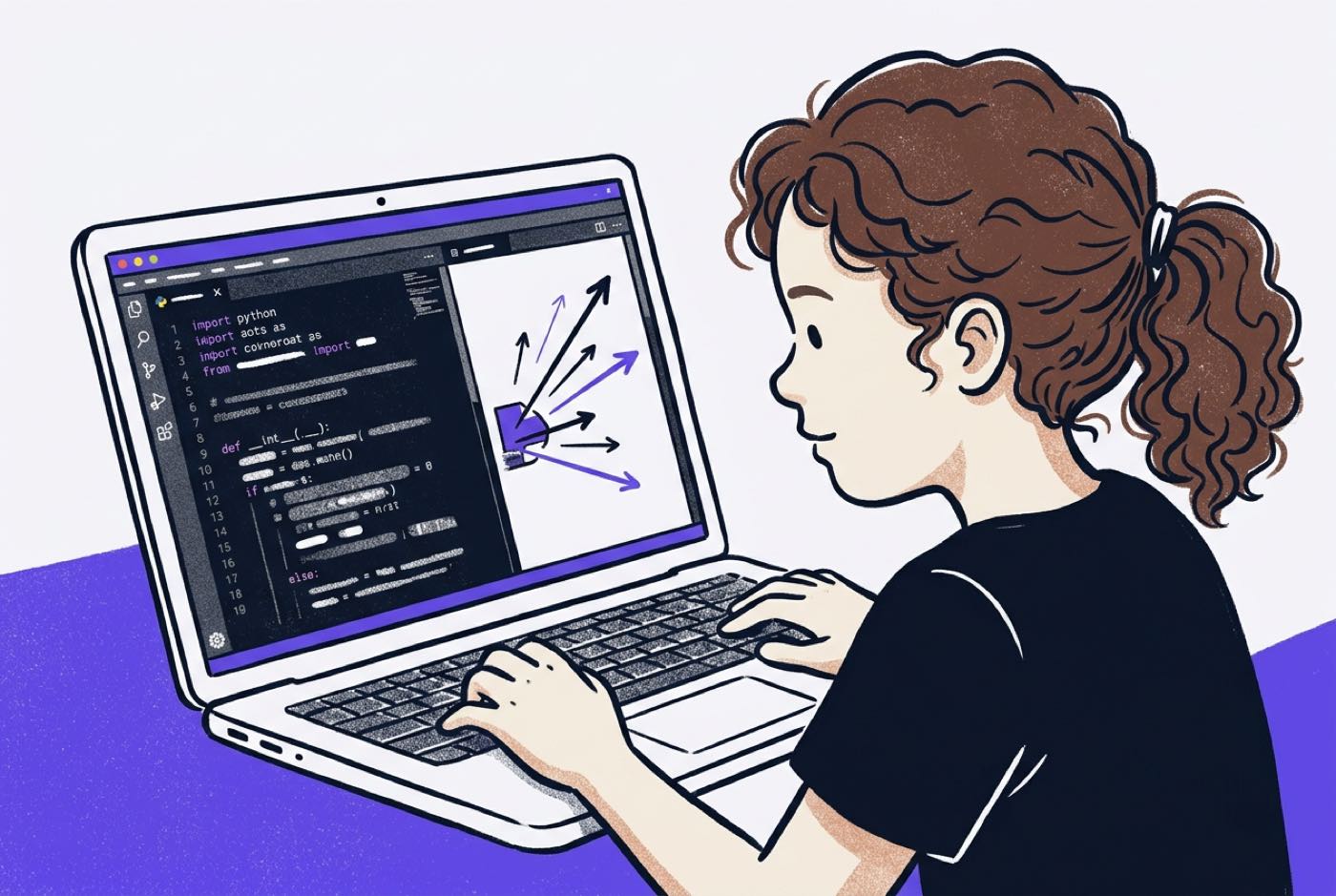
Phase 1: The Initial Prompt
She opens Cursor and writes a structured request:
"Draft a simple Pygame window (800x600) with a circle representing a ball. Include variables for position and velocity . Add comments explaining how velocity changes position each frame."
Back comes the foundation:
import pygame
import sys

pygame.init()
screen = pygame.display.set_mode((800, 600))
clock = pygame.time.Clock()

# Ball position and velocity variables
x, y = 400, 300
dx, dy = 5, 4
radius = 20

while True:
    for event in pygame.event.get():
        if event.type == pygame.QUIT:
            pygame.quit()
            sys.exit()

    # Update ball position based on velocity
    x += dx
    y += dy

    # Bounce off left and right walls
    if x - radius <= 0 or x + radius >= 800:
        dx = -dx

    # Bounce off top and bottom walls
    if y - radius <= 0 or y + radius >= 600:
        dy = -dy

    screen.fill((30, 30, 30))
    pygame.draw.circle(screen, (0, 255, 200), (x, y), radius)
    pygame.display.flip()
    clock.tick(60)
Phase 2: Applying Math Through Building
This is coordinate geometry and basic physics, sitting in plain sight. The position equation updates the ball's spatial coordinates on every frame.
Instead of math as abstract worksheets, she watches vectors change motion in front of her. When the ball moves too fast, she edits and herself. That part is not delegated.
Phase 3: The Interactive Refinement
Gravity comes next. She does not ask the assistant to "add gravity automatically." She asks a conceptual question:
"I want gravity to pull the ball downward. How should I update
dyon every loop cycle to simulate constant acceleration?"
The reply is an explanation, not a rewritten file:
"To simulate gravity, add a small constant value (like
gravity = 0.5) todyinside your main loop before updatingy. This increases downward speed over time."
She types dy += gravity herself. She is running the development cycle, and the physics is going into her head rather than into the file.
Prompting Skills Kids Must Master (That Aren't Just Typing)
Prompt engineering is not a list of magic words. It is the skill of stating requirements clearly enough that another intelligence can act on them [8]. We teach four structures:
| Part | What it does |
|---|---|
| 1. Specify goal | Clear output description |
| 2. State constraints | Language, libraries, memory limits |
| 3. Demand explanation | Force AI to break down logic line by line |
| 4. Request tests | Generate test cases for edge scenarios |
- Specify the Goal: Define the expected output, input parameters, and visual behavior precisely.
- State Constraints: Restrict the response to specific libraries, coding styles, or simplicity requirements suitable for the student's level.
- Demand Explanations: Require the AI to detail why an algorithm was chosen before listing the code.
- Request Test Cases: Instruct the AI assistant to write verification checks that test boundary conditions.
Poor vs. Effective Student Prompts
-
Poor: "Fix my game code it's broken."
-
Effective: "My Pygame character passes through wall objects when moving fast. Review this collision detection function, explain why tunneling occurs at high velocity, and suggest a simple bounding-box fix using Python."
-
Poor: "Write a script for a quiz app."
-
Effective: "Draft a Python command-line quiz application using a dictionary structure for questions and answers. Include a score tracking variable, keep code under 50 lines, and add inline explanations for every loop."
A child who can specify a problem that precisely is also a child who can write a clearer lab report, a tighter essay, and a better argument.
When to Turn the Assistant Off
There are weeks when the assistant should be closed. Unlimited access during foundational skill-building damages long-term problem-solving capacity [3].
 These are the boundaries we hold:
| Learning Phase | AI Assistant Status | Pedagogical Rationale |
|---|---|---|
| Core Fundamentals Weeks | OFF | Students must understand loops, conditionals, data structures, and scope manually before automating them. |
| Maths & Logic Drills | OFF | Core algorithms, arithmetic logic, and array manipulation require direct mental practice [5]. |
| Boilerplate Setup | ON | Generating standard window templates, basic HTML wrappers, or repetitive asset loaders saves time for higher-level architecture. |
| Debugging Complex Projects | HYBRID | Students attempt manual debugging first; AI is consulted for stack trace explanations if the error persists. |
| Architecture Planning | ON (Interactive) | Students use AI as a sparring partner to compare software design choices before implementation. |
Knowing when to switch the thing off is itself a skill, and it is the one that keeps dependence from setting in [4].
How Parents Can Spot Copying vs Comprehension
You do not need a computer science degree for this. Three questions, asked out loud while your child's project is on screen, will tell you almost everything.
Question 1: "Show me where the decisions are made."
- Copy-Pasting Indicator: The child points vaguely at the whole screen or looks confused.
- Comprehension Indicator: The child points directly to specific conditional blocks (
if/elsestatements) and explains the underlying trigger logic.
Question 2: "If we change this number from 10 to 100, what happens when we run the program?"
- Copy-Pasting Indicator: "I don't know, let's ask the AI."
- Comprehension Indicator: "The character will move ten times faster across the screen," or "The loop will run 100 times instead of 10."
Question 3: "Which part of this code did you write or change yourself?"
- Copy-Pasting Indicator: "The AI wrote all of it, I just clicked copy."
- Comprehension Indicator: "The AI generated the window setup, but I wrote the collision logic and adjusted the player speed variables."
Three confident answers mean your child is directing the technology. Three vague ones mean it is directing her.
How Kidocode Teaches AI-Directed Engineering
We do not treat coding at Kidocode as a standalone skill or an after-school hobby. Coding is public knowledge now. What we teach is computational thinking, mathematical application, and AI literacy, with coding bundled across every programme, because directing software models is the literacy this generation will be hired on.
| Pillar | Focus |
|---|---|
| AI to Survive | Direct AI safely and effectively |
| Math to Think | Learn math by building software |
| Tech to Build | Master Python, Web, Games, and 3D |
The three pillars in full:
- AI to Survive: Teaching kids aged 5 to 18 how to direct artificial intelligence, evaluate generated outputs critically, write structured prompts, and maintain robust safety standards.
- Math to Think: Ending math aversion by delivering international curricula (IGCSE, Cambridge, US Common Core) through hands-on software creation. Instead of completing repetitive worksheets, students use coordinate geometry, trigonometry, and statistics to build real games and AI models [9].
- Tech to Build: Master six core technology tracks, including Python development, web engineering, mobile applications, game development, electronics, and 3D modeling.
Students work on individual project builds with dedicated AI tutors and live trainers alongside them. At our flagship Solaris Mont Kiara centre, at Sunway Nexis in Petaling Jaya, across our Penang campuses (Q2 Waterfront, Vantage Tanjung Tokong, Icon City), or on our live online platform, each student moves at her own pace.
In the engineering tracks, that path runs from a first game mechanic to full-stack development, managing real codebases with professional AI workflows.
Use the agreement below if you want the same structure at home.
Printable Vibe Coding Family Contract and Audit Checklist
Student Name: _______________________ Date: ______________
- Read before running: I will read every line of AI-generated code and add my own comments before executing it.
- Manual debugging first: When an error occurs, I will attempt to locate the line number and explain the bug myself before asking AI for a solution.
- Own the math: I will set up the math, equations, and logic parameters myself rather than delegating calculations entirely to the assistant.
- No blind copying: I will never copy and paste code that I cannot explain verbally to a parent or trainer.
Designed, ready to print and sign. We email it to you together with a 5% discount on your next registration.
Frequently Asked Questions
Will vibe coding make learning traditional programming syntax obsolete?
No. The assistant handles routine syntax lookup, but developers still need control flow, data structure efficiency, security boundaries, and system architecture in their heads. Syntax knowledge is what lets you catch a subtle bug, a logic flaw, or a hallucinated output before it ships [3].
Is my child too young to use AI coding tools at age 7 or 8?
For children aged 5 to 8, text-based AI IDEs like Cursor or Copilot add nothing. Logical reasoning develops faster on gamified visual platforms such as Scratch or Roblox mechanics at that age. Once a child reads comfortably and handles logic fluently, usually around 9 or 10, guided AI coding tools start to pay off.
How does vibe coding differ from standard copy-pasting from web forums?
A forum snippet is a fixed answer with no context. Vibe coding is a conversation, where the student refines the code against the specific needs of her own project. Paired with comprehension checks, it works like a tutorial written for that child at that moment [4].
What should I do if my child relies completely on AI to complete school homework?
Set the rules in writing using the family contract above. Foundational assignments get done by hand first; AI comes in afterwards, for extending and improving the project. Run the three-question oral check often enough that skipping the thinking stops being worth it.
Which programming language should my child learn first alongside AI assistants?
Python. Its syntax reads close to plain English, which makes it the easiest language for a young developer to audit when the assistant hands back a block of code. JavaScript is the better first choice for students drawn to interactive web work and game design.
How can I evaluate whether my child is learning computational thinking at home?
Watch what happens when something breaks. A child who isolates variables, traces the logic, and states a hypothesis is building the real thing. A child who quits immediately or pastes the error message without reading it needs closer guidance and tighter boundaries.
Try AI-Directed Engineering at Kidocode
If you want to see how your child responds to AI-directed learning with clear educational guardrails, book a free hands-on trial session at Kidocode.
In two hours, your child builds a working project in AI, mathematics, or technology, then explains how it works. Both parents are welcome to sit in, watch how we teach, and see what personalised AI tutoring does for a child who wants to build things.
Book a Free 2-Hour Trial Class at Kidocode
References
-
Raspberry Pi Foundation. Vibe Coding and Programming Education. Panel discussion with D. Zingaro, I. Stone, J. Ajala, J. Waite, & J. Robinson. Available from: https://www.raspberrypi.org/videos/vibe-coding-and-programming-education-video
-
Alfarwan, A. (2025). Generative AI in K-12 education: A systematic review of empirical literature. Frontiers in Education, 10, Art. 1647573. Available from: https://www.frontiersin.org/journals/education/articles/10.3389/feduc.2025.1647573/full
-
Shen, J. H., & Tamkin, A. (2026). Measuring the Impact of AI Assistance on Software Developer Skill Acquisition and Code Comprehension. Anthropic Research. Available from: https://www.anthropic.com/research/AI-assistance-coding-skills
-
Lehmann, M., Cornelius, P. B., & Sting, F. J. (2025). AI Meets the Classroom: When Do Large Language Models Harm Learning? SCALE Initiative, Stanford Graduate School of Education. Available from: https://scale.stanford.edu/ai/repository/ai-meets-classroom-when-do-large-language-models-harm-learning
-
Abrams, Z. (2026). AI and brain development in youth: How generative tools impact cognitive engagement and learning. Monitor on Psychology, 57(6), 28. American Psychological Association. Available from: https://www.apa.org/monitor/2026/09/ai-brain-development-youth
-
Malaysia Digital Economy Corporation (MDEC). MyDigitalMaker Initiative: Transforming Youth from Digital Users to Producers. Government Program Portal. Available from: https://www.mdec.my/mydigitalmaker
-
Malaysian Investment Development Authority (MIDA). AI in Education: Driving Malaysia's Future-Ready Workforce. Official Agency Feature. Available from: https://www.mida.gov.my/ai-in-education-driving-malaysias-future-ready-workforce/
-
Zviel-Girshin, R. (2024). Integrating Artificial Intelligence Tools into Introductory Programming Education: A Mixed-Methods Evaluation. Education Sciences, 14(10), Art. 1089. Available from: https://www.mdpi.com/2227-7102/14/10/1089