


A ten-year-old can switch between three games, a chat app and a video feed in under a minute without reading a single instruction. That fluency is real, but it is the fluency of a consumer. The question parents actually ask when they start looking at an app development course for kids is whether a primary or secondary student can flip sides and build the thing on the screen.
They can. What trips families up is the route. Handing a ten-year-old a professional text language usually ends in frustration, because the obstacle is typing and syntax, not thinking. App development for kids works when the tools are matched to the child's stage, starting with visual logic and moving up to AI-assisted coding and cross-platform frameworks.
Below is the progression we use with students aged 7 to 18: the four stages, project ideas drawn from ordinary Malaysian life, the mathematics hiding inside app layouts, and what to check before paying for a course.
Key Takeaways
| Stage | Target Age | Primary Technology | Key Learning Milestones |
|---|---|---|---|
| Stage 1: Visual App Blocks | Ages 7–10 | MIT App Inventor, Thunkable | Event handlers, screen layouts, smartphone sensor inputs |
| Stage 2: Mobile Web Apps | Ages 10–13 | HTML5, CSS, JavaScript | Responsive mobile layouts, DOM manipulation, local data storage |
| Stage 3: Native & AI Hybrid | Ages 13–16 | Flutter, React Native, AI Assistants | Code refactoring, API integration, AI prompt-driven debugging |
| Stage 4: Production Systems | Ages 16–18 | Cloud Databases, Authentication, Stores | State management, backend security, Play Store deployment |
Table of Contents
- Understanding App Development for Young Learners
- The 4-Stage Mobile App Development Roadmap
- Stage 1: Visual Block-Based Apps (Ages 7–10)
- Stage 2: Mobile-First Web Applications (Ages 10–13)
- Stage 3: Cross-Platform Frameworks with AI Assistance (Ages 13–16)
- Stage 4: Full-Stack Mobile Systems and Store Publishing (Ages 16–18)
- 10 First-App Ideas Malaysian Students Actually Complete
- The Hidden Mathematics Inside App Building
- How to Evaluate an App Development Course for Kids
- The Kidocode Approach: AI-Savvy Builders and Flexible Hour Banks
- Printable App Builder Project Selection Checklist
- Frequently Asked Questions
- References
Understanding App Development for Young Learners
Most introductory programming ends at text printed in a terminal window. Mobile app development does not let a student stop there. The moment the work has to run on a phone, the child has to think about where a button sits, what happens when a thumb lands on it, how the screen behaves when the device rotates, and what the accelerometer or camera is reporting back.
Malaysia has been pushing in this direction at policy level. The Digital Education Policy (Dasar Pendidikan Digital) sets out to narrow the digital gap and build technical capability across national primary and secondary schools [1]. The MyDigitalMaker movement, run by MDEC with the Ministry of Education, has introduced computational concepts to more than 2.5 million students [2], [3].
Exposure and construction are different things, though. A working application only comes out of repeated building, breaking and fixing. There is evidence that the building itself pays off academically: a randomised controlled trial in the British Journal of Educational Psychology found that primary school children in systematic coding programmes made statistically significant gains in computational thinking compared with control groups [5].
timeline
    title 4 Stage Student App Progression
    Stage 1 (Ages 7 to 10) : MIT App Inventor : Event Handlers & Layouts
    Stage 2 (Ages 10 to 13) : HTML CSS JavaScript : Responsive Web Views & Logic
    Stage 3 (Ages 13 to 16) : Flutter with AI Tools : Mobile APIs & Code Editing
    Stage 4 (Ages 16 to 18) : Cloud Backends : Play Store Release & Security
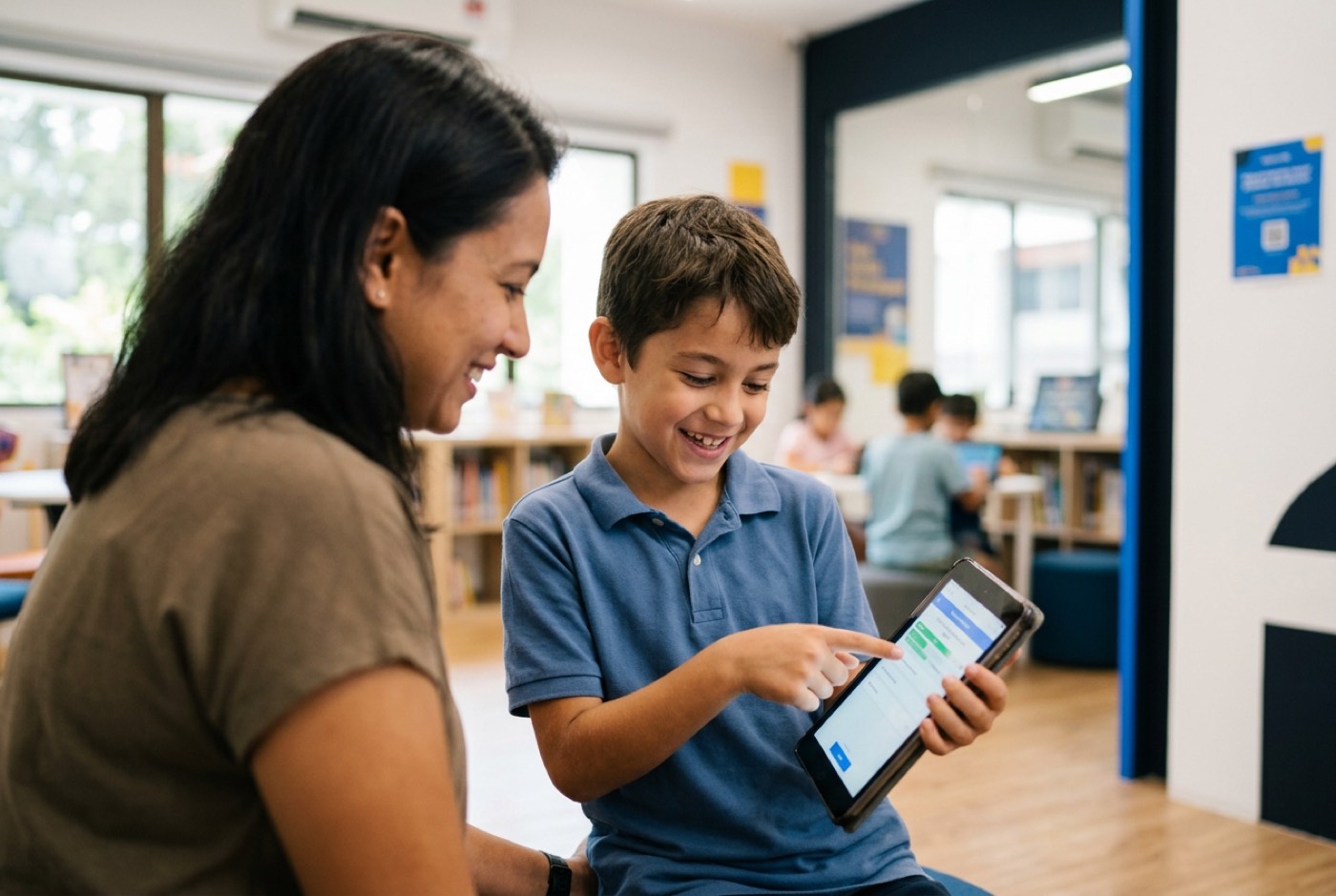
The first time a child watches something they wrote appear as an icon on their own phone, the relationship to the device changes. They stop being an audience.
The 4-Stage Mobile App Development Roadmap
The software stack has to fit the learner. Ask a nine-year-old to juggle text syntax, memory allocation and environment variables and you get cognitive overload plus a child who decides coding is not for them. Leave a sixteen-year-old dragging puzzle blocks and you waste two years of capability.
Here is how the path unfolds.
Stage 1: Visual Block-Based Apps (Ages 7–10)
For students in Standards 1 to 4, block-based tools take typing speed and syntax errors out of the equation. MIT App Inventor and Thunkable let a child drag components onto a phone-shaped canvas and snap logic blocks together underneath [8].
A first app is usually one component, one event and one action:
| Screen component | Trigger | Resulting action |
|---|---|---|
| Button labelled "Speak" | On Click event | Text-to-Speech engine reads the text aloud |
In a comparative empirical study of 524 Scratch projects and 379 MIT App Inventor projects, App Inventor projects scored significantly higher on User Interactivity and Data Representation [7]. Scratch is excellent for animated storytelling. App Inventor puts children in front of the actual furniture of a phone: buttons, text boxes, speech synthesisers, location sensors, camera interfaces.
Early sessions produce single-screen apps, a torch, a soundboard, a bilingual vocabulary quiz. The loop that makes it stick is scanning a QR code and watching the thing run live on a real Android or iOS device thirty seconds after the logic was assembled. Event handling and conditional execution stop being vocabulary.
Stage 2: Mobile-First Web Applications (Ages 10–13)
By Standards 5 and 6, the keyboard mechanics and reading comprehension are there for text-based languages. Native mobile SDKs such as Android Studio or Xcode are still a poor fit at this point: heavy installs, long compile times, and a lot of ceremony before anything appears on screen.
The faster route into real text-based development is a mobile-first web app built with HTML5, CSS and JavaScript.
<!-- Mobile Layout Container -->
<div class="mobile-card">
  <h2 id="status">Order Ready</h2>
  <button onclick="updateStatus()">Refresh</button>
</div>
Constrain the browser viewport to phone dimensions ( pixels) and the student is suddenly doing user interface (UI) design, responsive flexbox layout and DOM manipulation, all with an instant refresh. A systematic review of early coding environments makes the case for this handover: drag-and-drop apps build early logic, but text-based syntax is what gives students precise control over variables and data structures [6].
Work at this stage takes user input, holds values in variables, searches arrays and repaints the screen without a page reload.
Stage 3: Cross-Platform Frameworks with AI Assistance (Ages 13–16)
Form 1 to Form 3 students move to the frameworks working developers actually ship with: Flutter, written in Dart, or React Native, written in JavaScript or TypeScript.
A student project at this stage has three distinct layers:
| Layer | What the student works with |
|---|---|
| User interface | Flutter or React Native widgets and components |
| AI assistant | Generative code drafting and debugging support |
| Data provider | REST API fetch requests returning JSON |
Learning Flutter used to mean months on widget trees, class structures and state management before anything looked like an app. AI coding assistants have compressed that opening stretch considerably.
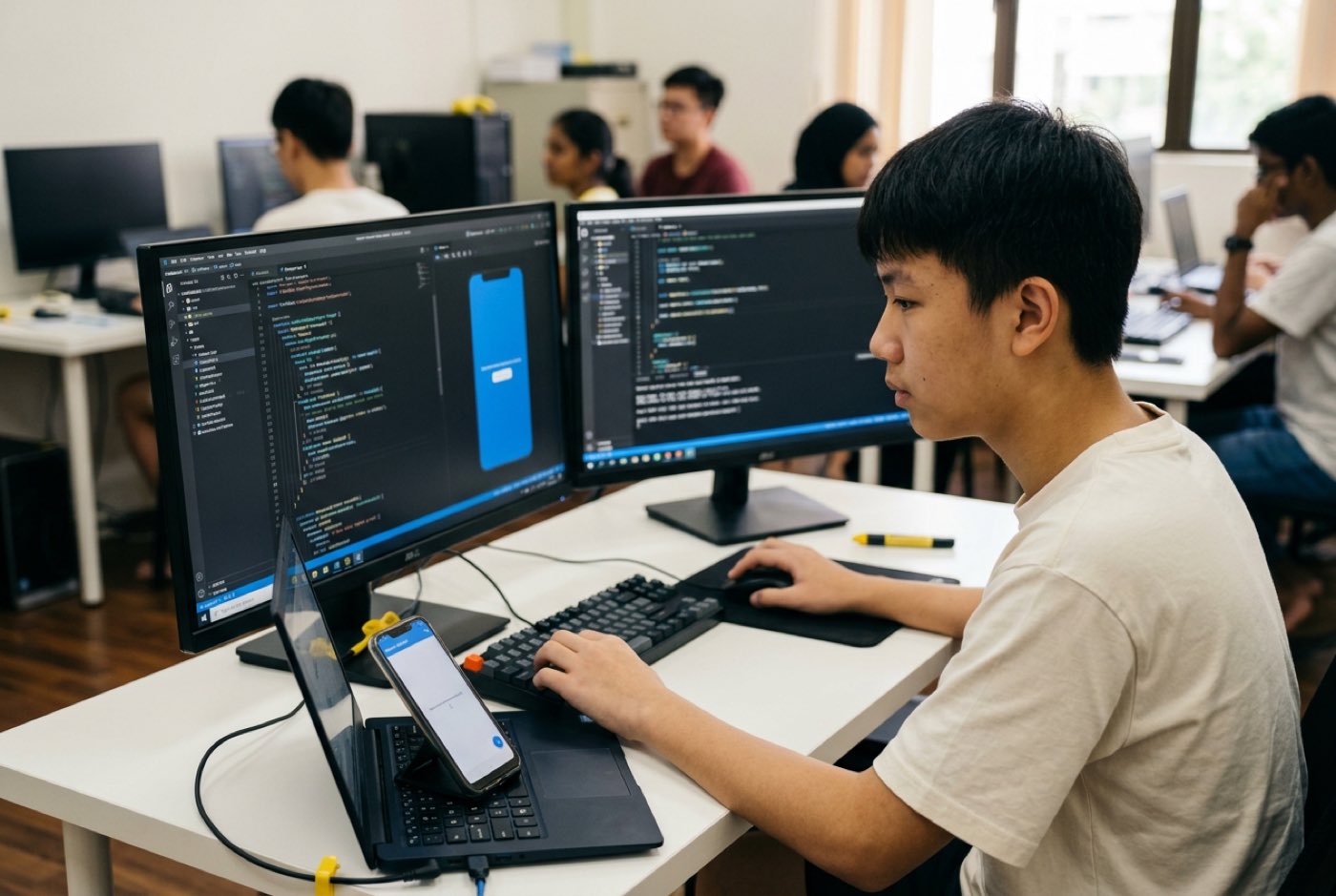
Instead of typing boilerplate from memory, teenagers learn to direct AI assistants to produce working scaffolding. The student takes the architect's chair: writing the prompt, reading what comes back, spotting where it is wrong, refactoring the layout, wiring in third-party APIs. The hard skill is no longer recall. It is judgement about code someone else, or something else, wrote.
Stage 4: Full-Stack Mobile Systems and Store Publishing (Ages 16–18)
Upper secondary students heading for university or technical diplomas take on production architecture. An app here is no longer one front-end screen; it is a client talking to services.
| Tier | Responsibility |
|---|---|
| Mobile app client | Screens, navigation, local state, user input |
| REST API and authentication layer | Request handling, login sessions, access rules |
| Cloud database | Persistent profiles, stored records, uploaded files |
Students wire in Firebase or Supabase for persistent user profiles, implement secure authentication, handle asynchronous file uploads and pull live external data over REST APIs.
The last milestone is the unglamorous one: compiling binaries, configuring release certificates, working through privacy compliance requirements and submitting an original app to the Google Play Store or Apple App Store. A student who has been through that full lifecycle has something concrete to show a university admissions panel or a scholarship committee.
10 First-App Ideas Malaysian Students Actually Complete
Plenty of tutorials open with a counter or an abstract guessing game. Students finish far more projects when the problem is one they had that week.
Here are ten that students build across Stages 1 to 4:
- Tuition Timetable & Homework Tracker: A mobile organiser that tracks weekly tuition schedules, school assignment deadlines, and sends local push notifications.
- Canteen Budget & Ringgit Expense Log: A daily allowance manager where students log meal purchases, calculate remaining balance, and plot simple weekly expenditure charts.
- KTM & LRT Fare Helper: A transit utility where users select origin and destination stations from a drop-down menu to compute transit fares and estimated travel times.
- Prayer Time & Qibla Finder: An application using smartphone location sensors to calculate daily prayer times across Malaysian states and display compass bearings.
- Bahasa Melayu & English Flashcard Deck: A language learning app with voice audio output, helping primary students memorise vocabulary for school assessments.
- Malaysian Recipe Step-Timer: A kitchen assistant timer built for multi-step recipes, with simultaneous countdowns for different stove burners.
- School Bus Tracker Simulation: A location-aware app that simulates school van route coordinates on an interactive map, displaying estimated arrival times.
- Merdeka Historical Quiz: A gamified trivia application containing historical milestones, scoring metrics, timed rounds, and local high-score leaderboards.
- Classroom Book Swap Market: A peer-to-peer catalogue app where secondary students list pre-loved textbooks and storybooks for trading within their school.
- Neighborhood Recycling Point Logger: A community map tool where users tag localised recycling centres, upload photos, and log accepted items like paper or e-waste.
The Hidden Mathematics Inside App Building
Parents ask about academic balance almost immediately: does time spent building apps come out of maths revision?
In practice the two run together. An app is a place where mathematical rules have visible consequences, get the arithmetic wrong and the button lands off-screen.
Screen geometry is the first surprise. Phone canvases do not behave like the graphs in a textbook:
| Maths textbook graph | Phone screen canvas | |
|---|---|---|
| Origin | Bottom-left | Top-left |
| Increasing | Rightwards | Rightwards |
| Increasing | Upwards | Downwards |
Positioning buttons and containers means working in both absolute and relative coordinate systems, and reasoning about geometric transformations to keep a layout intact.
Other mathematics that ends up inside application logic:
- Conditional Logic & Boolean Algebra: Determining workflow branches using logical operators (, , ). For instance, verifying that a user input satisfies multiple security conditions:
- Proportional Scaling & Percentages: Calculating responsive widths for varying mobile screen sizes using relative screen ratios:
- Distance Formulas: Calculating spatial distance between two map coordinates in location-aware apps using the Euclidean distance metric:
- Data Validation & Simple Statistics: Processing user array data to output real-time averages, sums, and percentage distributions for expense tracking applications.
A formula that stands between a student and a working feature is a formula they will sit with, which is the whole argument for learning maths by building rather than by worksheet.
How to Evaluate an App Development Course for Kids
Kuala Lumpur and Penang have no shortage of enrichment centres, tuition hubs and online platforms selling coding classes. The syllabi behind them vary enormously.
Use the grid below to benchmark course models:
| Evaluation Criteria | Traditional Coding Class | Modern AI-Savvy App Program |
|---|---|---|
| Primary Teaching Tool | Fixed Scratch puzzles or static text exercises | Stage-appropriate mobile tools (App Inventor to Flutter) |
| Role of AI Tools | Expressly banned or ignored entirely | Integrated responsibly to write, debug, and explain code |
| Project Ownership | Students follow step-by-step teacher templates | Students design, build, and retain source code rights |
| Output per Term | Theory worksheets and short code snippets | At least 1 to 2 completed, functional app artifacts |
| Class Schedule Structure | Fixed weekly lock-in sessions with rigid expiry | Flexible hour-bank model adaptable to school workloads |
When comparing an app development course for kids in Malaysia, three questions separate the serious programmes from the rest:
- Build-per-Term Ratio: Does the syllabus require finished, working applications, or an endless run of exercises? A student should walk out of each term with at least one original, testable app.
- Code Ownership: Are projects built inside your child's own accounts, GitHub, MIT App Inventor, Google Play Console, so the source code stays theirs?
- AI Policy: Does the centre ban AI outright or teach guided use? Directing a model safely, prompting for structured code and checking the output for logic flaws is now part of the job.
The Kidocode Approach: AI-Savvy Builders and Flexible Hour Banks
Kidocode started in 2014 in Solaris Mont Kiara. Since then we have trained more than 9,500 students aged 5 to 18 across five physical campuses in Klang Valley and Penang, plus live online classes.
We do not sell coding as a standalone subject. It sits inside three pillars that students move between:
| Pillar | Focus |
|---|---|
| Pillar 1: AI | Directing AI tools and digital safety |
| Pillar 2: Math | Applied mathematics through interactive builds |
| Pillar 3: Tech | Mobile, web, Python, game development, electronics, 3D |
- Pillar 1: AI School First: Children learn to direct artificial intelligence, structure prompts and understand how machine learning reaches its answers, alongside the online safety habits that go with it [4].
- Pillar 2: Math Through Builds: International mathematics standards (IGCSE, Cambridge, US Common Core) delivered through interactive project builds, which is the most reliable way we have found to defuse maths anxiety.
- Pillar 3: Tech and Building: Coding is bundled free within the membership because syntax is public knowledge now. What is worth teaching is computational thinking, problem decomposition and software architecture.
The technology track runs across six pathways: Mobile App Development, Python Programming, Web Development, Game Engineering, Electronics, and 3D Modeling.
Malaysian students carry heavy school workloads, exam blocks and family travel, so Kidocode runs on an hour-bank system instead of fixed weekly slots. Parents buy a bank of trainer-led hours and spend them when the calendar allows, weekdays, weekends, or intensive holiday runs, at any branch or live online.
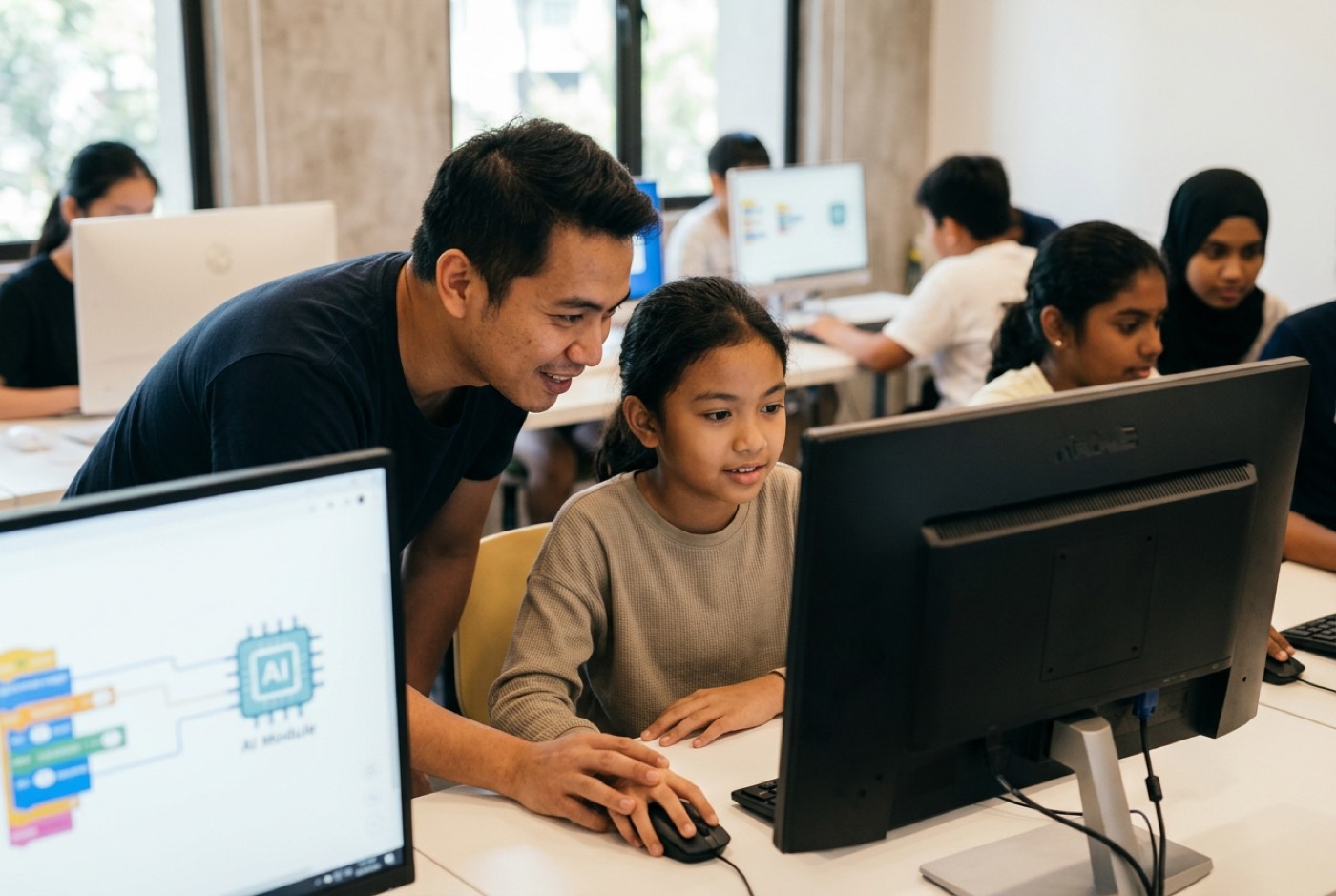
The quickest way to judge any of this is to sit in on a free trial class. It runs about two hours, your child builds a working software project from scratch, and they demo it on screen to you before you leave.
Printable App Builder Project Selection Checklist
Before signing your child up for a mobile development project or course, run through this checklist to confirm the path matches where they are now.
- Ages 7–10: visual drag-and-drop tools (MIT App Inventor / Thunkable)
- Ages 10–13: mobile-first web stack (HTML5 / CSS / JavaScript)
- Ages 13–16: cross-platform framework with AI tools (Flutter / React Native)
- Ages 16–18: full-stack architecture (cloud database / REST APIs / app stores)
Designed, ready to print and sign. We email it to you together with a 5% discount on your next registration.
Frequently Asked Questions
Is my child too young to learn app development at age 7?
Not if the tools match the age. Seven-year-olds are not typing complex syntax. They work in visual block platforms like MIT App Inventor, connecting screen events to device actions, which builds the problem-solving habits without the typing barrier.
Does my child need an expensive laptop or phone to learn mobile app building?
No. Stage 1 and Stage 2 both run inside a standard web browser on a basic desktop or laptop, and live testing is done by scanning a QR code with an ordinary Android or iOS phone. Stage 3 and Stage 4 cross-platform work needs a mid-range laptop, nothing more.
Will learning mobile app development help my child with school mathematics?
Yes. Apps run on real mathematics: coordinate geometry for and layouts, percentages for responsive screens, boolean logic for conditions, and calculations over stored data. The formulas get applied because the project will not work otherwise.
How does Kidocode integrate AI into mobile app development classes?
Students treat AI assistants as working tools. Rather than typing hundreds of lines of repetitive code by hand, older students learn to prompt for code structures, read what comes back, debug the logic errors in it, and pick up software architecture faster as a result.
Can we try a class before committing to a full program?
Yes. Kidocode runs a free trial class of up to 2 hours at our branches in Klang Valley (Solaris Mont Kiara, Sunway Nexis PJ) and Penang (Q2 Waterfront Bayan Lepas), and live online. Both parents are welcome to sit in, watch the session, and see their child build and demonstrate a working project screen.
References
- Ministry of Education Malaysia (KPM). Digital Education Policy (Dasar Pendidikan Digital). Official Government Policy Document, updated August 2026. Available at: https://www.moe.gov.my/dasarmenu/dasar-pendidikan-digital
- World Intellectual Property Organization (WIPO Academy) / Universiti Kebangsaan Malaysia (UKM). Good Practices in STEM Education in Malaysia. WIPO Mapping Report, 2024. Available at: https://dacatalogue.wipo.int/projectfiles/DA_1_3_10_19_30_01/Malaysia_Report%202/EN/MALAYSIA_Report%202_GoodPracticesin%20STEM%20Education_English.pdf
- Malaysia Digital Economy Corporation (MDEC). MyDigitalMaker Movement Overview and Digital Maker Hubs. MDEC Official Resource Portal, 2022. Available at: https://www.mdec.my/mydigitalmaker/faq
- UNICEF Malaysia. Age Restrictions Alone Won't Keep Children Safe Online. Official Position Statement, December 2025. Available at: https://www.unicef.org/malaysia/press-releases/age-restrictions-alone-wont-keep-children-safe-online-says-unicef
- Özcan, M. Ş., Çetinkaya, E., Göksun, T., & Kisbu-Sakarya, Y. Effects of learn-to-code programs on primary school children's computational thinking and cognitive skills. British Journal of Educational Psychology, 2021. Available at: https://pubmed.ncbi.nlm.nih.gov/34042178/
- Papadakis, S. The Impact of Coding Apps to Support Young Children's Computational Thinking Skills. Frontiers in Education, 2021. Available at: https://www.frontiersin.org/journals/education/articles/10.3389/feduc.2021.657895/full
- Park, Y., & Shin, Y. Comparative Analysis of Computational Thinking Concepts in Block-Based Programming Environments: Scratch vs. App Inventor. MDPI Electronics, 2019. Available at: https://www.mdpi.com/2079-9292/8/11/1269
- Massachusetts Institute of Technology (MIT). MIT App Inventor Teaching Curriculum and Coolthink@JC Resources. MIT Educational Portal, 2026. Available at: https://appinventor.mit.edu/explore/teach