

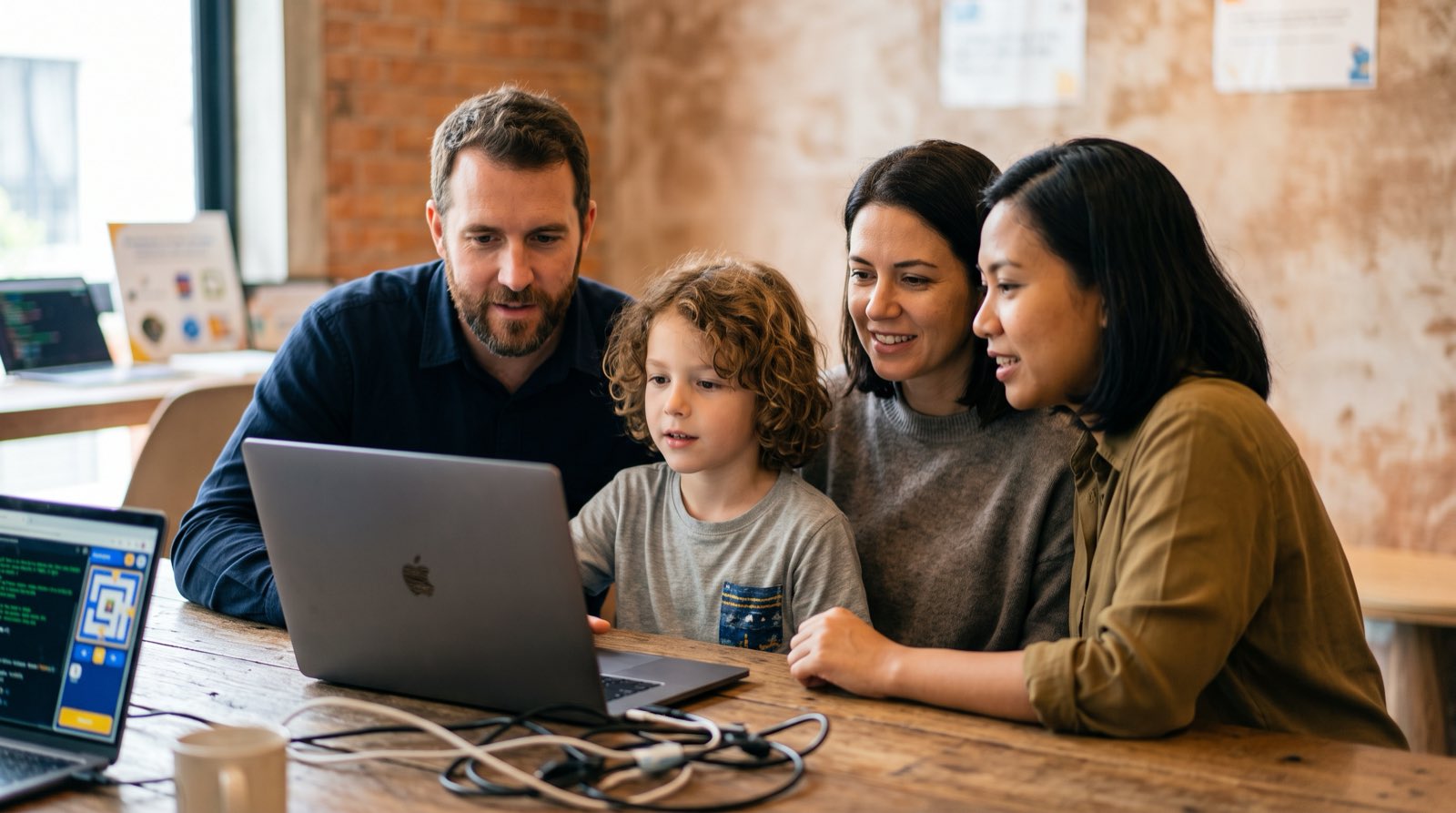
A free coding trial class is, for most Malaysian families, the first real look inside computer science, artificial intelligence, and digital creation. Parents want that look badly. In a recent survey of young Malaysian parents, nearly 90 percent said they want their children to build STEM capabilities while still in school rather than waiting for workforce upskilling, while 30 percent rated current national performance in these subjects as poor or very poor [1].
That gap sends families to private enrichment centres, and what they find there varies enormously. Some centres run a real diagnostic session in which your child builds an interactive project from scratch. Others run a scripted sales presentation aimed at locking parents into multi-year contracts with manufactured urgency.
If your child is between 5 and 18 and you are comparing providers, the 90 to 120 minutes of a trial class will tell you almost everything you need to know, provided you know where to look. This guide walks through the anatomy of a good trial session, gives you a 12-point evaluation checklist, and names the quieter red flags that parents tend to miss.
Key Takeaways
| Feature | What a High-Quality Trial Provides | What a Sales-Focused Trial Provides |
|---|---|---|
| Child Activity | Builds an original working project (game, web page, or AI tool) | Follows a strict copy-paste script with zero deviation |
| Instructor Focus | Observes thinking patterns, logic, and problem-solving steps | Delivers a pre-recorded or mechanical walkthrough |
| Parent Role | Sees the teaching style live and receives honest diagnostic feedback | Pitch-driven meeting focused on long-term lock-in packages |
| Curriculum Depth | Explains computational thinking, math concepts, and AI integration | Uses flashy animations without showing underlying code |
| Post-Trial Output | A published artifact your child can test and explain at home | A temporary slide deck or an incomplete visual demo |
Table of Contents
- Why Every Centre Offers a Free Coding Trial (And What It Is Actually For)
- Hour by Hour: What Your Child Does and What You See
- The 12-Point Trial Checklist: Evaluating Any Coding Class
- Questions to Ask the Instructor (Not the Salesperson)
- Why Both Parents Should Attend the Session
- What If My Child Is Shy, Unfocused, or Refuses to Join In?
- Red Flags: Pressure Timers, Fake Discounts, and Scripted Demos
- Laptops, Siblings, and Preparation: What to Know Beforehand
- In-Person vs. Online Coding Trials: Which Is Better?
- How Kidocode Runs Trial Sessions Across AI, Math, and Tech
- The Post-Trial Family Debrief Script
- Actionable Checklist & Printable Evaluation Sheet
- Frequently Asked Questions
- References
Why Every Centre Offers a Free Coding Trial (And What It Is Actually For)
Free trials are standard across educational technology. Industry benchmarking data shows that B2C education platforms lean on them so families can judge a learning experience firsthand before paying for it [2]. What the trial is for, pedagogically, is where parents and pushy providers tend to part ways.
flowchart TD
    A[Arrive at Centre] --> B[Child Begins Live Project]
    B --> C[Parent Observes Instructor]
    C --> D[Child Completes Working Build]
    D --> E[Diagnostic Feedback Session]
    E --> F[Family Decision at Home]
A real trial class does three jobs:
- Diagnostic baseline: It reads your child's current logical reasoning, typing ability, focus span, and computational thinking.
- Pedagogical fit: It shows you whether the centre's teaching method suits your child's learning personality.
- Artifact creation: It proves that in 60 to 90 minutes, your child can move from consuming software to making it.
National programmes matter here too. MyDigitalMaker has reached over 2.5 million students with basic digital literacy [3], yet IT exposure inside many schools still stops at office software or surface-level block dragging. A dedicated trial class lets you test something schools rarely test: whether your child enjoys constructing complex systems out of logic, mathematics, and software tools.
Read properly, then, a trial is not an entertainment slot. It is a window into how your child thinks when handed an unfamiliar problem.
Hour by Hour: What Your Child Does and What You See
A structured trial class usually runs 90 minutes to 2 hours. Knowing the shape of it helps you watch with the right expectations.
Minute 0 to 15: Onboarding and Orientation
The instructor greets the family, walks through the environment, and builds rapport with the student. With younger children (ages 5 to 8), that usually means quietly gauging motor skills, spatial orientation, and basic computer familiarity. With older children (ages 9 to 18), the conversation turns to current interests: Roblox or Minecraft, browsing habits, whatever they have already tried with AI tools.
Minute 15 to 60: The Active Build Phase
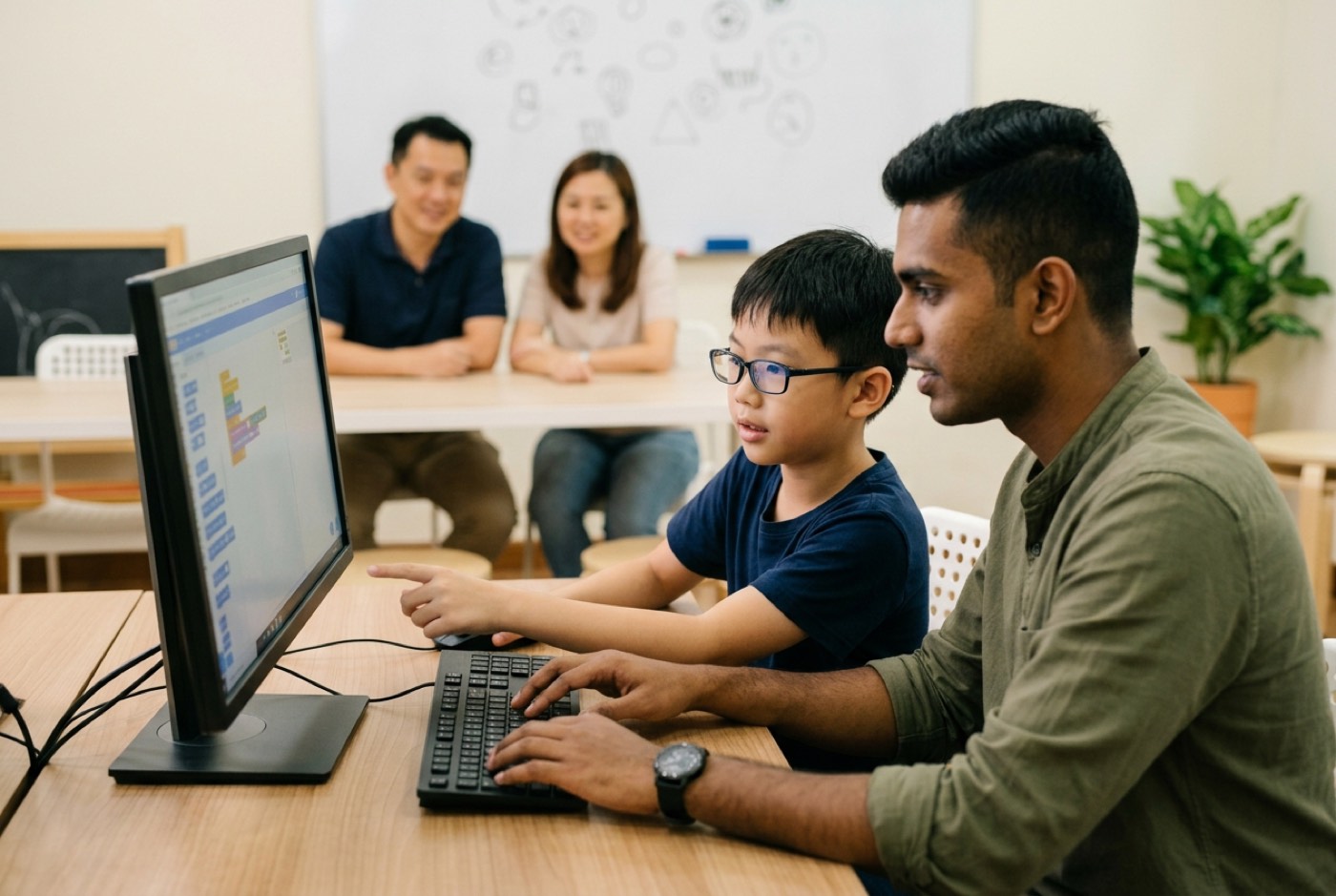
Your child settles at a workstation or joins an individual breakout environment. In academic tutoring, an instructor lectures at a whiteboard. In a project-first trial, the child is writing code or snapping functional logic blocks together within minutes.
The instructor sets a concrete objective for the hour: a playable game, an interactive webpage, an animated AI-generated sprite. Peer-reviewed research on early childhood computer science found that children who learn coding through guided project-building make significant gains in problem-solving and algorithmic thinking with no cost to standard academic performance [4].
Minute 60 to 90: Debugging and Customization
Once the skeleton of the project works, the instructor either introduces a deliberate challenge or hands over the controls for customization. Watch this stretch closely, because it shows how your child reacts to a syntax error or a logic bug. Does the instructor grab the keyboard and type the fix, or ask the child what went wrong? Observational studies in STEM learning environments found that algorithmic thinking shows up most often during problem solving, and that debugging behaviour shifts from trial-and-error toward structured testing as students gain experience [5].
Minute 90 to 120: Demonstration and Parent Review
Parents come back into the workspace. Your child demonstrates the finished artifact and explains how the code works. The instructor then gives a candid read on computational thinking, attention to detail, and mathematical readiness.
The 12-Point Trial Checklist: Evaluating Any Coding Class
Studio decor and cheerful graphics tell you nothing. These 12 criteria tell you a great deal.
1. Project Ownership vs. Script Copying
Is your child building something of their own, or copying characters and text off the instructor's shared screen? When every student in the room leaves with an identical clone project, very little independent learning happened.
2. Visibility of Underlying Code
Scratch blocks or Python text, either is fine, but the logic underneath has to be spoken aloud. A good class points at variables, conditional statements (if/else), and loops instead of treating code blocks like magic tricks.
3. Instructor Response to Bugs
Watch how errors get handled. "What do you think happens to this variable when the score hits 10?" is teaching. Taking the mouse and typing the correction is not. Children learn by debugging their own logic.
4. Integration of Practical Mathematics
Computer science is applied mathematics. Listen for whether the instructor ties coding mechanics back to real mathematical ideas:
- Spatial Coordinates: Understanding X and Y axes for object placement ().
- Variables: Managing numerical scores, speed multipliers, or health points.
- Angles and Geometry: Calculating rotation degrees for sprite movement ( to ).
A provider who treats coding as visual design and skips the mathematics underneath has thrown away one of the main cognitive benefits of the subject. If you are trying to close an academic gap, our look at math tuition alternatives through building explains how applied coding rebuilds mathematical confidence.
5. Acceleration Beyond Traditional Ladders
The old model says children must spend years dragging visual blocks before they touch real text code. Trial sessions that use modern AI tooling show how quickly kids can move to Python or JavaScript instead. Watch whether the instructor puts AI assistants to work absorbing tedious syntax rules so your child can spend attention on architecture and problem-solving logic.
6. Screen Time Transformation
Notice how your child looks at the monitor. Passive consumption looks different from active analysis of mechanics, and you can spot the difference from across a room. A strong trial turns the screen from an entertainment sink into a creative canvas. Our guide on converting game players into game creators covers how to re-anchor digital habits at home.
7. Engagement Layer Fit
Under age 8, physical robotics or visual block platforms like Scratch Jr supply the tactile feedback young children need. Research on preschool coding instruction found real benefits from guided play, with the caveat that multi-step algorithms beyond about five sequential moves need structured adult scaffolding [6]. Ages 9 to 12 respond to Roblox Studio or Minecraft Education because the gaming interest is already there. Teens need real text environments.
8. Individual Pace and Differentiation
Does the instructor adjust difficulty to your child's speed? A child who finishes early should get a harder challenge, not ten idle minutes waiting for the room to catch up.
9. Interaction and Collaborative Dialogue
Pairs and small groups engaged in active dialogue show computational thinking practices more often than passive listeners do [5]. Check whether the room asks children to explain themselves out loud or demands silence.
10. Clear Explanation of Artificial Intelligence
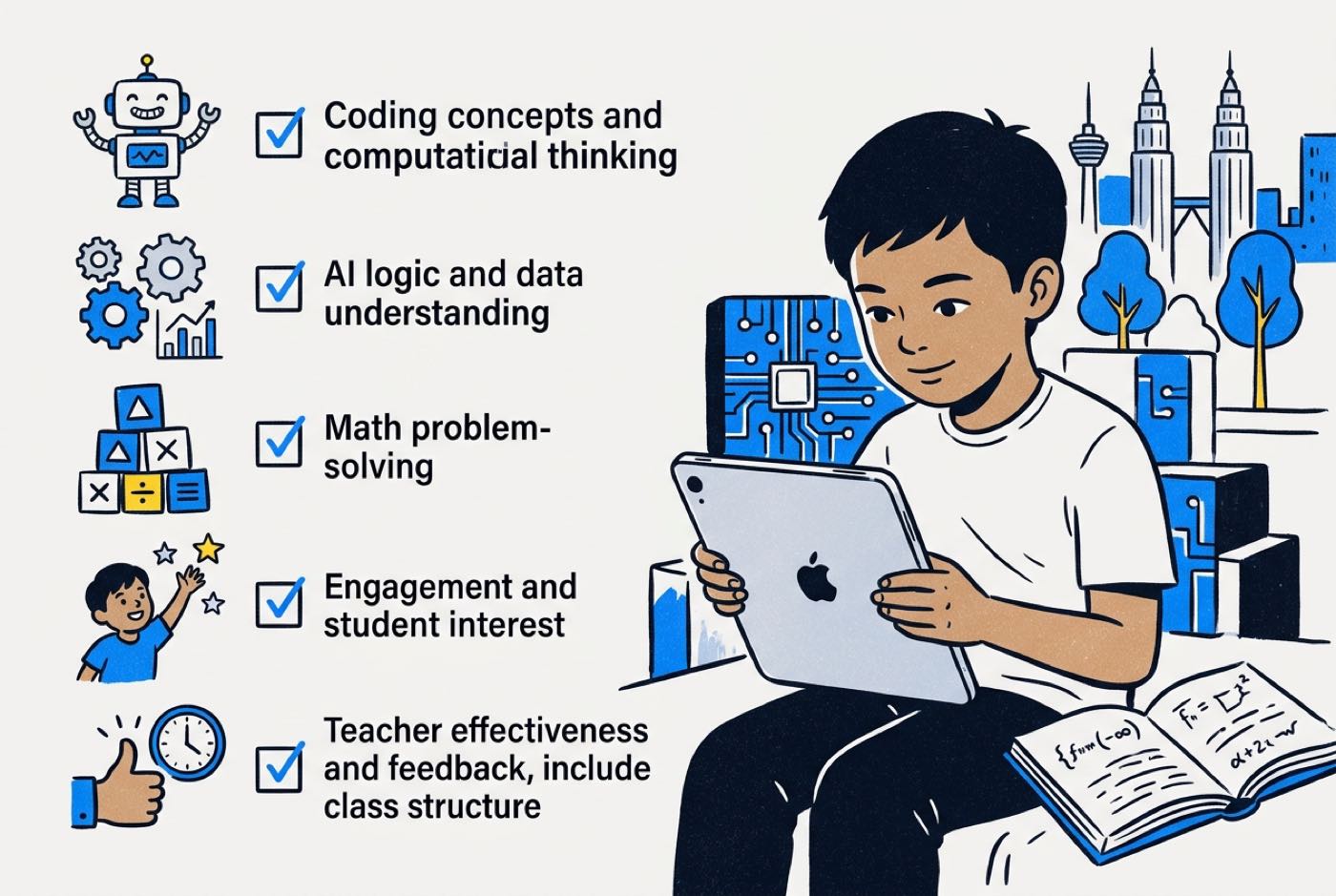
In 2026, a coding class that never mentions artificial intelligence has a hole in it. The trial should connect software rules to AI prompts, automated decision-making, or machine learning models. Our breakdown of what kids should learn in a modern coding and AI class goes deeper on judging a curriculum.
11. Instructor Qualifications and Passion
Is this an experienced educator who understands how children think, or an untrained stand-in reading a slide deck? Ask about the trainer's background, then watch how fluently they explain a complex concept without hiding behind jargon.
12. Transparent Progress Communication
When the session wraps, do you get a specific, honest read on your child's strengths and weak spots, or the same generic praise every family in the queue receives?
Questions to Ask the Instructor (Not the Salesperson)
Enrolment paperwork tends to appear the moment the session ends. Before you discuss any of that, put these five questions to the person who actually taught your child:
- "What specific logic or computational concepts did my child grasp easily today, and where did they get stuck?"
- "How do your classes transition a student from visual drag-and-drop tools to actual text-based programming like Python?"
- "How do you incorporate mathematics and artificial intelligence into regular weekly sessions?"
- "If my child misses a class or gets stuck on a concept, how is personal coaching handled?"
- "Can I see a real project built by a student who has been attending for six months?"
A teacher who knows their craft will welcome all five and answer with specifics. A sales-first operation will steer you back to package pricing.
Why Both Parents Should Attend the Session
At Kidocode we push for both parents at the trial whenever schedules allow. The reasoning is domestic, not commercial:
- Consistent Screen Time Strategy: Signing up for tech education changes the house rules about computers. When both parents have watched structured programming turn passive consumption into creative problem-solving, that conversation gets much shorter.
- Evaluating Educational Philosophy: One parent may care most about school maths results while the other cares about a creative outlet for logic. Sitting in together lets each of you check how the curriculum balances logic, mathematics, and technical execution.
- Eliminating Post-Trial Miscommunication: Relaying a computational learning framework to a spouse who was not in the room usually produces confusion and a stalled decision. Both parents in the second hour means both parents hear the diagnostic verdict directly.
What If My Child Is Shy, Unfocused, or Refuses to Join In?
Hesitation in a new room is normal, particularly for a child who suspects they are about to be tested.
| Common parent worry | What instructors actually see |
|---|---|
| "My child is shy, types slowly, or gets easily distracted. Will they fail the trial?" | Trial classes are diagnostic, not competitive. Experienced instructors adapt the pace on the spot, using interactive gaming tools or creative visual assets to build trust before any logical code appears. |
When a child will not touch the keyboard, a skilled instructor hands them design decisions instead: character colours, game rules, story lines. Seeing their own idea appear on screen usually does the rest. For neurodivergent learners and children who struggle to hold focus, targeted instructional strategies change the picture entirely; our detailed guide on coding and AI for children with dyslexia, ADHD, or low focus covers those approaches.
Red Flags: Pressure Timers, Fake Discounts, and Scripted Demos
The enrichment market holds serious academies and aggressive commercial operations side by side. In 2020, major international tech-tutoring platforms drew public scrutiny and legal backlash over marketing campaigns that promised primary school children unrealistic software engineering careers [7].
Four warning signs are worth memorising before you walk in.
The "Today-Only" Countdown Timer
A discount or enrolment slot that supposedly evaporates the second you leave the building is a pressure tactic. Institutions confident in their teaching do not need a financial decision within minutes of a first trial.
Unrealistic Career Promises
Treat any claim that a 10-year-old will emerge as a well-paid professional app developer after a handful of modules as a warning. Real computer science education builds computational thinking, mathematical literacy, and problem-solving confidence over years.
Undisclosed Self-Learning Models
Some centres seat ten children in front of pre-recorded videos with one supervisor pacing the room. Confirm during your trial that live, interactive instruction and direct teacher engagement run through the whole hour.
Inability to Show Real Code
A centre promising advanced coding skills should be able to show you Python, HTML/CSS, or JavaScript during the learning path demo. Reluctance to open a text editor suggests the curriculum has no depth behind the animations.
Laptops, Siblings, and Preparation: What to Know Beforehand
Small amounts of preparation change what you get out of the session.
- Hardware Requirements: In-person trials supply the hardware at the workstation. For a live online trial, your child needs a laptop or desktop with a working webcam, a physical mouse, and a stable connection. Tablets do not work for real text coding.
- Preparing Your Child: Frame it as exploration rather than an exam. Something like: "You are going to test how games and AI applications are built from the inside."
- Sibling Logistics: Siblings are welcome on campus, as long as they are not pulling attention away from the student taking the trial. When both siblings fall within the 5 to 18 range, book separate trial slots so instructors can assess each child's own pace.
In-Person vs. Online Coding Trials: Which Is Better?
Parents ask this constantly. The honest answer depends on where you live and how your week runs.
| Feature | Physical Campus Trial | Live Online Trial |
|---|---|---|
| Environment | Immersive studio, direct social interaction, tactile hardware exposure | Learn from home, familiar personal setup, zero travel overhead |
| Parent Observation | Sit directly behind or beside your child in the learning space | Watch screen sharing and camera interactions comfortably from home |
| Best For | Younger children (ages 5-8) or those who need physical presence | Teens (ages 13-18), busy families, or distant geographic locations |
| Interaction | In-person teacher guidance and physical peer encouragement | Live screen control, direct breakout room coaching, text code sharing |
Format aside, the learning framework should be the same in both: a teacher interacting in real time, a project getting built, and direct diagnostic feedback at the end.
How Kidocode Runs Trial Sessions Across AI, Math, and Tech
Our free trial is built as a hands-on diagnostic workshop, not a sales event. We run physical campuses across Malaysia, with flagship locations at Solaris Mont Kiara and Sunway Nexis in the Klang Valley, plus Q2 Waterfront, Vantage Tanjung Tokong, and Icon City in Penang, alongside our live camera-on online academy.
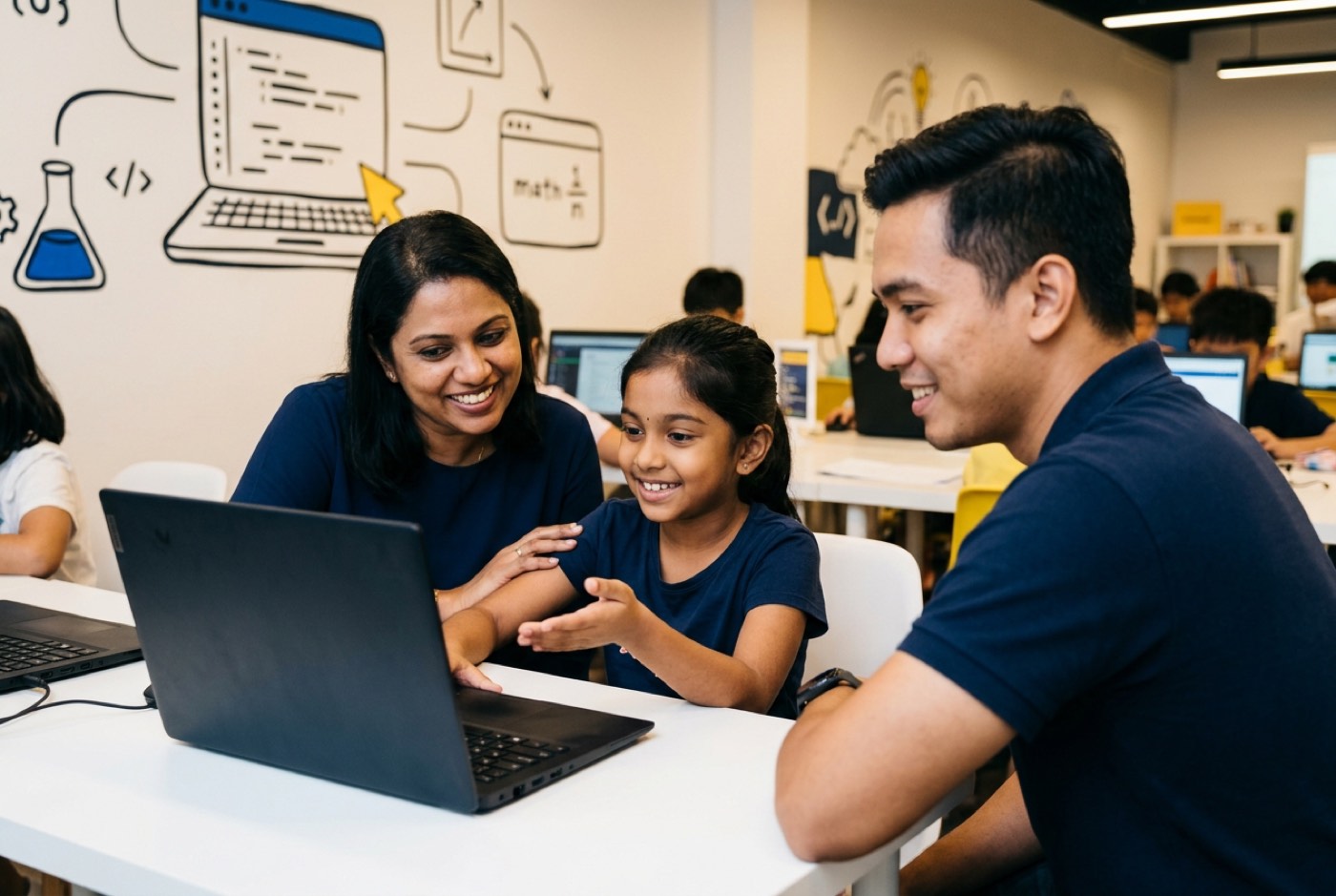 Three pillars run through every child's development with us:
- AI to Survive: Kids learn to direct, evaluate, and safely control artificial intelligence models rather than be replaced by them.
- Math to Think: We end math anxiety by teaching syllabus-aligned mathematical logic through builds. Instead of another worksheet, children use equations to control game physics, algorithms, and data logic. The kid was never the problem; memorisation was simply the wrong delivery mechanism.
- Tech to Build: Computational thinking across six specialised tracks: Python, Web Development, Mobile Apps, Game Development, Electronics, and 3D Design.
A Kidocode trial class runs up to 2 hours, and your child spends it building a real, working project. No pre-recorded videos, no trivial puzzles. An AI-powered image generator, a physics-based game, an interactive web app: whatever they choose, they leave with a published artifact of their own making.
Coding itself we bundle as foundational public knowledge, which frees our core instruction to focus on deep computational thinking and AI direction. For more on the reasoning, read how we teach computational thinking or our guide on AI literacy versus basic coding skills.
To see the detail, browse the curriculum tracks on our learning programs page or book a diagnostic session at kidocode.com/trial-class.
The Post-Trial Family Debrief Script
"Did you like it?" gets you a shrug. Once you are home, work through these four steps instead:
- Focus on the artifact. "Show me the project you built today. How does this specific piece of code make that character move?"
- Evaluate problem solving. "What was the trickiest error or bug you ran into while building it? How did you and the teacher fix it?"
- Test understanding of math and AI. "Did you use any math coordinates, variables, or AI prompts to get this working?"
- Gauge long-term interest. "If you had two more hours with that software next week, what feature would you add to your project next?"
A child who talks animatedly about the bug they squashed, or lists features they want to add, has been genuinely switched on by the session.
Actionable Checklist & Printable Evaluation Sheet
Take this with you and score the class while it is still fresh.
- Instructor asked open-ended questions instead of giving away instant answers
- Instructor explained the logical reasoning behind code blocks or syntax
- Difficulty was adjusted smoothly to match my child's learning speed
- Instructor communicated clearly without using intimidating jargon
Designed, ready to print and sign. We email it to you together with a 5% discount on your next registration.
Frequently Asked Questions
Is a free coding trial class really free?
Yes. Reputable centres attach no financial obligation to a trial. The Kidocode trial is completely free, lasts up to 2 hours, and includes hands-on building, diagnostic evaluation, and a parent consultation, at all five physical campuses and in our live online academy.
What age is appropriate for a coding trial class?
Children as young as 5 can start building computational thinking through visual logic, guided play, and basic block algorithms. Formal text coding and advanced AI tools generally begin around ages 8 to 10. Kidocode runs tailored trial tracks for ages 5 through 18.
Does my child need prior coding experience before attending a trial?
No. A good trial starts wherever your child is, whether that is never having written a line of code or being a self-taught hobbyist who wants structure.
What equipment should we bring to an in-person trial class?
Nothing. Campuses provide all hardware, computers, and software on site. For a live online trial, your child needs a laptop or desktop with a working webcam, microphone, and stable internet access.
References
- Malay Mail, Survey: Nearly 90pc of young Malaysians want children to take up STEM, but education system scores low (2026)
- Emerge EdTech Insights, The essential guide to B2C edtech free trials (2025)
- WIPO Academy / CDIP, Good Practices in STEM Education: Malaysia Report (2024)
- Early Childhood Research Quarterly, Coding as Another Language: Implementing CS in Early Childhood (2023)
- Journal of Educational Technology Development and Exchange, Examining Elementary Students' Computational Thinking Practices in STEM Robotics (2021)
- Early Childhood Education Journal, Can Pre-school Children Learn Programming and Coding Through Guided Play Activities? (2021)
- KrASIA, Coding campaign and controversies: WhiteHat Jr's journey from highflyer to the eye of storm (2021)