

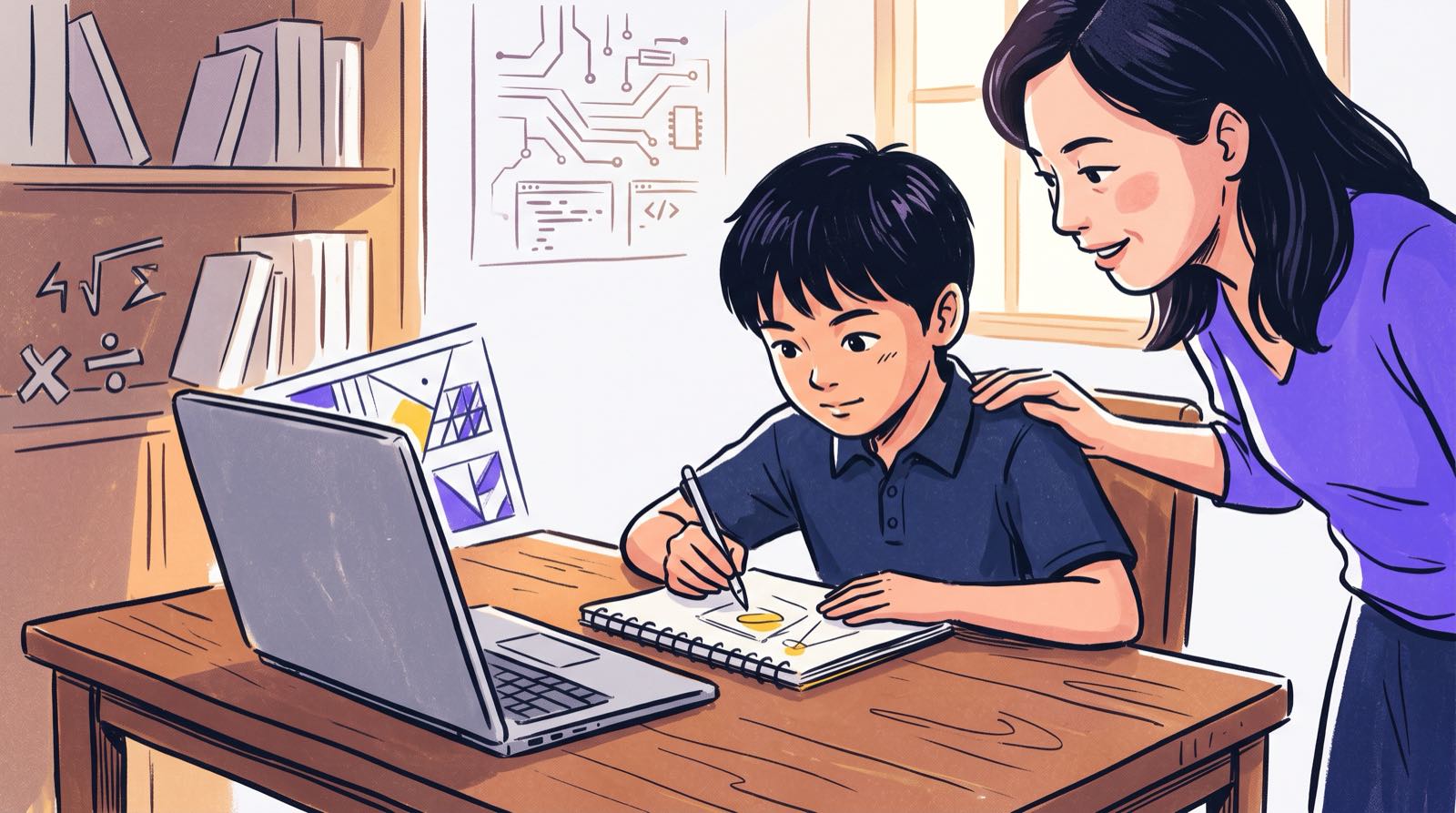
Parents who visit our campuses in Mont Kiara or Penang almost never worry that their child struggles with technology. Internet usage among individuals in Malaysia sits at 98.3 per cent [5], and most kids handle touchscreens and browser tabs before they can spell "browser."
The worry that comes up over coffee sounds more like this: "My child uses ChatGPT for everything, and I think they've stopped using their own brain."
There is data behind that instinct. A UTAR study found that 68.73 per cent of surveyed Malaysian youth rely on AI tools to assist with academic studies [3]. UNICEF reports that children worldwide are adopting artificial intelligence technologies more than three times faster than adults [1].
Academic dishonesty is the obvious worry, and we covered strict homework rules in our guide on how parents should handle ChatGPT for homework. The quieter problem is cognitive offloading. A child hands the first draft of thought to an algorithm, and the problem-solving muscles that would normally do that work never get used.
If your child already uses AI daily and you suspect their independent reasoning has thinned, this guide gives you a way to diagnose it and a set of drills you can run at home.
Key Takeaways
| Diagnostic Area | Warning Sign | Rebuilding Strategy |
|---|---|---|
| Concept Mastery | Cannot explain submitted work in their own words | The "Predict-Then-Check" drill before prompt generation |
| Problem Resilience | Freezes or gives up instantly when AI is offline | "Build-Without-Help Fridays" focusing on raw logic |
| Output Evaluation | Accepts the first response without editing or verifying | The "Break-The-Answer" debugging game |
| Error Detection | Fails to spot logical contradictions or factual hallucinations | Teardown exercises identifying AI mistakes |
| Task Allocation | Uses AI for simple tasks faster done by hand | Computational efficiency drills separating tool use from human effort |
| Foundational Skills | Motor, spelling, and typing skills drop noticeably | Supervised hands-on project building in code and hardware |
Table of Contents
- The Difference Between Helpful Tools and Cognitive Erosion
- Sign 1: They Cannot Explain Their Own Submitted Work
- Sign 2: They Freeze When the Tool Is Unavailable
- Sign 3: They Accept the First Output and Never Edit
- Sign 4: They Cannot Spot What Was Wrong in an AI Answer
- Sign 5: They Use AI for Tasks They Could Do Faster Themselves
- Sign 6: Basic Typing, Spelling, and Writing Adaptations Drop Off
- Comparison: Passive AI Consumer vs. AI-Savvy Builder
- Three Practical Repair Drills for Home
- Printable Thought-Rebuilding Parent Checklist
- Why Banning AI Fails (And How Supervised Building Fixes It)
- What a Trial Session Reveals About Your Child's Thinking
- Frequently Asked Questions
- References
The Difference Between Helpful Tools and Cognitive Erosion
A child who reaches for a calculator to multiply four-digit numbers, having already mastered multiplication, is saving time. A child who reaches for the same calculator because multiplication itself is a mystery has stopped learning.
AI creates that same split, only across every subject at once. The MIT Media Lab ran an empirical neuroimaging study on what happens in the brain during writing tasks [6]. Researchers tracked electroencephalography (EEG) signals in three groups: people writing unaided, people using search engines, and people using Large Language Models (LLMs).
The LLM group showed the weakest overall neural network connectivity while composing their essays [6]. Cognitive activity scaled down in direct proportion to how much of the work was pushed onto the external tool [6]. Work published by the American Psychological Association points the same way in adults: knowledge workers who place uncritical confidence in generative AI engage in significantly less critical thinking as they complete tasks [7].
 At Kidocode we treat AI as an accelerator for human thought. When I built my open-source AI project Crawl4AI, the point was to automate data retrieval so developers could spend their energy on system architecture instead. Children work the same way. If the tool absorbs basic syntax and boilerplate formatting, the child has to step up and take over the logic, the verification, and the harder problems above it.
Without that expectation in place, passive consumption fills the gap. Here are six signs that your child has crossed from using AI as a helper to leaning on it as a substitute brain.
Sign 1: They Cannot Explain Their Own Submitted Work
Verbal explanation breaks down first. Whether your child has just finished a history essay, a science worksheet, or a computer script, ask one question: "Can you explain this paragraph to me in two sentences, without looking at the screen?"
A child who used AI as a research partner will handle that easily. They steered the tool, read what came back, and understood the argument well enough to restate it.
A child who used AI as a stand-in thinker will stall, read straight off the page, or reach for vocabulary they cannot define. The MIT Media Lab team saw exactly this: participants writing with LLMs consistently struggled to quote or accurately recall the contents of essays they had just submitted [6]. Their self-reported sense of ownership over that work came in lowest of all three groups [6].
So when a spotless essay on photosynthesis or IGCSE physics comes home and the mechanism cannot be explained at the dinner table, the thinking happened somewhere else.
Sign 2: They Freeze When the Tool Is Unavailable
Watch what your child does when the Wi-Fi drops, when a revision session is deliberately offline, or when AI access is restricted for an evening.
A resilient learner pauses, splits the problem into smaller pieces, and starts testing guesses. A dependent learner stops dead. Their default first move, prompting a tool, has been taken away, and nothing steps in behind it.
Psychological research on cognitive offloading describes the trade clearly: external tools lift performance while they are available, but when the tool disappears unexpectedly, memory recall lands lower than it would have if the person had practiced unassisted [7].
Malaysian maths classrooms have been producing a version of this freeze for years. Students memorise algorithms without building visual intuition, then meet an unfamiliar problem format in an exam and lock up. Add AI to that environment with no structure around it, and children now have a way to skip the discomfort of problem-solving entirely.
The child is fine. The teaching skipped the constructivist step. For how building software projects turns abstract maths into visible logic, see our breakdown on math tuition versus learning math by building.
Sign 3: They Accept the First Output and Never Edit
In professional engineering, nobody ships an AI model's first output. It gets refined, tested against edge cases, and adapted to context.
A child who has stopped thinking critically skips all of that. The response arrives, it looks authoritative, and it goes straight into the document.
flowchart TD
    A[Receives Problem or Assignment] --> B{Parent Diagnostic check}
    B -->|Passive Consumer| C[Prompts AI Tool]
    C --> D[Copies First Output]
    D --> E[Submits Without Editing]
    E --> F[Zero Neural Retention]

    B -->|AI-Savvy Builder| G[Forms Initial Hypothesis]
    G --> H[Prompts AI for Components]
    H --> I[Verifies & Edits Logic]
    I --> J[Assembles Final Project]
    J --> K[Deep Concept Mastery]
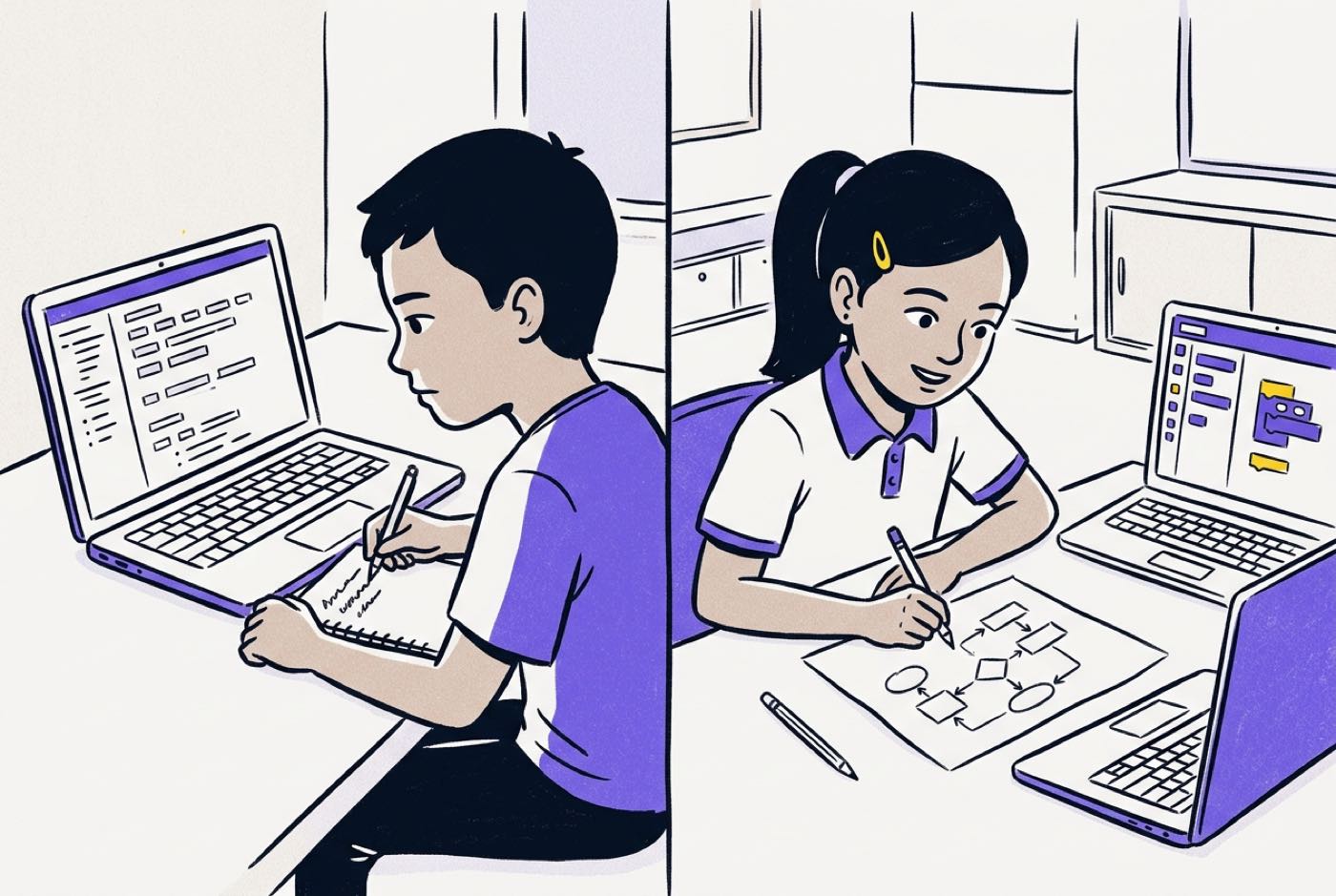
The flow chart above shows the two habits side by side:
- The Passive Consumer treats AI as an answer machine. Prompt, copy, submit.
- The AI-Savvy Builder treats AI as a component supplier. Hypothesise, generate parts, test the logic, refine.
Research published in Data found that students working with structured prompting methods, where the process demands targeted research, reflection, critical review, and revision, produce significantly higher quality outcomes than students running unguided copy-paste workflows [7]. If your child never backspaces, never re-prompts, and never rewrites a generated sentence, they are functioning as a pipe between the software and the teacher.
Sign 4: They Cannot Spot What Was Wrong in an AI Answer
Large Language Models run on statistical probability. They have no conscious understanding of the subject, which is why they produce confident, plausible-sounding errors known as hallucinations.
The telling moment comes when your child cannot catch an obvious one. Give an AI a Python task and it may return an infinite loop; ask for a history summary and dates can drift by decades. An active reader stops at the contradiction. A dependent reader slides right past it.
UTAR's nationwide survey found 54.98 per cent of Malaysian youth expressed explicit concern over the ethical and academic implications of AI misuse [3], which suggests the awareness exists even where the habit does not. UNESCO's global guidelines make the same point from the policy side: uncritical adoption leaves students unprepared to evaluate information integrity [4].
When a child accepts a mathematical contradiction or broken programming logic because "the computer gave it to me," the evaluation filter has switched off.
Sign 5: They Use AI for Tasks They Could Do Faster Themselves
Dependence also shows up as a loss of efficiency instinct. Children start routing trivial operations through a chatbot, tasks the mind finishes faster than the page loads.
You will see prompts like "What is 15 multiplied by 4?" or "Give me a synonym for big."
By the time the browser opens, the prompt is typed, and the answer streams back, a trained brain would already have moved on. What this really signals is that internal retrieval is no longer the default. Every mental task now gets sent to an external server first.
Teaching computational thinking breaks the reflex. It gives children a way to judge the most efficient path to a solution: when to calculate mentally, when to write a script, and when delegating to an automated tool is genuinely worth it.
Sign 6: Basic Typing, Spelling, and Writing Adaptations Drop Off
During trial sessions at our Solaris Mont Kiara and Penang campuses, parents raise a more physical version of the concern: "My child uses voice notes and AI generators so much that their typing accuracy, spelling, and sense of structure are slipping."
That worry tracks with how these skills are maintained. Sentence construction word by word, and typing out real code structures, are what keep fine motor familiarity and orthographic memory sharp. Take away the reps and both fade.
Programming makes this visible fast. In Python or JavaScript, a missing colon or a misplaced bracket stops execution. A child who leans on AI to auto-complete every line before understanding the syntax underneath never builds the baseline fluency that real technical work demands.
 None of this argues for mechanical drills or rote memorisation. It argues for keeping children's hands on the tools of creation.
Comparison: Passive AI Consumer vs. AI-Savvy Builder
To help you evaluate where your child stands, consider the key distinctions between passive reliance and structured AI literacy:
| Dimension | Passive AI Consumer | AI-Savvy Builder |
|---|---|---|
| First Action | Opens an AI prompt window immediately | Formulates a mental plan or paper sketch |
| Understanding | Cannot explain generated code or text | Explains line-by-line logic effortlessly |
| Error Handling | Gets stuck when AI returns an error | Debugs output using foundational rules |
| Math Application | Copies step-by-step math answers | Uses math formulas to control game physics or logic |
| Tool Perspective | Views AI as an authority that gives answers | Views AI as an assistant requiring direction |
| Skill Longevity | Memory and independent execution decay | Accelerates from visual blocks to text coding faster |
Three Practical Repair Drills for Home
Two or more signs on that list is not a crisis, and it is not a reason to cut the home internet. Bans create friction at home without building any capacity in the child.
These three drills do the rebuilding work instead.
Drill 1: The "Predict-Then-Check" Routine
Before your child types anything into an AI tool for homework or a project, they write their own first guess on paper.
- For Math or Science: They note the range they expect the answer to fall in, and why.
- For Essays: They bullet-point three main ideas before asking for an outline.
- For Coding: They write the plain-English steps, the pseudocode, on a notepad before asking for snippets.
The child's brain fires first, every time. The AI then audits, expands, or speeds up a thought that already exists, which is exactly the sequence that prevents passivity.
Drill 2: The "Break-The-Answer" Debugging Game
Turn critical evaluation into a game they want to win. Hand your child an AI answer with mistakes planted in it and let them play detective.
- Generate a short explanation of a topic they are studying (gravity, cell structure, basic algebra).
- Insert two subtle errors: an incorrect unit, a swapped historical date, or a logical flaw in an
if/elseblock. - Give them five minutes to find and fix both.
Ten minutes of this moves a child from receiver to editor. It also drives home the idea we repeat constantly at Kidocode: AI is trained on human data, and human data has mistakes in it.
Drill 3: Build-Without-Help Fridays
Set aside one session a week for building with no generative text assistance in the room.
Raw programming documentation, reference books, and physical components are all fair game. If the project is a website or a game, the HTML, CSS, and logic get typed by hand.
Those sessions protect fine motor adaptations, keep spelling and syntax alive, and show the child something they need to see: their own brain is still the engine.
Printable Thought-Rebuilding Parent Checklist
Use this weekly checklist to audit your child's learning habits and track their progress back toward independent, active thinking.
- Weekly Explanation Check: Asked my child to explain one completed project or assignment out loud without reading from a screen.
- Hypothesis First: Verified that my child wrote down bullet points or pseudocode on paper before opening an AI assistant.
- Error Spotting: Conducted one 5-minute "Break-The-Answer" challenge to catch logical or factual errors in AI outputs.
- Offline Resilience Test: Observed my child solving an unexpected problem for 15 minutes without digital assistance.
Designed, ready to print and sign. We email it to you together with a 5% discount on your next registration.
Why Banning AI Fails (And How Supervised Building Fixes It)
The first instinct, once a parent notices heavy AI reliance, is usually to lock down devices, install blockers, or forbid the tools outright.
That rarely holds. In the United States, 91 per cent of teens aged 13 to 17 report using generative AI in their personal lives [8]. Here at home, the Digital Education Policy (Dasar Pendidikan Digital) is explicitly designed to integrate digital capabilities across every level of learning [2]. Your child will meet AI in school, at university, and at work. A ban buys quiet at home and costs fluency in a skill that is becoming basic literacy.
What works is structured, supervised building.
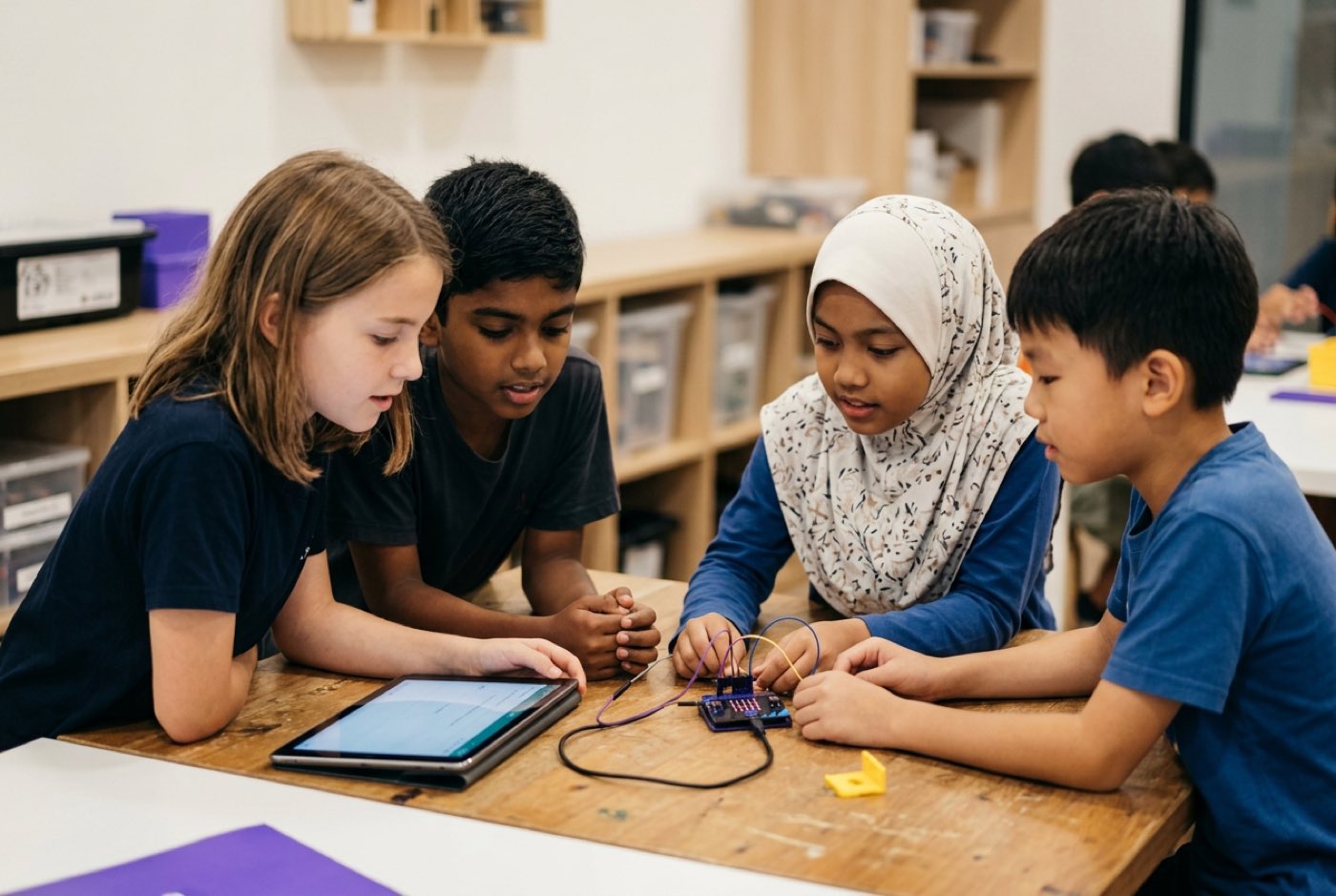 Our programme rests on three pillars that work together:
- AI School First: Kids learn how AI models work from the inside, covering prompt engineering, data training, and safety guardrails. The aim is direction, not consumption.
- Math Through Builds: We end math-hate by changing the delivery. Instead of abstract worksheets, students use mathematical formulas to calculate game physics, generate algorithmic art, and structure AI probability models. A personalised AI tutor handles pacing, and the student finally sees why the maths matters.
- Coding Bundled Free: Coding tracks (Python, Web, Mobile, Game Development, Electronics, and 3D Modeling) come included across the curriculum. Coding knowledge itself is public knowledge now. What we actually teach is computational thinking: breaking complex problems into solvable logical steps.
With AI assistants carrying the syntax overhead, kids reach real text-based programming far earlier than the traditional visual-block ladder ever allowed. A 9-year-old with structured AI assistance can write functional Python scripts that would have needed secondary-school preparation ten years ago. The tool handles syntax. The child owns the thinking.
For how early exposure shapes these habits at different ages, read our analysis on what AI-savvy looks like at ages 8, 12, and 16.
What a Trial Session Reveals About Your Child's Thinking
You do not have to guess which side of this your child is on.
Parents are welcome to bring their children to a free trial class at any of our five physical campuses or online:
- Klang Valley: Solaris Mont Kiara (HQ Flagship) and Sunway Nexis (Kota Damansara, PJ).
- Penang: Q2 Waterfront (Bayan Lepas), Vantage Tanjung Tokong, and Icon City (Bukit Mertajam).
- Online: Live, camera-on interactive sessions accessible from anywhere.
The session runs two hours, hands-on, and your child builds a real project in AI, maths, or coding. Both parents are welcome to sit in and watch.
What you will see is how your child reacts to a creative problem handed to them cold: whether they start guessing, whether they stall without a search bar, or whether they break the logic into steps. Our trainers watch how they take instructions, recover from errors, and carry a project through to something that works.
No high-pressure pitch, no obligation. You leave with a clear read on your child's computational thinking and a project they built with their own hands.
Book a hands-on session for your child at kidocode.com/trial-class.
Frequently Asked Questions
Is using AI for homework always considered cheating?
No. Using AI as a research partner, brainstorming tool, or grammar reviewer is constructive when the student understands and verifies the output. Cheating occurs when the student submits AI-generated work as their own without engaging in the underlying reasoning or editing process. Read our parent guide on handling ChatGPT for homework for specific family rules.
How can I tell if my child wrote an essay or if AI wrote it?
Ask your child to explain the key arguments out loud without looking at their screen. Ask them to define three complex words used in the text. If they cannot explain the core concepts or define the vocabulary present in their own work, they relied on AI as a surrogate writer rather than a research tool.
Will reliance on AI lower my child's test scores in school?
AI tools can speed up homework completion in the short term, but unguided reliance reduces long-term recall and independent problem-solving capacity. When students sit offline examinations such as SPM or IGCSE finals, those who leaned passively on AI often see sharp performance drops, because the recall and analytical skills underneath were never exercised.
At what age should children start using AI tools?
Children can interact with age-appropriate AI and computational concepts as early as age 5 through guided visual tools. Independent conversational AI, however, should arrive alongside explicit AI literacy training covering verification, data privacy, and prompt logic. Our AI classes teach kids ages 5–18 how to direct these tools safely while keeping human logic in command.
How does coding help fix AI dependence in children?
Coding forces a child to deal with absolute logic. A flawed algorithm will not run correctly no matter how convincing the prompt sounded. Programming teaches children to inspect outputs, debug logic, and treat AI tools as assistants that need human instruction, which reverses the habit of passive acceptance.
References
- UNICEF, Children are adopting AI technologies more than three times faster than adults (2026)
- Ministry of Education Malaysia, Dasar Pendidikan Digital (Digital Education Policy)
- UTAR Tun Tan Cheng Lock Centre, Media Release: AI and Malaysian Youth (2023)
- UNESCO, Guidance for generative AI in education and research
- Department of Statistics Malaysia, ICT Use and Access by Individuals and Households Survey Report (2026)
- MIT Media Lab, Your Brain on ChatGPT: Neural Connectivity During LLM-Assisted Writing (2025)
- American Psychological Association, How AI impacts job skills and critical thinking (2026)
- Brookings Institution, Tips for parents raising resilient learners in an AI world (2026)