

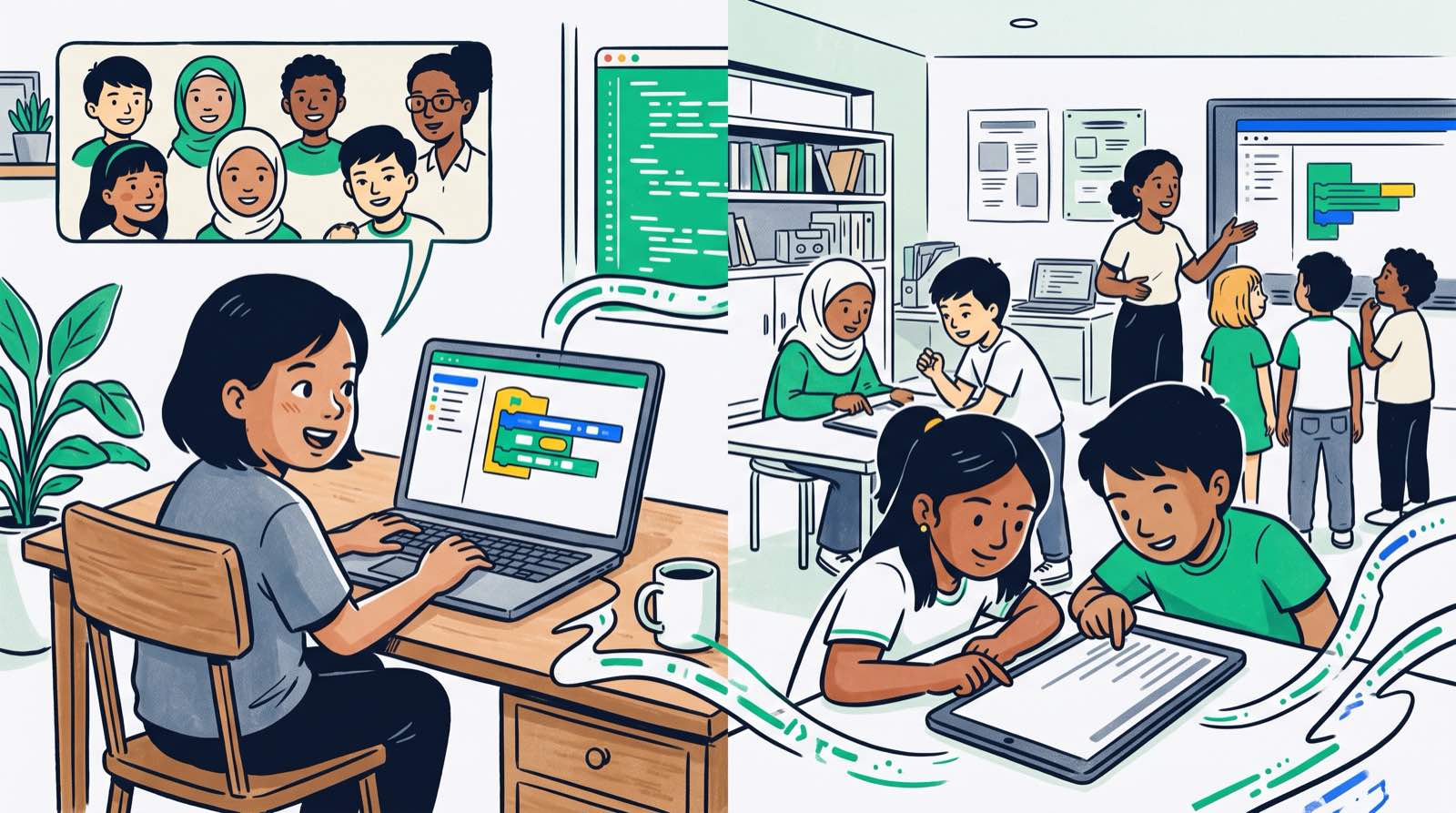
Online class or campus class? Parents ask us this at our learning centres in Kuala Lumpur and Penang more often than almost anything else. Families in Subang Jaya, Shah Alam and Cyberjaya want to know whether the 45-minute drive to Mont Kiara or Kota Damansara every weekend is worth it, or whether their child would hit the same computational thinking milestones from a desk at home. Families in East Malaysia and in smaller towns on the peninsula ask a different version of the question: does distance cost their children anything?
Live online instruction works, provided the trainer ratios stay low. What it demands instead is a home environment that a physical classroom gives you for free. The sections below cover the research, the logistics, the age thresholds, and the attention problem that sits underneath all of it.
Key Takeaways
| Consideration | In-Person Coding Classes | Live Online Coding Classes |
|---|---|---|
| Best For | Ages 5 to 8, early learners, high distraction sensitivity, hands-on physical hardware | Ages 9 to 18, independent learners, distant locations, busy weekend schedules |
| Focus & Attention | Physical presence of trainer maintains attention past the typical 10 to 15 minute limit | Requires structured camera-on policy and interactive problem-solving to sustain focus |
| Skill Acquisition | Identical computational thinking mastery when taught through active project builds | Identical computational thinking mastery when taught through live, interactive instruction |
| Parent Logistics | Requires commute time, parking, and fixed weekend scheduling | Zero commute time, flexible home environment, requires minimal initial device setup |
| Peer Collaboration | Physical side-by-side pair programming and shared physical builds | Screen sharing, digital code reviews, and breakout room collaboration |
Table of Contents
- The Real Trade-off: Attention and Logistics, Not Quality
- When In-Person Learning Wins
- When Online Learning Wins
- What 'Same Programme Online' Must Include
- Decision Guide: Online vs. In-Person Comparison
- 7 Questions to Expose a Weak Online Programme
- The Optimal Home Setup for Online Coding
- Parent Involvement by Age Group
- Hybrid Patterns Malaysian Families Actually Use
- Travel Time Math: The Hidden Cost of Commuting
- The Kidocode Approach: AI, Maths, and Tech Combined
- Actionable Checklist for Parents
- Frequently Asked Questions
- References
The Real Trade-off: Attention and Logistics, Not Quality
The assumption that online classes must be the weaker option is worth testing against the evidence, because the medium of delivery turns out not to be what drives skill acquisition in computer science.
A controlled study of primary school children learning computational thinking found no statistically significant difference in learning outcomes between face-to-face contact teaching and online live instruction () [1]. The practical assessments covered unplugged algorithmic concepts as well as block-based Scratch coding. Students in the live online groups picked up computational logic at the same rate as the ones sitting in a room with the teacher [1].
flowchart TD
    A[Evaluate Delivery Mode] --> B{Child Age Group}
    B -->|Ages 5 to 6| C[In-Person Campus Recommended]
    B -->|Ages 7 to 12| D{Travel Time Over 45 Mins?}
    B -->|Ages 13 to 18| E[Live Online Preferred]
    D -->|Yes| F[Live Online Programme]
    D -->|No| G{High Distraction Sensitivity?}
    G -->|Yes| C
    G -->|No| H[Hybrid or Live Online]
So the real choice is not about quality. It is about two things: who manages your child's attention, and what the format costs your family in time.
Attention is the harder of the two. Primary school students show a decline in focus after 10 to 15 minutes of traditional passive instruction [2]. A trainer in a classroom can walk over, read a slumped posture, and pull a student back within seconds. Online, that same sustained attention has to come from the structure of the lesson itself: the student needs to be typing, debugging, or steering the code almost continuously rather than watching someone talk [2].
When In-Person Learning Wins
There are age groups and learning profiles where campus attendance is clearly the better call.
1. Young Learners Aged 5 to 8
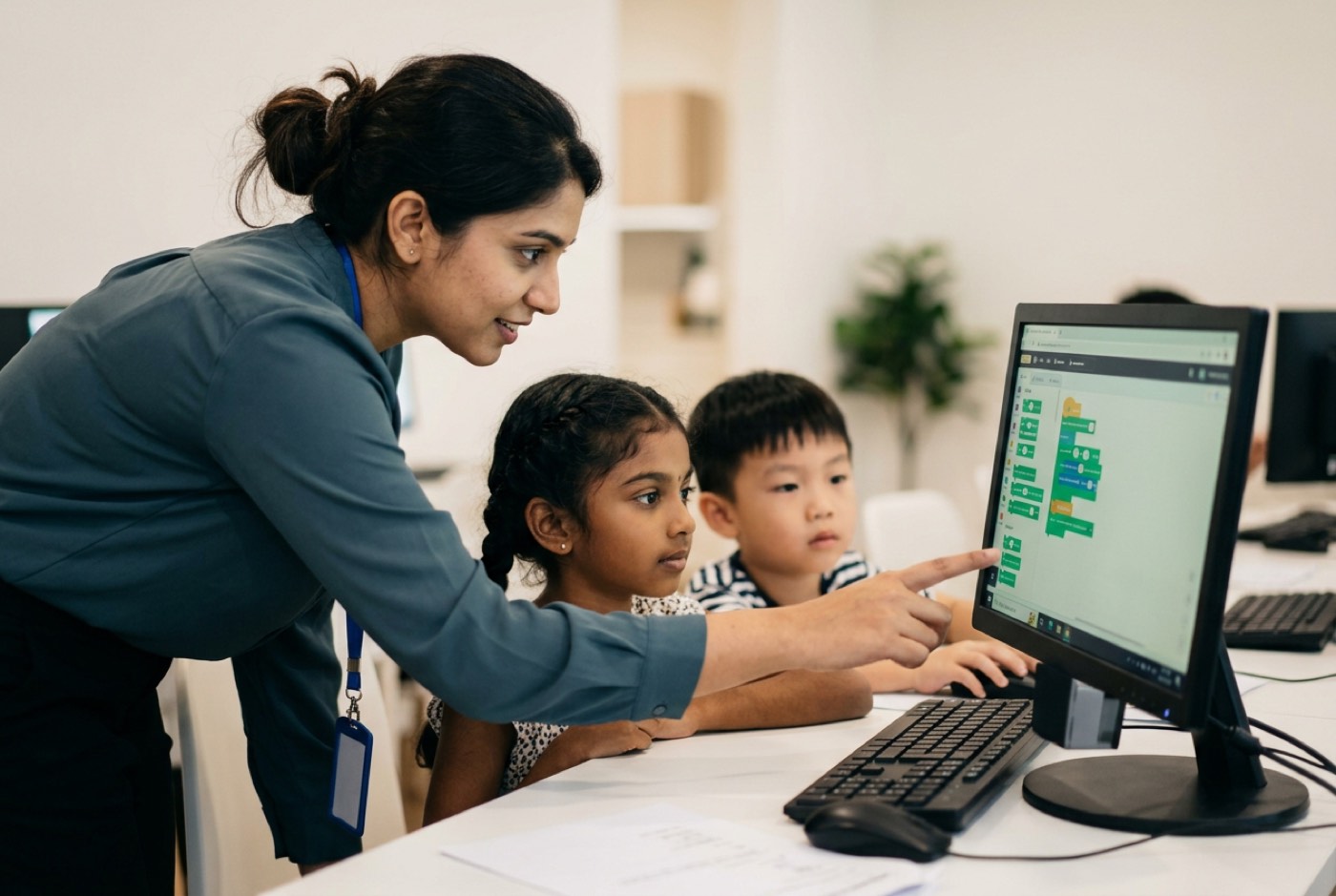
Between 5 and 8, children are still building fine motor control, spatial coordination and keyboard familiarity. In our campus sessions at Solaris Mont Kiara and Sunway Nexis, trainers put small hands in the right position on the mouse, hand over the electronics kits, and show children how to move between browser tabs. Having someone right there cuts the frustration out of those first setups.
2. Children with High Distraction Sensitivity or Executive Function Challenges
A home computer sits one click away from open tabs, messaging apps and locally installed games. For a child who finds self-regulation hard, that proximity matters. A classroom removes those temptations, and the room itself carries a signal: this is the place where we build things.
3. Early Exposure to Physical Electronics and Hardware
Software transfers to a screen without much loss. Circuit boards, microcontrollers, sensors and robotics do not. Tactile feedback, getting a wire into the right pin, and tracing a hardware fault all go faster when an instructor can pick up the board and turn it around.
When Online Learning Wins
The advantages run the other way too, and some of them a campus simply cannot offer.
1. Teenagers and Self-Directed Learners (Ages 13 to 18)
Most teens already have the executive function to manage their own screen space, move between Zoom and a professional IDE like VS Code, and chase down a syntax error on their own. There is a second benefit: remote development, digital pull requests and online code reviews are how software teams actually work, so a live online class mirrors the environment these students will eventually join.
2. Families Living Outside Major Academic Hubs
Digital infrastructure and educational opportunity are not evenly spread across Malaysia. Ministry of Education data shows students in rural areas with lower access to advanced digital skills development than their urban counterparts, a gap visible in average national Digital Competency Scores [3]. Penang Institute policy research points to the same persistent regional disparities in digital learning resources [4].
For a family in Sabah, Sarawak, Kelantan, Pahang or a smaller peninsular town, a live online class closes that gap. The curriculum, the real-time code reviews and the AI instruction are the same ones a student in Mont Kiara or Bayan Lepas receives.
3. Neurodivergent Students Who Thrive in Quiet Home Environments
Some easily distracted children need a trainer in the room. Others need the opposite: fewer people, less noise, less sensory input. Research covered by the American Psychological Association notes that learning from a quiet, controlled home environment reduces social anxiety and distraction for certain children with ADHD or autism spectrum conditions [5]. At home these students can put on headphones, set the lighting how they like it, and spend their energy on the problem instead of on the room [5].
4. Families with Extreme Schedule Constraints
If you are running two or three children through overlapping weekend tuition, sport and music lessons, cutting a 90-minute round trip out of the schedule changes the shape of your Saturday. In survey research on remote instruction, 18% of parents named schedule flexibility as the single greatest benefit of virtual learning [5].
What 'Same Programme Online' Must Include
A pre-recorded video library sold as a "course" and a live interactive academy are not the same product, whatever the marketing says. If a provider tells you their online offering matches their campus offering, there are four things it needs to have:
- Live, Camera-On Mentorship: Classes run live, with small student-to-trainer ratios. Passive video watching produces low completion and high drop-off.
- Real-Time Screen Control & Code Review: The trainer should be able to request remote screen control, read the student's code, point at the logical flaw, and debug it together while the student watches.
- Identical Project Artifacts: Online students build real software, Python scripts, web applications, Roblox games, custom AI assistants, at the same technical depth as campus students.
- Structured Multi-Pillar Scope: Online delivery should not shrink coding down to visual puzzles. It needs to carry computational thinking across the core technical disciplines, drawing on our three-pillar framework: AI literacy, mathematical problem-solving through software builds, and software engineering.
If you are weighing up formats across several providers, our guide on how to choose coding classes for kids in Malaysia sets out the quality indicators to look for locally.
Decision Guide: Online vs. In-Person Comparison
Read the table against your child's current stage and your household's weekly routine.
| Attribute | Physical Campus Class | Live Online Class |
|---|---|---|
| Primary Interaction | Face-to-face pair programming, physical whiteboard problem solving, direct trainer oversight | Screen sharing, live digital code review, interactive breakout rooms |
| Commute & Logistics | Round-trip travel, traffic management, parking, fixed physical branch location | Zero travel, zero traffic, accessible from any quiet home desk |
| Hardware Access | Campus computers, physical microcontrollers, 3D hardware components provided on-site | Requires home laptop/desktop computer, stable broadband connection |
| Peer Dynamics | In-person social camaraderie, shared physical workspace | Digital collaboration, international peer exposure, chat-based code sharing |
| Schedule Flexibility | Tied to branch operational hours and physical lab capacity | High flexibility across weekday evenings, weekends, and holiday blocks |
| Parent Supervision | Zero parent involvement needed during class hours | Minimal setup check for ages 5-8; zero oversight needed for teens |
7 Questions to Expose a Weak Online Programme
Ask these on your first call with any online coding provider.
- Are the sessions delivered live by an instructor, or are students watching pre-recorded video tutorials? (Pre-recorded videos lack accountability and real-time debugging support).
- What is the maximum student-to-trainer ratio in each online room? (Ratios exceeding 1:6 make individual code reviews impossible).
- Does the trainer regularly review and debug the student's actual written code during class? (Without screen sharing and live code checks, bad coding syntax habits go uncorrected).
- Is the curriculum identical to your physical campus offering, or is it a diluted version? (A serious provider delivers full technical parity across both formats).
- How does the instructor handle a student who gets stuck or falls behind during a live build? (Look for providers using private breakout rooms for one-on-one troubleshooting).
- Are cameras required to be turned on throughout the entire session? (Camera-on policies ensure active engagement and allow trainers to read facial cues when a child is confused).
- What software environments do students write code in? (Children above age 8 should use real IDEs or browser-based development environments, not simplified multiple-choice quizzes).

The Optimal Home Setup for Online Coding
If you go the online route, the workspace does a lot of the work that a classroom would otherwise do. Here is what a good one contains.
| Component | Specification | Why It Matters |
|---|---|---|
| Display | External monitor or a screen large enough to split: Zoom on the left, code editor on the right | Removes constant window switching mid-build |
| Webcam | Integrated or external, positioned at eye level | Lets the trainer read confusion on the child's face |
| Audio | Over-ear headset with microphone | Isolates household noise in both directions |
| Input | External mouse plus room on the desk for a full keyboard | Trackpads make block-dragging and text selection slow |
Four configuration rules sit behind that table:
- Dual-Window or Dual-Monitor Layout: Coding online means reading the trainer's instructions and editing code at the same time. Zoom on one half of the screen and the editor on the other half, or a second monitor if you have one.
- Dedicated External Mouse: Laptop trackpads add friction when dragging logic blocks or selecting lines of text code. A cheap optical mouse fixes it.
- Over-Ear Headset with Noise-Cancelling Microphone: Clear audio keeps the child out of the household soundscape and keeps the trainer able to hear them during voice check-ins.
- Hardware Specifications: A laptop or desktop running Windows 10/11 or macOS with at least 8GB of RAM handles browsers, coding environments and a video call at once. For specific models, see our guide on choosing a laptop for kids coding and AI.
Parent Involvement by Age Group
The worry we hear most from parents considering online classes is that they will end up as unpaid teaching assistants. The involvement curve drops off fast with age.
Ages 5 to 7: The "Shoulder-Check" Stage
- Initial Setup: Launch Zoom meeting, ensure microphone and camera permissions are granted.
- During Class: Sit nearby for the first 10 minutes to help with basic interface controls (unmuting, clicking links).
- Role: Environmental setup only; leave all the teaching to the live trainer.
Ages 8 to 12: The "Launch & Leave" Stage
- Initial Setup: Check the Wi-Fi is stable and the required project browser tabs are open.
- During Class: Nothing. The child handles window splitting, typing and audio on their own.
- Role: Post-class viewer; ask your child to walk you through what they built.
Ages 13 to 18: Full Autonomy
- Initial Setup: None. The student manages their own schedule, IDEs and class portals.
- During Class: Zero parent involvement.
- Role: Audience member during major project presentations.
Parents looking for strategies suited to a particular learning profile can read our resource on coding for kids with dyslexia and ADHD.
Hybrid Patterns Malaysian Families Actually Use
Plenty of families in the Klang Valley and Penang never commit to one format. They switch, usually around school terms and travel.
Pattern A: Term-Time Online, Holiday Campus Intensives
When term is at its heaviest, homework, tuition, co-curriculars all stacked up, these families take live online sessions and drop the weekend commute. Then in the March, August and December breaks, the student comes in for campus intensive workshops at Solaris Mont Kiara or Q2 Waterfront Penang, where the hands-on builds and peer work happen.
Pattern B: Campus Foundation, Online Acceleration
Younger students, roughly 7 to 9, spend their first 3 to 6 months at a campus branch building confidence, getting to know their trainers, and learning basic file management. Once that is solid, they move to live online classes at home and push on into text-based Python or web development.
Pattern C: Sibling Split
With children at different ages, parents often drop a 6-year-old at a campus for tactile learning while the 14-year-old sibling works through an advanced AI or web development module live online from home.
Travel Time Math: The Hidden Cost of Commuting
Here is the arithmetic that convinces most busy urban families, worked over a 48-week academic year.
The assumption: a weekly 45-minute one-way drive to a branch in Mont Kiara or Kota Damansara from somewhere like Cheras, Shah Alam or Klang.
| Time Component | Per Session | Per Week | Per Year (48 weeks) |
|---|---|---|---|
| One-way drive | 45 minutes | , | , |
| Round-trip commute | , | 90 minutes (1.5 hours) | 72 hours in traffic |
| Parent waiting time | , | 120 minutes (2.0 hours) | 96 hours in waiting lounges |
| Total | , | 210 minutes (3.5 hours) | 168 hours per year |
168 hours is four working weeks. Getting them back takes a real weight off the weekend, and with low student-to-trainer ratios it costs nothing on the learning side, the child stays on the same computational thinking track.
The Kidocode Approach: AI, Maths, and Tech Combined
Coding is bundled free into every Kidocode learning package. That is deliberate: syntax is the easy part, and what we are actually teaching is computational thinking. Students at any of our five Malaysian campuses and students in our live online classroom work through the same framework.
Three pillars hold it together:
- AI School First: Kids learn to direct AI tools safely, build their own AI assistants, and use machine learning models responsibly.
- Maths Through Building: We end the math-hate by dropping the repetitive memorisation worksheets. Students take mathematical logic, coordinates, vectors, angles, variables, and use it to construct playable games and working software. When a child hates school maths, the delivery method is usually the problem rather than the child. Our personalised AI tutor framework reverses math-hate in 2 to 4 weeks, aligned to IGCSE, Cambridge and US Common Core standards and delivered through active project builds. See our approach to maths tuition versus learning maths by building.
- Tech & Software Engineering: Six specialised tracks: Python Development, Web Engineering, Mobile App Creation, Game Development, Electronics, and 3D Design. More on what students make across our tech tracks.
Our campuses:
- Klang Valley: Solaris Mont Kiara (HQ Flagship) and Sunway Nexis (Kota Damansara, Petaling Jaya).
- Penang: Q2 Waterfront (Bayan Lepas), Vantage (Tanjung Tokong), and Icon City (Bukit Mertajam).
Families outside those areas, or families who would simply rather stay home, take the live online programme: full technical parity, camera-on engagement, small-group mentoring with our senior engineering trainers. For a sense of what gets built in those sessions, read our guide on what kids learn in a coding and AI class.
Actionable Checklist for Parents
Work through this before you choose a format.
Printable Decision & Setup Checklist
Step 1: Assess Age & Focus Readiness
-
Step 1: Assess Age & Focus Readiness
- Child is aged 5 to 8 → prioritise physical campus for tactile guidance.
- Child is aged 9 to 18 → live online or hybrid options fully suitable.
- Child is highly sensitive to sensory distraction → test the physical campus environment first.
- Child prefers quiet individual spaces → test the live online home environment.
Designed, ready to print and sign. We email it to you together with a 5% discount on your next registration.
Frequently Asked Questions
Is an online coding class effective for a 6-year-old child?
For children aged 5 to 6, we generally recommend in-person campus classes. Young learners need physical help with mouse control, keyboard navigation and basic tab switching. That said, if a family lives far from a campus, online works, as long as a parent handles the login setup for the first few sessions.
How do online trainers handle a child who gets stuck on a bug?
In a good live online programme, trainers do more than talk over video. They use real-time screen sharing and remote control. When a student hits a syntax error or a logic flaw, the trainer sees the screen, highlights the offending line, and walks the student through the fix. For anything more involved, the student moves into a quiet individual breakout room for step-by-step guidance.
Do online coding classes require parents to sit beside their child the whole time?
No. For younger children (ages 5 to 7), involvement usually amounts to the first 5 to 10 minutes of device setup. From age 8 onward, students run split-screen windows, join Zoom calls and code on their own. Trainers hold attention with direct questions, camera-on policies and a continuous stream of coding tasks.
What hardware and internet speed are required for live online coding?
A laptop or desktop running Windows 10/11 or macOS with at least 8GB of RAM. An external mouse and a dedicated headset are strongly recommended. Home broadband at 30Mbps or higher keeps video streaming and screen sharing lag-free.
Can we switch between online and physical campus classes later?
Yes. Our curriculum, student tracking systems and project modules are unified across both formats. A student can work through modules online during a busy term and move to campus sessions at Solaris Mont Kiara, Sunway Nexis or our Penang branches over the holidays without losing momentum.
How does Kidocode's online trial class work?
The free trial class runs up to 2 hours, live, either on-site at a campus or online with cameras on. Your child builds a working project in AI, maths or tech during the session. Both parents are welcome to watch the whole thing, see how our trainers work with the student, and judge the teaching for themselves with no obligation. Book an online or campus trial at our trial class booking page.
References
- Akinode, J. L., & Oloruntoba, S. A. (2020). Determining Factors and Strategies for Enhancing Student Focus in Unplugged Coding Learning. International Journal of Scientific Advances, 1(3). https://pdfs.semanticscholar.org/b118/acc0ea3dc18b23553cdc928c9f75c0269708.pdf
- Tasić, N., Glušac, D., Makitan, V., Jokić, S., Ljubojev, N., & Vignjević, K. (2025). Enhancing Sustained Attention in Primary School Students Through Interactive Software. Sustainability, 17(20), 9292. https://www.mdpi.com/2071-1050/17/20/9292
- Malay Mail / Ministry of Education Malaysia. (2024, April 30). Education Ministry admits gap in digital skills between rural, urban schools. Malay Mail. https://www.malaymail.com/news/malaysia/2024/04/30/education-ministry-admits-gap-in-digital-skills-between-rural-urban-schools/131622
- Ismail, R. A. M. (2025, July 4). Bridging the Digital Divide in Malaysian Education. Penang Institute Policy Monograph Series. https://penanginstitute.org/publications/monographs/bridging-the-digital-divide-in-malaysian-education/
- Abramson, A. (2021, September 1). Capturing the benefits of remote learning. Monitor on Psychology, 52(6), 46. American Psychological Association. https://www.apa.org/monitor/2021/09/cover-remote-learning
- See, Y. W., Zahari, I., & Rahman, M. N. A. (2024). Impact of Virtual Instructional Techniques on Early Childhood Learning Outcomes. JuKu: Jurnal Kurikulum & Pengajaran Asia Pasifik, 12(2). https://ejournal.um.edu.my/index.php/JUKU/article/view/51890
- Ramli, F. N. A., & Arsad, N. M. (2023). Digital Literacy Knowledge and Technology Integration Among Secondary STEM Teachers. Journal of Nusantara Studies, 8(2). https://journal.unisza.edu.my/jonus/index.php/jonus/article/download/764/431